PodcastsHear the voice. See the shape of the thought.
Explorar Canales
Reflecting on a year of Claude Code
Boris Cherny (creator and Head of Claude Code) and Cat Wu (Head of Product, Claude Code) look back on Claude Code's first year — from a Slack demo that earned two emoji reactions to running thousands of autonomous agents daily. They walk through how they think about verification, why auto mode replaced plan mode, how routines are eliminating entire categories of manual engineering work, and why the shift from "I write code" to "I talk to a loop" represents two major platform leaps in barely 18 months. ## [00:00] The origins and evolution of Claude Code Boris recalls posting the first Claude Code demo to Slack and getting exactly two reactions. A year later, his workflow involves "armies of agents" — a single loop prompting agents that prompt other agents, forming trees of thousands. The meta-principle that carried the tool this far: every time Claude makes a mistake, don't just correct the output — write the fix into a CLAUDE.md file or a skill so Claude can run unsupervised forever. > *"Every single time Claude makes a mistake, I don't tell Claude to do it differently. I tell it to write it to the CLAUDE.md or to make a skill… and if you can do this, then Claude can just run forever."* ## [01:10] How to make Claude good at verification Both Boris and Cat push back on the narrow view that "verification" means lint, type-check, and unit tests — things that were already automated before agents existed. Real agent verification means the agent can actually run the software under test. Boris cites a moment with Opus 4 where he asked Claude to build a feature and test itself by opening its own CLI — "crazy" at the time, table stakes now. Cat's current approach: a desktop development skill that has Claude spin up the local desktop app, use computer use to click through the UI, hit edge cases, and update the skill itself whenever it discovers a new failure mode. > *"I have it read Slack and understand: hey, is staging down right now, or has someone else already hit this? And then when it debugs the whole issue, I tell it to update the desktop development skill."* ## [03:14] Roles merging: Claude Code beyond engineers Boris recounts the moment he first saw a designer opening PRs — his initial alarm giving way to "okay the code looks good, so maybe it's fine." Cat reports that across enterprises, engineers adopt Claude Code first, then adjacent roles lean over their shoulders: designers making prototypes directly in the app, PMs shipping changes, the finance team running projections inside Claude Code, data scientists with it permanently on-screen. > *"It's kind of like all the roles are merging."* ## [04:48] Using routines for CI, code review, and more Cat describes a Claude Code power user on their team who shipped voice mode and then set up a routine monitoring every GitHub issue and bug report on that feature, automatically drafting fixes and pinging PRs. He later extended it to catch any unresponded bug older than five hours. Cat's own experience: she shipped a small feature with an edge case she missed, a bug was filed, and before she got to it that evening, Claude Code told her "another Claude has already fixed this." Boris adds that routines now handle all code review, babysit every PR, rebase, and respond to CI failures. He hasn't done those manually in a long time. > *"He has another routine that just looks for bug reports that haven't been responded to in five hours and puts up a fix, and he merges the ones that are easy to verify."* ## [06:43] Boris' go-to feature: auto mode Boris stopped using plan mode once Claude 4.6 arrived; by 4.7 the explicit planning step was no longer necessary. He now starts an agent in auto mode and moves directly to the next task without watching it. He traces the shift from the early permission-prompt model — where you had to approve every tool call — to auto mode routing suspicious actions to a classifier instead. Human attention degrades when 99% of prompts are harmless: eyes glaze, the one dangerous prompt slips through. Auto mode concentrates attention on genuinely flagged cases only. > *"Auto mode is more safe than reading every single permission prompt, because it means that you're only paying attention to the most important thing and not being spammed a bunch of things that are just 99% yes."* ## [08:10] Securing auto mode: red teaming and evals Shipping auto mode required building trust before it reached users. Cat describes the process: collecting thousands of full agent trajectories alongside permission prompts, having the auto mode classifier label each one, confirming it was "extremely good," then bringing in red teamers to attempt prompt injection attacks against the codebase. Every successful attack became an eval. Internal teams ran their own injection attempts to surface further gaps. The result is a model hardened not just against known attacks but against the most sophisticated adversarial constructions the team could devise. > *"It's not only just protecting you against the vulnerabilities that are out there in the wild today, but the most intelligent attacks that we can construct."* ## [10:24] Why loop is the next leap Boris frames two platform jumps in 18 months. First: stop writing source code directly — talk to an agent and let it write the code. Second, happening now: stop talking to an agent directly — talk to a loop or routine that prompts Claude Code on your behalf. Both felt obvious in hindsight, but neither was easy to see from inside the engineering mindset he brought to the project. > *"I don't talk to an agent anymore. I talk to a loop or I talk to a routine and it prompts Claude for me, and it's just crazy."* ## [11:06] How engineering orgs and responsibilities are changing Boris anchors the current transition to a 1990s Harvard Business Review piece asking why companies weren't seeing productivity gains from personal computers — and answering that computers needed to be at the center of every business process, not a side appliance next to the paper filing cabinet. At Anthropic, new hires don't ask colleagues questions; they ask Claude Code. Companies figuring out AI fastest are the ones putting it at the center of operations. Cat notes that the computer transition took 10–15 years; AI is compressing that because work is already digitized and Claude Code can both write and run code. > *"What you have to do is you throw out the filing cabinet. You have to throw out all your paper and all your pens and then you put a computer in the center and everything has to run through the computer."* ## [13:30] Is the future product or engineering? Boris' answer: both roles are merging into one. The Claude Code product team all writes code, the devrel team all writes code, designers write code, and engineers now ship products end-to-end — scoping the idea, building it, working with legal, marketing, and security to take it to market. The beneficiaries right now are people with high curiosity, strong product taste, and an appetite for end-to-end ownership. > *"AI really benefits people who have a lot of curiosity, have a lot of product taste, who love to have this end-to-end ownership."* ## [14:20] Working with hundreds of agents: using agent view, voice mode, and Remote Control Boris's multi-agent setup a few months ago: six terminal tabs, six git checkouts, manual context-switching. Today: one tab, the new agent view, and the desktop app handling work-tree cloning automatically. The unexpected change: roughly half his engineering now happens on his phone via Remote Control. He starts a task at his desk, walks to get coffee, checks in from his phone, starts new agents on the spot, and dictates to them via voice mode. Cat recalls noticing that Boris's laptop sat untouched on his desk for two consecutive days while he was actively merging PRs — he confirmed he was coding from his couch. > *"I'll like get coffee and then I'll check in on my agents and maybe I'll start another agent. And sometimes I'm talking to someone and we come up with a new idea — I'll just start an agent on the spot."* ## [16:05] From context engineering to context minimalism Boris traces the prompt engineering arc: Sonnet 3.5 required heavy prompt engineering; Opus 4 required careful context engineering; today's models need neither. The prescription now: give the model the minimal system prompt, the minimal tool set, and a way to pull in whatever context it actually needs — then let it work. Cat calls herself a "context minimalist": tell the model only what it needs to know, because too much upfront context is micromanagement, and the model often knows a better path anyway. > *"You give it the minimal possible system prompt, the minimal possible tools, and then you let the model figure it out."* ## [17:17] What's next for Claude Code Boris refuses to predict the specific form factor, only the direction: agents running longer, more autonomously, in parallel batches of dozens to thousands rather than one at a time. The exact interface for coordinating that many agents will be "really different than what came before" and won't come from Boris or Cat — it will come from the team and the broader community building with Claude Code every day. > *"In a year it's going to be a totally new set of things and it's going to be so surprising if it's still these same things."* ## Entities - **Boris Cherny** (Person): Head of Claude Code at Anthropic, creator of the tool; one of two interview subjects. - **Cat Wu** (Person): Head of Product, Claude Code at Anthropic; one of two interview subjects. - **Claude Code** (Software): Agentic coding tool developed at Anthropic, runs in the terminal; primary subject of the episode. - **Auto mode** (Concept): Claude Code permission model that routes tool-call decisions to a classifier instead of prompting the user for every action; replaces the earlier per-prompt approval flow. - **Loop / Routines** (Concept): Automated agents triggered by events (e.g., new GitHub issue, unresponded bug report) that prompt Claude Code without human initiation; described as the second major platform leap. - **Context minimalism** (Concept): Philosophy of providing models only the necessary system prompt and tools, letting the model pull additional context as needed rather than front-loading everything. - **Anthropic** (Organization): AI safety company that develops Claude and Claude Code. - **Remote Control** (Software): Claude Code feature enabling users to manage running agents from a mobile device. - **Agent view** (Software): New Claude Code interface for managing multiple parallel agents from a single pane.
Publica tu primer Managed Agent
Isabella He, ingeniera de Applied AI en Anthropic, dedica 37 minutos a construir en vivo un agente SRE de respuesta a incidentes — partiendo de un `agent.py` en blanco y llegando a una app en Streamlit que transmite tool calls en tiempo real, persiste sesiones y diagnostica un pico de latencia P99. La sesión combina cinco minutos de arquitectura con código práctico para que los asistentes salgan con un agente funcionando y el esquema mental para extenderlo a subagentes, memoria y vaults. ## [00:19] Bienvenida y agenda Isabella abre situando al equipo de Applied AI en Anthropic — "la intersección entre productos, investigación y nuestros clientes" — y presenta el arco en tres partes de la sesión: un repaso rápido de la plataforma, un sprint de código práctico y un vistazo a funciones avanzadas como dreaming y subagentes. El escenario motivador es la llamada de guardia a las 3 a. m. que todo ingeniero teme, y que un agente SRE construido sobre Managed Agents gestionará de forma autónoma. > *"Mi objetivo hoy es que todos pongan manos a la obra construyendo sobre Managed Agents, comprendan cómo funciona el harness por dentro y estén listos para publicar su primer agente de respuesta a incidentes."* ## [02:10] De Messages API a Managed Agents Isabella traza la genealogía del producto: la Messages API de 2023 daba acceso directo a tokens pero obligaba a los desarrolladores a implementar por su cuenta la gestión de contexto, el bucle de agente y la compactación. El Agent SDK añadió el acceso al sistema de archivos de Claude Code, pero seguía requiriendo hosting propio. Managed Agents es la tercera generación — Anthropic se encarga del escalado, el sandboxing, la observabilidad y el runtime de herramientas, de modo que los equipos llegan a producción "entre 10 y 15 veces más rápido". Concreta la carga de mantenimiento con un ejemplo real: Sonnet 4.5 mostraba "context anxiety", lo que provocaba que terminara las tareas antes de tiempo. Anthropic parchó el harness; Opus 4.5 eliminó el comportamiento por completo, dejando esos parches obsoletos. > *"Los harnesses deben evolucionar junto con los agentes — por eso con Claude Managed Agents queremos que Anthropic gestione toda la complejidad que conlleva la compactación, el caching y la context anxiety."* ## [05:55] Primitivas fundamentales: Agent, Environment, Session Tres objetos componen toda aplicación de Managed Agents. El **Agent** contiene la identidad — elección de modelo, system prompt, servidores MCP, skills. El **Environment** es el contenedor de ejecución, análogo a "las manos" frente al "cerebro" del agente, y admite tanto la nube gestionada por Anthropic como cómputo propio a partir del día anterior. Una **Session** une ambos y monta archivos de datos; los eventos (mensajes de usuario, tool calls, respuestas) fluyen de vuelta a quien llama en lugar de devolver tokens en una única respuesta. Desacoplar el bucle del agente de la ejecución de herramientas redujo el P95 de tiempo hasta el primer token en más del 90%, eliminando además la exposición de credenciales gracias al límite del contenedor en sandbox. > *"Con este desacoplamiento, nuestros equipos vieron reducciones en el tiempo hasta el primer token del orden del 90% en nuestras métricas P95 de latencia."* ## [09:15] Preparación del taller Los asistentes clonan el repositorio del taller, entran en `ship-your-first-managed-agent`, crean un entorno virtual, instalan los requisitos y pegan una API key de Anthropic en `.env` antes de ejecutar `streamlit run app.py`. Isabella confirma que la URL de Streamlit carga la interfaz de chat para gestión de incidentes — el lienzo en blanco sobre el que construirán. > *"Pueden hacerlo mientras avanzamos o incluso más tarde en el día por su cuenta — todo se mostrará también en pantalla para seguir el hilo."* ## [10:48] Construcción del agente paso a paso Con `agent.py` (incompleto) abierto junto a `agent_complete.py`, Isabella copia seis bloques de código uno a uno: 1. **Definición del agente** — `SRE_AGENT` con Claude Opus 4.7, un system prompt mínimo que nombra el rol del agente y las herramientas disponibles (get_metrics, get_recent_deploys, get_diff, fetch_logs). 2. **Environment** — entorno en la nube de Anthropic con red sin restricciones para la demo; las variantes de producción pueden limitarse a una allowlist o enrutar a través de tunnels MCP de Claude. 3. **Subida de logs** — adjunta un archivo de log mediante la Files API para que el agente pueda ejecutar código sobre él; Isabella señala que la ingeniería de contexto es donde los desarrolladores pasan la mayor parte del tiempo de iteración. 4. **Creación de sesión** — pasa `agent_id`, `environment_id` y referencias a los recursos subidos para enlazarlo todo. 5. **Streaming de eventos** — recibe eventos (no tokens en bruto) de vuelta desde la sesión, permitiendo la visualización en tiempo real y el registro de observabilidad. 6. **Herramientas locales y borrado de sesión** — registra `get_metrics`, `get_recent_deploys` y `get_diff` como handlers ejecutados localmente, y añade una llamada para borrar la sesión con la nota de que las sesiones eliminadas quedan completamente purgadas de los logs. > *"La pieza que faltaba es simplemente darle nuestras herramientas locales para que el agente pueda empezar a actuar aquí en mi ordenador o en mi infraestructura."* ## [19:43] Ejecución del agente y demostración en vivo Isabella lanza una nueva sesión con el prompt "debug my incident for me." El agente llama a `sandbox_bash`, `get_recent_deploys` y `get_diff` en secuencia, transmite cada tool call y token de respuesta a la interfaz, y devuelve un informe de incidente estructurado: el pico de latencia P99 (10 veces la línea base) se rastrea hasta un agotamiento del pool de base de datos introducido por el commit `refactor_order_summary_builder` de Alice. Señala que una variante en producción añadiría acceso a Claude Code para sugerir una solución, abrir un PR y cerrar el ciclo sin intervención humana en el camino crítico. Un refresco completo del navegador confirma la persistencia de sesión — todas las sesiones anteriores reaparecen desde el estado en la nube, sin base de datos local. > *"Pueden ver aquí que si recorremos todos los tool calls, todo está persistido en la nube desde el punto de vista de logs. Todo esto quedará también registrado en la consola de observabilidad."* ## [27:18] Resumen de arquitectura, funciones avanzadas y preguntas Isabella recapitula la arquitectura orientada a eventos: las sesiones hablan en eventos, no en pares petición-respuesta; el log de eventos permite a Managed Agents reanudar una sesión tras un reinicio de contenedor sin repetir el bucle del agente. A continuación, presenta cuatro capacidades premium: - **Subagentes** — un orquestador lanza agentes hijos con sus propias ventanas de contexto para gestionar el paralelismo y el presupuesto de contexto. - **Memory / Dreaming** — el agente revisa sus propios logs de sesión para decidir qué retener, habilitando la automejora y el recuerdo de preferencias entre sesiones. - **Outcomes** — los desarrolladores definen una rúbrica; el agente determina qué tool calls producen el resultado deseado. - **Vaults** — credenciales cifradas entre un endpoint separado y el contenedor del agente, por usuario y por sesión, apoyadas en la separación cerebro/manos integrada en la arquitectura. Cierra orientando a los asistentes hacia la sesión de seguimiento sobre "dreaming" y el dashboard de observabilidad integrado en la consola de Managed Agents. > *"Espero que todos salgan de aquí con un modelo mental de cómo funciona realmente Managed Agents por dentro — y que estén orgullosos de haber publicado un agente de site reliability."* ## Entidades - **Isabella He** (Persona): Member of Technical Staff del equipo de Applied AI en Anthropic; presentadora y responsable del taller - **Claude Managed Agents** (Software): Infraestructura gestionada de Anthropic para agentes listos para producción; gestiona escalado, sandboxing, observabilidad y runtime de herramientas - **Agent SDK** (Software): Harness anterior de Anthropic que habilitaba el acceso a Claude Code; requería hosting gestionado por el desarrollador - **Claude Opus 4.7** (Software): Modelo utilizado para el agente SRE en la demo del taller - **Sonnet 4.5** (Software): Modelo anterior que exhibía "context anxiety" (terminación prematura de tareas), usado para ilustrar por qué los harnesses deben evolucionar con los modelos - **Files API** (Software): API de Anthropic para subir archivos (logs, métricas) al contexto de un agente - **Dreaming** (Concepto): Función de Managed Agents por la que el agente revisa de forma asíncrona su propio historial de sesión para actualizar la memoria a largo plazo - **Outcomes** (Concepto): Especificación de objetivos basada en rúbricas en Managed Agents; el agente selecciona tool calls para alcanzar un resultado definido en lugar de seguir pasos explícitos - **Vaults** (Concepto): Almacén cifrado de credenciales en Managed Agents; desacoplado del contenedor del agente mediante la arquitectura cerebro/manos - **MCP tunnels** (Concepto): Función de Claude para enrutar el tráfico del servidor MCP a través de una red privada en lugar de internet público - **Context anxiety** (Concepto): Comportamiento observado en Sonnet 4.5 de cerrar tareas antes de tiempo a pesar de tener presupuesto de contexto disponible; resuelto en Opus 4.5 - **Anthropic** (Organización): Empresa de seguridad en IA; creadora de Claude y la plataforma Managed Agents - **DataDog** (Software): Plataforma de monitorización en producción citada como sustituto directo de la herramienta de métricas basada en JSON de la demo - **Streamlit** (Software): Framework de UI en Python utilizado para construir la interfaz de chat de gestión de incidentes del taller
Trading signals that trade themselves
Tushara Fernando, Head of Data and AI at Man Group, explains how the firm integrates AI into systematic trading by codifying decades of institutional knowledge into "skills." She emphasizes that robust governance and shared workflows are essential for moving AI from individual productivity tools to enterprise-scale agentic platforms. ## [00:18] AI in Systematic Trading Man Group manages over $200 billion in assets, making the stakes for AI implementation exceptionally high for their institutional clients. Tushara Fernando describes systematic trading as an algorithmic process that uses historical backtesting to evaluate investment signals, much like managing a fantasy football team. > *A trading signal is really just this with stocks... We want to back the ones that would make money and we want to short the ones that won't.* > *[2, 43]* ## [04:38] The Role of AI-Generated Signals Man Group currently runs trading signals in production that were entirely researched, backtested, and proposed by AI. While humans review the final output for sensibility, AI handles the data acquisition, strategy proposal, and productionization of these investment ideas. > *There are trading signals running right now in production at Mang Group... that were researched, back tested and proposed by AI.* > *[4, 38]* ## [05:52] The Importance of Shared Workflows The success of a trading signal depends on the underlying workflows, such as data cleaning and outlier detection, which Fernando compares to the submerged part of an iceberg. Without shared workflows, different teams produce inconsistent results, making it impossible to compare the effectiveness of various strategies. > *If different teams are running different versions of those workflows, you get different answers.* > *[6, 50]* ## [08:43] Lessons in Skills Governance Early attempts at AI adoption failed because power users, rather than process owners, were building "skills," leading to local optimizations and errors like hardcoded cost centers. To solve this, Man Group created a governed marketplace where skills are owned by workflow owners, tested with evaluations, and tracked for usage. > *Treat those skills like production code because that's what they will become.* > *[17, 21]* ## [16:40] Scaling AI Across the Enterprise Man Group has scaled AI usage to nearly half its workforce by focusing on organizational context as a competitive moat. By treating skills as a library of institutional knowledge, the firm is preparing for a future where swarms of agents leverage these capabilities to find new investment opportunities. > *Skills governance really unlocks AI at that enterprise scale.* > *[19, 21]* ## Entities - **Tushara Fernando** (person): Head of Data and AI at Man Group. - **Man Group** (organization): An alternative investment manager with over $200 billion of assets under management. - **Claude** (product): An AI model used by Man Group for research, backtesting, and workflow automation. - **Anthropic** (organization): The AI company that assisted Man Group with skills workshops and implementation. - **Systematic Trading** (concept): Algorithmic trading capabilities that look across thousands of securities and hundreds of markets. - **Backtesting** (process): The process of running a trading strategy against historical data to evaluate its performance. - **Sharpe Ratio** (metric): A statistical factor that compares the volatility of a strategy versus its returns. - **Skills Marketplace** (product): Man Group's internal library for governed AI skills, plugins, and institutional knowledge.
Build a production-ready agent with Claude Managed Agents
This session introduces Claude Managed Agents, a suite of API endpoints designed to help developers build and deploy production-ready AI agents with built-in tools, security, and observability. The speaker outlines how core primitives like Agents, Environments, and Sessions enable complex workflows such as multi-agent coordination and human-in-the-loop controls. ## [00:00] Introduction to Managed Agent Primitives Anthropic introduces Claude Managed Agents as a suite of API endpoints providing production-ready primitives like tool calling, error recovery, and memory management. The architecture relies on 'Agents' as templates for skills, 'Environments' for sandboxed execution with granular permissions, and 'Sessions' to maintain ongoing conversational context and state transitions. > *Claude Managed Agents at a high level is just a set of API endpoints that we've developed and released... that give you access to scaled ready, production ready agent. [01:35]* ## [07:54] Secure Connectivity and Sandboxing The platform supports self-hosted sandboxes, allowing developers to use private containers and VPCs to keep sensitive data secure while maintaining model access. Additionally, new MCP tunnels facilitate safe connections to internal Model Context Protocol servers, and Credential Vaults protect authentication tokens by keeping them out of the model's context window. > *Claude can directly connect to that safely without those MCP servers ever being exposed on the internet. [09:40]* ## [10:02] Multi-Agent Orchestration and Implementation A demonstration of a multi-agent architecture shows a coordinator agent spawning specialized sub-agents for complex tasks like financial analysis and macro trend research. Developers can implement these workflows using the Anthropic SDK and tools like Claude Code, which is specifically optimized to help developers implement and iterate on managed agent APIs. > *One agent is like in charge of figuring out macro trends... whereas another one is like really good at like financial analysis. [11:36]* ## [19:28] Observability, Memory, and Infrastructure The Claude Console provides robust observability, including agent versioning, session monitoring, and the ability to edit memory stores to correct agent context. By providing integrated state transitions and durable storage out of the box, the service eliminates the need for developers to build complex custom agent loops and sandboxing fleets manually. > *With cloud manage agents, we kind of were able to get all of these things out of the box. [26:54]* ## Entities - **Anthropic** (organization): The AI research and safety company that developed the Claude model family. - **Claude Managed Agents** (software): A suite of API endpoints for building and hosting production-ready AI agents. - **MCP** (protocol): Model Context Protocol used for secure authentication and tool integration. - **Claude Code** (software): A developer tool optimized for implementing and managing Anthropic APIs. - **Bun** (software): A fast JavaScript runtime used for the technical implementation demonstrations. - **Cloudflare** (infrastructure): A cloud provider mentioned as a host for private sandboxes and environments. - **Credential Vaults** (feature): A secure storage system for authentication tokens that prevents exposure to the model. - **Memory Stores** (feature): Persistent storage allowing agents to retain and retrieve information across sessions.
How to get to production faster with Claude Managed Agents
Anthropic engineers Michael and Harrison introduce Claude Managed Agents, a platform designed to simplify the infrastructure, security, and observability required for deploying autonomous AI agents. By handling complex backend tasks like sandboxing and identity management, the system enables developers to transition from simple tool use to long-running, outcome-oriented agentic workflows. ## [01:10] The Evolution of Agentic Infrastructure Michael and Harrison trace the progression of AI from basic function calling to autonomous agents capable of managing full feature development and PRs. They argue that infrastructure, rather than model intelligence, is now the primary bottleneck for achieving productivity where months of work are completed in hours. > *where we think we're seeing things going in the future is entire quarters worth of work being able to be getting accomplished within a couple of hours.* > *[2, 34]* ## [04:22] Core Primitives and Configuration The platform provides composable primitives for context management, observability, and secure sandboxing, allowing developers to define agents via system prompts and MCP tool configurations. Features like the 'Ask Claude' button and event streams provide real-time transparency and optimization suggestions for agent sessions. > *we did all of that platform work so that you don't have to so that you can kind of pick and choose the primitives that we have available.* > *[5, 26]* ## [10:05] Advanced Orchestration and Memory Beyond single-task execution, the platform supports multi-agent orchestration where Claude can spawn sub-agents to delegate work. Advanced features like 'Dreaming' allow agents to reflect across thousands of sessions, improving long-term memory and task performance through autonomous reflection. > *It allows Claude to spawn other agent threads with their own context windows in order to delegate work to them.* > *[10, 55]* ## [11:56] Sandboxing and Secure Connectivity Anthropic offers self-hosted sandboxes and MCP tunnels to give enterprises control over network policies and audit logs while exposing private data securely. Partners like Vercel, Modal, and Cloudflare provide specialized infrastructure, ranging from lightweight isolates for rapid scaling to high-performance GPU clusters. > *MCP tunnels are basically just a way for you to get your private MCPs in your network exposed to cloud manage agents.* > *[13, 25]* ## [20:19] Real-World Automation and Optimization Companies like DoorDash and Modal are using agents for complex technical tasks, such as autonomous account management and inference tuning. By running tools like the Nvidia profiler, agents can autonomously 'hill climb' performance benchmarks to optimize workloads without human intervention. > *Claude can optimize training loops... it'll run like the Nvidia profiler. It'll read the profiles and uh it'll just go ham and and make things better.* > *[20, 39]* ## [25:23] Future Challenges: Identity and Collaboration As agents become primary users of compute, the industry faces new hurdles in identity management, egress filtering, and task resumability. The future of AI involves moving from rigid execution to collaborative 'multiplayer' environments where agents and humans dynamically pivot based on feedback. > *how do we properly assign identity all the way down the chain such that it's only getting access to the right data* > *[25, 55]* ## Entities - **Anthropic** (organization): The AI safety and research company behind the Claude model family. - **Claude Managed Agents** (product): A platform and infrastructure suite for building and deploying autonomous AI agents. - **Michael** (person): Member of Technical Staff at Anthropic working on managed agents. - **Harrison** (person): Member of Technical Staff at Anthropic working on managed agents. - **MCP** (protocol): Model Context Protocol used for tool configuration and secure tunnels. - **Cloudflare** (organization): A cloud services provider focusing on sandboxing technologies like MicroVMs and isolates. - **Modal** (organization): A compute platform specializing in high-scale GPU sandboxes and AI workloads. - **Vercel** (organization): A partner providing fluid compute infrastructure for agent sandboxes.
Building the best agentic analytics harness: Powered by Claude, built with Claude Code
Chris Merrick, CTO of Omni, details the development of 'Blobby,' an agentic analytics harness powered by Anthropic's Claude models. By combining a robust semantic layer with internal dogfooding of Claude Code, Omni enables users to translate natural language into complex data visualizations while maintaining high engineering velocity. ## [00:07] Engineering Velocity with Claude Code Chris Merrick explains how Claude Code has transformed Omni's internal development, allowing a small team of 25 to maintain high commit velocity. Even as CTO, Merrick uses the tool to stay technically involved, leveraging the efficiency of the Claude Opus model to contribute code alongside his team. > *I thank Claude very much for making me uh still able to do some software engineering from time to time. [01:12]* ## [03:14] The Semantic Layer and Business Context To bridge the gap between general LLM knowledge and specific business data, Omni utilizes a semantic layer that provides essential context like fiscal definitions and table relationships. This layer acts as a permissions and curation tool, ensuring the AI agent understands the unique nuances of a company's data environment. > *Claude is incredible at answering questions, but you need to tell it more about your business if you want it to answer questions about your business. [04:03]* ## [11:15] Architectural Evolution and the 'Blabbotomy' The team evolved their AI agent, Blobby, from a simple Q&A tool into a sophisticated harness by upgrading from Claude Haiku to Sonnet for better multi-turn performance. They addressed 'split-brain' errors—where sub-agents and outer agents failed to communicate—by consolidating all tools into a single, unified agentic brain. > *You want to be careful not to have a split brain between any sort of sub agent system and outer agent system. [15:57]* ## [16:23] Leveraging SQL and CTE Proficiency Omni shifted its query strategy from a proprietary JSON format to standard SQL to better leverage Claude’s inherent proficiency with complex Common Table Expressions (CTEs). This transition allowed the agent to handle difficult data questions in a single pass, significantly improving the accuracy of generated reports. > *Claude really likes to write SQL with CTE, common table expressions... and our parser was really good at parsing those [18:27]* ## [19:09] Evals, Observability, and UI Validation Merrick emphasizes that rigorous evaluation systems and raw trace observability are critical for ensuring the predictability required by executive users. Omni follows a 'build with AI, validate with UI' philosophy, where Blobby generates the initial dashboard and users use a workbook interface to refine and troubleshoot the results. > *Our philosophy from a product perspective is AI to build, UI to sort of validate and troubleshoot and refine. [23:21]* ## Entities - **Chris Merrick** (person): CTO and Co-founder of Omni who leads the engineering team and advocates for AI-driven development. - **Omni** (organization): An AI analytics platform that enables users to query data using natural language. - **Claude** (ai-model): The family of LLMs from Anthropic that powers Omni's analytics and internal engineering. - **Claude Code** (software): An AI-powered coding tool that significantly increased Omni's development velocity. - **Blobby** (ai-agent): Omni's AI data analyst agent designed to interpret and answer complex data questions. - **SQL** (technology): The query language that Omni's semantic layer generates to interact with data warehouses. - **Claude Sonnet** (ai-model): The specific Anthropic model used to unlock performance gains in complex agentic conversations. - **GitHub** (platform): The source of pull request (PR) data used in the agent's demonstration.
Stop babysitting your agents
Sid Budhiraja, a founding engineer of Claude Code, gave this keynote at Anthropic's Code with Claude conference to address a specific waste pattern: engineers spending most of their time staring at a screen waiting for Claude to finish, or acting as a "glorified QA tester." The talk lays out three escalating strategies—verification, parallelization, and background loops—that together let Claude run largely unsupervised. No captions existed on YouTube; transcript generated via Gemini Flash transcription (paragraph-level only, no word timestamps). ## [00:02] Opening & prerequisites Sid frames the talk as a "Claude Code 301" class and opens with a quick audience poll. Three things he calls table stakes: a high-quality CLAUDE.md file ("the single highest leverage thing you can do"), connecting external tools like Slack, Linear, and BigQuery to Claude Code so it can stitch together richer context, and setting up Claude Code on the web so that sessions are decoupled from the engineer's laptop and keep running even when the machine is closed or offline. He then lays out the structure for the rest of the talk: verification, multi-Clauding, and background loops—each building on the previous one. > *"A good rule of thumb is that if a tool is useful for you in your day-to-day life, it will also be useful for Claude. So things like Slack, Asana, Linear, Datadog, BigQuery—all of these things help Claude stitch together a much richer context for itself."* ## [05:14] Teaching Claude to verify its own work Sid asks the audience to recall how they personally verified their last feature: write code, build, run, check side effects, check logs, check the database, run unit tests, deploy to staging. That exact playbook, he argues, is also what Claude can run—if given the right tools and instructions. The key mechanism is the **loop**: an autonomous circuit where Claude writes code, hits a failure, debugs, writes more code, and keeps cycling until it reaches a success state. Once in a loop, Claude hill-climbs on a task without the engineer in the hot path. The loop works across front-end (browser-driven smoke tests), back-end (API checks), and full end-to-end flows—the principle is identical in each case. To package and distribute a verification loop, Sid recommends a **skill file**—a markdown document that stores the instructions and tool configuration for a specific verification task. Skills can be made self-improving: if you instruct Claude to update the skill every time it hits a new blocker, the document grows into a self-documenting playbook that benefits the whole team. > *"A loop essentially is an autonomous circuit that you can complete for Claude. And it allows Claude to hill climb on a given task or a given success criteria."* ## [15:46] Demo: building a verification loop live Sid demos against MonkeyType, an open-source TypeScript/Express/MongoDB/Redis typing-test application, chosen because it represents a realistic full-stack production app. Starting from a fresh Claude Code session, he tells Claude to spin up the dev server, then instructs it to use the `/chrome` Chrome MCP tool to navigate to localhost, type some text, and change a settings value—manually walking it through a basic smoke test. Once that hand-held session is complete, he tells Claude to take everything it just learned and write it into a skill file at `.claude/demo-verification`. Claude produces a skill with three sections: bring up the stack, load Chrome MCP tools, run a smoke test. He then asks Claude to build a new feature—a confetti animation on every mistype—and use the newly created verification skill to verify its own work. Claude writes the feature, hits ESLint errors, fixes them, reloads the app, and keeps cycling until the confetti appears. > *"You see the verification loop in action now where it's—it wrote some code, it encountered some issues, it fixed those issues by writing some more code, and it kind of went in a circle doing that until it came to a good state."* ## [26:38] Multi-Clauding without losing your mind Running multiple Claude instances simultaneously taxes attention, Sid's personal limit being four or five sessions before cognitive load becomes unmanageable. He covers four tools for scaling past that ceiling. The **Claude Code Desktop app** provides a unified sidebar showing all sessions across local terminal, cloud, and GitHub—sessions sorted by attention demand, color-coded, renamable. The terminal alternative is **Claude Agents** (`claude agents`), released roughly a week before the talk, which surfaces the same session list inside the terminal and sorts by urgency so the sessions that need a decision bubble to the top. **Claude Code on the Web** (claude.ai/code) runs sessions in Anthropic's cloud, fully decoupled from the engineer's hardware. And **Remote Control** (`/remote-control`) mirrors any running session to the mobile app with push notifications, so the engineer can answer Claude's questions from a car or between meetings without opening a laptop. > *"Remote Control essentially gives you the option to control any session running on any surface with your phone. If Claude needs some help from you or needs your input, your phone will buzz and you could be in your car, doing whatever you want, and you could just give Claude the input that it needs."* ## [32:41] Background loops and routines Even with good multi-session tooling, the engineer still decides when to start each session and what goal to give it. Background loops remove that last manual step. Sid describes the `/loop` command: `/loop 10 minutes "babysit my open PRs"` wakes up a Claude Code session every ten minutes, runs that prompt autonomously, and handles review comments, merge conflicts, and CI failures without the engineer watching. **Routines** are `/loop` running in Anthropic's cloud infrastructure—the same remote containers that power Claude Code on the Web. The Claude Code team itself runs two routines: one that updates docs daily, and one that scans issues and feedback and posts a summary to their Slack channel every six hours. With verification ensuring Claude's output is reliable, multi-Claude tools protecting attention across parallel sessions, and routines handling recurring bookkeeping, the engineer's role shifts from babysitter to delegator. > *"You can kind of spend your attention and your time on the tasks that you care about, and everything else can just be delegated to Claude—with high reliability and a high degree of confidence."* ## Entities - **Sid Budhiraja** (Person): Founding engineer of Claude Code at Anthropic; presenter of this keynote. - **Anthropic** (Organization): Creator of Claude and Claude Code; hosted the Code with Claude conference. - **Claude Code** (Software): Anthropic's agentic coding tool; central subject of the talk. - **Verification loop** (Concept): An autonomous write-check-fix cycle that lets Claude iterate on a task until it reaches a defined success state without human intervention. - **MonkeyType** (Software): Open-source TypeScript typing-test app (Express + MongoDB + Redis) used as the live demo target. - **Chrome MCP** (Software): Model Context Protocol tool (accessed via `/chrome`) that gives Claude programmatic control of a browser for UI verification. - **Routines** (Concept): Cloud-side scheduled Claude Code sessions with time-based or event-based triggers, enabling fully autonomous recurring tasks. - **Remote Control** (Concept): Feature (`/remote-control`) that mirrors Claude Code sessions to the mobile app with push notifications, enabling async oversight from anywhere.
How Lovable vibecodes production software at scale
Fabian Hedin, Cofounder and CTO of Lovable, walked through two production systems his team built to stop non-technical users from getting permanently blocked: Lovable Overflow, a self-maintaining corpus of issue-solution pairs injected into the agent's context at inference time, and a "vent" tool that lets the agent itself flag platform failures and auto-open PRs for engineers to review. Together they cut the platform's stuck rate by 5% — an improvement on par with a full model generation upgrade — and now drive roughly ten merged fixes per day from agent-filed pull requests. ## [00:20] From GPT-Engineer to 600 million monthly visits Lovable's lineage traces back 35 months to GPT-Engineer, a terminal program co-founded by Anton that briefly became the fastest-growing repository on GitHub. The demo — asking for a snake game, watching the model generate and execute the code end-to-end — signaled what LLMs could do for software creation, but the abstraction wasn't ready for a non-developer audience in mid-2023. Fabian marks a turning point around eighteen months ago when the chat-plus-preview model started clicking, and every three months since then a new foundational model has pushed the envelope further. Today the platform hosts 15 million projects. More telling: the sites built on Lovable collectively receive 600 million monthly visits, far more than Lovable's own traffic — evidence that users are shipping things with real reach. > *"We have 15 million projects built on the platform. We have 600 million monthly visits to the sites built on Lovable. And I think this is an interesting statistic because it's significantly more than what Lovable has itself."* ## [04:22] Production software for the 99%: why non-technical users get stuck Lovable targets the 99% of people who can't code — and deliberately holds itself to production-grade quality, not just prototyping. That combination makes the job harder than building for expert developers. When an expert gets stuck they can read the error, switch the library, or escalate to a developer-experience team. A non-technical user working at Lovable's abstraction layer — where the code is mostly out of sight — has none of those escape hatches. Fabian applies the classic software maxim: the first 90% of code takes 90% of the time, and the last 10% takes another 90%. The pattern holds in the AI era: vibe-coding gets you to a first version fast, but finishing, bug-free, takes even longer. Getting "hard stuck" in that final stretch is the worst possible user experience Lovable can deliver. > *"If they get stuck, it's a very bad experience for them. It's kind of the worst thing that can happen to them because it's much harder for them to get unstuck."* ## [09:55] Defining stuck: the is_stuck metric and three failure buckets Lovable's `is_stuck` flag fires when a user asks for the same thing three times in a row, when they explicitly complain about the output, or when they prompt and then abandon the session. A small classification model evaluates each conversation to set this signal. The team maps stuck scenarios into three buckets. The first is promptable — a differently-worded message, or slightly more context, would have solved it; Lovable's goal is to fix these before the user even realizes they need to re-prompt. The second is a platform gap: something the agent should handle but a missing or broken tool prevents it. The third is a large infrastructure investment — for example, Lovable shipped only client-side-rendered SPAs for a long time, which hurt SEO-conscious builders; they shipped server-side rendering the week of this talk. Each bucket demands a different fix, but all three share the same core vision. > *"Really our vision with Lovable on the technical side is that every app that is built on the platform should help improve the next."* ## [13:15] Lovable Overflow: fleet knowledge that routes around errors Named in honor of Stack Overflow, Lovable Overflow is a growing corpus of problem descriptions paired with solutions, harvested from real user sessions. When a user reports laggy scrolling, a lightweight retrieval model searches the corpus for similar descriptions, and if a match is relevant it injects a synthesized fix into the main agent's context — not as raw text but reformatted to fit the current situation. The harder engineering problem is keeping the corpus honest. Knowledge grows stale when a JavaScript package ships a fix, or when a new foundational model already has the fix baked into its weights. Lovable tracks a success ratio for every entry and prunes records that stop working — including entries whose embedded knowledge is now redundant in a newer model. The tension between adding new knowledge and retiring old knowledge turned out to be as important as the retrieval mechanism itself. > *"For every knowledge file we'll track its success ratio and we'll actually just remove it and prune it from the knowledge if it is outdated. So we'll continuously review every piece of knowledge in our system and make sure that it's pruned when it's no longer helpful."* ## [17:45] Venting: letting the agent report its own frustrations The second self-healing mechanism inverts the feedback loop: instead of Lovable engineers watching for failures, the Lovable agent itself files a report when it's blocked. A tool called `vent--send_feedback` is in the agent's toolset with a prompt asking it to call the tool "once per user message when tooling, docs, or platform behavior materially slows or degrades your work." The agent's complaint lands in a Slack channel, a monitor agent de-dupes and investigates, and if the issue is real, it opens a pull request for an engineer to review. About 50% of the auto-generated PRs make sense and get merged. One example: the agent hit a space-in-filename bug in the `code--copy` tool, tried URL encoding and other workarounds, then vented — and a fix was in production ten minutes later. A second example went further: the Lovable agent complained about Framer Motion's TypeScript easing types, implying the open-source library itself could benefit from a PR. Fabian floated the idea of letting the agent contribute fixes upstream to the wider JavaScript ecosystem. The vent channel also became an unexpected early-warning system. Production incidents — inference downtime, missing sandboxes, network-level failures — show up as spikes in vent volume before conventional monitoring alerts fire. In one meta case, the agent vented 43 times in a session, then filed a PR suggesting de-duplication logic to stop spamming its own creators. > *"Several times now this Slack channel with the agent venting has been kind of the first signal for us to identify a production incident. And even if it's not the first signal, it has actually become a very helpful tool for engineers to debug what is going on."* ## [26:12] Results, lessons, and what comes after self-healing Lovable Overflow reduced the stuck rate by 5% and lifted the publish rate by 2% in its first version — before incremental tuning since then. Fabian frames the 5% number in context: that's roughly the improvement Lovable sees when it upgrades to an entirely new model generation. The venting pipeline merges about ten platform fixes per day. Three lessons stood out. First, failure-mode knowledge is model-specific: when a new foundational model ships, existing Lovable Overflow entries need revalidation because some will be redundant and others will need rephrasing for the model's different behavior. Second, knowledge has a half-life — even fixes that were correct become wrong as libraries evolve. Third, an earlier attempt at this system failed not because the idea was bad but because the success signals were too coarse to tune against; 15 million apps and 200,000 new projects per day give Lovable enough signal to make it work now. Beyond these two systems, the team is fine-tuning on fleet data and building out eval coverage to gate every model release. Fabian's closing frame: Lovable users arrive with strong intent to ship real products, and when they leave stuck, that's a failure Lovable owns — the entire self-healing apparatus exists to close that gap. > *"The stuck rate is reduced by 5%. That might not sound like a big number, but in reality that is on the same order of magnitude in what we would see this metric move if we had a new generation of a foundational model in our system."* ## Entities - **Fabian Hedin** (Person): Cofounder and CTO of Lovable; delivered this keynote at Code with Claude 2026 - **Lovable** (Organization): AI software builder for non-technical users; 15M projects, 600M monthly visits to hosted sites - **Claude** (Software): Foundational model powering Lovable's agent at consumer scale - **GPT-Engineer** (Software): Open-source terminal tool co-founded by Anton (Lovable co-founder); became the fastest-growing GitHub repo in 2023 and evolved into Lovable - **Lovable Overflow** (Concept): Fleet-learning knowledge corpus — problem/solution pairs harvested from real sessions, injected into the agent's context, and continuously pruned by success ratio - **Venting / vent--send_feedback** (Concept): Agent-side tool that files platform failure reports to Slack; a monitor agent de-dupes and auto-opens PRs for engineer review - **is_stuck** (Concept): Binary metric that flags when a user has repeated the same request three times, complained about output, or abandoned a session after prompting - **Framer Motion** (Software): TypeScript animation library; cited as an example of an open-source dependency the Lovable agent identified as having a suboptimal type API
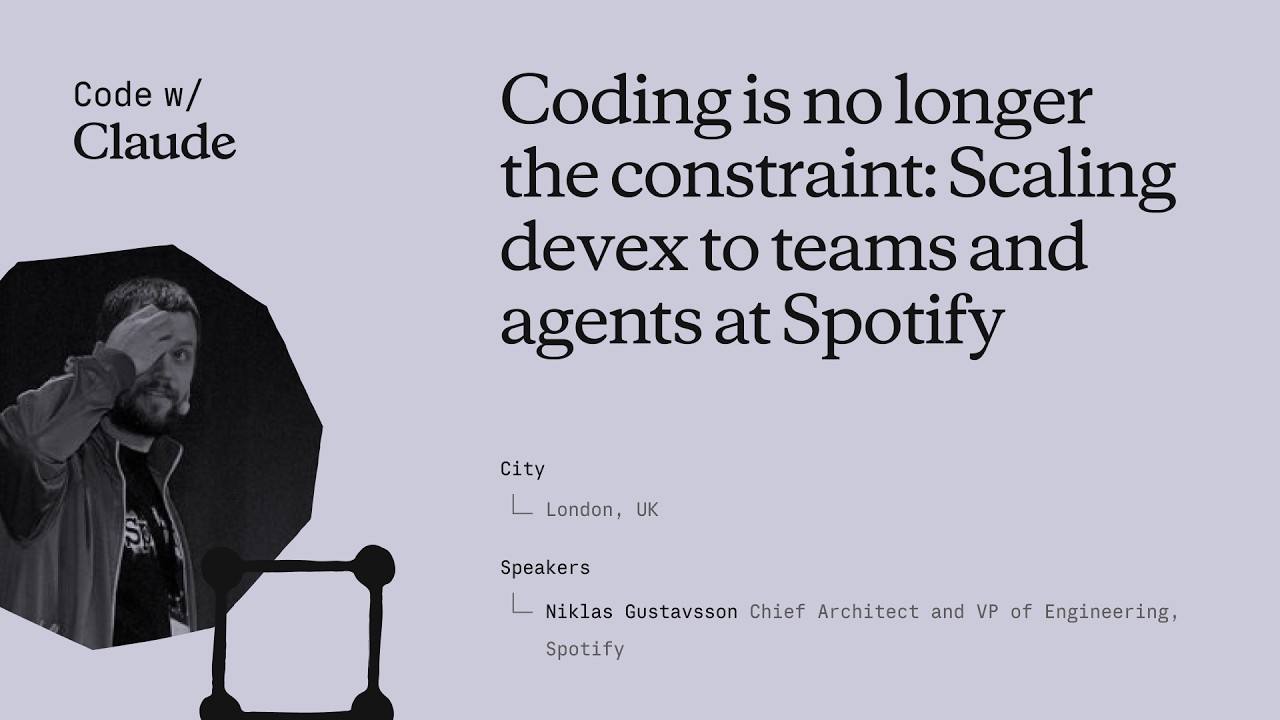
Coding is no longer the constraint: Scaling devex to teams and agents at Spotify
Niklas Gustavsson, Spotify's Chief Architect and VP of Engineering, walks through how a 3,000-person engineering org went from 0 to 99% AI tool adoption in months — and what that does to your product development constraints. The talk covers three concrete systems Spotify built: FleetShift for fleet-wide automated migrations, Honk as a background Claude-powered coding agent, and Backstage as the structured environment that makes agents reliable at scale. The central argument is that the same standardization practices that made human teams fast now make agents fast too. ## [00:18] Spotify's AI adoption surge Spotify's adoption of AI coding tools didn't grow gradually — it inflected sharply around the Claude Opus 3.5 release in November 2024. Within months, 99% of engineers used AI tools weekly, 94% reported meaningful productivity gains in the latest internal survey, and PR frequency jumped 76%. Niklas notes he had to update the PR frequency slide while preparing it because the numbers kept rising. The volume shift is also qualitative: by now, the majority of PRs shipped at Spotify are co-authored by an AI agent together with the developer, not written by a human alone. > *"Today more than 99% of our engineers use AI coding tools every week. And in the latest [survey], 94% of our engineers reports that using AI tooling has helped them become more productive."* ## [03:52] FleetShift: automating fleet-wide maintenance before AI Spotify's pre-AI problem was that its production codebase was growing seven times faster than the engineering headcount. That meant engineers spent progressively more time on maintenance — version bumps, API deprecations, security patches — leaving less capacity for new features. The answer was FleetShift, a fleet management system that treats those changes as coordinated mutations across thousands of repositories rather than per-component manual work. By the time AI entered the picture, FleetShift had already automerged 2.5 million maintenance PRs with no human in the loop: automation creates the PR, validates it in CI, and merges it. That infrastructure became the orchestration layer that Honk would later plug into. > *"Today up until today we've now merged two and a half million of those automated maintenance PRs. Work that our developers did not have to do."* ## [07:38] Building Honk — a background coding agent on Claude's Agent SDK Simple rule-based scripts work fine for config changes and dependency bumps, but fall apart on anything involving actual code modifications. Code has, as Niklas puts it, a very wide API surface — there are many ways to call the same method, and when you run a migration script across millions of lines and thousands of repos, you hit every corner case (a phenomenon with a name: Hyrum's Law). That brittleness was the forcing function for Honk. Honk is today a Claude-based coding agent wrapped inside a Kubernetes pod, scheduled by FleetShift, and equipped with CI tools so it can run builds, catch compile errors, and self-correct before opening a PR. A Java version migration that previously took multiple teams months now takes a single engineer three days. > *"Instead of writing these deterministic scripts to do these code modifications, can we use an LLM for this? [...] Out of this came a tool that we now called Honk."* ## [11:34] Honk V2 and multiplayer agent sessions Developers at Spotify quickly figured out how to invoke Honk over Slack — at-mentioning it mid-conversation and getting a PR back. That grassroots pattern pushed the team toward a more interactive product model. Honk V2, released in alpha during Hack Week the day before this talk, adds two layers on top of the original batch-migration use case. The first is integration with Chirp, Spotify's internal agent orchestration layer, which lets developers run many concurrent Honk sessions and coordinate them. The second is multiplayer: shared sessions where multiple developers can give feedback to the same agent instance simultaneously — described as "Google Docs but for Claude." Projects group those sessions into a shared workspace tracking a longer-horizon goal. > *"Basically imagine, uh, Google Docs or something similar, but for Claude."* ## [14:43] Standardization as agent infrastructure Spotify has operated for more than a decade on the principle that fewer technologies means faster execution. Limiting the stack reduces decision fatigue, makes cross-team collaboration easier, and lets engineers go deep on a smaller surface rather than maintaining breadth. That same principle, Niklas argues, directly improves agent performance. The mechanism is empirical: Spotify sees Claude produce noticeably worse outputs in their more fragmented codebases and better outputs where the stack is uniform. Backstage — their developer portal and software catalog — is the enforcement layer. It exposes component ownership, technology radar recommendations, and a "Golden State" spec for each component type. A Soundcheck UI lets teams self-assess compliance. Critically, all of these are also exposed as MCP servers and CLI tools so agents can query them directly. When Honk makes a code change, lint checks give it immediate feedback if it's using an off-radar pattern, and Niklas watches Claude self-correct against those checks in real time. > *"If Claude has a lot of other code to look at and that code looks roughly consistent, Claude will do better job. That's what we're seeing. And we actually have codebases that are more fragmented, and we can actually see Claude perform worse in those codebases."* ## [22:15] What happens when coding stops being the bottleneck The sprint Niklas closes with is a reframing: the AI transition hasn't removed constraints from product development, it has relocated them. Coding used to be where time went; now that constraint is loosening, the bottlenecks are moving to human decision-making — which ideas to pursue, which PRs actually need a human reviewer, which prototypes are worth fleshing out. On the PR review side, 76% more PRs means developers are drowning in review requests. Spotify's response is to auto-approve the low-risk ones and focus human attention where it matters. On the prototyping side, Spotify now lets anyone — including executives — open Claude in the client monorepo with a set of skills and infrastructure, prompt a feature, and get an installable app back in minutes rather than days. The talk ends with Niklas noting that in six months, Spotify's entire product development process will look fundamentally different from anything they've done before. > *"Claude and agents allows us to allow anyone to prototype in our actual production codebase. [...] This has brought prototyping for something that could take days or weeks to literally taking minutes now."* ## Entities - **Niklas Gustavsson** (Person): Chief Architect and VP of Engineering at Spotify; delivered this keynote at Anthropic's Code with Claude conference - **Honk** (Software): Spotify's internal background coding agent, built on Anthropic's Agent SDK running in Kubernetes pods; integrates with FleetShift for fleet-wide migrations - **FleetShift** (Software): Spotify's fleet management and migration orchestration platform; schedules and tracks automated PRs across thousands of repositories; has automerged 2.5 million PRs - **Backstage** (Software): Spotify's open-source developer portal and software catalog; exposes component ownership, Golden State compliance, and MCP/CLI interfaces consumed by agents - **Chirp** (Software): Spotify's internal agent orchestration layer; allows running many concurrent agent sessions and coordinating multi-developer shared sessions - **Hyrum's Law** (Concept): Principle (named after a Google engineer) that any observable behavior of a system will be depended on by some user — explaining why generic migration scripts break at scale across large codebases - **Golden State** (Concept): Spotify's per-component-type specification of recommended technologies and practices; the standard Soundcheck measures compliance against
Tu primer prompt con Claude Code
El segundo video de Claude Code 101 de Anthropic explica cómo escribir el primer prompt: cómo elegir entre el modo aprobación y la aceptación automática, cuándo activar el modo plan con shift+tab, y cómo luce un prompt real en una tarea en vivo de "añadir modo oscuro". ## [00:03] Hablar con Claude Code como con cualquier asistente de IA El encuadre inicial baja deliberadamente el listón: escribir un prompt en Claude Code no es diferente a preguntarle a cualquier otro asistente de IA. La idea es que las decisiones que tomas antes de pulsar Enter son las que te protegen y hacen que la herramienta sea más fácil de usar. > *You talk to Claude Code like you would talk to any AI assistant.* ## [00:15] Modo aprobación vs aceptación automática (shift+tab) Hay dos modos disponibles desde el principio. En el modo de aprobación predeterminado, Claude pide confirmación antes de cada cambio de archivo. En el modo de aceptación automática, las ediciones y creaciones de archivos se procesan automáticamente, pero ejecutar comandos de shell sigue requiriendo tu permiso. shift+tab alterna entre ambos sin necesidad de buscar ajustes. El narrador se niega explícitamente a llamar a uno "correcto"; elige el que mejor se adapte a tu nivel de implicación. > *In auto accept mode, it will automatically approve an edit or creation of a file, but ask your permission to run commands.* ## [00:40] Modo plan: investigación en solo lectura antes de codificar En el mismo menú de shift+tab se esconde un tercer modo: el modo plan. Claude toma el prompt, usa herramientas de solo lectura para recorrer el código, hace preguntas aclaratorias sobre cualquier punto ambiguo y entrega un plan detallado antes de tocar un solo archivo. Casos de uso ideales: implementaciones de funciones en múltiples pasos y revisiones de código seguras, en cualquier situación donde quieras validar el enfoque antes de que el agente empiece a escribir. > *Plan mode takes your prompt and uses read-only tools to analyze your code base and do research on your suggested implementation.* ## [01:10] Demo en vivo: prompt para añadir modo oscuro La demo es el núcleo del video. Desde la raíz del proyecto, se presiona shift+tab un par de veces para entrar en modo plan y se escribe un prompt que hace tres cosas a la vez: indica el objetivo ("modo oscuro en toda la aplicación"), especifica la interfaz ("un interruptor en el header") y añade una restricción que Claude debe investigar ("encontrar un color de contraste que funcione bien con mi tema claro existente"). Objetivo más interfaz más restricción: la plantilla implícita de un buen primer prompt. > *Can you create a toggle switch on the header that allows user to toggle between light mode and dark mode?* ## [01:46] Revisar lo que Claude hizo realmente Después de que Claude devuelve su plan y el usuario lo aprueba, el valor añadido está en la trazabilidad: puedes ver explícitamente qué hizo Claude y cómo llegó al resultado. El narrador revisa visualmente el modo oscuro renderizado y da el visto bueno: la lección implícita es que "se ve bastante bien" es un nivel de revisión aceptable para trabajo de UI de bajo riesgo, siempre que hayas mirado de verdad. > *At the end of all this, we can see explicitly what Claude did and how it came to its conclusion.* ## [02:09] Resumen: sé descriptivo y usa el modo plan La regla de oro final: sé tan descriptivo como sea posible en tu prompt, y usa el modo plan cuando quieras que Claude profundice en los detalles de lo que intentas lograr antes de ejecutar. El modo aprobación te mantiene en el bucle paso a paso si eso es lo que prefieres. > *When using Claude Code, try to be as descriptive as possible with your prompt.* ## Entities - **Anthropic Tutorial Narrator** (Person): El narrador oficial de Anthropic para la serie de tutoriales Claude Code 101. - **Claude Code** (Software): El asistente de codificación agentic en terminal de Anthropic, sujeto de esta guía de redacción de prompts. - **Approval mode** (Concept): Modo predeterminado en el que Claude Code pide permiso antes de cada cambio de archivo. - **Auto-accept mode** (Concept): Modo que aprueba automáticamente ediciones y creaciones de archivos, pero sigue bloqueando comandos de shell. - **Plan mode** (Concept): Modo de investigación en solo lectura que genera un plan detallado antes de escribir código; se activa con shift+tab. - **shift+tab** (Shortcut): Atajo de teclado que alterna entre los modos aprobación, aceptación automática y plan de Claude Code.
Cómo funciona Claude Code
El segundo episodio de Claude Code 101 de Anthropic abre el capó: el bucle agéntico que recopila contexto, toma acciones y verifica resultados; cómo la ventana de contexto se compacta antes de desbordarse; qué aportan realmente las herramientas frente al texto en entrada y salida; y los cuatro modos de permiso que se activan con shift+tab. ## [00:04] Pregunta inicial: en qué se diferencia de una aplicación de chat El narrador encuadra el resto del video en una sola pregunta: Claude Code no es una aplicación de chat, entonces cuál es la forma de la cosa? La respuesta que van a desempaquetar es el bucle agéntico. > *We know that Claude code is different from usual chat applications, but how does it work?* ## [00:13] El bucle agéntico — recopilar, actuar, verificar, repetir El bucle tiene cuatro tiempos. Introduces un prompt. Claude recopila el contexto que necesita hablando con el modelo, que devuelve texto o una llamada a herramienta. Claude ejecuta la acción: editar un archivo, ejecutar un comando. Luego verifica si el resultado satisface realmente el prompt. Si pasa, se detiene; si no, vuelve a ejecutar el bucle hasta que el trabajo esté completo y sea verificable. El usuario no queda bloqueado durante este proceso: puedes agregar contexto, interrumpir o guiar al modelo hacia el objetivo final mientras el bucle se ejecuta. > *And if they don't, Claude goes back and runs the loop again until the results are complete and verifiable.* ## [01:02] La ventana de contexto y la compactación automática La ventana de contexto es la memoria de trabajo de Claude: la conversación, el contenido de los archivos, las salidas de los comandos, todo lo que puede revisar. Está acotada. Cuando se alcanza el límite, Claude Code compacta la conversación por sí solo: decide qué descartar y qué resumir para que la ventana vuelva a bajar sin perder el hilo. > *Once you reach that limit, Claude code compacts your conversation, which automatically determines what it can take out of the context window and what it can summarize in order to bring the context window back down.* ## [01:26] Herramientas — despacho semántico para leer archivos, ejecutar código, buscar en la web La mayoría de los asistentes de IA son texto de entrada, texto de salida, sin nada entre medio. Las herramientas cambian eso: permiten al agente decidir cuándo ejecutar código para acercarse al objetivo. Leer un archivo, buscar en la web, ejecutar un comando de shell. Claude Code usa búsqueda semántica sobre las herramientas disponibles para elegir cuál invocar y consumir la salida. > *Tools let Claude code and other agents determine when to execute code to get closer to a task.* ## [01:52] Modos de permiso y el costo de omitirlos Por defecto, Claude Code pide confirmación antes de editar un archivo o ejecutar un comando de shell. Shift+tab permite cambiar entre alternativas: **aceptación automática de ediciones** escribe archivos sin preguntar pero sigue preguntando antes de los comandos; **el modo plan** restringe a Claude a herramientas de solo lectura para que pueda elaborar un plan de acción antes de tocar nada. El narrador señala el compromiso evidente: dar al agente rienda suelta significa que un error es más difícil de detectar antes de que ocurra. > *Giving Claude code free reign to run commands means a mistake could be harder to catch before even happens.* ## [02:28] Resumen — qué lo hace diferente de una ventana de chat Cuatro primitivas compuestas en un terminal: un bucle agéntico, una ventana de contexto gestionada, herramientas y permisos configurables. La combinación — leer el código base, actuar sobre él, verificar su propio trabajo — es lo que separa a Claude Code de un simple cuadro de chat. > *It can read your code base, take action, and verify its own work, and that makes it fundamentally different from a chat window.* ## Entidades - **Anthropic Tutorial Narrator** (Person): El narrador oficial de Anthropic para la serie de tutoriales Claude Code 101. - **Claude Code** (Software): El asistente de codificación terminal agéntico de Anthropic, construido alrededor de las cuatro primitivas desempaquetadas en este episodio. - **Agentic loop** (Concept): El ciclo recopilar-contexto, actuar, verificar, repetir que impulsa cada sesión de Claude Code. - **Context window** (Concept): La memoria de trabajo acotada de Claude que contiene la conversación, el contenido de archivos y la salida de comandos; auto-compactada al desbordarse. - **Tools** (Concept): Los efectos secundarios que el agente puede invocar — leer archivo, buscar en la web, ejecutar comando — seleccionados mediante búsqueda semántica sobre el catálogo de herramientas. - **Permission modes** (Concept): Por defecto (preguntar), aceptación automática de ediciones y modo plan (solo lectura) — cambiados con shift+tab. - **Plan mode** (Feature): Un modo de permiso de solo lectura que permite a Claude compilar un plan de acción antes de cualquier mutación.
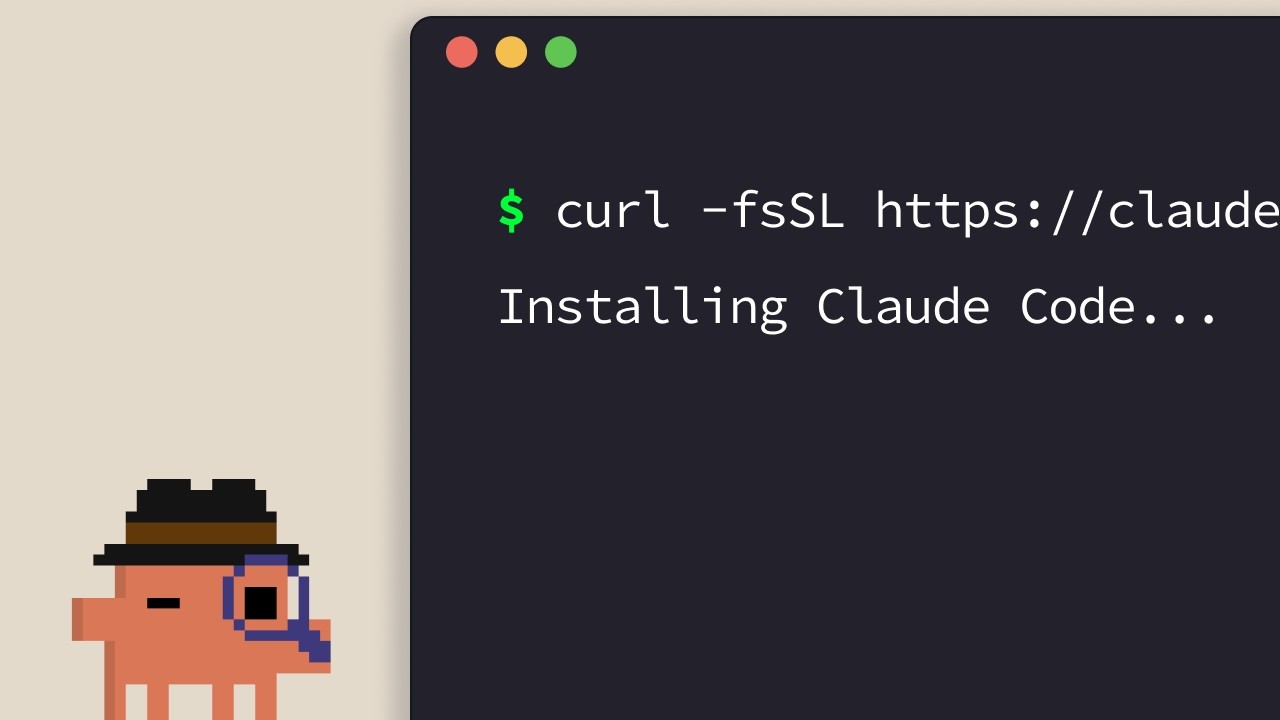
Instalación de Claude Code
La guía de instalación oficial de Claude Code. El narrador de Anthropic recorre los instaladores de una línea para todas las plataformas compatibles — terminal, VS Code, JetBrains, Claude Desktop y la web — y cierra con una regla sencilla para elegir la más adecuada. ## [00:04] Instaladores de una línea para el terminal (macOS, Linux, WSL, Windows) La ruta predeterminada es el terminal. Los usuarios de macOS, Linux y WSL disponen de un único comando `curl`; Homebrew también funciona, pero no incluye actualizaciones automáticas. En Windows, PowerShell usa `Invoke-RestMethod`, CMD tiene su propio fragmento de `curl`, y `winget` está disponible con la misma advertencia de auto-actualización que Homebrew. > *If you're on macOS, Linux, or WSL, use this curl command to install it in one go. If you prefer to use Homebrew, you can also use brew install to install it, but note that this doesn't have auto-update capabilities.* ## [00:33] Ejecutar claude en tu proyecto e iniciar sesión Tras la instalación, entra con `cd` en tu proyecto y ejecuta `claude`. El primer arranque muestra un selector de tema de color y un flujo de inicio de sesión que acepta una cuenta Pro, Max, Enterprise o una clave API. Las cuentas Enterprise deben seleccionar esa opción explícitamente. El directorio desde el que se lanza define el límite de acceso — Claude Code ve esa carpeta y todo lo que hay dentro, nada por encima. > *Whatever directory you decide to run cloud in, it will have access to that directory and all of its subfolders.* ## [01:02] Extensión de VS Code Abre el panel de Extensiones, busca la extensión Claude Code de Anthropic y confirma la marca azul de verificación antes de instalarla. Puede ser necesario reiniciar. Una vez instalada, la paleta de comandos (`Ctrl/Cmd+Shift+P`) abre una nueva pestaña de Claude Code; también puedes hacer clic en el logo desde cualquier archivo abierto, o desactivar completamente la interfaz gráfica para usar solo la experiencia de terminal desde los ajustes. > *You can also opt out of the UI and just use the terminal experience directly in your settings file.* ## [01:32] Plugin de JetBrains Mismo proceso que en VS Code: instala el plugin Claude Code desde el JetBrains Marketplace, reinicia el IDE y el logo de Claude aparece al relanzar. Al hacer clic se abre un panel lateral que muestra la experiencia de terminal junto a tu editor. > *For JetBrains IDEs, you can install the Cloud Code plugin from the JetBrains Marketplace. Once you install, restart your IDE.* ## [01:51] Claude Desktop y claude.ai/code en la web Claude Desktop expone Claude Code a través de un botón "code" en la parte superior de la aplicación una vez que has iniciado sesión — misma interfaz de tipo chat, pero limitada a una carpeta específica con permisos ajustables e incluso un modo de ejecución en la nube. La versión web está en `claude.ai/code` y reproduce la experiencia de escritorio, con una restricción importante: solo funciona con repositorios de GitHub. > *On the web, you can access Claude code by going to claude.ai/code. This works very similar to the desktop app. However, you're restricted to GitHub repositories only.* ## [02:27] Elegir la opción adecuada La heurística del narrador: primero el terminal si quieres las nuevas funciones el día en que se publican. Las integraciones con IDE ofrecen una experiencia prácticamente idéntica dentro de tu editor. El Desktop es la opción cuando quieres que Claude trabaje en segundo plano mientras haces otra cosa. La web es para trabajo remoto con repositorios de GitHub o para ejecutar varias sesiones en paralelo. > *If you want to constantly keep up to date with everything, the terminal is the best bet. Features ship there the fastest.* ## Entities - **Anthropic Tutorial Narrator** (Person): Narrador del curso Claude Code 101 de Anthropic. - **Claude Code** (Software): Herramienta de codificación agéntica de Anthropic, instalable en terminal, IDEs, escritorio y web. - **Homebrew / winget** (Software): Gestores de paquetes alternativos a los instaladores curl/PowerShell oficiales; ninguno admite auto-actualización. - **VS Code extension** (Software): Extensión Claude Code publicada por Anthropic; verificar la marca azul antes de instalar. - **JetBrains plugin** (Software): Plugin Claude Code distribuido en el JetBrains Marketplace; abre un panel lateral tras reiniciar el IDE. - **Claude Desktop** (Software): Aplicación de escritorio que expone Claude Code mediante un botón "code", con límite de carpeta y modo de ejecución en la nube. - **claude.ai/code** (Service): Versión web de Claude Code, restringida a repositorios alojados en GitHub.
El archivo CLAUDE.md
El segundo episodio de Claude Code 101 de Anthropic cubre el único archivo que convierte a Claude Code de un desconocido en un compañero de equipo: `CLAUDE.md`. Qué poner en él, cómo la jerarquía proyecto/usuario divide las responsabilidades y tres hábitos que evitan que el archivo se convierta en un muro de reglas obsoletas. ## [00:02] Por qué Claude Code necesita memoria persistente Sin `CLAUDE.md`, cada sesión comienza desde cero. Claude tiene que recorrer de nuevo el código base, adivinar las dependencias y redescubrir lo que ya está implementado. Esas suposiciones son exactamente lo que dificulta la orientación. El archivo existe para cortocircuitar ese redescubrimiento en cada nueva sesión. > *When you open up Claude Code without a claude.md file, it's like it has to start fresh every single time.* ## [00:34] Qué es realmente CLAUDE.md y el comando /init Es un archivo Markdown normal en la raíz del proyecto que se lee al inicio de cada sesión y se añade directamente a tu prompt: un «script de incorporación para tu base de código». Si no quieres escribirlo a mano, `/init` genera un primer borrador a partir del código existente. El archivo de ejemplo del tutorial tiene tres bloques cortos: pila tecnológica (Next.js 15 app router, Tailwind, Drizzle ORM), comandos (servidor de desarrollo, pruebas, lint) y reglas de estilo (indentación de 2 espacios, exports con nombre, rutas API en `app/api`, preferencia por server actions). Con eso cargado, pedir un componente React produce código con el estilo del proyecto al primer intento en lugar de tras varias correcciones. > *It's a markdown file that you add to the root of your project and Claude Code reads it automatically every time you start a session.* ## [01:34] La jerarquía de memoria: proyecto vs usuario Sí, incorpóralo al control de versiones. El `CLAUDE.md` a nivel de proyecto es para el equipo. Pero hay un segundo nivel: un `CLAUDE.md` de usuario en tu carpeta de configuración que te sigue por todos los proyectos. Ahí viven las preferencias personales —cómo te gusta que estén los comentarios, los modismos que prefieres— sin contaminar el archivo compartido. > *But there's actually a hierarchy of memory files depending on who it's for.* ## [02:01] Tres consejos para mantener CLAUDE.md útil Tres hábitos que el narrador defiende. Primero, cuando tengas que corregir a Claude en algo recurrente («usa siempre server actions en lugar de rutas API»), pídele explícitamente que lo guarde en memoria para que la corrección persista entre sesiones. Segundo, incluye documentación existente con `@filepath` en lugar de copiarla y pegarla en el archivo. Tercero —contraintuitivo— empieza un nuevo proyecto *sin* `CLAUDE.md` y observa dónde tienes que corregir el rumbo constantemente; solo esos puntos de fricción deben estar en el archivo. Así lo mantienes compacto en lugar de inflado. > *We recommend you start off a project without a claude.md file so you can see where you have to constantly course correct the model.* ## [02:39] Resumen: el contexto marca la diferencia Todo el mensaje en una frase: la diferencia entre una sesión frustrante y una productiva es el contexto, y `CLAUDE.md` es el mecanismo de entrega. Empieza pequeño —pila, preferencias, comandos— y hazlo crecer a partir de la fricción real. > *Start with your stack, your preferences, and then commands, and just build from there as you go.* ## Entidades - **Narrador del tutorial de Anthropic** (Person): Voz en off del host de la serie oficial Claude Code 101 de Anthropic. - **CLAUDE.md** (Concept): Archivo Markdown en la raíz de un proyecto que Claude Code carga automáticamente cada sesión, proporcionando contexto persistente añadido al prompt del usuario. - **/init** (Command): Comando de Claude Code que genera un `CLAUDE.md` inicial escaneando el código base existente. - **CLAUDE.md de proyecto vs de usuario** (Concept): Jerarquía de memoria de dos niveles. El archivo de proyecto reside en la raíz del repositorio y se comparte mediante control de versiones; el archivo de usuario reside en la carpeta de configuración y traslada las preferencias personales a todos los proyectos. - **Referencia @filepath** (Concept): Sintaxis para apuntar `CLAUDE.md` a archivos de documentación existentes en lugar de duplicar su contenido. - **Next.js 15 / Tailwind / Drizzle ORM** (Software): Pila tecnológica utilizada en el `CLAUDE.md` de ejemplo del tutorial para ilustrar el aspecto de un archivo real.
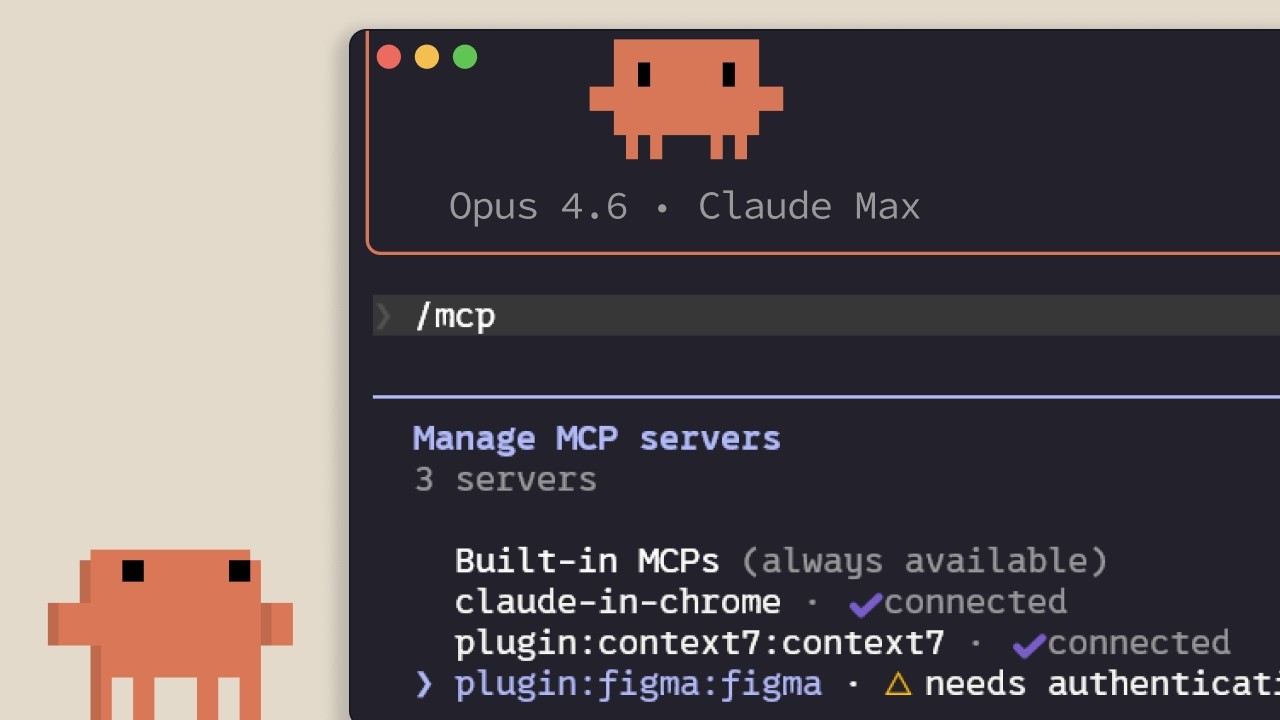
MCP en Claude Code
Guía de Anthropic sobre el Model Context Protocol dentro de Claude Code: qué conecta, cómo añadir y delimitar servidores, y el costo oculto que cada servidor instalado impone sobre la ventana de contexto. Dirigido a desarrolladores que están a punto de conectar Claude Code con Linear, GitHub o herramientas internas. ## [00:02] Por qué existe MCP — el contexto vive fuera del editor El argumento central desde el principio: la mayor parte del contexto que Claude Code necesita no está en el repositorio, sino en bases de datos, aplicaciones de productividad y paquetes públicos. MCP es el estándar abierto que permite a Claude acceder a esas fuentes de forma autónoma y decidir cuándo consultarlas, en lugar de esperar a que las pegues manualmente. > *Model Context Protocol es un estándar abierto que permite a Claude Code conectarse a herramientas y fuentes de datos externas.* ## [00:35] Herramientas y qué conectan realmente los servidores MCP Antes de enumerar servidores, el narrador establece el concepto de *herramienta*: los agentes como Claude Code usan herramientas para ejecutar acciones, lo que los diferencia de un chat que solo devuelve texto. Siguen dos ejemplos concretos: un servidor MCP de Linear que incorpora los tickets del equipo a la sesión, y el servidor Context7 que transmite la documentación actualizada de la dependencia con la que estás trabajando. Cientos más están disponibles en claude.com/connectors. > *Las herramientas dan a agentes como Claude Code la capacidad de realizar acciones para completar sus tareas de forma más efectiva.* ## [01:14] Añadir servidores: HTTP vs STDIO y /mcp Los servidores se añaden con `claude mcp add` y existen en dos variantes: servidores **HTTP**, alojados remotamente por el proveedor y accesibles por red, y servidores **STDIO**, procesos locales que corren en tu propia máquina. Una vez instalados, el comando `/mcp` dentro de la sesión lista lo que está conectado, muestra el estado y permite desactivar cualquier servidor que no quieras activo. > *Los servidores HTTP son para servicios remotos... Los servidores STDIO son para procesos locales que corren en tu máquina.* ## [01:42] Tres ámbitos: local, user y project (.mcp.json) Cada servidor cae en uno de tres ámbitos. **Local** lo limita al proyecto actual solo para ti; **user** lo hace disponible en todos tus proyectos; **project** genera un `.mcp.json` que se versiona en el control de código, de modo que cualquier miembro del equipo que trabaje en el repositorio obtiene automáticamente los mismos servidores. > *El ámbito project usa un archivo .mcp.json que incluyes en tu control de versiones, así cualquier persona que trabaje en el código base obtiene exactamente los mismos servidores de forma automática.* ## [02:04] Las definiciones de herramientas consumen contexto — cuándo preferir CLI o skill El inconveniente que nadie menciona cuando te dan una lista de conectores: cada servidor MCP configurado inyecta sus definiciones de herramientas en la ventana de contexto aunque no lo estés usando. Las medidas que apila el narrador: ejecutar `/mcp` y desactivar lo que esté inactivo; preferir una CLI como `gh` o `aws` cuando existe, ya que las CLI no cargan definiciones de herramientas persistentes; o encapsular el flujo de trabajo en un skill, que solo coloca su nombre y descripción en el contexto hasta que Claude decide cargarlo. Al superar el 10% del contexto, Claude Code cambia al modo de búsqueda de herramientas y las descubre bajo demanda, algo útil pero menos fiable que tenerlas precargadas. > *Los servidores MCP añaden definiciones de herramientas a tu ventana de contexto, incluso cuando no los estás usando. Si tienes muchos servidores configurados, esto reduce el contexto disponible.* ## [03:10] Resumen Las tres cosas que recordar: `claude mcp add` instala servidores, `.mcp.json` los comparte con el equipo y `/mcp` es donde eliminas los que no estás usando realmente. > *Añade servidores con Cloud MCP add, delimítalos a tu proyecto con .mcp.json para que tu equipo los obtenga automáticamente, y controla el uso del contexto desactivando los servidores que no estás usando activamente.* ## Entidades - **Narrador del tutorial de Anthropic** (Person): El narrador oficial de Anthropic para la serie Claude Code 101. - **Model Context Protocol (MCP)** (Standard): Protocolo abierto que permite a Claude Code conectarse a herramientas y fuentes de datos externas mediante servidores HTTP o STDIO. - **Linear MCP server** (Software): Conector que incorpora los tickets de Linear del equipo a una sesión de Claude Code. - **Context7 MCP server** (Software): Conector que suministra a Claude Code la documentación actualizada de la dependencia en uso. - **.mcp.json** (Config): Manifiesto de ámbito de proyecto versionado para que cada miembro del equipo herede los mismos servidores MCP. - **/mcp** (CLI command): Comando en sesión para listar, inspeccionar y desactivar los servidores MCP conectados. - **Tool search mode** (Feature): Modo de reserva al que entra Claude Code cuando las definiciones de herramientas MCP superan el 10% de la ventana de contexto, descubriendo herramientas bajo demanda. - **Skill** (Concept): Alternativa ligera a un servidor MCP completo; solo su nombre y descripción ocupan el contexto hasta que Claude carga el cuerpo bajo demanda.
Running an AI-native engineering org
Fiona Fung, who runs engineering and product for Claude Code and Cowie at Anthropic, walks through what broke when agentic coding became the team's default — review, ownership, planning, hiring — and the norms they rewrote to keep shipping. The throughline: when coding stops being the bottleneck, every process built around protecting expensive engineering bandwidth quietly stops working, and the manager's job is to notice and rewrite them fast. ## [00:00] Intro and the five themes Fiona opens with a confession that the room is much fuller than she expected (Boris and Jared's session is still letting out), takes a selfie with the audience, and frames the talk. Background: she grew teams at Meta and Microsoft before Anthropic, and is now responsible for Claude Code and Cowie engineering and product. The deck she's about to walk through has already been rewritten in the past month — routines didn't exist when she first wrote the slides. She previews five threads: bottlenecks have shifted, team norms had to be rewritten, how they rolled them out, what signals say the changes are working, and the open questions she's still sitting with. > *"I did this slide deck maybe like a month ago and already I've had to change some of the content cuz when I started this deck, there were no routines."* ## [02:10] The shift: bottlenecks have moved Fiona's subtitle for the whole talk is *what served you prior may not serve you any longer*. She takes the audience back to shipping Visual Studio 2005 on CD-ROMs — hard deadlines because the manufacturing lab had to print discs — and points out that the move from CDs to online distribution already rewired how teams ship. The new shift is bigger: for years coding throughput and engineering bandwidth were the expensive things, and that's quietly stopped being true on Claude Code. When the bottleneck moves, it doesn't disappear — it relocates to verification, review, cross-functional handoffs, and security. The questions that matter now are "is this code correct?" and "is this safe?", and the old planning and ownership norms quietly stop serving the team. > *"What served you prior may not serve you any longer."* ## [07:40] Rewriting team norms: code review, JIT planning, technical debates Inside Claude Code the team had to rewrite the norms one by one. Code review is the first — human judgment shifts to "who actually needs to look at this." Planning is the second — Fiona calls it JIT planning, like JIT compiling, because prototyping is no longer the expensive step that justifies a six-month roadmap. Technical debates are the third: code wins. Instead of two engineers arguing on a doc, both prototype the API and look at impact on callers, and Fiona made a point of caring about the API's downstream effects as much as the implementation itself. The unifying rule: when building is cheap and arguing is expensive, you don't let the last person who checks in win — you build the routines that get *you* the last word. > *"When building is cheap, arguing expensive, again, how does that shift your team norms a bit?"* ## [13:30] Routines and Claude as a second pair of hands With morning coffee Fiona now reads what a routine produced overnight rather than kicking off the work herself. The team leans on Claude code review heavily — Claude babysits PRs, handles styling, lint, and feedback requests, catches bugs before commit, and adds tests — while humans focus on the calls where trust is still being built. She also stresses product sense in tooling: she themed Claude's terminal output ice blue with snowflakes over the holidays, then pulls back to the bigger point that catching bugs earlier (shift left) and automating the double-click question matter more than any one tool. > *"Where do you trust Claude a lot, but then where do you still want a human?"* ## [16:45] Cross-functional gaps and hiring for the hard parts Fiona walks through a survey-update story: she didn't have a dedicated content designer, so Claude became her partner for terse, terminal-appropriate copy. Meanwhile PMs on the team write code, and engineers lean into PM work. The flip-side conclusion for hiring: non-traditional coders can now do more engineering, so the leader's job is to double down on the hard parts the team is actually missing. When she joined, Claude Code was strong on product generalists and creative folks but thin on distributed-systems expertise — that's where she pushed recruiting. > *"With Claude, you have non-traditional coders now being able to do more engineering, but you also have engineers that we can also now lean in to do other roles."* ## [18:51] Flat org and answering customer feedback yourself Fiona pushed her recruiters into an uncomfortable place: hire managers, but have them start as ICs first. The recruiter thought she was crazy; Fiona's answer is that dogfooding Claude Code is the job, and if a candidate isn't up for it the team is better off finding out early. Flat structure plus Claude as a context-switching aid is what lets her, as a manager, still ship code and answer customer requests directly from her desktop Claude Code — instead of routing every customer question through a triage system, she pulls up the local repository and answers it herself. > *"You want to hire managers and they will start as an IC first. No manager would be interested in that."* ## [25:00] Signals you're trending right and open questions The team's working metric is unglamorous and direct: every commit is cloud-assisted by default, and Fiona hasn't seen a non-Claude commit in roughly four months. But she warns against fetishizing the "X percent of code generated by AI" headline — throughput is one signal, not the goal. The end question is what product you're making more delightful and what problem you're solving, with quality and reliability watched alongside volume. She closes with the section she calls "audit your own effort," opens up the questions she's still asking herself, and hands suggestions back to the audience to take to their own teams. > *"For us, it's by default every commit is cloud-assisted. I don't think I've seen a non-cloud-assisted commit probably in the last 4 months or so."* ## Entities - **Fiona Fung** (Person): Director of Engineering at Anthropic, runs Claude Code and Cowie engineering + product; previously led teams at Meta and Microsoft. - **Boris** (Person): Engineering lead on Claude Code, frequent collaborator referenced throughout. - **Kat (Cat)** (Person): Anthropic colleague who gave a keynote earlier the same day on Claude code review. - **Claude Code** (Software): Anthropic's agentic coding tool that is now the default for the team Fiona runs. - **Cowie** (Software): Sister product Fiona's team also owns engineering + product for. - **Anthropic** (Organization): The company building Claude and Claude Code. - **JIT planning** (Concept): Fiona's term for shifting from a six-month roadmap to just-in-time planning, modeled on JIT compilation. - **Shift left** (Concept): Moving bug-catching and verification earlier — into automation and tooling — instead of relying on review after the fact. - **Routines** (Concept): Repeatable Claude-driven workflows the team relies on so a single human gets the last word on outcomes rather than the last commit timestamp winning.
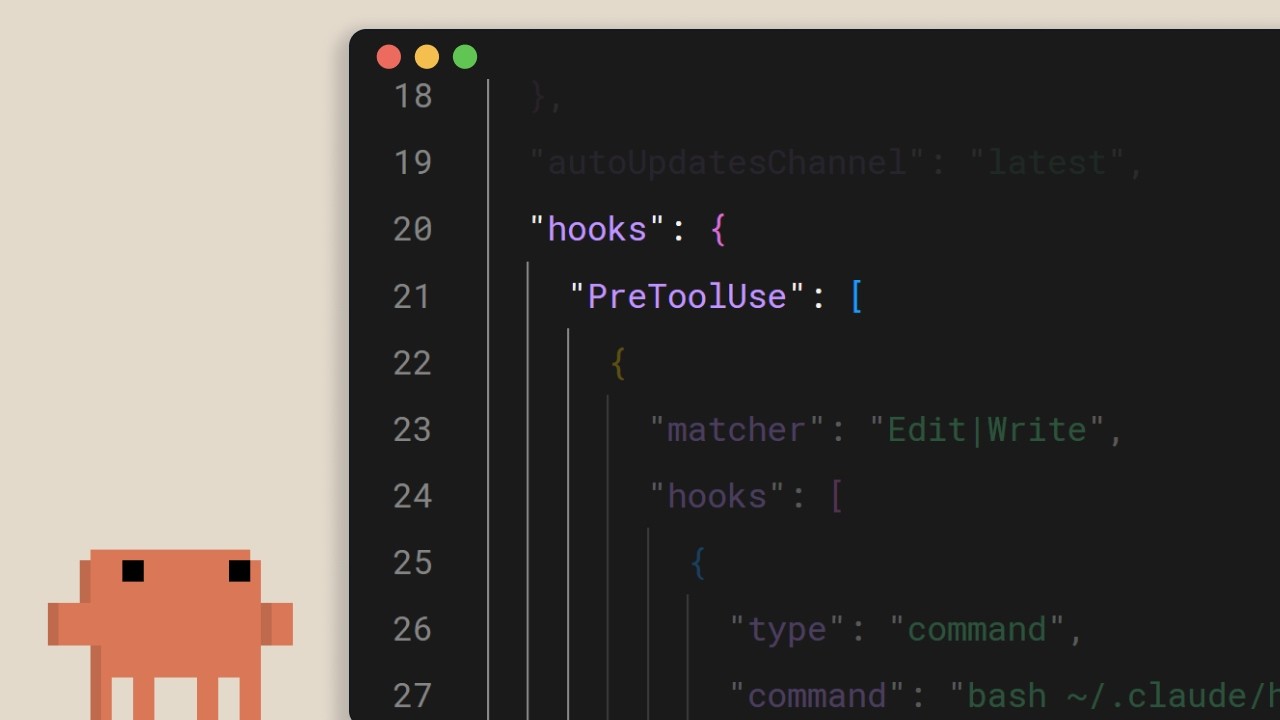
Hooks en Claude Code
Un breve tutorial de Anthropic sobre los hooks de Claude Code: la salida de emergencia determinista para todo lo que debe ocurrir en cada edición, cada llamada de herramienta y cada commit. El mensaje clave: si escribes "ejecutar siempre prettier" en claude.md y lo confías al modelo, ya has perdido. Muévelo a un hook. ## [00:02] Qué son los hooks y por qué son deterministas Los hooks se activan en puntos fijos del ciclo de vida de Claude Code, y el argumento central del narrador es que, a diferencia de las instrucciones a nivel de prompt, siempre se ejecutan. Decirle al modelo en claude.md que ejecute prettier tras cada edición funciona la mayoría de las veces, pero "la mayoría de las veces" es exactamente la brecha que un hook cierra. Misma intención, pero impuesta por el runtime en lugar de sugerida al LLM. > *You can tell Claude in your claude.md file to run prettier after every file edit and most of the time it will do that, but sometimes it won't. It's not perfect. But a hook makes it happen every single time with no exceptions.* ## [00:37] Casos de uso comunes Cuatro ejemplos representativos delimitan el alcance: formateo automático tras ediciones de archivos, registro de todos los comandos ejecutados para cumplimiento normativo, bloqueo de operaciones peligrosas como modificar archivos de producción, y enviarte una notificación cuando Claude termina una tarea larga. > *Common use cases could include auto formatting after file edits, logging all executed commands for compliance, blocking dangerous operations like modifying production files, and sending yourself notifications when Claude finishes a task.* ## [00:52] Configurar hooks y los cinco eventos del ciclo de vida La configuración vive en `settings.json`: elige un evento, acótalo opcionalmente con un matcher para qué herramienta aplica, y proporciona un comando de shell. Cinco eventos cubren el bucle: `UserPromptSubmit` antes de que Claude vea un prompt, `PreToolUse` y `PostToolUse` envolviendo cada llamada de herramienta, `Notification` cuando Claude avisa al usuario, y `Stop` cuando Claude termina de responder. > *Pre-tool use which runs before a tool call, post-tool use runs after a tool call completes. Notification runs when Claude sends a notification, and stop runs when Claude finishes responding.* ## [01:22] Formateo automático con un hook post-tool-use El ejemplo canónico: un hook `PostToolUse` con un matcher de `Edit` o `MultiEdit` se activa cada vez que Claude modifica un archivo. El comando comprueba la extensión y redirige al formateador adecuado: prettier para TypeScript, gofmt para Go, ruff para Python, o lo que el proyecto estandarice. > *You set a post-tool use hook with a matcher of edit or multi-edit, right? So, it fires whenever Claude modifies a file. The command checks the file extension and runs the appropriate formatter.* ## [01:49] Bloquear llamadas de herramientas con pre-tool-use y códigos de salida Los hooks `PreToolUse` reciben el nombre de la herramienta y su entrada como JSON por stdin, y deciden mediante el código de salida: `0` continúa, `2` bloquea. Cuando un hook bloquea, lo que escribió en stderr se devuelve a Claude como retroalimentación, para que el modelo sepa por qué y pueda ajustar su plan. Aquí se aplican las reglas duras: bloquear escrituras en un directorio de configuración de producción, rechazar comandos bash que contengan `rm -rf`, bloquear commits a main. La perspectiva del narrador: lo que el equipo necesita garantizar, no solo sugerir. > *If it exits with code two, the action is blocked and the STD error message gets fed back to Claude's feedback so Claude knows why it was blocked and can adjust.* ## [02:26] Hooks a nivel de proyecto y compartición en equipo Los hooks en `.claude/settings.json` tienen ámbito de proyecto y se pueden commitear al repositorio, lo que significa que todo el equipo los hereda automáticamente al clonar. Referencia los scripts mediante la variable de entorno `CLAUDE_PROJECT_DIR` para que los comandos se resuelvan correctamente sin importar cuál sea el directorio actual de Claude. La regla final: si algo debe ocurrir siempre sin excepción, no lo pongas en un prompt, ponlo en un hook. > *If something needs to happen every time without fail, don't put it in a prompt. Put it in a hook.* ## Entities - **Anthropic Tutorial Narrator** (Person): La voz oficial de Anthropic para la serie de tutoriales Claude Code 101. - **Claude Code** (Software): La herramienta de codificación terminal agéntica de Anthropic a la que los hooks se conectan en los eventos del ciclo de vida. - **Hooks** (Concept): Comandos deterministas que se activan en puntos fijos del bucle de Claude Code, la alternativa impuesta por el runtime a las instrucciones a nivel de prompt. - **settings.json** (Configuration): Donde se declaran los hooks; `.claude/settings.json` en la raíz del proyecto se versiona en el repositorio para que los equipos compartan las mismas reglas. - **PreToolUse / PostToolUse / UserPromptSubmit / Notification / Stop** (Events): Los cinco eventos del ciclo de vida a los que un hook puede conectarse. - **CLAUDE_PROJECT_DIR** (Environment variable): Usada dentro de los comandos de hook para referenciar scripts relativos al proyecto, independientemente del directorio actual de Claude.
¿Qué es Claude Code?
La guía oficial de Anthropic sobre Claude Code — qué es, cómo se diferencia de Claude.ai y las tres cosas que debes saber antes de dejar que un LLM ejecute comandos en tu base de código. Dirigido a desarrolladores que están a punto de instalar la herramienta de terminal por primera vez. ## [00:04] Qué es Claude Code y dónde se ejecuta Claude Code se posiciona como una herramienta de codificación agéntica: comprende tu base de código, edita archivos, ejecuta comandos y se integra con las herramientas de desarrollo que ya usas. Funciona en varias superficies — terminal, VS Code, JetBrains IDE, la aplicación de escritorio Claude y la web — pero esta guía se centra en el terminal como experiencia canónica. > *Claude Code is an agentic coding tool that understands your code base, edits your files, run commands, and integrates with your existing developer tools to help you get things done faster.* ## [00:34] En qué se diferencia de Claude.ai La distinción clave no es la capacidad del modelo sino el acceso: Claude Code llega directamente a tu terminal y a toda tu base de código, por lo que el ciclo de copiar y pegar en el chat desaparece — la herramienta hace el trabajo en su lugar. Llamarlo "agente de IA" es una forma abreviada de describir esa superficie de ejecución directa. > *Unlike Claude AI, Claude Code has direct access to your files in your terminal and your entire code base.* ## [00:51] Los agentes de IA y qué puede hacer Claude Code Un agente de IA aquí significa software que interactúa con su entorno y toma acciones para alcanzar un objetivo definido — en su forma más básica, un LLM en un bucle en tiempo real con acceso a herramientas, servicios externos y otros agentes. Para Claude Code, esto se traduce en capacidades concretas: leer y explicar tu base de código, rastrear bugs a través de archivos, ejecutar scripts de compilación y pruebas, instalar paquetes, y obtener la documentación de API más reciente de la web para decidir qué hacer a continuación. > *An AI agent is a software that can interact with its environment and perform actions to complete a defined goal.* ## [01:45] Tres conceptos que debes conocer antes de empezar El narrador señala tres propiedades que condicionan el uso diario. Primero, la **ventana de contexto** es la memoria de trabajo de Claude — amplia pero finita — por eso el agente debe navegar estratégicamente por una base de código en lugar de cargarla completa. Segundo, Claude Code **pide permiso** antes de ejecutar comandos o modificar archivos; mantienes el control tanto si quieres supervisar cada paso como si prefieres dejarlo funcionar de forma más autónoma. Tercero, **puede equivocarse**: malinterpretar la intención, introducir bugs o sobre-diseñar una solución. Trata los resultados como lo harías con los de cualquier herramienta, no como verdades absolutas. > *By default, Claude Code will ask you before running commands or making changes to your code base.* ## [02:34] Resumen Claude Code es una herramienta de codificación agéntica que lee tu base de código, edita archivos, ejecuta comandos y se conecta a herramientas externas para ayudarte a entregar más rápido — disponible hoy en terminal, VS Code, JetBrains y la aplicación de escritorio Claude. > *Claude Code is an agentic coding tool. It reads your code base, edits your files, runs commands, and connects to external tools to help you ship faster.* ## Entidades - **Anthropic Tutorial Narrator** (Person): El narrador oficial de Anthropic para la serie de tutoriales Claude Code 101. - **Claude Code** (Software): El asistente de codificación agéntico de Anthropic basado en terminal, que opera directamente sobre tu base de código. - **Claude.ai** (Software): El producto Claude basado en chat — en contraste con la ejecución en entorno de Claude Code. - **AI agent** (Concept): Un LLM que funciona en un bucle en tiempo real con acceso a herramientas, servicios externos y otros agentes para perseguir un objetivo definido. - **Context window** (Concept): La memoria de trabajo de Claude — finita, por eso el agente navega estratégicamente en lugar de cargar toda la base de código. - **VS Code / JetBrains IDEs** (Software): Integraciones de editores en las que Claude Code está disponible, junto con el terminal y la aplicación de escritorio Claude.
El flujo de trabajo Explorar→Planificar→Codificar→Confirmar en Claude Code
Presentación de tres minutos de Anthropic sobre el bucle que consideran el hábito más importante al trabajar con Claude Code: investigar primero en modo plan, definir qué significa "listo" antes de tocar cualquier archivo y, luego, hacer que un subagente revise el diff antes de hacer push. ## [00:03] Por qué explorar-planificar-codificar-confirmar supera empezar de inmediato La apertura es directa: si solo adoptas un hábito del curso, que sea este flujo de trabajo. El modo de fallo que combate es el reflejo de pegar una tarea en Claude y ver cómo genera código de inmediato, lo que adelanta la velocidad pero acumula el costo de corrección al final. > *Without this, most people jump straight to pasting in Claude to write code, which means more course correcting later on.* ## [00:21] Modo plan: investigación de solo lectura antes de cualquier edición El modo plan comprime exploración y planificación en un solo movimiento. Claude puede leer archivos y ejecutar búsquedas web, pero no puede escribir — Shift+Tab lo activa desde el prompt. El narrador hace una demo con una solicitud real (añadir conversión WebP a un pipeline de carga de imágenes, determinar dónde encaja, qué dependencias se necesitan y cómo abordarlo). Claude devuelve un plan; lo lees y pides revisiones si falta algo. Este es el punto más barato de todo el ciclo para cambiar de dirección, porque aún no se ha escrito nada. > *With plan mode, Claude can't edit files. It just reads files to gather research on how to tackle this implementation.* ## [01:11] Aprobar el plan y corregir el rumbo mientras Claude codifica Una vez que el plan parece correcto, Aprobar devuelve la ejecución a Claude para que avance por la lista. Eliges si las ediciones de archivos se aceptan automáticamente o te piden confirmación cada vez. Claude resolverá problemas por su cuenta, pero espera tener que intervenir — y la razón por la que el modo plan paga aquí es que el agente lleva el contexto de investigación que produjo el plan, por lo que las correcciones en vuelo aterrizan en el lugar correcto en vez de empezar desde cero. > *This is the benefit of working with plan mode because after the plan is finished, we also have the context of how it got to the results to help it guide its next decision.* ## [01:39] Hacer explícitos los criterios de éxito y dar herramientas reales a Claude Un plan sin definición de "correcto" deja a Claude adivinando. Especifica cómo luce el éxito y equipa al agente para verificarlo realmente: la extensión Claude+Chrome le permite manejar una pestaña del navegador para probar una interfaz que acaba de construir; una suite de pruebas le da algo con qué validar en cada bucle, y Claude también puede escribir los tests — pero solo si ya los has revisado como verdad de referencia. Un consejo de durabilidad: cuando Claude sigue topándose con el mismo problema, haz que persista la solución en el archivo CLAUDE.md para que deje de reaprender. > *In order for Claude to be confident in its results, it has to be clear on what it deems correct.* ## [02:24] Revisión por subagente, commit y recapitulación Antes de hacer push, lanza un revisor de código subagente sobre el diff — una segunda pasada sin apego a la implementación. Luego pide a Claude que redacte el mensaje de commit en tu estilo y lo envíe. La recapitulación reformula cada paso: Explorar aporta contexto, Planificar define el éxito, Codificar es el ida y vuelta que converge en el plan, Confirmar revisa y hace push para que puedas avanzar. > *A tip before you commit, run a sub agent code reviewer to look at your code.* ## Entities - **Anthropic Tutorial Narrator** (Person): La voz oficial de Anthropic para el curso Claude Code 101. - **Claude Code** (Software): Herramienta agentiva de codificación en terminal cuyo bucle diario recomendado es el tema de este episodio. - **Plan mode** (Feature): Modo de solo lectura activado con Shift+Tab — Claude investiga y propone un plan pero no puede editar archivos. - **Claude + Chrome extension** (Software): Permite a Claude Code manejar una pestaña de Chrome para verificar cambios en la interfaz antes de declarar una tarea completa. - **CLAUDE.md** (File): Archivo de memoria del proyecto usado aquí como destino de persistencia para las correcciones que Claude sigue reaprendiendo. - **Subagent code reviewer** (Pattern): Subagente Claude pre-commit que revisa el diff antes de que el humano haga push.
Gestión del contexto en Claude Code
El tutorial Claude Code 101 de Anthropic sobre el contexto — qué llena la ventana, cuándo se activa la compactación automática y los controles prácticos (/compact, /clear, /context, claude.md, toggles de MCP, skills, subagentes) para mantener una sesión ágil. ## [00:03] Por qué el contexto es finito y por qué importa El contexto es la memoria de trabajo de Claude: cada prompt, cada lectura de archivo, cada resultado de llamada a herramienta aterriza en la misma ventana. La ventana es grande pero finita, por lo que optimizar lo que entra es imprescindible en cuanto se comienzan sesiones de varios pasos. > *Every file it reads, every command it runs, every message you send, it all takes up space in the context window.* ## [00:39] La compactación automática y el comando /compact Al acercarse al límite, Claude Code compacta automáticamente: resume los puntos importantes y elimina los resultados ruidosos de llamadas a herramientas para liberar espacio. También puede activarse `/compact` manualmente — útil cuando se quiere margen pero se desea conservar el hilo del trabajo. Contrapartida: la compactación puede perder detalles de turnos anteriores. > *Compaction will summarize important details and remove the unnecessary tool call results and free up a lot of space in your context window.* ## [01:11] /clear y /context: empezar de nuevo y ver qué se usa Si se quiere un reinicio total sin memoria de la sesión anterior, `/clear` borra todo. Para ver dónde va realmente el espacio, `/context` muestra el tamaño total, las categorías que más consumen y un gráfico del desglose — el diagnóstico antes de decidir entre compact y clear. > *To check the state of your context, run the /context command.* ## [01:35] La regla general: compact a mitad de tarea, clear entre tareas El narrador ofrece una heurística clara: ¿aún trabajando en una funcionalidad y rozando el techo? Compact — se quiere que el historial relevante continúe. ¿Plan completado y empezando algo nuevo? Clear — la conversación anterior puede sesgar el trabajo nuevo. > *If you have finished the plan and want to start on a new feature, then clear. You don't want the previous conversation to present bias in anything new that you want to create.* ## [01:57] claude.md, especificidad del prompt y escribir menos escribiendo más Todo lo que Claude debe recordar entre sesiones pertenece a `claude.md` para que no redescubra los mismos hechos cada vez. Y paradójicamente, los prompts cortos cuestan más contexto: ante una pregunta vaga, Claude recorre el codebase con grep y razona más, lo que llena la ventana. Una o dos oraciones de especificidad recuperan mucho espacio después. > *The irony behind writing a smaller prompt is that it in the long run, it will take up more context.* ## [02:26] Servidores MCP, skills y subagentes como herramientas de contexto Los servidores MCP cargan por defecto todas las herramientas que exponen en el contexto — bien si son relevantes, caro si no, así que desactive los que no estén relacionados con el proyecto. Los skills se comportan como servidores MCP pero no vuelcan toda su superficie en el contexto. Los subagentes corren en paralelo con su propia ventana separada; para tareas de búsqueda de información ("¿dónde están los endpoints de autenticación?") puede enviar un subagente y recibir solo la respuesta, no todo el recorrido. > *Sub agents run in parallel with your main agent but has a complete separate context window.* ## [03:06] Resumen Gestionar el contexto en Claude Code marca la diferencia entre una sesión larga y productiva y una bloqueada. Use `/compact` para resumir sesiones largas, `/clear` para empezar de cero, sea específico en los prompts, compruebe `/context` para ver qué consume la ventana y delegue el trabajo de solo-respuesta a los subagentes. > *Managing context within cloud code is crucial. Use slash compact to summarize long sessions and slashclear to start fresh.* ## Entidades - **Anthropic Tutorial Narrator** (Person): La voz oficial de Anthropic para la serie de tutoriales Claude Code 101. - **Claude Code** (Software): El asistente de codificación agéntico en terminal de Anthropic cuya ventana de contexto es el tema de este episodio. - **Context window** (Concept): La memoria de trabajo de Claude — finita, llenada por prompts, lecturas de archivos y resultados de llamadas a herramientas. - **/compact** (Command): Comando slash (y disparador automático) que resume el historial y elimina el ruido de llamadas a herramientas para liberar espacio. - **/clear** (Command): Comando slash que borra la sesión por completo para un comienzo limpio en trabajo nuevo. - **/context** (Command): Comando slash que informa el tamaño total del contexto y qué categorías lo consumen. - **claude.md** (File): Archivo de memoria a nivel de proyecto que Claude lee entre sesiones para no redescubrir los mismos hechos. - **MCP servers** (Software): Proveedores de herramientas que cargan por defecto todas las herramientas expuestas en el contexto — desactivar cuando no sean relevantes. - **Skills** (Feature): Alternativa más ligera a los servidores MCP que evita cargar toda la superficie de herramientas en el contexto. - **Sub agents** (Feature): Agentes paralelos con su propia ventana de contexto usados para responder preguntas acotadas sin contaminar la ventana principal.
Uso eficaz de los subagentes
Los subagentes son poderosos cuando el trabajo intermedio no pertenece al hilo principal, pero delegar sin criterio empeora las cosas. Este tutorial traza la línea entre la delegación útil (investigación, revisión de código, prompts de sistema especializados) y los antipatrones habituales (afirmaciones de persona experta, pipelines secuenciales, test runners) que consumen contexto y hacen perder información realmente necesaria. ## [00:03] Introducción: cuándo los subagentes ayudan o perjudican La serie ha cubierto hasta aquí la creación y el diseño de subagentes. Este último episodio pasa a la pregunta del despliegue: ¿qué tareas se benefician genuinamente de lanzar un agente separado y cuáles salen perdiendo? La respuesta se reduce a una sola prueba: ¿el trabajo intermedio importa al hilo principal? Cuando la exploración está separada de la ejecución, los subagentes valen la pena. Cuando cada paso depende de lo que descubrió el anterior, el coste del traspaso te cobra exactamente los detalles que necesitas. > *"Simply put, the difference comes down to whether the intermediate work matters to your main thread."* ## [00:32] Tareas de investigación: mantener la exploración aislada El rastreo de autenticación es un ejemplo concreto. El hilo principal necesita saber dónde ocurre la validación JWT, no los doce archivos leídos por el camino. Un subagente de investigación puede escanear todo el repositorio, seguir las llamadas a funciones entre archivos y devolver una respuesta única y precisa: la validación JWT está en middleware/auth.js en la línea 42, llamada desde route/api.js. Toda esa exploración queda encerrada en el contexto del subagente. El hilo principal recibe la conclusión y avanza sin que el historial de búsqueda llene su ventana. > *"Your main thread receives JWT validation happens in middleware/auth.js at line 42, called from the Express router and route/api.js, or something like that."* ## [01:15] Subagentes de revisión de código: retroalimentación con ojos frescos Claude revisando código que ayudó a escribir tiene un problema de sesgo: estuvo presente en cada decisión y no puede detectar fácilmente lo que parece incorrecto desde fuera. Un subagente revisor esquiva esto por completo: solo ve el diff y los archivos modificados, sin ningún historial de cómo evolucionó el código. Ese estado en blanco crea un segundo beneficio. Los criterios de revisión propios del proyecto —convenciones de nombres, patrones de seguridad, reglas arquitectónicas— pueden codificarse una vez en el prompt de sistema del subagente y aplicarse de forma consistente, sin que el hilo principal tenga que recordarlos turno a turno. > *"A reviewer sub agent sees the changes in a separate context. It runs get diff, reads the modified files, and applies its specialized review criteria without the history of how the code was written."* ## [01:59] Prompts de sistema personalizados: redacción y estilos El prompt por defecto de Claude Code está optimizado para una salida concisa y técnica, exactamente lo contrario de lo que se necesita para una landing page o un email de marketing. Un subagente de redacción recibe instrucciones completamente distintas sobre tono, audiencia y estructura, produciendo un resultado que los ajustes por defecto del hilo principal nunca generarían. La misma lógica aplica al CSS. Un subagente de estilos que menciona los archivos de tu design system carga automáticamente variables de color, convenciones de espaciado y patrones de componentes en su contexto antes de escribir una sola línea, garantizando que cada decisión de estilo refleje el sistema real y no suposiciones razonables. > *"Claude Code's default prompt tends towards concise, technical writing, which really isn't what you want for a landing page or email campaign, unless you want to put your customers to sleep."* ## [02:57] Antipatrones: afirmaciones de experto, pipelines y test runners Tres patrones empeoran las cosas de forma sistemática. Primero, los prompts de persona —«Eres un experto en Python» o «Eres un especialista en Kubernetes»— no aportan nada, porque Claude ya tiene ese conocimiento. Lanzar un subagente solo para etiquetarlo como experto desperdicia el coste de la aislación sin ofrecer nada que el hilo principal no pudiera hacer. Segundo, los pipelines secuenciales se rompen cuando los pasos no son verdaderamente independientes. Un flujo de tres agentes —reproducir un bug, depurarlo, corregirlo— suena limpio pero falla en la práctica: el agente de depuración necesita el contexto en vivo del agente de reproducción, no un resumen comprimido de él. Tercero, los subagentes test runner ocultan información activamente. Cuando los tests fallan, necesitas la salida bruta para diagnosticar qué salió mal. Un subagente que solo devuelve «test failed» te obliga a escribir scripts de depuración adicionales para recuperar detalles que la salida directa habría mostrado de inmediato. > *"A sub-agent that returns a test failed forces you to create additional debug scripts to get details that would have been visible in direct output."* ## [04:10] Resumen de la serie y la heurística de decisión clave A lo largo de la serie: los subagentes son hilos aislados creados con /agents, diseñados con salidas estructuradas y descripciones específicas. Úsalos para investigación, revisión de código y tareas que necesiten un prompt de sistema personalizado. Evítalos para afirmaciones de persona experta, pipelines dependientes de múltiples pasos y ejecución de tests. Todo el marco se reduce a una pregunta: ¿importa el trabajo intermedio? Si la respuesta es no, delégalo. > *"The key question, does the intermediate work matter? If not, then delegate it."* ## Entidades - **Anthropic Tutorial Narrator** (Persona): presentador de la serie de tutoriales de subagentes de Claude Code, Anthropic - **Claude Code** (Software): asistente de programación IA de Anthropic; el entorno en el que se crean y orquestan los subagentes - **Subagent** (Concepto): hilo de Claude aislado lanzado desde el contexto principal, que devuelve un resumen comprimido en lugar de exponer su contexto de trabajo completo - **JWT (JSON Web Token)** (Concepto): usado como ejemplo práctico para un subagente de investigación que rastrea la lógica de autenticación en un repositorio - **System prompt** (Concepto): conjunto de instrucciones por subagente que habilita un comportamiento especializado distinto al prompt por defecto de Claude Code - **Anthropic** (Organización): desarrolladora de Claude y de la serie de tutoriales de subagentes de Claude Code