ПодкастыHear the voice. See the shape of the thought.
Обзор каналов
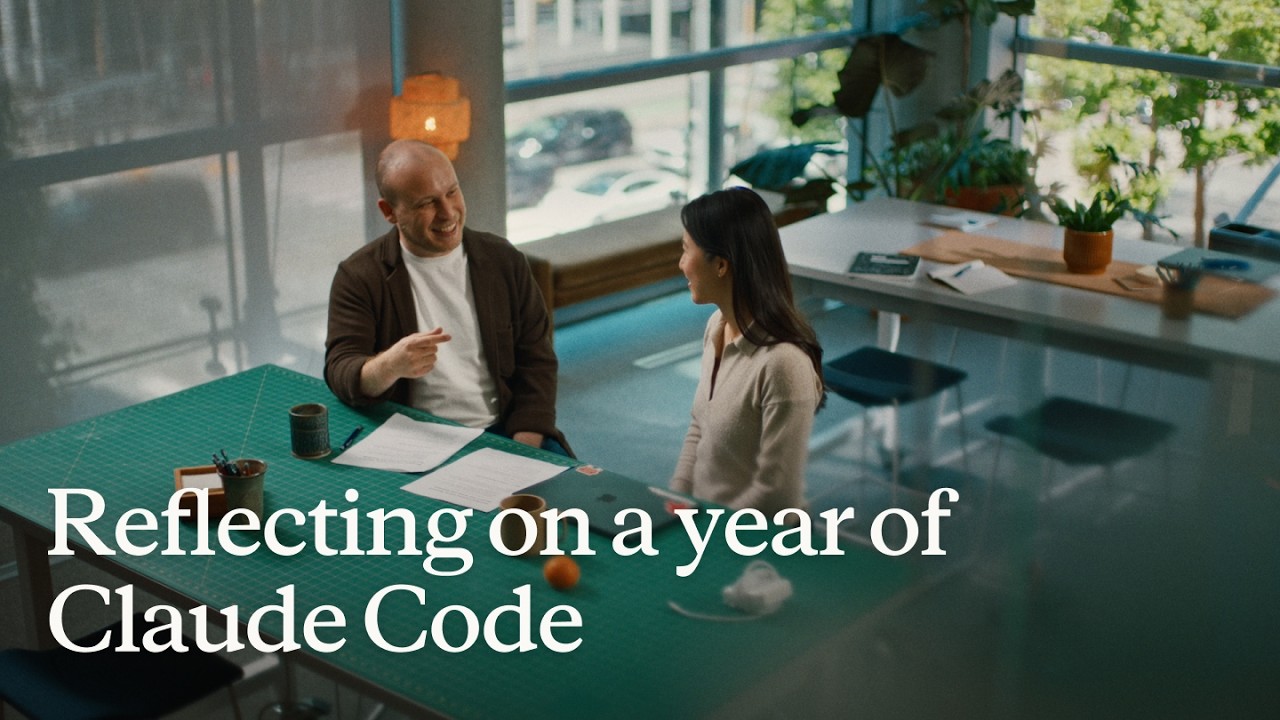
Reflecting on a year of Claude Code
Boris Cherny (creator and Head of Claude Code) and Cat Wu (Head of Product, Claude Code) look back on Claude Code's first year — from a Slack demo that earned two emoji reactions to running thousands of autonomous agents daily. They walk through how they think about verification, why auto mode replaced plan mode, how routines are eliminating entire categories of manual engineering work, and why the shift from "I write code" to "I talk to a loop" represents two major platform leaps in barely 18 months. ## [00:00] The origins and evolution of Claude Code Boris recalls posting the first Claude Code demo to Slack and getting exactly two reactions. A year later, his workflow involves "armies of agents" — a single loop prompting agents that prompt other agents, forming trees of thousands. The meta-principle that carried the tool this far: every time Claude makes a mistake, don't just correct the output — write the fix into a CLAUDE.md file or a skill so Claude can run unsupervised forever. > *"Every single time Claude makes a mistake, I don't tell Claude to do it differently. I tell it to write it to the CLAUDE.md or to make a skill… and if you can do this, then Claude can just run forever."* ## [01:10] How to make Claude good at verification Both Boris and Cat push back on the narrow view that "verification" means lint, type-check, and unit tests — things that were already automated before agents existed. Real agent verification means the agent can actually run the software under test. Boris cites a moment with Opus 4 where he asked Claude to build a feature and test itself by opening its own CLI — "crazy" at the time, table stakes now. Cat's current approach: a desktop development skill that has Claude spin up the local desktop app, use computer use to click through the UI, hit edge cases, and update the skill itself whenever it discovers a new failure mode. > *"I have it read Slack and understand: hey, is staging down right now, or has someone else already hit this? And then when it debugs the whole issue, I tell it to update the desktop development skill."* ## [03:14] Roles merging: Claude Code beyond engineers Boris recounts the moment he first saw a designer opening PRs — his initial alarm giving way to "okay the code looks good, so maybe it's fine." Cat reports that across enterprises, engineers adopt Claude Code first, then adjacent roles lean over their shoulders: designers making prototypes directly in the app, PMs shipping changes, the finance team running projections inside Claude Code, data scientists with it permanently on-screen. > *"It's kind of like all the roles are merging."* ## [04:48] Using routines for CI, code review, and more Cat describes a Claude Code power user on their team who shipped voice mode and then set up a routine monitoring every GitHub issue and bug report on that feature, automatically drafting fixes and pinging PRs. He later extended it to catch any unresponded bug older than five hours. Cat's own experience: she shipped a small feature with an edge case she missed, a bug was filed, and before she got to it that evening, Claude Code told her "another Claude has already fixed this." Boris adds that routines now handle all code review, babysit every PR, rebase, and respond to CI failures. He hasn't done those manually in a long time. > *"He has another routine that just looks for bug reports that haven't been responded to in five hours and puts up a fix, and he merges the ones that are easy to verify."* ## [06:43] Boris' go-to feature: auto mode Boris stopped using plan mode once Claude 4.6 arrived; by 4.7 the explicit planning step was no longer necessary. He now starts an agent in auto mode and moves directly to the next task without watching it. He traces the shift from the early permission-prompt model — where you had to approve every tool call — to auto mode routing suspicious actions to a classifier instead. Human attention degrades when 99% of prompts are harmless: eyes glaze, the one dangerous prompt slips through. Auto mode concentrates attention on genuinely flagged cases only. > *"Auto mode is more safe than reading every single permission prompt, because it means that you're only paying attention to the most important thing and not being spammed a bunch of things that are just 99% yes."* ## [08:10] Securing auto mode: red teaming and evals Shipping auto mode required building trust before it reached users. Cat describes the process: collecting thousands of full agent trajectories alongside permission prompts, having the auto mode classifier label each one, confirming it was "extremely good," then bringing in red teamers to attempt prompt injection attacks against the codebase. Every successful attack became an eval. Internal teams ran their own injection attempts to surface further gaps. The result is a model hardened not just against known attacks but against the most sophisticated adversarial constructions the team could devise. > *"It's not only just protecting you against the vulnerabilities that are out there in the wild today, but the most intelligent attacks that we can construct."* ## [10:24] Why loop is the next leap Boris frames two platform jumps in 18 months. First: stop writing source code directly — talk to an agent and let it write the code. Second, happening now: stop talking to an agent directly — talk to a loop or routine that prompts Claude Code on your behalf. Both felt obvious in hindsight, but neither was easy to see from inside the engineering mindset he brought to the project. > *"I don't talk to an agent anymore. I talk to a loop or I talk to a routine and it prompts Claude for me, and it's just crazy."* ## [11:06] How engineering orgs and responsibilities are changing Boris anchors the current transition to a 1990s Harvard Business Review piece asking why companies weren't seeing productivity gains from personal computers — and answering that computers needed to be at the center of every business process, not a side appliance next to the paper filing cabinet. At Anthropic, new hires don't ask colleagues questions; they ask Claude Code. Companies figuring out AI fastest are the ones putting it at the center of operations. Cat notes that the computer transition took 10–15 years; AI is compressing that because work is already digitized and Claude Code can both write and run code. > *"What you have to do is you throw out the filing cabinet. You have to throw out all your paper and all your pens and then you put a computer in the center and everything has to run through the computer."* ## [13:30] Is the future product or engineering? Boris' answer: both roles are merging into one. The Claude Code product team all writes code, the devrel team all writes code, designers write code, and engineers now ship products end-to-end — scoping the idea, building it, working with legal, marketing, and security to take it to market. The beneficiaries right now are people with high curiosity, strong product taste, and an appetite for end-to-end ownership. > *"AI really benefits people who have a lot of curiosity, have a lot of product taste, who love to have this end-to-end ownership."* ## [14:20] Working with hundreds of agents: using agent view, voice mode, and Remote Control Boris's multi-agent setup a few months ago: six terminal tabs, six git checkouts, manual context-switching. Today: one tab, the new agent view, and the desktop app handling work-tree cloning automatically. The unexpected change: roughly half his engineering now happens on his phone via Remote Control. He starts a task at his desk, walks to get coffee, checks in from his phone, starts new agents on the spot, and dictates to them via voice mode. Cat recalls noticing that Boris's laptop sat untouched on his desk for two consecutive days while he was actively merging PRs — he confirmed he was coding from his couch. > *"I'll like get coffee and then I'll check in on my agents and maybe I'll start another agent. And sometimes I'm talking to someone and we come up with a new idea — I'll just start an agent on the spot."* ## [16:05] From context engineering to context minimalism Boris traces the prompt engineering arc: Sonnet 3.5 required heavy prompt engineering; Opus 4 required careful context engineering; today's models need neither. The prescription now: give the model the minimal system prompt, the minimal tool set, and a way to pull in whatever context it actually needs — then let it work. Cat calls herself a "context minimalist": tell the model only what it needs to know, because too much upfront context is micromanagement, and the model often knows a better path anyway. > *"You give it the minimal possible system prompt, the minimal possible tools, and then you let the model figure it out."* ## [17:17] What's next for Claude Code Boris refuses to predict the specific form factor, only the direction: agents running longer, more autonomously, in parallel batches of dozens to thousands rather than one at a time. The exact interface for coordinating that many agents will be "really different than what came before" and won't come from Boris or Cat — it will come from the team and the broader community building with Claude Code every day. > *"In a year it's going to be a totally new set of things and it's going to be so surprising if it's still these same things."* ## Entities - **Boris Cherny** (Person): Head of Claude Code at Anthropic, creator of the tool; one of two interview subjects. - **Cat Wu** (Person): Head of Product, Claude Code at Anthropic; one of two interview subjects. - **Claude Code** (Software): Agentic coding tool developed at Anthropic, runs in the terminal; primary subject of the episode. - **Auto mode** (Concept): Claude Code permission model that routes tool-call decisions to a classifier instead of prompting the user for every action; replaces the earlier per-prompt approval flow. - **Loop / Routines** (Concept): Automated agents triggered by events (e.g., new GitHub issue, unresponded bug report) that prompt Claude Code without human initiation; described as the second major platform leap. - **Context minimalism** (Concept): Philosophy of providing models only the necessary system prompt and tools, letting the model pull additional context as needed rather than front-loading everything. - **Anthropic** (Organization): AI safety company that develops Claude and Claude Code. - **Remote Control** (Software): Claude Code feature enabling users to manage running agents from a mobile device. - **Agent view** (Software): New Claude Code interface for managing multiple parallel agents from a single pane.
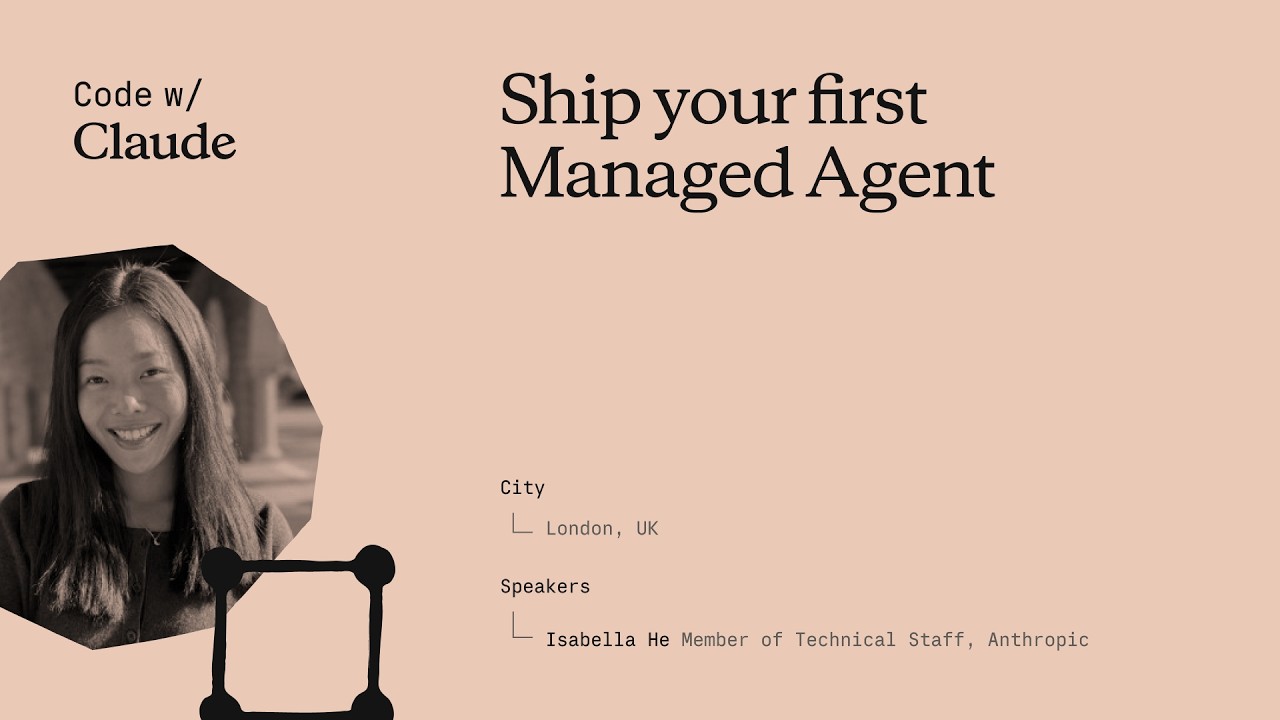
Запустите своего первого Managed Agent
Isabella He, инженер команды Applied AI в Anthropic, за 37 минут собирает рабочего SRE-агента инцидентного реагирования вживую — от пустого `agent.py` до Streamlit-приложения, которое транслирует вызовы инструментов, сохраняет сессии и диагностирует скачок задержки P99. Сессия сочетает пятиминутный обзор архитектуры с практическим кодированием — участники уходят и с работающим агентом, и с пониманием того, как расширить его до субагентов, памяти и хранилищ. ## [00:19] Приветствие и план сессии Isabella рассказывает о команде Applied AI в Anthropic — «на пересечении продуктов, исследований и наших клиентов» — и обозначает три части сессии: быстрый обзор платформы, практическая сборка кода и взгляд на продвинутые возможности вроде dreaming и subagents. Отправная точка — ночной вызов в 3 утра, от которого SRE-агент на базе Managed Agents убережёт разработчиков. > *«Моя цель сегодня — чтобы вы на практике поработали с Managed Agents, поняли, как устроен harness под капотом, и были готовы выпустить своего первого агента инцидентного реагирования.»* ## [02:10] От Messages API к Managed Agents Isabella прослеживает историю продукта: Messages API 2023 года давал прямой доступ к токенам, но управление контекстом, циклами агента и компакцией оставалось на плечах разработчиков. Agent SDK добавил файловую систему Claude Code, но хостинг по-прежнему требовал самостоятельного управления. Managed Agents — третье поколение: Anthropic берёт на себя масштабирование, изоляцию, наблюдаемость и среду выполнения инструментов, и команды выходят в продакшн «в 10–15 раз быстрее». Проблему сопровождения она иллюстрирует реальным примером: Sonnet 4.5 проявлял «context anxiety» — завершал задачи досрочно. Anthropic пропатчил harness; Opus 4.5 устранил это поведение полностью, сделав патчи ненужными. > *«Harness должен развиваться вместе с агентами — именно поэтому с Claude Managed Agents мы хотим, чтобы Anthropic брал на себя все сложности компакции, кэширования и context anxiety.»* ## [05:55] Ключевые примитивы: Agent, Environment, Session Каждое приложение на Managed Agents состоит из трёх объектов. **Agent** хранит персону — выбор модели, системный промпт, MCP-серверы, навыки. **Environment** — контейнер выполнения, аналог «рук» к «мозгу» агента; поддерживает как облако Anthropic, так и собственные вычислительные мощности — опция появилась накануне. **Session** связывает оба объекта и монтирует файлы данных; события (сообщения, вызовы инструментов, ответы) стримятся обратно к вызывающему, а не возвращаются единым ответом. Разделение цикла агента и выполнения инструментов сократило время до первого токена по метрике P95 более чем на 90% — и одновременно исключило утечку учётных данных через изолированный контейнер. > *«После этого разделения наши команды зафиксировали снижение времени до первого токена более чем на 90% по P95-метрике задержки.»* ## [09:15] Подготовка к воркшопу Участники клонируют репозиторий воркшопа и переходят в `ship-your-first-managed-agent`, создают виртуальное окружение, устанавливают зависимости и вставляют API-ключ Anthropic в `.env`, после чего запускают `streamlit run app.py`. Isabella подтверждает, что Streamlit-URL открывает чат-интерфейс инцидентного реагирования — чистый холст для сборки. > *«Можете делать это по ходу или позже в своё время — всё будет отображаться на экране, так что всегда можно следить.»* ## [10:48] Сборка агента шаг за шагом Работая с незавершённым `agent.py` рядом с `agent_complete.py`, Isabella вставляет шесть блоков кода по очереди: 1. **Определение агента** — `SRE_AGENT` на базе Claude Opus 4.7, минимальный системный промпт с ролью агента и доступными инструментами (get_metrics, get_recent_deploys, get_diff, fetch_logs). 2. **Environment** — облачное окружение Anthropic с открытой сетью для демонстрации; в продакшне можно ограничить список разрешённых адресов или маршрутизировать через Claude MCP tunnels. 3. **Загрузка логов** — прикрепляет файл лога через Files API, чтобы агент мог работать с ним в коде; Isabella отмечает, что именно на context engineering уходит большая часть итераций. 4. **Создание сессии** — передаёт `agent_id`, `environment_id` и ссылки на загруженные ресурсы, чтобы связать всё воедино. 5. **Стриминг событий** — получает события (не сырые токены) из сессии, что позволяет отображать данные в реальном времени и вести журнал наблюдаемости. 6. **Локальные инструменты и удаление сессии** — регистрирует `get_metrics`, `get_recent_deploys` и `get_diff` как обработчики на стороне клиента, затем добавляет вызов удаления сессии с пометкой, что удалённые сессии полностью вычищаются из логов. > *«Единственное, чего не хватает — дать агенту наши локальные инструменты, чтобы он мог начать действовать на моём компьютере или в моей инфраструктуре.»* ## [19:43] Запуск агента и живая демонстрация Isabella запускает новую сессию с промптом «debug my incident for me». Агент последовательно вызывает `sandbox_bash`, `get_recent_deploys` и `get_diff`, транслирует каждый вызов инструмента и токены ответа в UI, затем возвращает структурированный отчёт об инциденте: скачок задержки P99 (в 10 раз выше базовой) отслеживается до исчерпания пула соединений с базой данных, внесённого коммитом Алисы `refactor_order_summary_builder`. Isabella замечает, что в продакшн-варианте можно добавить доступ Claude Code для предложения исправления, открытия PR и закрытия цикла без участия человека в критическом пути. Жёсткое обновление браузера подтверждает сохранение сессии — все предыдущие сессии восстанавливаются из облачного состояния, без локальной базы данных. > *«Если прокрутить все вызовы инструментов, видно, что всё сохранено в облаке с точки зрения логов. Всё это также будет зафиксировано в консоли наблюдаемости.»* ## [27:18] Обзор архитектуры, продвинутые возможности и Q&A Isabella суммирует событийно-ориентированную архитектуру: сессии работают с событиями, а не с парами запрос-ответ; журнал событий позволяет Managed Agents возобновить сессию после перезапуска контейнера без повторного прогона цикла агента. Затем она анонсирует четыре продвинутые возможности: - **Subagents** — оркестратор порождает дочерних агентов с собственными контекстными окнами для параллелизма и управления контекстным бюджетом. - **Memory / Dreaming** — агент анализирует собственные журналы сессий и решает, что сохранить, обеспечивая самообучение и запоминание предпочтений между сессиями. - **Outcomes** — разработчики задают критерии; агент сам определяет, какие вызовы инструментов приведут к нужному результату. - **Vaults** — учётные данные шифруются между отдельным эндпойнтом и контейнером агента, для каждого пользователя и сессии, опираясь на разделение «мозг/руки», заложенное в архитектуру. Isabella завершает сессию, направляя участников на следующую встречу по теме dreaming и встроенный дашборд наблюдаемости в консоли Managed Agents. > *«Надеюсь, каждый из вас уходит с пониманием того, как Managed Agents работает под капотом — и гордитесь собой все, кто смог выпустить агента инцидентного реагирования.»* ## Сущности - **Isabella He** (Персона): Member of Technical Staff, команда Applied AI в Anthropic; ведущая воркшопа - **Claude Managed Agents** (Программное обеспечение): управляемая инфраструктура Anthropic для продакшн-агентов; берёт на себя масштабирование, изоляцию, наблюдаемость и среду выполнения инструментов - **Agent SDK** (Программное обеспечение): более ранний harness Anthropic с доступом к Claude Code; требовал хостинга на стороне разработчика - **Claude Opus 4.7** (Программное обеспечение): модель, использованная для SRE-агента в демонстрации воркшопа - **Sonnet 4.5** (Программное обеспечение): более ранняя модель, проявлявшая «context anxiety» (досрочное завершение задач); приведена как пример необходимости эволюции harness - **Files API** (Программное обеспечение): API Anthropic для загрузки файлов (логов, метрик) в контекст агента - **Dreaming** (Концепция): функция Managed Agents, при которой агент асинхронно анализирует историю собственных сессий для обновления долгосрочной памяти - **Outcomes** (Концепция): задание целей через критерии в Managed Agents; агент сам выбирает вызовы инструментов для достижения заданного результата - **Vaults** (Концепция): зашифрованное хранилище учётных данных в Managed Agents; отделено от контейнера агента через архитектуру «мозг/руки» - **MCP tunnels** (Концепция): функция Claude для маршрутизации трафика MCP-серверов через частную сеть вместо публичного интернета - **Context anxiety** (Концепция): наблюдавшееся поведение Sonnet 4.5 — досрочное завершение задач при наличии доступного контекстного бюджета; устранено в Opus 4.5 - **Anthropic** (Организация): компания в области AI-безопасности; создатель Claude и платформы Managed Agents - **DataDog** (Программное обеспечение): платформа мониторинга в продакшне, упомянутая как замена демонстрационного инструмента метрик на базе JSON - **Streamlit** (Программное обеспечение): Python-фреймворк для UI, использованный для построения чат-интерфейса инцидентного реагирования в воркшопе
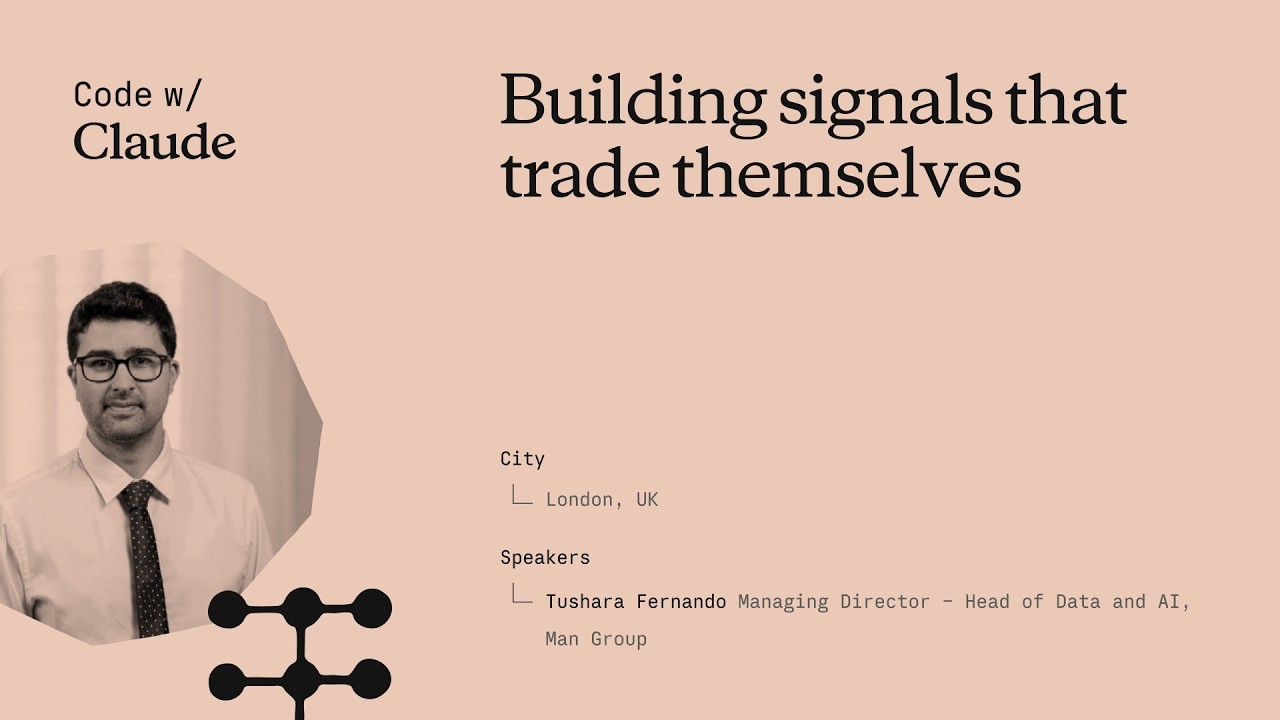
Trading signals that trade themselves
Tushara Fernando, Head of Data and AI at Man Group, explains how the firm integrates AI into systematic trading by codifying decades of institutional knowledge into "skills." She emphasizes that robust governance and shared workflows are essential for moving AI from individual productivity tools to enterprise-scale agentic platforms. ## [00:18] AI in Systematic Trading Man Group manages over $200 billion in assets, making the stakes for AI implementation exceptionally high for their institutional clients. Tushara Fernando describes systematic trading as an algorithmic process that uses historical backtesting to evaluate investment signals, much like managing a fantasy football team. > *A trading signal is really just this with stocks... We want to back the ones that would make money and we want to short the ones that won't.* > *[2, 43]* ## [04:38] The Role of AI-Generated Signals Man Group currently runs trading signals in production that were entirely researched, backtested, and proposed by AI. While humans review the final output for sensibility, AI handles the data acquisition, strategy proposal, and productionization of these investment ideas. > *There are trading signals running right now in production at Mang Group... that were researched, back tested and proposed by AI.* > *[4, 38]* ## [05:52] The Importance of Shared Workflows The success of a trading signal depends on the underlying workflows, such as data cleaning and outlier detection, which Fernando compares to the submerged part of an iceberg. Without shared workflows, different teams produce inconsistent results, making it impossible to compare the effectiveness of various strategies. > *If different teams are running different versions of those workflows, you get different answers.* > *[6, 50]* ## [08:43] Lessons in Skills Governance Early attempts at AI adoption failed because power users, rather than process owners, were building "skills," leading to local optimizations and errors like hardcoded cost centers. To solve this, Man Group created a governed marketplace where skills are owned by workflow owners, tested with evaluations, and tracked for usage. > *Treat those skills like production code because that's what they will become.* > *[17, 21]* ## [16:40] Scaling AI Across the Enterprise Man Group has scaled AI usage to nearly half its workforce by focusing on organizational context as a competitive moat. By treating skills as a library of institutional knowledge, the firm is preparing for a future where swarms of agents leverage these capabilities to find new investment opportunities. > *Skills governance really unlocks AI at that enterprise scale.* > *[19, 21]* ## Entities - **Tushara Fernando** (person): Head of Data and AI at Man Group. - **Man Group** (organization): An alternative investment manager with over $200 billion of assets under management. - **Claude** (product): An AI model used by Man Group for research, backtesting, and workflow automation. - **Anthropic** (organization): The AI company that assisted Man Group with skills workshops and implementation. - **Systematic Trading** (concept): Algorithmic trading capabilities that look across thousands of securities and hundreds of markets. - **Backtesting** (process): The process of running a trading strategy against historical data to evaluate its performance. - **Sharpe Ratio** (metric): A statistical factor that compares the volatility of a strategy versus its returns. - **Skills Marketplace** (product): Man Group's internal library for governed AI skills, plugins, and institutional knowledge.
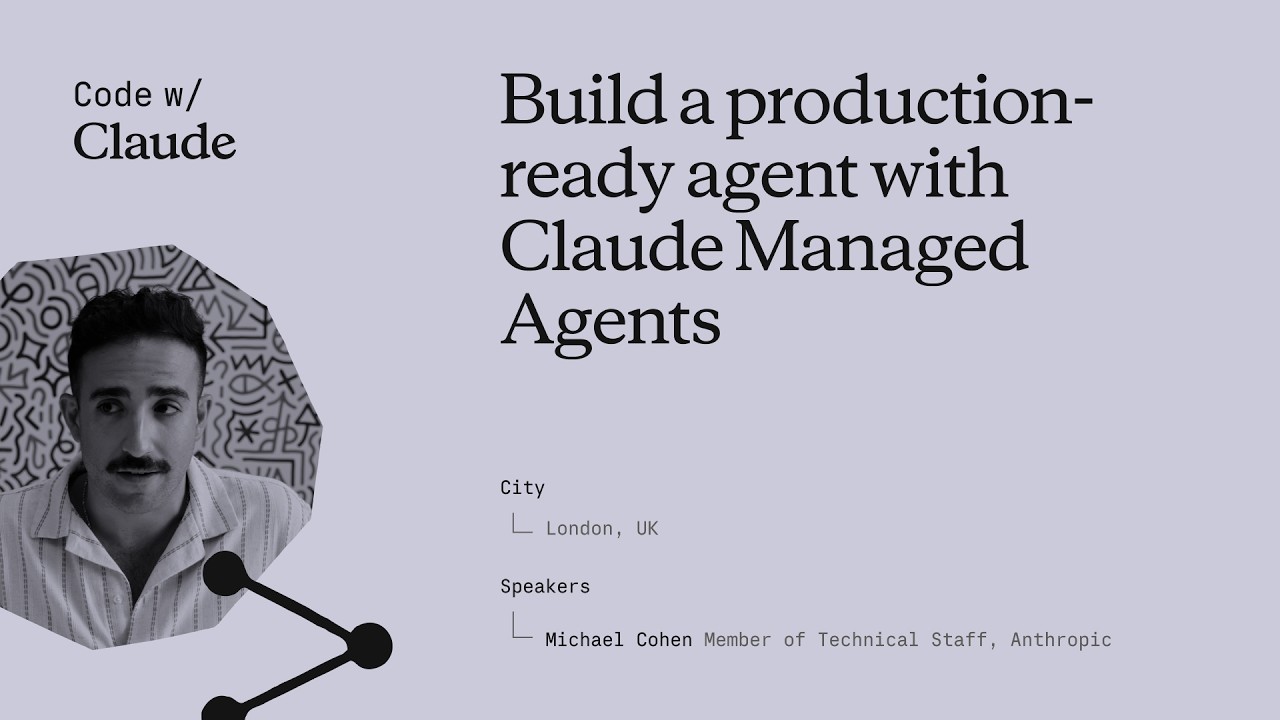
Build a production-ready agent with Claude Managed Agents
This session introduces Claude Managed Agents, a suite of API endpoints designed to help developers build and deploy production-ready AI agents with built-in tools, security, and observability. The speaker outlines how core primitives like Agents, Environments, and Sessions enable complex workflows such as multi-agent coordination and human-in-the-loop controls. ## [00:00] Introduction to Managed Agent Primitives Anthropic introduces Claude Managed Agents as a suite of API endpoints providing production-ready primitives like tool calling, error recovery, and memory management. The architecture relies on 'Agents' as templates for skills, 'Environments' for sandboxed execution with granular permissions, and 'Sessions' to maintain ongoing conversational context and state transitions. > *Claude Managed Agents at a high level is just a set of API endpoints that we've developed and released... that give you access to scaled ready, production ready agent. [01:35]* ## [07:54] Secure Connectivity and Sandboxing The platform supports self-hosted sandboxes, allowing developers to use private containers and VPCs to keep sensitive data secure while maintaining model access. Additionally, new MCP tunnels facilitate safe connections to internal Model Context Protocol servers, and Credential Vaults protect authentication tokens by keeping them out of the model's context window. > *Claude can directly connect to that safely without those MCP servers ever being exposed on the internet. [09:40]* ## [10:02] Multi-Agent Orchestration and Implementation A demonstration of a multi-agent architecture shows a coordinator agent spawning specialized sub-agents for complex tasks like financial analysis and macro trend research. Developers can implement these workflows using the Anthropic SDK and tools like Claude Code, which is specifically optimized to help developers implement and iterate on managed agent APIs. > *One agent is like in charge of figuring out macro trends... whereas another one is like really good at like financial analysis. [11:36]* ## [19:28] Observability, Memory, and Infrastructure The Claude Console provides robust observability, including agent versioning, session monitoring, and the ability to edit memory stores to correct agent context. By providing integrated state transitions and durable storage out of the box, the service eliminates the need for developers to build complex custom agent loops and sandboxing fleets manually. > *With cloud manage agents, we kind of were able to get all of these things out of the box. [26:54]* ## Entities - **Anthropic** (organization): The AI research and safety company that developed the Claude model family. - **Claude Managed Agents** (software): A suite of API endpoints for building and hosting production-ready AI agents. - **MCP** (protocol): Model Context Protocol used for secure authentication and tool integration. - **Claude Code** (software): A developer tool optimized for implementing and managing Anthropic APIs. - **Bun** (software): A fast JavaScript runtime used for the technical implementation demonstrations. - **Cloudflare** (infrastructure): A cloud provider mentioned as a host for private sandboxes and environments. - **Credential Vaults** (feature): A secure storage system for authentication tokens that prevents exposure to the model. - **Memory Stores** (feature): Persistent storage allowing agents to retain and retrieve information across sessions.
How to get to production faster with Claude Managed Agents
Anthropic engineers Michael and Harrison introduce Claude Managed Agents, a platform designed to simplify the infrastructure, security, and observability required for deploying autonomous AI agents. By handling complex backend tasks like sandboxing and identity management, the system enables developers to transition from simple tool use to long-running, outcome-oriented agentic workflows. ## [01:10] The Evolution of Agentic Infrastructure Michael and Harrison trace the progression of AI from basic function calling to autonomous agents capable of managing full feature development and PRs. They argue that infrastructure, rather than model intelligence, is now the primary bottleneck for achieving productivity where months of work are completed in hours. > *where we think we're seeing things going in the future is entire quarters worth of work being able to be getting accomplished within a couple of hours.* > *[2, 34]* ## [04:22] Core Primitives and Configuration The platform provides composable primitives for context management, observability, and secure sandboxing, allowing developers to define agents via system prompts and MCP tool configurations. Features like the 'Ask Claude' button and event streams provide real-time transparency and optimization suggestions for agent sessions. > *we did all of that platform work so that you don't have to so that you can kind of pick and choose the primitives that we have available.* > *[5, 26]* ## [10:05] Advanced Orchestration and Memory Beyond single-task execution, the platform supports multi-agent orchestration where Claude can spawn sub-agents to delegate work. Advanced features like 'Dreaming' allow agents to reflect across thousands of sessions, improving long-term memory and task performance through autonomous reflection. > *It allows Claude to spawn other agent threads with their own context windows in order to delegate work to them.* > *[10, 55]* ## [11:56] Sandboxing and Secure Connectivity Anthropic offers self-hosted sandboxes and MCP tunnels to give enterprises control over network policies and audit logs while exposing private data securely. Partners like Vercel, Modal, and Cloudflare provide specialized infrastructure, ranging from lightweight isolates for rapid scaling to high-performance GPU clusters. > *MCP tunnels are basically just a way for you to get your private MCPs in your network exposed to cloud manage agents.* > *[13, 25]* ## [20:19] Real-World Automation and Optimization Companies like DoorDash and Modal are using agents for complex technical tasks, such as autonomous account management and inference tuning. By running tools like the Nvidia profiler, agents can autonomously 'hill climb' performance benchmarks to optimize workloads without human intervention. > *Claude can optimize training loops... it'll run like the Nvidia profiler. It'll read the profiles and uh it'll just go ham and and make things better.* > *[20, 39]* ## [25:23] Future Challenges: Identity and Collaboration As agents become primary users of compute, the industry faces new hurdles in identity management, egress filtering, and task resumability. The future of AI involves moving from rigid execution to collaborative 'multiplayer' environments where agents and humans dynamically pivot based on feedback. > *how do we properly assign identity all the way down the chain such that it's only getting access to the right data* > *[25, 55]* ## Entities - **Anthropic** (organization): The AI safety and research company behind the Claude model family. - **Claude Managed Agents** (product): A platform and infrastructure suite for building and deploying autonomous AI agents. - **Michael** (person): Member of Technical Staff at Anthropic working on managed agents. - **Harrison** (person): Member of Technical Staff at Anthropic working on managed agents. - **MCP** (protocol): Model Context Protocol used for tool configuration and secure tunnels. - **Cloudflare** (organization): A cloud services provider focusing on sandboxing technologies like MicroVMs and isolates. - **Modal** (organization): A compute platform specializing in high-scale GPU sandboxes and AI workloads. - **Vercel** (organization): A partner providing fluid compute infrastructure for agent sandboxes.
Building the best agentic analytics harness: Powered by Claude, built with Claude Code
Chris Merrick, CTO of Omni, details the development of 'Blobby,' an agentic analytics harness powered by Anthropic's Claude models. By combining a robust semantic layer with internal dogfooding of Claude Code, Omni enables users to translate natural language into complex data visualizations while maintaining high engineering velocity. ## [00:07] Engineering Velocity with Claude Code Chris Merrick explains how Claude Code has transformed Omni's internal development, allowing a small team of 25 to maintain high commit velocity. Even as CTO, Merrick uses the tool to stay technically involved, leveraging the efficiency of the Claude Opus model to contribute code alongside his team. > *I thank Claude very much for making me uh still able to do some software engineering from time to time. [01:12]* ## [03:14] The Semantic Layer and Business Context To bridge the gap between general LLM knowledge and specific business data, Omni utilizes a semantic layer that provides essential context like fiscal definitions and table relationships. This layer acts as a permissions and curation tool, ensuring the AI agent understands the unique nuances of a company's data environment. > *Claude is incredible at answering questions, but you need to tell it more about your business if you want it to answer questions about your business. [04:03]* ## [11:15] Architectural Evolution and the 'Blabbotomy' The team evolved their AI agent, Blobby, from a simple Q&A tool into a sophisticated harness by upgrading from Claude Haiku to Sonnet for better multi-turn performance. They addressed 'split-brain' errors—where sub-agents and outer agents failed to communicate—by consolidating all tools into a single, unified agentic brain. > *You want to be careful not to have a split brain between any sort of sub agent system and outer agent system. [15:57]* ## [16:23] Leveraging SQL and CTE Proficiency Omni shifted its query strategy from a proprietary JSON format to standard SQL to better leverage Claude’s inherent proficiency with complex Common Table Expressions (CTEs). This transition allowed the agent to handle difficult data questions in a single pass, significantly improving the accuracy of generated reports. > *Claude really likes to write SQL with CTE, common table expressions... and our parser was really good at parsing those [18:27]* ## [19:09] Evals, Observability, and UI Validation Merrick emphasizes that rigorous evaluation systems and raw trace observability are critical for ensuring the predictability required by executive users. Omni follows a 'build with AI, validate with UI' philosophy, where Blobby generates the initial dashboard and users use a workbook interface to refine and troubleshoot the results. > *Our philosophy from a product perspective is AI to build, UI to sort of validate and troubleshoot and refine. [23:21]* ## Entities - **Chris Merrick** (person): CTO and Co-founder of Omni who leads the engineering team and advocates for AI-driven development. - **Omni** (organization): An AI analytics platform that enables users to query data using natural language. - **Claude** (ai-model): The family of LLMs from Anthropic that powers Omni's analytics and internal engineering. - **Claude Code** (software): An AI-powered coding tool that significantly increased Omni's development velocity. - **Blobby** (ai-agent): Omni's AI data analyst agent designed to interpret and answer complex data questions. - **SQL** (technology): The query language that Omni's semantic layer generates to interact with data warehouses. - **Claude Sonnet** (ai-model): The specific Anthropic model used to unlock performance gains in complex agentic conversations. - **GitHub** (platform): The source of pull request (PR) data used in the agent's demonstration.
Stop babysitting your agents
Sid Budhiraja, a founding engineer of Claude Code, gave this keynote at Anthropic's Code with Claude conference to address a specific waste pattern: engineers spending most of their time staring at a screen waiting for Claude to finish, or acting as a "glorified QA tester." The talk lays out three escalating strategies—verification, parallelization, and background loops—that together let Claude run largely unsupervised. No captions existed on YouTube; transcript generated via Gemini Flash transcription (paragraph-level only, no word timestamps). ## [00:02] Opening & prerequisites Sid frames the talk as a "Claude Code 301" class and opens with a quick audience poll. Three things he calls table stakes: a high-quality CLAUDE.md file ("the single highest leverage thing you can do"), connecting external tools like Slack, Linear, and BigQuery to Claude Code so it can stitch together richer context, and setting up Claude Code on the web so that sessions are decoupled from the engineer's laptop and keep running even when the machine is closed or offline. He then lays out the structure for the rest of the talk: verification, multi-Clauding, and background loops—each building on the previous one. > *"A good rule of thumb is that if a tool is useful for you in your day-to-day life, it will also be useful for Claude. So things like Slack, Asana, Linear, Datadog, BigQuery—all of these things help Claude stitch together a much richer context for itself."* ## [05:14] Teaching Claude to verify its own work Sid asks the audience to recall how they personally verified their last feature: write code, build, run, check side effects, check logs, check the database, run unit tests, deploy to staging. That exact playbook, he argues, is also what Claude can run—if given the right tools and instructions. The key mechanism is the **loop**: an autonomous circuit where Claude writes code, hits a failure, debugs, writes more code, and keeps cycling until it reaches a success state. Once in a loop, Claude hill-climbs on a task without the engineer in the hot path. The loop works across front-end (browser-driven smoke tests), back-end (API checks), and full end-to-end flows—the principle is identical in each case. To package and distribute a verification loop, Sid recommends a **skill file**—a markdown document that stores the instructions and tool configuration for a specific verification task. Skills can be made self-improving: if you instruct Claude to update the skill every time it hits a new blocker, the document grows into a self-documenting playbook that benefits the whole team. > *"A loop essentially is an autonomous circuit that you can complete for Claude. And it allows Claude to hill climb on a given task or a given success criteria."* ## [15:46] Demo: building a verification loop live Sid demos against MonkeyType, an open-source TypeScript/Express/MongoDB/Redis typing-test application, chosen because it represents a realistic full-stack production app. Starting from a fresh Claude Code session, he tells Claude to spin up the dev server, then instructs it to use the `/chrome` Chrome MCP tool to navigate to localhost, type some text, and change a settings value—manually walking it through a basic smoke test. Once that hand-held session is complete, he tells Claude to take everything it just learned and write it into a skill file at `.claude/demo-verification`. Claude produces a skill with three sections: bring up the stack, load Chrome MCP tools, run a smoke test. He then asks Claude to build a new feature—a confetti animation on every mistype—and use the newly created verification skill to verify its own work. Claude writes the feature, hits ESLint errors, fixes them, reloads the app, and keeps cycling until the confetti appears. > *"You see the verification loop in action now where it's—it wrote some code, it encountered some issues, it fixed those issues by writing some more code, and it kind of went in a circle doing that until it came to a good state."* ## [26:38] Multi-Clauding without losing your mind Running multiple Claude instances simultaneously taxes attention, Sid's personal limit being four or five sessions before cognitive load becomes unmanageable. He covers four tools for scaling past that ceiling. The **Claude Code Desktop app** provides a unified sidebar showing all sessions across local terminal, cloud, and GitHub—sessions sorted by attention demand, color-coded, renamable. The terminal alternative is **Claude Agents** (`claude agents`), released roughly a week before the talk, which surfaces the same session list inside the terminal and sorts by urgency so the sessions that need a decision bubble to the top. **Claude Code on the Web** (claude.ai/code) runs sessions in Anthropic's cloud, fully decoupled from the engineer's hardware. And **Remote Control** (`/remote-control`) mirrors any running session to the mobile app with push notifications, so the engineer can answer Claude's questions from a car or between meetings without opening a laptop. > *"Remote Control essentially gives you the option to control any session running on any surface with your phone. If Claude needs some help from you or needs your input, your phone will buzz and you could be in your car, doing whatever you want, and you could just give Claude the input that it needs."* ## [32:41] Background loops and routines Even with good multi-session tooling, the engineer still decides when to start each session and what goal to give it. Background loops remove that last manual step. Sid describes the `/loop` command: `/loop 10 minutes "babysit my open PRs"` wakes up a Claude Code session every ten minutes, runs that prompt autonomously, and handles review comments, merge conflicts, and CI failures without the engineer watching. **Routines** are `/loop` running in Anthropic's cloud infrastructure—the same remote containers that power Claude Code on the Web. The Claude Code team itself runs two routines: one that updates docs daily, and one that scans issues and feedback and posts a summary to their Slack channel every six hours. With verification ensuring Claude's output is reliable, multi-Claude tools protecting attention across parallel sessions, and routines handling recurring bookkeeping, the engineer's role shifts from babysitter to delegator. > *"You can kind of spend your attention and your time on the tasks that you care about, and everything else can just be delegated to Claude—with high reliability and a high degree of confidence."* ## Entities - **Sid Budhiraja** (Person): Founding engineer of Claude Code at Anthropic; presenter of this keynote. - **Anthropic** (Organization): Creator of Claude and Claude Code; hosted the Code with Claude conference. - **Claude Code** (Software): Anthropic's agentic coding tool; central subject of the talk. - **Verification loop** (Concept): An autonomous write-check-fix cycle that lets Claude iterate on a task until it reaches a defined success state without human intervention. - **MonkeyType** (Software): Open-source TypeScript typing-test app (Express + MongoDB + Redis) used as the live demo target. - **Chrome MCP** (Software): Model Context Protocol tool (accessed via `/chrome`) that gives Claude programmatic control of a browser for UI verification. - **Routines** (Concept): Cloud-side scheduled Claude Code sessions with time-based or event-based triggers, enabling fully autonomous recurring tasks. - **Remote Control** (Concept): Feature (`/remote-control`) that mirrors Claude Code sessions to the mobile app with push notifications, enabling async oversight from anywhere.
How Lovable vibecodes production software at scale
Fabian Hedin, Cofounder and CTO of Lovable, walked through two production systems his team built to stop non-technical users from getting permanently blocked: Lovable Overflow, a self-maintaining corpus of issue-solution pairs injected into the agent's context at inference time, and a "vent" tool that lets the agent itself flag platform failures and auto-open PRs for engineers to review. Together they cut the platform's stuck rate by 5% — an improvement on par with a full model generation upgrade — and now drive roughly ten merged fixes per day from agent-filed pull requests. ## [00:20] From GPT-Engineer to 600 million monthly visits Lovable's lineage traces back 35 months to GPT-Engineer, a terminal program co-founded by Anton that briefly became the fastest-growing repository on GitHub. The demo — asking for a snake game, watching the model generate and execute the code end-to-end — signaled what LLMs could do for software creation, but the abstraction wasn't ready for a non-developer audience in mid-2023. Fabian marks a turning point around eighteen months ago when the chat-plus-preview model started clicking, and every three months since then a new foundational model has pushed the envelope further. Today the platform hosts 15 million projects. More telling: the sites built on Lovable collectively receive 600 million monthly visits, far more than Lovable's own traffic — evidence that users are shipping things with real reach. > *"We have 15 million projects built on the platform. We have 600 million monthly visits to the sites built on Lovable. And I think this is an interesting statistic because it's significantly more than what Lovable has itself."* ## [04:22] Production software for the 99%: why non-technical users get stuck Lovable targets the 99% of people who can't code — and deliberately holds itself to production-grade quality, not just prototyping. That combination makes the job harder than building for expert developers. When an expert gets stuck they can read the error, switch the library, or escalate to a developer-experience team. A non-technical user working at Lovable's abstraction layer — where the code is mostly out of sight — has none of those escape hatches. Fabian applies the classic software maxim: the first 90% of code takes 90% of the time, and the last 10% takes another 90%. The pattern holds in the AI era: vibe-coding gets you to a first version fast, but finishing, bug-free, takes even longer. Getting "hard stuck" in that final stretch is the worst possible user experience Lovable can deliver. > *"If they get stuck, it's a very bad experience for them. It's kind of the worst thing that can happen to them because it's much harder for them to get unstuck."* ## [09:55] Defining stuck: the is_stuck metric and three failure buckets Lovable's `is_stuck` flag fires when a user asks for the same thing three times in a row, when they explicitly complain about the output, or when they prompt and then abandon the session. A small classification model evaluates each conversation to set this signal. The team maps stuck scenarios into three buckets. The first is promptable — a differently-worded message, or slightly more context, would have solved it; Lovable's goal is to fix these before the user even realizes they need to re-prompt. The second is a platform gap: something the agent should handle but a missing or broken tool prevents it. The third is a large infrastructure investment — for example, Lovable shipped only client-side-rendered SPAs for a long time, which hurt SEO-conscious builders; they shipped server-side rendering the week of this talk. Each bucket demands a different fix, but all three share the same core vision. > *"Really our vision with Lovable on the technical side is that every app that is built on the platform should help improve the next."* ## [13:15] Lovable Overflow: fleet knowledge that routes around errors Named in honor of Stack Overflow, Lovable Overflow is a growing corpus of problem descriptions paired with solutions, harvested from real user sessions. When a user reports laggy scrolling, a lightweight retrieval model searches the corpus for similar descriptions, and if a match is relevant it injects a synthesized fix into the main agent's context — not as raw text but reformatted to fit the current situation. The harder engineering problem is keeping the corpus honest. Knowledge grows stale when a JavaScript package ships a fix, or when a new foundational model already has the fix baked into its weights. Lovable tracks a success ratio for every entry and prunes records that stop working — including entries whose embedded knowledge is now redundant in a newer model. The tension between adding new knowledge and retiring old knowledge turned out to be as important as the retrieval mechanism itself. > *"For every knowledge file we'll track its success ratio and we'll actually just remove it and prune it from the knowledge if it is outdated. So we'll continuously review every piece of knowledge in our system and make sure that it's pruned when it's no longer helpful."* ## [17:45] Venting: letting the agent report its own frustrations The second self-healing mechanism inverts the feedback loop: instead of Lovable engineers watching for failures, the Lovable agent itself files a report when it's blocked. A tool called `vent--send_feedback` is in the agent's toolset with a prompt asking it to call the tool "once per user message when tooling, docs, or platform behavior materially slows or degrades your work." The agent's complaint lands in a Slack channel, a monitor agent de-dupes and investigates, and if the issue is real, it opens a pull request for an engineer to review. About 50% of the auto-generated PRs make sense and get merged. One example: the agent hit a space-in-filename bug in the `code--copy` tool, tried URL encoding and other workarounds, then vented — and a fix was in production ten minutes later. A second example went further: the Lovable agent complained about Framer Motion's TypeScript easing types, implying the open-source library itself could benefit from a PR. Fabian floated the idea of letting the agent contribute fixes upstream to the wider JavaScript ecosystem. The vent channel also became an unexpected early-warning system. Production incidents — inference downtime, missing sandboxes, network-level failures — show up as spikes in vent volume before conventional monitoring alerts fire. In one meta case, the agent vented 43 times in a session, then filed a PR suggesting de-duplication logic to stop spamming its own creators. > *"Several times now this Slack channel with the agent venting has been kind of the first signal for us to identify a production incident. And even if it's not the first signal, it has actually become a very helpful tool for engineers to debug what is going on."* ## [26:12] Results, lessons, and what comes after self-healing Lovable Overflow reduced the stuck rate by 5% and lifted the publish rate by 2% in its first version — before incremental tuning since then. Fabian frames the 5% number in context: that's roughly the improvement Lovable sees when it upgrades to an entirely new model generation. The venting pipeline merges about ten platform fixes per day. Three lessons stood out. First, failure-mode knowledge is model-specific: when a new foundational model ships, existing Lovable Overflow entries need revalidation because some will be redundant and others will need rephrasing for the model's different behavior. Second, knowledge has a half-life — even fixes that were correct become wrong as libraries evolve. Third, an earlier attempt at this system failed not because the idea was bad but because the success signals were too coarse to tune against; 15 million apps and 200,000 new projects per day give Lovable enough signal to make it work now. Beyond these two systems, the team is fine-tuning on fleet data and building out eval coverage to gate every model release. Fabian's closing frame: Lovable users arrive with strong intent to ship real products, and when they leave stuck, that's a failure Lovable owns — the entire self-healing apparatus exists to close that gap. > *"The stuck rate is reduced by 5%. That might not sound like a big number, but in reality that is on the same order of magnitude in what we would see this metric move if we had a new generation of a foundational model in our system."* ## Entities - **Fabian Hedin** (Person): Cofounder and CTO of Lovable; delivered this keynote at Code with Claude 2026 - **Lovable** (Organization): AI software builder for non-technical users; 15M projects, 600M monthly visits to hosted sites - **Claude** (Software): Foundational model powering Lovable's agent at consumer scale - **GPT-Engineer** (Software): Open-source terminal tool co-founded by Anton (Lovable co-founder); became the fastest-growing GitHub repo in 2023 and evolved into Lovable - **Lovable Overflow** (Concept): Fleet-learning knowledge corpus — problem/solution pairs harvested from real sessions, injected into the agent's context, and continuously pruned by success ratio - **Venting / vent--send_feedback** (Concept): Agent-side tool that files platform failure reports to Slack; a monitor agent de-dupes and auto-opens PRs for engineer review - **is_stuck** (Concept): Binary metric that flags when a user has repeated the same request three times, complained about output, or abandoned a session after prompting - **Framer Motion** (Software): TypeScript animation library; cited as an example of an open-source dependency the Lovable agent identified as having a suboptimal type API
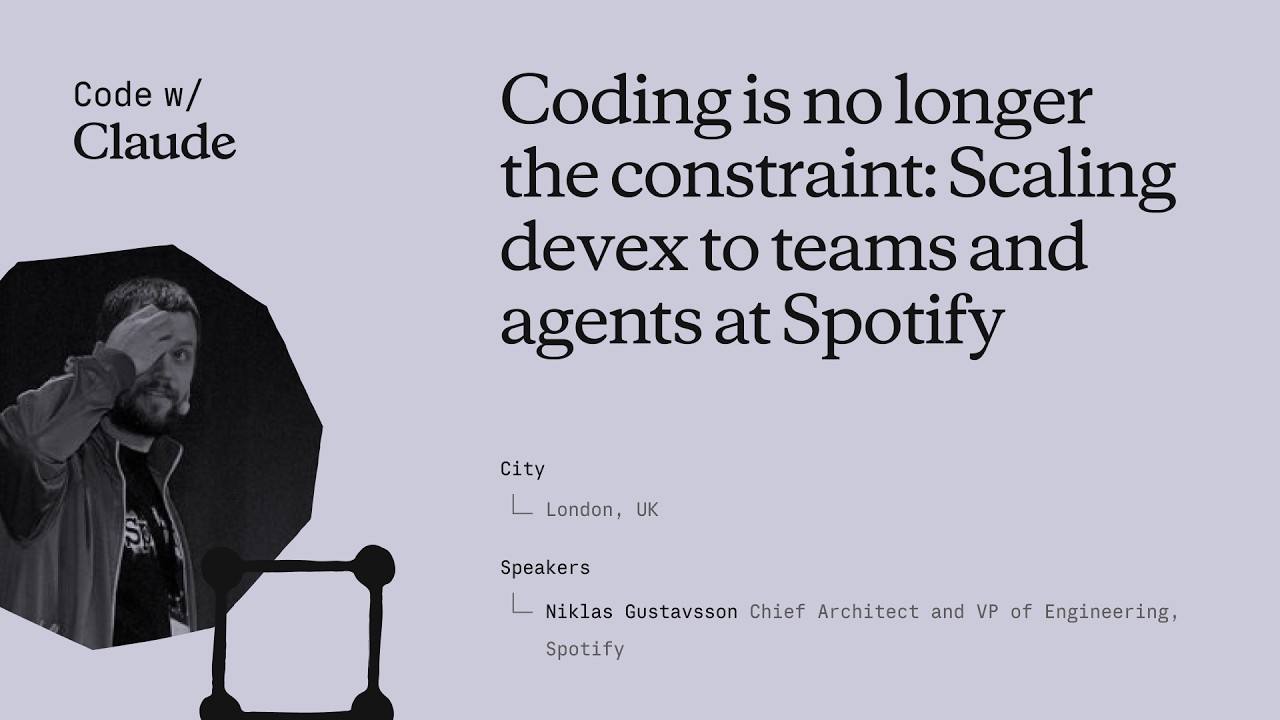
Coding is no longer the constraint: Scaling devex to teams and agents at Spotify
Niklas Gustavsson, Spotify's Chief Architect and VP of Engineering, walks through how a 3,000-person engineering org went from 0 to 99% AI tool adoption in months — and what that does to your product development constraints. The talk covers three concrete systems Spotify built: FleetShift for fleet-wide automated migrations, Honk as a background Claude-powered coding agent, and Backstage as the structured environment that makes agents reliable at scale. The central argument is that the same standardization practices that made human teams fast now make agents fast too. ## [00:18] Spotify's AI adoption surge Spotify's adoption of AI coding tools didn't grow gradually — it inflected sharply around the Claude Opus 3.5 release in November 2024. Within months, 99% of engineers used AI tools weekly, 94% reported meaningful productivity gains in the latest internal survey, and PR frequency jumped 76%. Niklas notes he had to update the PR frequency slide while preparing it because the numbers kept rising. The volume shift is also qualitative: by now, the majority of PRs shipped at Spotify are co-authored by an AI agent together with the developer, not written by a human alone. > *"Today more than 99% of our engineers use AI coding tools every week. And in the latest [survey], 94% of our engineers reports that using AI tooling has helped them become more productive."* ## [03:52] FleetShift: automating fleet-wide maintenance before AI Spotify's pre-AI problem was that its production codebase was growing seven times faster than the engineering headcount. That meant engineers spent progressively more time on maintenance — version bumps, API deprecations, security patches — leaving less capacity for new features. The answer was FleetShift, a fleet management system that treats those changes as coordinated mutations across thousands of repositories rather than per-component manual work. By the time AI entered the picture, FleetShift had already automerged 2.5 million maintenance PRs with no human in the loop: automation creates the PR, validates it in CI, and merges it. That infrastructure became the orchestration layer that Honk would later plug into. > *"Today up until today we've now merged two and a half million of those automated maintenance PRs. Work that our developers did not have to do."* ## [07:38] Building Honk — a background coding agent on Claude's Agent SDK Simple rule-based scripts work fine for config changes and dependency bumps, but fall apart on anything involving actual code modifications. Code has, as Niklas puts it, a very wide API surface — there are many ways to call the same method, and when you run a migration script across millions of lines and thousands of repos, you hit every corner case (a phenomenon with a name: Hyrum's Law). That brittleness was the forcing function for Honk. Honk is today a Claude-based coding agent wrapped inside a Kubernetes pod, scheduled by FleetShift, and equipped with CI tools so it can run builds, catch compile errors, and self-correct before opening a PR. A Java version migration that previously took multiple teams months now takes a single engineer three days. > *"Instead of writing these deterministic scripts to do these code modifications, can we use an LLM for this? [...] Out of this came a tool that we now called Honk."* ## [11:34] Honk V2 and multiplayer agent sessions Developers at Spotify quickly figured out how to invoke Honk over Slack — at-mentioning it mid-conversation and getting a PR back. That grassroots pattern pushed the team toward a more interactive product model. Honk V2, released in alpha during Hack Week the day before this talk, adds two layers on top of the original batch-migration use case. The first is integration with Chirp, Spotify's internal agent orchestration layer, which lets developers run many concurrent Honk sessions and coordinate them. The second is multiplayer: shared sessions where multiple developers can give feedback to the same agent instance simultaneously — described as "Google Docs but for Claude." Projects group those sessions into a shared workspace tracking a longer-horizon goal. > *"Basically imagine, uh, Google Docs or something similar, but for Claude."* ## [14:43] Standardization as agent infrastructure Spotify has operated for more than a decade on the principle that fewer technologies means faster execution. Limiting the stack reduces decision fatigue, makes cross-team collaboration easier, and lets engineers go deep on a smaller surface rather than maintaining breadth. That same principle, Niklas argues, directly improves agent performance. The mechanism is empirical: Spotify sees Claude produce noticeably worse outputs in their more fragmented codebases and better outputs where the stack is uniform. Backstage — their developer portal and software catalog — is the enforcement layer. It exposes component ownership, technology radar recommendations, and a "Golden State" spec for each component type. A Soundcheck UI lets teams self-assess compliance. Critically, all of these are also exposed as MCP servers and CLI tools so agents can query them directly. When Honk makes a code change, lint checks give it immediate feedback if it's using an off-radar pattern, and Niklas watches Claude self-correct against those checks in real time. > *"If Claude has a lot of other code to look at and that code looks roughly consistent, Claude will do better job. That's what we're seeing. And we actually have codebases that are more fragmented, and we can actually see Claude perform worse in those codebases."* ## [22:15] What happens when coding stops being the bottleneck The sprint Niklas closes with is a reframing: the AI transition hasn't removed constraints from product development, it has relocated them. Coding used to be where time went; now that constraint is loosening, the bottlenecks are moving to human decision-making — which ideas to pursue, which PRs actually need a human reviewer, which prototypes are worth fleshing out. On the PR review side, 76% more PRs means developers are drowning in review requests. Spotify's response is to auto-approve the low-risk ones and focus human attention where it matters. On the prototyping side, Spotify now lets anyone — including executives — open Claude in the client monorepo with a set of skills and infrastructure, prompt a feature, and get an installable app back in minutes rather than days. The talk ends with Niklas noting that in six months, Spotify's entire product development process will look fundamentally different from anything they've done before. > *"Claude and agents allows us to allow anyone to prototype in our actual production codebase. [...] This has brought prototyping for something that could take days or weeks to literally taking minutes now."* ## Entities - **Niklas Gustavsson** (Person): Chief Architect and VP of Engineering at Spotify; delivered this keynote at Anthropic's Code with Claude conference - **Honk** (Software): Spotify's internal background coding agent, built on Anthropic's Agent SDK running in Kubernetes pods; integrates with FleetShift for fleet-wide migrations - **FleetShift** (Software): Spotify's fleet management and migration orchestration platform; schedules and tracks automated PRs across thousands of repositories; has automerged 2.5 million PRs - **Backstage** (Software): Spotify's open-source developer portal and software catalog; exposes component ownership, Golden State compliance, and MCP/CLI interfaces consumed by agents - **Chirp** (Software): Spotify's internal agent orchestration layer; allows running many concurrent agent sessions and coordinating multi-developer shared sessions - **Hyrum's Law** (Concept): Principle (named after a Google engineer) that any observable behavior of a system will be depended on by some user — explaining why generic migration scripts break at scale across large codebases - **Golden State** (Concept): Spotify's per-component-type specification of recommended technologies and practices; the standard Soundcheck measures compliance against
Ваш первый промпт в Claude Code
Второе видео Claude Code 101 от Anthropic посвящено написанию первого промпта: как выбирать между режимом одобрения и авто-принятием, когда переходить в режим плана через shift+tab и как выглядит реальный промпт в живой задаче "добавить тёмный режим". ## [00:03] Обращаться к Claude Code как к любому AI-ассистенту Вступительный фрейм намеренно снижает порог входа: написать промпт в Claude Code ничем не отличается от вопроса любому другому AI-ассистенту. Суть в том, что решения, принятые до нажатия Enter, защищают вас и делают инструмент удобнее в использовании. > *You talk to Claude Code like you would talk to any AI assistant.* ## [00:15] Режим одобрения vs авто-принятие (shift+tab) С самого начала доступны два режима. В режиме одобрения по умолчанию Claude запрашивает подтверждение перед каждым изменением файла. В режиме авто-принятия правки и создание файлов проходят автоматически, но запуск команд оболочки по-прежнему требует вашего разрешения. shift+tab переключает между ними без поиска настроек. Рассказчик явно отказывается называть один из режимов "правильным": выбирайте тот, который соответствует вашему уровню контроля. > *In auto accept mode, it will automatically approve an edit or creation of a file, but ask your permission to run commands.* ## [00:40] Режим плана: исследование только для чтения перед кодингом В том же меню shift+tab скрыт третий режим — режим плана. Claude берёт промпт, использует инструменты только для чтения, чтобы обойти кодовую базу, задаёт уточняющие вопросы по любым неясным моментам и выдаёт подробный план до того, как коснётся хоть одного файла. Типичные случаи: многошаговые реализации функций и безопасные ревью кода — везде, где нужно оценить подход до того, как агент начнёт писать. > *Plan mode takes your prompt and uses read-only tools to analyze your code base and do research on your suggested implementation.* ## [01:10] Живая демонстрация: промпт для переключателя тёмного режима Демонстрация — это суть видео. Из корня проекта несколько раз нажать shift+tab для входа в режим плана, затем написать промпт, который делает три вещи одновременно: формулирует цель ("тёмный режим во всём приложении"), указывает интерфейс ("переключатель в шапке") и добавляет ограничение, которое Claude должен исследовать ("найти хороший контрастный цвет, подходящий к существующей светлой теме"). Цель плюс интерфейс плюс ограничение — неявный шаблон хорошего первого промпта. > *Can you create a toggle switch on the header that allows user to toggle between light mode and dark mode?* ## [01:46] Просмотр того, что Claude сделал на самом деле После того как Claude возвращает план и пользователь его одобряет, ценность — в проверяемости: можно явно увидеть, что Claude сделал и как пришёл к результату. Рассказчик визуально оценивает отрисованный тёмный режим и даёт добро — неявный урок в том, что "выглядит довольно хорошо" — приемлемая планка для ревью низкорискованной UI-работы, если вы действительно посмотрели. > *At the end of all this, we can see explicitly what Claude did and how it came to its conclusion.* ## [02:09] Итог: будьте конкретны, используйте режим плана Заключительное правило: будьте максимально конкретны в промпте, и используйте режим плана, когда хотите, чтобы Claude глубоко разобрался в деталях того, чего вы пытаетесь достичь, прежде чем начать выполнение. Режим одобрения держит вас в курсе на каждом шаге, если это ваше предпочтение. > *When using Claude Code, try to be as descriptive as possible with your prompt.* ## Entities - **Anthropic Tutorial Narrator** (Person): Официальный рассказчик Anthropic для серии обучающих видео Claude Code 101. - **Claude Code** (Software): Агентный терминальный ассистент для разработки от Anthropic — тема данного руководства по написанию промптов. - **Approval mode** (Concept): Режим по умолчанию, при котором Claude Code запрашивает разрешение перед каждым изменением файла. - **Auto-accept mode** (Concept): Режим, автоматически одобряющий правки и создание файлов, но по-прежнему блокирующий команды оболочки. - **Plan mode** (Concept): Режим исследования только для чтения, формирующий подробный план до написания кода; включается через shift+tab. - **shift+tab** (Shortcut): Сочетание клавиш, циклически переключающее режимы одобрения, авто-принятия и плана в Claude Code.
Как работает Claude Code
Второй эпизод Claude Code 101 от Anthropic открывает капот: агентный цикл, собирающий контекст, выполняющий действия и проверяющий результаты; как контекстное окно сжимается само, не переполняясь; что инструменты реально дают по сравнению с обычным текстом на входе и выходе; и четыре режима разрешений, переключаемых с помощью shift+tab. ## [00:04] Вводный вопрос: чем он отличается от чат-приложения Рассказчик формулирует весь видеоролик как один вопрос: Claude Code — не чат-приложение, так что же это такое? Ответ, который они собираются раскрыть, — агентный цикл. > *We know that Claude code is different from usual chat applications, but how does it work?* ## [00:13] Агентный цикл — собрать, действовать, проверить, повторить Цикл состоит из четырёх ударов. Вы вводите промпт. Claude собирает нужный контекст, общаясь с моделью, которая возвращает либо текст, либо вызов инструмента. Claude выполняет действие — редактирует файл, запускает команду. Затем проверяет, удовлетворяет ли результат промпту. Если да — останавливается; если нет — цикл повторяется, пока работа не будет завершена и верифицирована. Пользователь не заблокирован в это время: можно добавлять контекст, прерывать процесс или направлять модель к конечной цели, пока цикл выполняется. > *And if they don't, Claude goes back and runs the loop again until the results are complete and verifiable.* ## [01:02] Контекстное окно и автоматическое сжатие Контекстное окно — это рабочая память Claude: разговор, содержимое файлов, вывод команд, всё, на что он может оглянуться. Оно ограничено. При достижении предела Claude Code самостоятельно сжимает разговор: решает, что выбросить и что суммировать, чтобы окно снова уменьшилось, не теряя нить. > *Once you reach that limit, Claude code compacts your conversation, which automatically determines what it can take out of the context window and what it can summarize in order to bring the context window back down.* ## [01:26] Инструменты — семантическая диспетчеризация для чтения файлов, выполнения кода и поиска в сети Большинство ИИ-ассистентов — это текст на входе, текст на выходе, без ничего между. Инструменты меняют это: они позволяют агенту решать, когда выполнять код, чтобы приблизиться к цели. Читать файл, искать в сети, запускать команду оболочки. Claude Code использует семантический поиск по доступным инструментам, чтобы выбрать, какой вызвать, и потребить результат. > *Tools let Claude code and other agents determine when to execute code to get closer to a task.* ## [01:52] Режимы разрешений и цена их игнорирования По умолчанию Claude Code спрашивает разрешения перед редактированием файла или выполнением команды оболочки. Shift+tab переключает альтернативы: **автоматическое принятие правок** записывает файлы без запроса, но по-прежнему спрашивает перед командами; **режим плана** ограничивает Claude инструментами только для чтения, чтобы составить план действий перед тем, как что-либо трогать. Рассказчик указывает на очевидный компромисс: дать агенту полную свободу значит, что ошибку труднее поймать до того, как она произойдёт. > *Giving Claude code free reign to run commands means a mistake could be harder to catch before even happens.* ## [02:28] Итог — что делает его не чат-окном Четыре примитива, объединённых в терминале: агентный цикл, управляемое контекстное окно, инструменты и настраиваемые разрешения. Комбинация — читать кодовую базу, действовать в ней, проверять собственную работу — это то, что отличает Claude Code от чат-окна. > *It can read your code base, take action, and verify its own work, and that makes it fundamentally different from a chat window.* ## Сущности - **Anthropic Tutorial Narrator** (Person): Официальный голос за кадром Anthropic для серии обучающих видео Claude Code 101. - **Claude Code** (Software): Агентный терминальный ассистент для программирования от Anthropic, построенный вокруг четырёх примитивов, раскрытых в этом эпизоде. - **Agentic loop** (Concept): Цикл сбор-контекста, действие, проверка, повтор, который управляет каждой сессией Claude Code. - **Context window** (Concept): Ограниченная рабочая память Claude, хранящая разговор, содержимое файлов и вывод команд; автоматически сжимается при переполнении. - **Tools** (Concept): Побочные эффекты, которые агент может вызывать: читать файл, искать в сети, выполнять команду, выбираются через семантический поиск по каталогу инструментов. - **Permission modes** (Concept): По умолчанию (спрашивать), автоматическое принятие правок и режим плана (только чтение) — переключаются через shift+tab. - **Plan mode** (Feature): Режим разрешений только для чтения, позволяющий Claude составить план действий перед любым изменением.
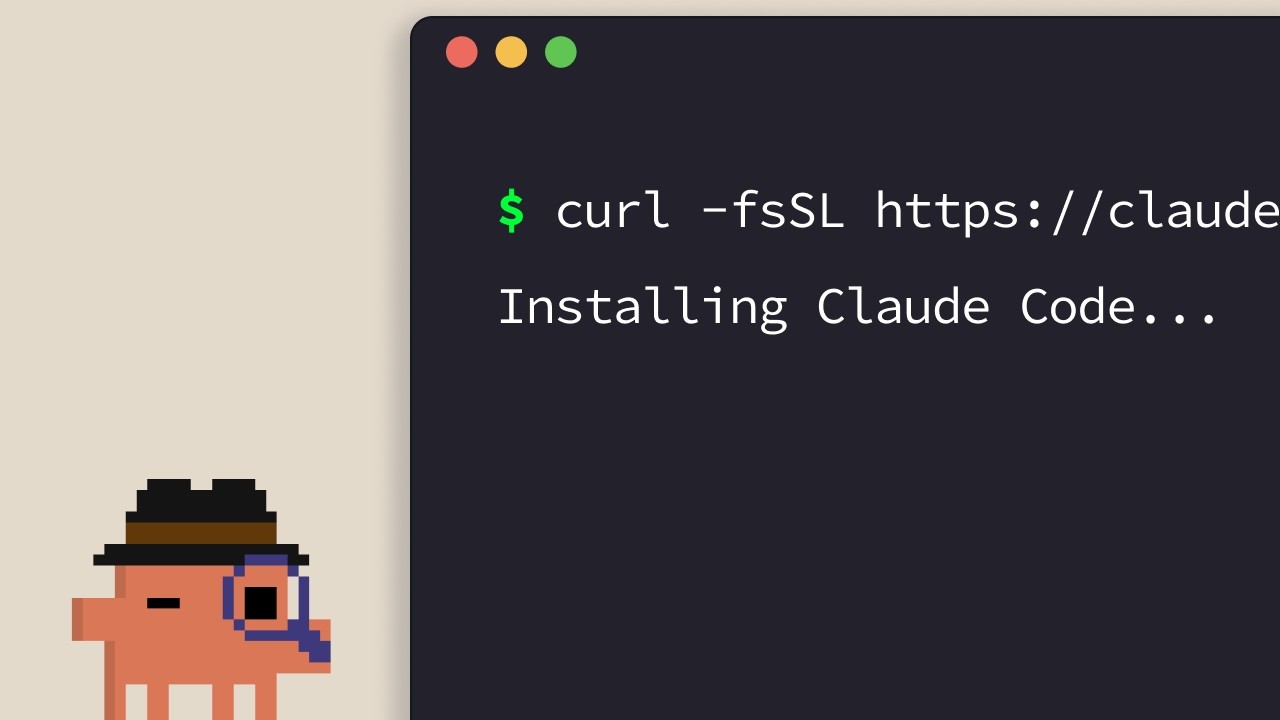
Установка Claude Code
Официальное руководство по установке Claude Code. Диктор Anthropic последовательно рассказывает об однострочных установщиках для каждой поддерживаемой платформы — терминал, VS Code, JetBrains, Claude Desktop и веб — и завершает простым правилом для выбора подходящего варианта. ## [00:04] Однострочные установщики для терминала (macOS, Linux, WSL, Windows) Стандартный способ — установка через терминал. Пользователям macOS, Linux и WSL достаточно одной команды `curl`; Homebrew тоже работает, но не поддерживает автообновление. В Windows PowerShell использует `Invoke-RestMethod`, CMD имеет собственный фрагмент `curl`, а `winget` доступен с тем же ограничением автообновления, что и Homebrew. > *If you're on macOS, Linux, or WSL, use this curl command to install it in one go. If you prefer to use Homebrew, you can also use brew install to install it, but note that this doesn't have auto-update capabilities.* ## [00:33] Запуск claude в проекте и вход в систему После установки перейдите в папку проекта командой `cd` и запустите `claude`. При первом запуске откроется выбор цветовой темы и форма входа, поддерживающая аккаунты Pro, Max, Enterprise или API-ключ. Для Enterprise-аккаунтов этот вариант нужно выбрать явно. Папка, из которой вы запускаете инструмент, определяет границу доступа — Claude Code видит её и все вложенные папки, но не родительские каталоги. > *Whatever directory you decide to run cloud in, it will have access to that directory and all of its subfolders.* ## [01:02] Расширение VS Code Откройте панель расширений, найдите расширение Claude Code от Anthropic и перед установкой убедитесь в наличии синей галочки верификации. Может потребоваться перезапуск. После установки командная палитра (`Ctrl/Cmd+Shift+P`) открывает новую вкладку Claude Code; также можно кликнуть на логотип в любом открытом файле или полностью отключить GUI в настройках и работать только через терминал. > *You can also opt out of the UI and just use the terminal experience directly in your settings file.* ## [01:32] Плагин JetBrains Процесс аналогичен VS Code: установите плагин Claude Code из JetBrains Marketplace, перезапустите IDE — и логотип Claude появится при повторном запуске. Клик по нему открывает боковую панель с терминальным интерфейсом рядом с редактором. > *For JetBrains IDEs, you can install the Cloud Code plugin from the JetBrains Marketplace. Once you install, restart your IDE.* ## [01:51] Claude Desktop и claude.ai/code в браузере После входа в Claude Desktop в верхней части приложения появляется переключатель «code», открывающий Claude Code — тот же чат-интерфейс, но ограниченный конкретной папкой с настраиваемыми правами и режимом облачного выполнения. Веб-версия доступна по адресу `claude.ai/code` и повторяет опыт десктопа с одним жёстким ограничением: она работает только с репозиториями GitHub. > *On the web, you can access Claude code by going to claude.ai/code. This works very similar to the desktop app. However, you're restricted to GitHub repositories only.* ## [02:27] Выбор подходящего варианта Эвристика диктора: прежде всего терминал, если хотите получать новые функции в день выпуска. Интеграции с IDE дают почти идентичный опыт внутри редактора. Desktop — лучший выбор, если нужно, чтобы Claude работал в фоне, пока вы занимаетесь другим. Веб подходит для удалённой работы с репозиториями GitHub или для параллельного запуска нескольких сессий. > *If you want to constantly keep up to date with everything, the terminal is the best bet. Features ship there the fastest.* ## Entities - **Anthropic Tutorial Narrator** (Person): Закадровый ведущий курса Claude Code 101 от Anthropic. - **Claude Code** (Software): Агентный инструмент для разработки от Anthropic, устанавливаемый через терминал, IDE, десктоп и веб. - **Homebrew / winget** (Software): Альтернативные способы установки через пакетные менеджеры вместо официальных curl/PowerShell-установщиков — оба без автообновления. - **VS Code extension** (Software): Расширение Claude Code, опубликованное Anthropic; перед установкой проверьте синюю галочку верификации. - **JetBrains plugin** (Software): Плагин Claude Code, распространяемый через JetBrains Marketplace; после перезапуска IDE открывает боковую панель. - **Claude Desktop** (Software): Десктопное приложение с доступом к Claude Code через переключатель «code», с ограничением по папке и режимом облачного выполнения. - **claude.ai/code** (Service): Веб-версия Claude Code, ограниченная репозиториями, размещёнными на GitHub.
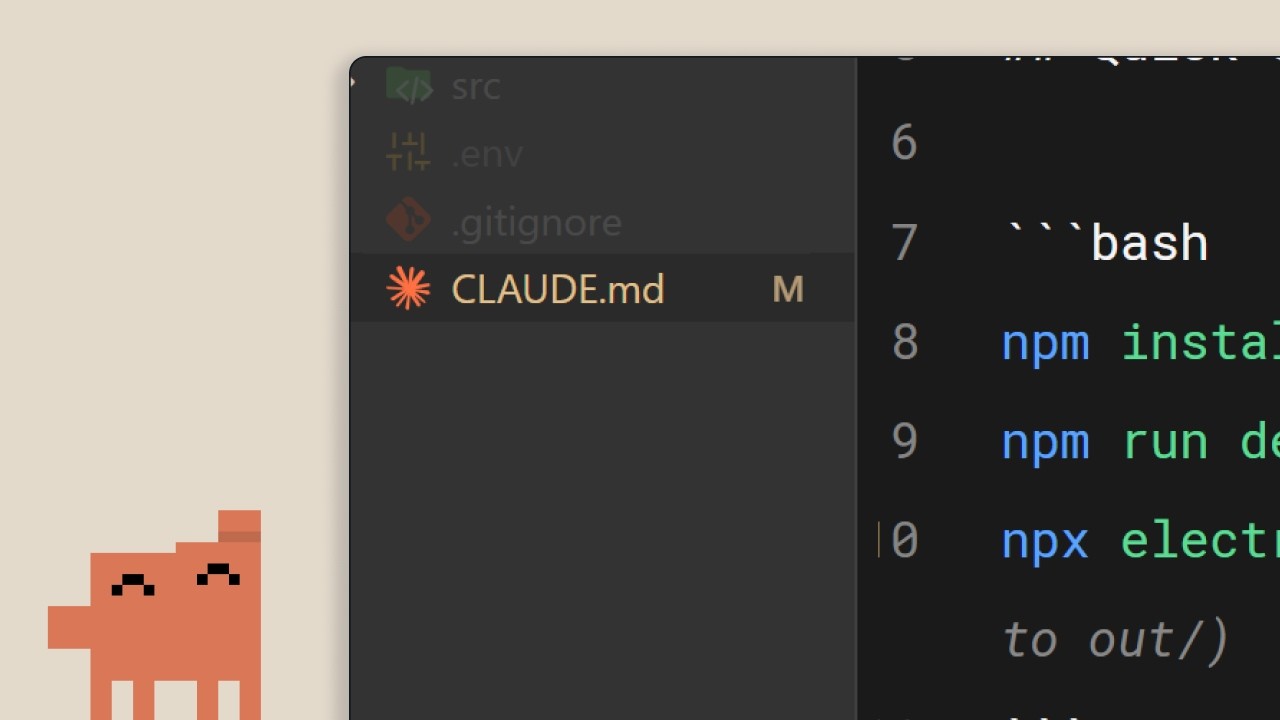
Файл CLAUDE.md
Второй эпизод Claude Code 101 от Anthropic посвящён единственному файлу, который превращает Claude Code из незнакомца в члена команды: `CLAUDE.md`. Что в него писать, как иерархия проект/пользователь разделяет ответственность и три привычки, которые не дадут файлу превратиться в стену устаревших правил. ## [00:02] Зачем Claude Code нужна постоянная память Без `CLAUDE.md` каждая сессия начинается с нуля. Claude вынужден заново обходить кодовую базу, угадывать зависимости и переоткрывать уже реализованный функционал. Именно эти догадки и делают управление моделью сложным. Файл существует, чтобы сокращать это повторное открытие при каждой новой сессии. > *When you open up Claude Code without a claude.md file, it's like it has to start fresh every single time.* ## [00:34] Что такое CLAUDE.md и команда /init Это обычный Markdown-файл в корне проекта, который читается при каждом старте сессии и напрямую добавляется в ваш промпт — «скрипт онбординга для вашей кодовой базы». Если не хочется писать его вручную, `/init` сгенерирует первый черновик на основе существующего кода. Пример из туториала состоит из трёх коротких блоков: стек (Next.js 15 app router, Tailwind, Drizzle ORM), команды (dev-сервер, тесты, lint) и правила стиля кода (отступ 2 пробела, именованные экспорты, API-маршруты в `app/api`, предпочтение server actions). С таким файлом запрос на React-компонент сразу выдаёт код в стиле проекта — без нескольких итераций правок. > *It's a markdown file that you add to the root of your project and Claude Code reads it automatically every time you start a session.* ## [01:34] Иерархия памяти: проект против пользователя Да, добавьте его в систему контроля версий. `CLAUDE.md` на уровне проекта предназначен для всей команды. Но есть и второй уровень: пользовательский `CLAUDE.md` в папке конфигурации, который следует за вами по всем проектам. Там хранятся личные предпочтения — стиль комментариев, любимые идиомы — не засоряя общий файл. > *But there's actually a hierarchy of memory files depending on who it's for.* ## [02:01] Три совета, чтобы CLAUDE.md оставался полезным Три привычки, которые продвигает ведущий. Первая: когда вам приходится раз за разом поправлять Claude в одном и том же («всегда используй server actions вместо API-маршрутов»), явно попросите его сохранить это в памяти — тогда исправление будет работать от сессии к сессии. Вторая: подключайте существующую документацию через `@filepath`, а не копируйте её в файл. Третья — вопреки интуиции — начните новый проект *без* `CLAUDE.md` и смотрите, где вам постоянно приходится корректировать курс. Только эти точки трения заслуживают места в файле. Так он остаётся компактным, а не раздутым. > *We recommend you start off a project without a claude.md file so you can see where you have to constantly course correct the model.* ## [02:39] Итог: контекст решает всё Весь посыл в одной строке: разница между провальной и продуктивной сессией — это контекст, а `CLAUDE.md` — механизм его доставки. Начните с малого — стек, предпочтения, команды — и наращивайте из реальных точек трения. > *Start with your stack, your preferences, and then commands, and just build from there as you go.* ## Сущности - **Ведущий туториала Anthropic** (Person): Диктор официальной серии Anthropic Claude Code 101. - **CLAUDE.md** (Concept): Markdown-файл в корне проекта, который Claude Code автоматически загружает при каждой сессии, добавляя постоянный контекст к промпту пользователя. - **/init** (Command): Команда Claude Code, которая генерирует начальный `CLAUDE.md`, сканируя существующую кодовую базу. - **CLAUDE.md уровня проекта vs пользователя** (Concept): Двухуровневая иерархия памяти. Файл проекта находится в корне репозитория и расшаривается через контроль версий; файл пользователя находится в папке конфигурации и переносит личные предпочтения по всем проектам. - **Ссылка @filepath** (Concept): Синтаксис для указания в `CLAUDE.md` на существующие файлы документации вместо дублирования их содержимого. - **Next.js 15 / Tailwind / Drizzle ORM** (Software): Стек, использованный в примере `CLAUDE.md` из туториала для иллюстрации того, как выглядит реальный файл.
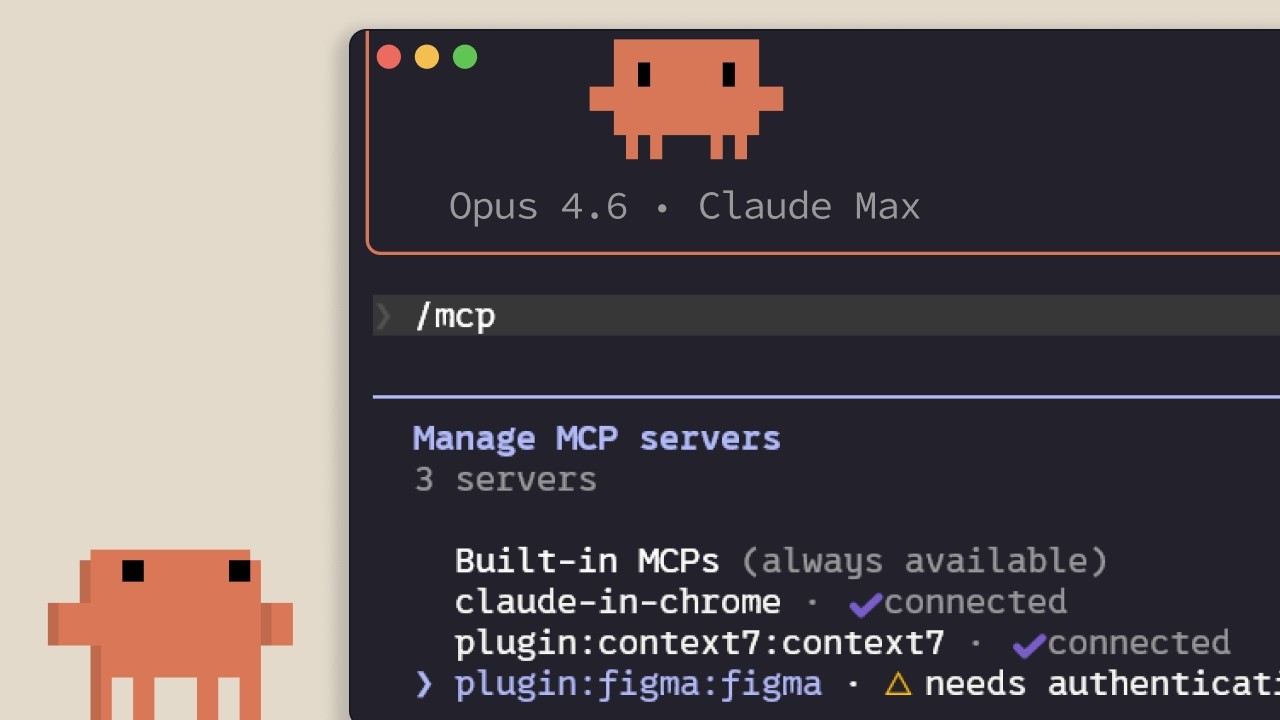
MCP в Claude Code
Разбор от Anthropic: что такое Model Context Protocol в Claude Code, к чему он подключается, как добавлять и разграничивать серверы по областям, и какой скрытый расход контекста несёт каждый установленный сервер. Материал рассчитан на разработчиков, которые собираются связать Claude Code с Linear, GitHub или корпоративными инструментами. ## [00:02] Зачем нужен MCP — контекст живёт за пределами редактора Главная мысль с первых слов: большая часть контекста, необходимого Claude Code, находится не в репозитории, а в базах данных, приложениях для продуктивности и публичных пакетах. MCP — открытый стандарт, который позволяет Claude самостоятельно обращаться к этим ресурсам и решать, когда их вызывать, а не ждать, пока вы вставите нужное вручную. > *Model Context Protocol — открытый стандарт, позволяющий Claude Code подключаться к внешним инструментам и источникам данных.* ## [00:35] Инструменты и что MCP-серверы реально подключают Прежде чем перечислять серверы, ведущий объясняет понятие *инструмента*: агенты вроде Claude Code используют инструменты для выполнения действий — именно это отличает их от чата, который просто возвращает текст. Следуют два конкретных примера: MCP-сервер Linear, который загружает задачи команды в сессию, и сервер Context7, передающий актуальную документацию по используемой зависимости. Сотни других доступны на claude.com/connectors. > *Инструменты дают агентам вроде Claude Code возможность выполнять действия, чтобы эффективнее решать поставленные задачи.* ## [01:14] Добавление серверов: HTTP против STDIO и /mcp Серверы добавляются командой `claude mcp add` и бывают двух видов: **HTTP**-серверы, которые провайдер размещает удалённо и к которым обращаются через сеть, и **STDIO**-серверы — локальные процессы, запускаемые на собственной машине. После установки команда `/mcp` внутри сессии показывает список подключённого, статус каждого сервера и позволяет отключить любой из них. > *HTTP-серверы — для удалённых сервисов... STDIO-серверы — для локальных процессов, работающих на вашей машине.* ## [01:42] Три области: local, user и project (.mcp.json) Каждый сервер попадает в одну из трёх областей. **Local** ограничивает его текущим проектом и только для вас. **User** делает его доступным во всех ваших проектах. **Project** создаёт файл `.mcp.json`, который вы добавляете в систему контроля версий, — тогда каждый участник команды, работающий с кодовой базой, автоматически получает те же серверы. > *Область project использует файл .mcp.json, который вы добавляете в систему контроля версий, — и все, кто работает с кодовой базой, автоматически получают точно такие же серверы.* ## [02:04] Определения инструментов съедают контекст — когда выбирать CLI или skill То, о чём никто не предупреждает, вручая вам список коннекторов: каждый настроенный MCP-сервер встраивает определения своих инструментов в контекстное окно — независимо от того, используете ли вы его в данный момент. Ведущий предлагает несколько способов справиться с этим: запустить `/mcp` и отключить всё простаивающее; при наличии CLI — `gh` или `aws` — отдавать предпочтение им, поскольку CLI не несут постоянных определений инструментов; или обернуть рабочий процесс в skill, который хранит в контексте лишь имя и описание до тех пор, пока Claude не решит его загрузить. Если MCP-определения превышают 10% контекста, Claude Code переходит в режим поиска инструментов и обнаруживает их по мере необходимости — это удобно, но менее надёжно, чем предварительная загрузка. > *MCP-серверы добавляют определения инструментов в ваше контекстное окно, даже когда вы ими не пользуетесь. При большом количестве настроенных серверов это заметно сокращает доступный контекст.* ## [03:10] Итоги Три вещи, которые нужно запомнить: `claude mcp add` устанавливает серверы, `.mcp.json` делится ими с командой, а `/mcp` — место, где вы убираете те, что реально не используете. > *Добавляйте серверы с помощью Cloud MCP add, ограничивайте их проектом через .mcp.json, чтобы команда получала их автоматически, и следите за расходом контекста, отключая серверы, которые вы не используете активно.* ## Сущности - **Ведущий туториалов Anthropic** (Person): Официальный диктор Anthropic для серии Claude Code 101. - **Model Context Protocol (MCP)** (Standard): Открытый протокол, позволяющий Claude Code подключаться к внешним инструментам и источникам данных через HTTP- или STDIO-серверы. - **Linear MCP server** (Software): Коннектор, загружающий задачи команды из Linear в сессию Claude Code. - **Context7 MCP server** (Software): Коннектор, снабжающий Claude Code актуальной документацией по используемой зависимости. - **.mcp.json** (Config): Манифест области проекта, добавляемый в систему контроля версий, чтобы каждый участник команды наследовал одни и те же MCP-серверы. - **/mcp** (CLI command): Команда внутри сессии для просмотра, проверки и отключения подключённых MCP-серверов. - **Tool search mode** (Feature): Резервный режим, в который Claude Code переходит, когда определения MCP-инструментов превышают 10% контекстного окна — инструменты обнаруживаются по запросу. - **Skill** (Concept): Лёгкая альтернатива полноценному MCP-серверу: в контексте хранятся только имя и описание, пока Claude не загружает тело по запросу.
Running an AI-native engineering org
Fiona Fung, who runs engineering and product for Claude Code and Cowie at Anthropic, walks through what broke when agentic coding became the team's default — review, ownership, planning, hiring — and the norms they rewrote to keep shipping. The throughline: when coding stops being the bottleneck, every process built around protecting expensive engineering bandwidth quietly stops working, and the manager's job is to notice and rewrite them fast. ## [00:00] Intro and the five themes Fiona opens with a confession that the room is much fuller than she expected (Boris and Jared's session is still letting out), takes a selfie with the audience, and frames the talk. Background: she grew teams at Meta and Microsoft before Anthropic, and is now responsible for Claude Code and Cowie engineering and product. The deck she's about to walk through has already been rewritten in the past month — routines didn't exist when she first wrote the slides. She previews five threads: bottlenecks have shifted, team norms had to be rewritten, how they rolled them out, what signals say the changes are working, and the open questions she's still sitting with. > *"I did this slide deck maybe like a month ago and already I've had to change some of the content cuz when I started this deck, there were no routines."* ## [02:10] The shift: bottlenecks have moved Fiona's subtitle for the whole talk is *what served you prior may not serve you any longer*. She takes the audience back to shipping Visual Studio 2005 on CD-ROMs — hard deadlines because the manufacturing lab had to print discs — and points out that the move from CDs to online distribution already rewired how teams ship. The new shift is bigger: for years coding throughput and engineering bandwidth were the expensive things, and that's quietly stopped being true on Claude Code. When the bottleneck moves, it doesn't disappear — it relocates to verification, review, cross-functional handoffs, and security. The questions that matter now are "is this code correct?" and "is this safe?", and the old planning and ownership norms quietly stop serving the team. > *"What served you prior may not serve you any longer."* ## [07:40] Rewriting team norms: code review, JIT planning, technical debates Inside Claude Code the team had to rewrite the norms one by one. Code review is the first — human judgment shifts to "who actually needs to look at this." Planning is the second — Fiona calls it JIT planning, like JIT compiling, because prototyping is no longer the expensive step that justifies a six-month roadmap. Technical debates are the third: code wins. Instead of two engineers arguing on a doc, both prototype the API and look at impact on callers, and Fiona made a point of caring about the API's downstream effects as much as the implementation itself. The unifying rule: when building is cheap and arguing is expensive, you don't let the last person who checks in win — you build the routines that get *you* the last word. > *"When building is cheap, arguing expensive, again, how does that shift your team norms a bit?"* ## [13:30] Routines and Claude as a second pair of hands With morning coffee Fiona now reads what a routine produced overnight rather than kicking off the work herself. The team leans on Claude code review heavily — Claude babysits PRs, handles styling, lint, and feedback requests, catches bugs before commit, and adds tests — while humans focus on the calls where trust is still being built. She also stresses product sense in tooling: she themed Claude's terminal output ice blue with snowflakes over the holidays, then pulls back to the bigger point that catching bugs earlier (shift left) and automating the double-click question matter more than any one tool. > *"Where do you trust Claude a lot, but then where do you still want a human?"* ## [16:45] Cross-functional gaps and hiring for the hard parts Fiona walks through a survey-update story: she didn't have a dedicated content designer, so Claude became her partner for terse, terminal-appropriate copy. Meanwhile PMs on the team write code, and engineers lean into PM work. The flip-side conclusion for hiring: non-traditional coders can now do more engineering, so the leader's job is to double down on the hard parts the team is actually missing. When she joined, Claude Code was strong on product generalists and creative folks but thin on distributed-systems expertise — that's where she pushed recruiting. > *"With Claude, you have non-traditional coders now being able to do more engineering, but you also have engineers that we can also now lean in to do other roles."* ## [18:51] Flat org and answering customer feedback yourself Fiona pushed her recruiters into an uncomfortable place: hire managers, but have them start as ICs first. The recruiter thought she was crazy; Fiona's answer is that dogfooding Claude Code is the job, and if a candidate isn't up for it the team is better off finding out early. Flat structure plus Claude as a context-switching aid is what lets her, as a manager, still ship code and answer customer requests directly from her desktop Claude Code — instead of routing every customer question through a triage system, she pulls up the local repository and answers it herself. > *"You want to hire managers and they will start as an IC first. No manager would be interested in that."* ## [25:00] Signals you're trending right and open questions The team's working metric is unglamorous and direct: every commit is cloud-assisted by default, and Fiona hasn't seen a non-Claude commit in roughly four months. But she warns against fetishizing the "X percent of code generated by AI" headline — throughput is one signal, not the goal. The end question is what product you're making more delightful and what problem you're solving, with quality and reliability watched alongside volume. She closes with the section she calls "audit your own effort," opens up the questions she's still asking herself, and hands suggestions back to the audience to take to their own teams. > *"For us, it's by default every commit is cloud-assisted. I don't think I've seen a non-cloud-assisted commit probably in the last 4 months or so."* ## Entities - **Fiona Fung** (Person): Director of Engineering at Anthropic, runs Claude Code and Cowie engineering + product; previously led teams at Meta and Microsoft. - **Boris** (Person): Engineering lead on Claude Code, frequent collaborator referenced throughout. - **Kat (Cat)** (Person): Anthropic colleague who gave a keynote earlier the same day on Claude code review. - **Claude Code** (Software): Anthropic's agentic coding tool that is now the default for the team Fiona runs. - **Cowie** (Software): Sister product Fiona's team also owns engineering + product for. - **Anthropic** (Organization): The company building Claude and Claude Code. - **JIT planning** (Concept): Fiona's term for shifting from a six-month roadmap to just-in-time planning, modeled on JIT compilation. - **Shift left** (Concept): Moving bug-catching and verification earlier — into automation and tooling — instead of relying on review after the fact. - **Routines** (Concept): Repeatable Claude-driven workflows the team relies on so a single human gets the last word on outcomes rather than the last commit timestamp winning.
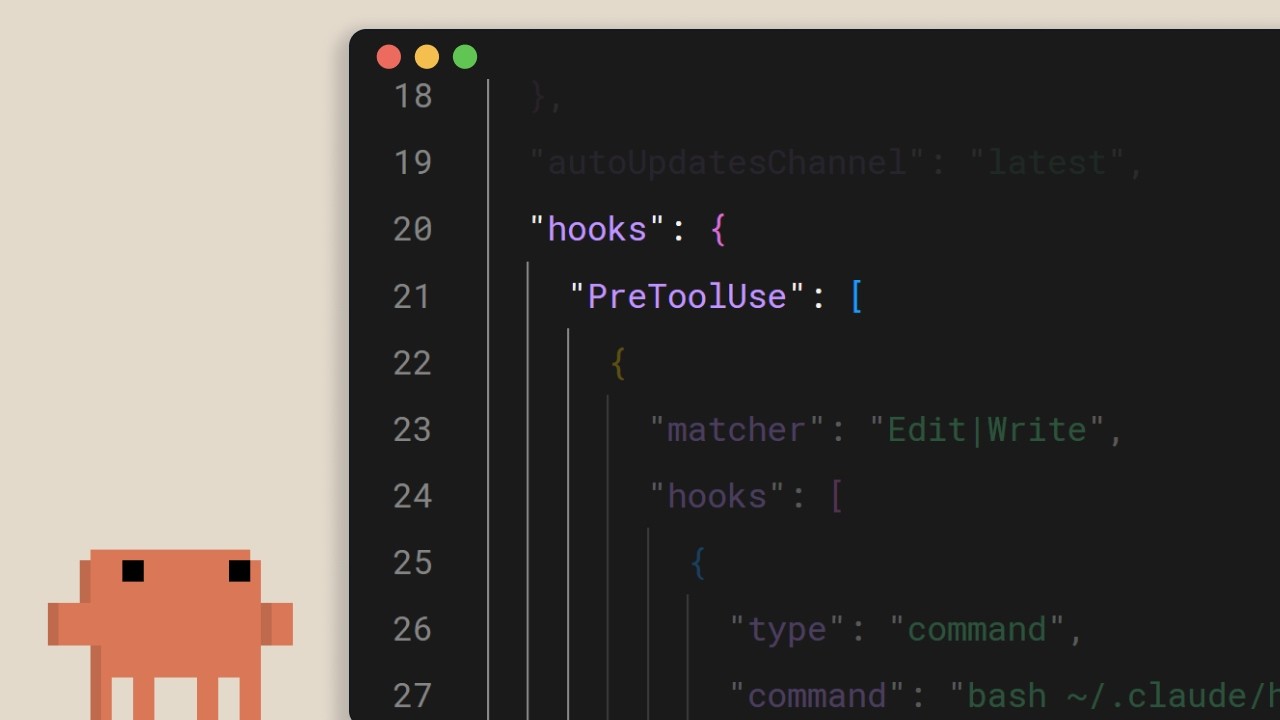
Hooks в Claude Code
Краткий обзор от Anthropic о hooks в Claude Code: детерминированный запасной выход для всего, что должно выполняться при каждом редактировании, каждом вызове инструмента и каждом коммите. Главный тезис: если вы пишете "всегда запускать prettier" в claude.md и рассчитываете на модель, вы уже проиграли. Перенесите это в hook. ## [00:02] Что такое hooks и почему они детерминированы Hooks срабатывают в фиксированных точках жизненного цикла Claude Code, и основной аргумент ведущего состоит в том, что в отличие от инструкций на уровне промпта они выполняются всегда. Указать модели в claude.md запускать prettier после каждого редактирования файла работает в большинстве случаев, но "в большинстве случаев" — это именно тот пробел, который закрывает hook. Та же цель, но обеспечивается runtime, а не предлагается LLM. > *You can tell Claude in your claude.md file to run prettier after every file edit and most of the time it will do that, but sometimes it won't. It's not perfect. But a hook makes it happen every single time with no exceptions.* ## [00:37] Распространённые сценарии использования Четыре показательных примера очерчивают область применения: автоматическое форматирование после редактирования файлов, логирование всех выполненных команд для соответствия требованиям, блокировка опасных операций вроде изменения production-файлов и отправка уведомлений себе, когда Claude завершает длительную задачу. > *Common use cases could include auto formatting after file edits, logging all executed commands for compliance, blocking dangerous operations like modifying production files, and sending yourself notifications when Claude finishes a task.* ## [00:52] Настройка hooks и пять событий жизненного цикла Конфигурация находится в `settings.json`: выберите событие, при необходимости ограничьте его matcher-ом для конкретного инструмента, затем укажите shell-команду. Пять событий охватывают весь цикл: `UserPromptSubmit` до того, как Claude получит промпт, `PreToolUse` и `PostToolUse` оборачивают каждый вызов инструмента, `Notification` срабатывает, когда Claude уведомляет пользователя, и `Stop` — когда Claude завершает ответ. > *Pre-tool use which runs before a tool call, post-tool use runs after a tool call completes. Notification runs when Claude sends a notification, and stop runs when Claude finishes responding.* ## [01:22] Автоматическое форматирование с помощью post-tool-use hook Классический пример: hook `PostToolUse` с matcher-ом `Edit` или `MultiEdit` срабатывает каждый раз, когда Claude изменяет файл. Команда проверяет расширение и направляет к нужному форматировщику: prettier для TypeScript, gofmt для Go, ruff для Python или что угодно, что стандартизирует проект. > *You set a post-tool use hook with a matcher of edit or multi-edit, right? So, it fires whenever Claude modifies a file. The command checks the file extension and runs the appropriate formatter.* ## [01:49] Блокировка вызовов инструментов через pre-tool-use и коды выхода Hooks `PreToolUse` получают имя инструмента и входные данные в формате JSON через stdin и принимают решение через код выхода: `0` — продолжить, `2` — заблокировать. Когда hook блокирует, всё, что он записал в stderr, передаётся Claude в качестве обратной связи, чтобы модель знала причину и могла скорректировать план. Именно здесь устанавливаются жёсткие правила: запрет записи в production-директорию конфигурации, отклонение bash-команд, содержащих `rm -rf`, блокировка коммитов в main. Позиция ведущего: то, что команде нужно гарантировать, а не просто рекомендовать. > *If it exits with code two, the action is blocked and the STD error message gets fed back to Claude's feedback so Claude knows why it was blocked and can adjust.* ## [02:26] Hooks на уровне проекта и командное использование Hooks в `.claude/settings.json` имеют область видимости проекта и могут быть закоммичены в репозиторий: вся команда автоматически получает их при клонировании. Ссылайтесь на скрипты через переменную окружения `CLAUDE_PROJECT_DIR`, чтобы команды корректно разрешались независимо от текущей рабочей директории Claude. Финальное правило: если что-то должно происходить каждый раз без исключений, не вставляйте это в промпт, а помещайте в hook. > *If something needs to happen every time without fail, don't put it in a prompt. Put it in a hook.* ## Entities - **Anthropic Tutorial Narrator** (Person): Официальный голос Anthropic для серии обучающих роликов Claude Code 101. - **Claude Code** (Software): Агентский терминальный инструмент для разработки от Anthropic, к которому hooks подключаются в точках жизненного цикла. - **Hooks** (Concept): Детерминированные команды, срабатывающие в фиксированных точках цикла Claude Code: обеспечиваемая runtime альтернатива инструкциям на уровне промпта. - **settings.json** (Configuration): Место объявления hooks; `.claude/settings.json` в корне проекта фиксируется в репозитории, чтобы команды использовали одни и те же правила. - **PreToolUse / PostToolUse / UserPromptSubmit / Notification / Stop** (Events): Пять событий жизненного цикла, к которым может подключиться hook. - **CLAUDE_PROJECT_DIR** (Environment variable): Используется в командах hook для ссылки на скрипты относительно проекта, независимо от текущей рабочей директории Claude.
Что такое Claude Code?
Официальное руководство Anthropic по Claude Code — что это такое, чем отличается от Claude.ai и три вещи, которые нужно знать, прежде чем позволить LLM выполнять команды в вашей кодовой базе. Предназначено для разработчиков, которые впервые устанавливают инструмент для работы с терминалом. ## [00:04] Что такое Claude Code и где он работает Claude Code позиционируется как агентский инструмент разработки: он понимает вашу кодовую базу, редактирует файлы, выполняет команды и интегрируется с инструментами разработчика, которые вы уже используете. Он работает на нескольких платформах — терминал, VS Code, JetBrains IDE, десктопное приложение Claude и веб — но в этом руководстве терминал рассматривается как основной вариант использования. > *Claude Code is an agentic coding tool that understands your code base, edits your files, run commands, and integrates with your existing developer tools to help you get things done faster.* ## [00:34] Чем он отличается от Claude.ai Ключевое различие — не в возможностях модели, а в доступе: Claude Code напрямую работает с вашим терминалом и всей кодовой базой, поэтому цикл копирования и вставки в чат исчезает — инструмент выполняет работу на месте. Называть его «ИИ-агентом» — это краткое обозначение той прямой среды выполнения. > *Unlike Claude AI, Claude Code has direct access to your files in your terminal and your entire code base.* ## [00:51] ИИ-агенты и возможности Claude Code ИИ-агент здесь означает программное обеспечение, которое взаимодействует со своей средой и предпринимает действия для достижения определённой цели — в простейшей форме это LLM в цикле реального времени с доступом к инструментам, внешним сервисам и другим агентам. Для Claude Code это выражается в конкретных возможностях: чтение и объяснение кодовой базы, трассировка ошибок по файлам, запуск скриптов сборки и тестов, установка пакетов и получение актуальной документации по API из сети для принятия следующего решения. > *An AI agent is a software that can interact with its environment and perform actions to complete a defined goal.* ## [01:45] Три концепции, которые нужно знать перед началом Рассказчик выделяет три свойства, которые определяют повседневное использование. Первое — **контекстное окно** — рабочая память Claude: большая, но конечная, поэтому агент должен стратегически навигировать по кодовой базе, а не загружать её целиком. Второе — Claude Code **запрашивает разрешение** перед выполнением команд или изменением файлов; вы сохраняете контроль независимо от того, хотите ли вы руководить каждым шагом или дать ему работать в основном самостоятельно. Третье — **он может ошибаться**: неверно понять намерение, внести баги или избыточно усложнить решение. Относитесь к его результатам как к результатам любого другого инструмента, а не как к истине в последней инстанции. > *By default, Claude Code will ask you before running commands or making changes to your code base.* ## [02:34] Итоги Claude Code — агентский инструмент разработки, который читает вашу кодовую базу, редактирует файлы, выполняет команды и подключается к внешним инструментам, помогая вам выпускать продукт быстрее. Доступен уже сегодня в терминале, VS Code, JetBrains и десктопном приложении Claude. > *Claude Code is an agentic coding tool. It reads your code base, edits your files, runs commands, and connects to external tools to help you ship faster.* ## Сущности - **Anthropic Tutorial Narrator** (Person): Официальный диктор Anthropic для серии учебных материалов Claude Code 101. - **Claude Code** (Software): Агентский инструмент разработки от Anthropic на базе терминала, работающий непосредственно с вашей кодовой базой. - **Claude.ai** (Software): Чат-продукт Claude — в противопоставлении с выполнением кода в среде Claude Code. - **AI agent** (Concept): LLM, работающий в цикле реального времени с доступом к инструментам, внешним сервисам и другим агентам для достижения определённой цели. - **Context window** (Concept): Рабочая память Claude — конечная, поэтому агент навигирует стратегически, а не загружает кодовую базу целиком. - **VS Code / JetBrains IDEs** (Software): Интеграции с редакторами, в которые Claude Code поставляется наряду с терминалом и десктопным приложением Claude.
Рабочий процесс Исследование→План→Код→Коммит в Claude Code
Трёхминутный обзор Anthropic цикла, который они считают самой важной привычкой при работе с Claude Code: сначала исследовать в режиме плана, определить что значит "готово" до того как тронут хоть один файл, а затем попросить субагента проверить diff перед пушем. ## [00:03] Почему исследование-план-код-коммит лучше немедленного старта Вступление прямолинейное — если вы усвоите из курса только одну привычку, пусть это будет данный рабочий процесс. Режим отказа, с которым он борется — рефлекс вставить задачу в Claude и наблюдать, как тот немедленно генерирует код, что ускоряет старт, но откладывает стоимость исправлений на потом. > *Without this, most people jump straight to pasting in Claude to write code, which means more course correcting later on.* ## [00:21] Режим плана: исследование только для чтения перед правками Режим плана сжимает исследование и планирование в одно действие. Claude может читать файлы и выполнять веб-поиск, но запись ему запрещена — Shift+Tab переключает в него из строки ввода. Рассказчик демонстрирует на реальном запросе (добавить конвертацию WebP в пайплайн загрузки изображений, выяснить куда она вписывается, какие зависимости нужны, как подойти к реализации). Claude возвращает план; вы его читаете и просите доработок если что-то упущено. Это самое дешёвое место во всём цикле для смены направления, потому что ничего ещё не написано. > *With plan mode, Claude can't edit files. It just reads files to gather research on how to tackle this implementation.* ## [01:11] Одобрить план и корректировать курс пока Claude кодирует Как только план выглядит правильно, Одобрение возвращает выполнение Claude для прохождения по чеклисту. Вы выбираете — принимать правки файлов автоматически или запрашивать подтверждение каждый раз. Claude будет разбираться с проблемами самостоятельно, но ожидайте что придётся вмешаться — и здесь режим плана окупается тем, что агент несёт в себе исследовательский контекст, который породил план, поэтому правки на лету приземляются в нужное место вместо старта с нуля. > *This is the benefit of working with plan mode because after the plan is finished, we also have the context of how it got to the results to help it guide its next decision.* ## [01:39] Сделать критерии успеха явными и дать Claude реальные инструменты План без определения "правильного" оставляет Claude гадать. Опишите как выглядит успех, а затем оснастите агента для реальной проверки: расширение Claude+Chrome позволяет ему управлять вкладкой браузера для тестирования только что построенного интерфейса; тестовый набор даёт что-то для валидации на каждом витке, и Claude может сам писать тесты — но только если вы уже проверили их как истину в последней инстанции. Совет по устойчивости: когда Claude снова и снова натыкается на одну и ту же проблему, попросите его зафиксировать решение в файле CLAUDE.md чтобы перестать переучиваться. > *In order for Claude to be confident in its results, it has to be clear on what it deems correct.* ## [02:24] Проверка субагентом, коммит и итоги Перед пушем запустите субагента-ревьюера кода на diff — второй взгляд без привязанности к реализации. Затем попросите Claude составить сообщение коммита в вашем стиле и отправить его. Итоги переосмысливают каждый шаг: Исследование даёт контекст, План определяет успех, Код — это туда-обратно сходящееся к плану, Коммит проверяет и пушит чтобы вы могли двигаться дальше. > *A tip before you commit, run a sub agent code reviewer to look at your code.* ## Entities - **Anthropic Tutorial Narrator** (Person): Официальный голос Anthropic для курса Claude Code 101. - **Claude Code** (Software): Агентный инструмент терминального кодирования, рекомендованный ежедневный цикл которого — тема этого эпизода. - **Plan mode** (Feature): Режим только для чтения, переключаемый Shift+Tab — Claude исследует и предлагает план но не может редактировать файлы. - **Claude + Chrome extension** (Software): Позволяет Claude Code управлять вкладкой Chrome для проверки изменений интерфейса до объявления задачи выполненной. - **CLAUDE.md** (File): Файл памяти проекта, используемый здесь как цель сохранения повторяющихся исправлений, которые Claude продолжает заново изучать. - **Subagent code reviewer** (Pattern): Предкоммитный субагент Claude, который проверяет diff перед тем как человек делает пуш.
Управление контекстом в Claude Code
Учебник Claude Code 101 от Anthropic о контексте — что заполняет окно, когда включается автосжатие и какие практические рычаги (/compact, /clear, /context, claude.md, переключатели MCP, навыки, подагенты) помогают держать сессию в рабочем состоянии. ## [00:03] Почему контекст конечен и почему это важно Контекст — рабочая память Claude: каждый промпт, каждое чтение файла, каждый результат вызова инструмента попадает в одно и то же окно. Окно большое, но конечное, поэтому оптимизация того, что в него входит, становится обязательной при многошаговых сессиях. > *Every file it reads, every command it runs, every message you send, it all takes up space in the context window.* ## [00:39] Автоматическое сжатие и команда /compact При приближении к лимиту Claude Code автоматически сжимает контекст: суммирует важное и удаляет шумные результаты вызовов инструментов, освобождая место. Можно запустить `/compact` вручную — полезно, когда нужно пространство, но хочется сохранить нить работы. Компромисс: сжатие может потерять детали ранних ходов. > *Compaction will summarize important details and remove the unnecessary tool call results and free up a lot of space in your context window.* ## [01:11] /clear и /context: начать заново и увидеть расход Для полного сброса без памяти о предыдущей сессии `/clear` стирает всё. Чтобы увидеть, куда реально уходит место, `/context` показывает общий размер, наиболее ресурсоёмкие категории и графику распределения — диагностика перед выбором между compact и clear. > *To check the state of your context, run the /context command.* ## [01:35] Практическое правило: compact в середине задачи, clear между задачами Рассказчик предлагает чёткую эвристику: ещё работаете над функцией и упираетесь в потолок? Compact — нужно, чтобы релевантная история продолжалась. План завершён и переходите к новому? Clear — старый диалог может исказить новую работу. > *If you have finished the plan and want to start on a new feature, then clear. You don't want the previous conversation to present bias in anything new that you want to create.* ## [01:57] claude.md, точность промптов и меньше писать — писать больше Всё, что Claude должен помнить между сессиями, помещается в `claude.md`, чтобы не открывать те же факты заново каждый раз. И как ни парадоксально, короткие промпты потребляют больше контекста: при расплывчатом запросе Claude grep-обходит кодовую базу и рассуждает интенсивнее — всё это заполняет окно. Одно-два конкретных предложения сэкономят много места впоследствии. > *The irony behind writing a smaller prompt is that it in the long run, it will take up more context.* ## [02:26] Серверы MCP, навыки и подагенты как инструменты управления контекстом Серверы MCP по умолчанию загружают в контекст все свои инструменты — нормально, если они релевантны, дорого — если нет, поэтому отключайте не связанные с проектом. Навыки ведут себя как серверы MCP, но не выгружают всю поверхность инструментов в контекст. Подагенты работают параллельно с собственным отдельным окном; для поисковых задач ("где находятся конечные точки авторизации?") можно отправить подагента и получить только ответ, а не весь путь к нему. > *Sub agents run in parallel with your main agent but has a complete separate context window.* ## [03:06] Итоги Управление контекстом в Claude Code — это разница между долгой продуктивной сессией и остановившейся. Используйте `/compact` для сжатия длинных сессий, `/clear` для чистого старта, будьте конкретны в промптах, проверяйте `/context`, чтобы видеть расход окна, и делегируйте задачи-только-ответ подагентам. > *Managing context within cloud code is crucial. Use slash compact to summarize long sessions and slashclear to start fresh.* ## Сущности - **Anthropic Tutorial Narrator** (Person): Официальный голос Anthropic для серии учебников Claude Code 101. - **Claude Code** (Software): Агентный терминальный помощник по кодированию от Anthropic, чьё контекстное окно является темой этого эпизода. - **Context window** (Concept): Рабочая память Claude — конечная, заполняемая промптами, чтением файлов и результатами вызовов инструментов. - **/compact** (Command): Команда с косой чертой (и автотриггер), которая суммирует историю и удаляет шум вызовов инструментов, освобождая место. - **/clear** (Command): Команда с косой чертой, которая полностью очищает сессию для чистого старта на новой работе. - **/context** (Command): Команда с косой чертой, которая сообщает общий размер контекста и категории, его потребляющие. - **claude.md** (File): Файл памяти на уровне проекта, который Claude читает между сессиями, чтобы не открывать те же факты заново. - **MCP servers** (Software): Поставщики инструментов, которые по умолчанию загружают все открытые инструменты в контекст — отключать, когда не актуальны. - **Skills** (Feature): Лёгкая альтернатива серверам MCP, не загружающая всю поверхность инструментов в контекст. - **Sub agents** (Feature): Параллельные агенты с собственными контекстными окнами, используемые для ответа на конкретные вопросы без загрязнения основного окна.
Эффективное использование субагентов
Субагенты эффективны, когда промежуточная работа не должна загромождать основной поток — но бездумное делегирование делает вещи только хуже. Этот туториал проводит границу между полезным делегированием (исследование, код-ревью, доменно-специфические системные промпты) и типичными антипаттернами (экспертные персоны, последовательные пайплайны, тест-раннеры), которые пожирают контекст и теряют именно ту информацию, что вам нужна. ## [00:03] Введение: когда субагенты помогают, а когда вредят В серии уже разобрали создание и проектирование субагентов. Последний выпуск переходит к вопросу применения: какие задачи действительно выигрывают от запуска отдельного агента, а какие — проигрывают? Ответ сводится к одной проверке: важна ли промежуточная работа для основного потока? Когда исследование отделено от исполнения, субагенты окупаются. Когда каждый шаг зависит от того, что обнаружил предыдущий, стоимость передачи управления съедает именно те детали, которые вам нужны. > *"Если коротко, разница в том, важна ли промежуточная работа для вашего основного потока."* ## [00:32] Исследовательские задачи: изоляция процесса поиска Трассировка аутентификации — конкретный пример. Основному потоку нужно знать, где происходит валидация JWT, а не десятки файлов, прочитанных по дороге. Исследовательский субагент может просканировать весь кодовый базис, пройти по цепочкам вызовов между файлами и вернуть один точный ответ: валидация JWT происходит в middleware/auth.js на строке 42, вызывается из route/api.js. Всё это исследование остаётся в контексте субагента. Основной поток получает вывод и движется дальше — без истории поиска, которая засоряла бы его окно. > *"Основной поток получает: валидация JWT происходит в middleware/auth.js на строке 42, вызывается через Express-роутер и route/api.js — что-то в этом духе."* ## [01:15] Субагенты код-ревью: взгляд свежим взглядом Claude, проверяя код, который сам же помогал писать, страдает от предвзятости: он присутствовал при каждом решении и не может легко увидеть, что выглядит странно со стороны. Субагент-ревьюер обходит это полностью: он видит только diff и изменённые файлы, без какой-либо истории того, как код развивался. Эта чистая страница даёт и второй бонус. Специфические критерии ревью проекта — соглашения об именовании, паттерны безопасности, архитектурные правила — можно один раз зашить в системный промпт субагента, и они будут применяться последовательно, без необходимости каждый раз напоминать основному потоку. > *"Субагент-ревьюер смотрит на изменения в отдельном контексте. Он запускает git diff, читает изменённые файлы и применяет специализированные критерии ревью — без истории того, как был написан код."* ## [01:59] Кастомные системные промпты: копирайтинг и стилизация Стандартный промпт Claude Code заточен под лаконичный технический вывод — для лендинга или маркетингового письма это прямо противоположное тому, что нужно. Копирайтинговый субагент получает совершенно другие инструкции по тону, аудитории и структуре, производя результат, который стандарты основного потока никогда бы не породили. Та же логика применима к CSS. Субагент стилизации, который упоминает файлы вашей дизайн-системы, автоматически загружает в контекст переменные цветов, соглашения по отступам и паттерны компонентов ещё до того, как напишет хоть строчку, — каждое стилевое решение отражает реальную систему, а не разумные предположения. > *"Стандартный промпт Claude Code склоняется к лаконичному технического письму, что совсем не то, что нужно для лендинга или email-кампании, — если только вы не хотите усыпить своих клиентов."* ## [02:57] Антипаттерны: экспертные заявления, пайплайны, тест-раннеры Три паттерна стабильно делают вещи хуже. Во-первых, персона-промпты — «Ты эксперт по Python» или «Ты специалист по Kubernetes» — ничего не добавляют, потому что Claude уже обладает этими знаниями. Запускать субагента только ради экспертного ярлыка — значит платить оверхед за изоляцию, не получая ничего, чего основной поток не мог бы сделать сам. Во-вторых, последовательные пайплайны ломаются всякий раз, когда шаги не являются по-настоящему независимыми. Три агента — воспроизвести баг, отладить, исправить — выглядит чисто, но на практике не работает: агенту отладки нужен живой контекст агента воспроизведения, а не его сжатое резюме. В-третьих, субагенты-тест-раннеры активно прячут информацию. Когда тесты падают, для диагностики нужен сырой вывод. Субагент, который возвращает только «тест упал», заставляет писать дополнительные дебаг-скрипты для восстановления деталей, которые прямой вывод показал бы сразу. > *"Субагент, который возвращает 'тест упал', заставляет вас создавать дополнительные дебаг-скрипты для деталей, которые были бы видны в прямом выводе."* ## [04:10] Итог серии и ключевой критерий принятия решений По всей серии: субагенты — изолированные потоки, возвращающие резюме, создаются через /agents, проектируются со структурированным выводом и конкретными описаниями. Используйте их для исследования, код-ревью и задач, требующих кастомного системного промпта. Обходите стороной при экспертных персонах, многошаговых зависимых пайплайнах и запуске тестов. Вся система сводится к одному вопросу: важна ли промежуточная работа? Если нет — делегируйте. > *"Ключевой вопрос: важна ли промежуточная работа? Если нет — делегируйте её."* ## Участники - **Anthropic Tutorial Narrator** (Персона): ведущий туториальной серии Claude Code о субагентах, Anthropic - **Claude Code** (Программное обеспечение): AI-ассистент для программирования от Anthropic; среда, в которой создаются и оркестрируются субагенты - **Subagent** (Концепция): изолированный поток Claude, запускаемый из основного контекста и возвращающий сжатое резюме вместо того, чтобы раскрывать полный рабочий контекст - **JWT (JSON Web Token)** (Концепция): используется как практический пример исследовательского субагента, трассирующего логику аутентификации по кодовой базе - **System prompt** (Концепция): набор инструкций для конкретного субагента, обеспечивающий доменно-специфическое поведение, отличное от стандартного промпта Claude Code - **Anthropic** (Организация): разработчик Claude и туториальной серии Claude Code о субагентах