PodcastsHear the voice. See the shape of the thought.
Explorar Canais
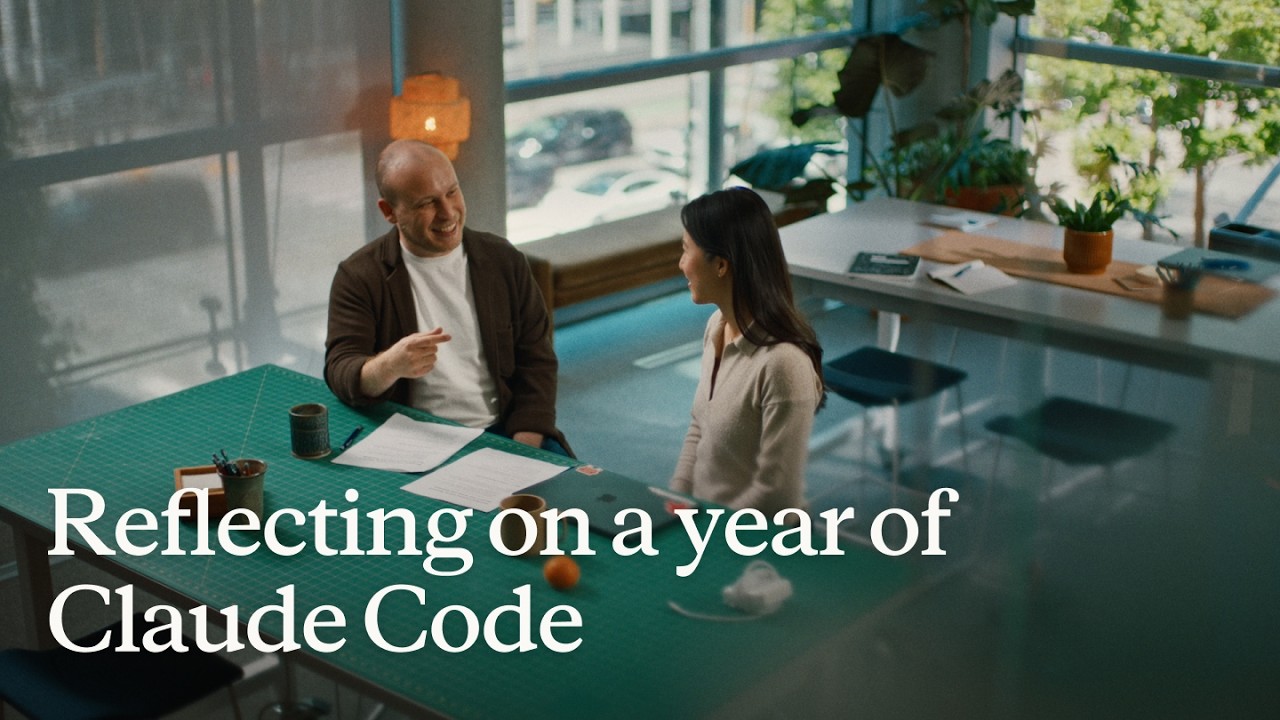
Reflecting on a year of Claude Code
Boris Cherny (creator and Head of Claude Code) and Cat Wu (Head of Product, Claude Code) look back on Claude Code's first year — from a Slack demo that earned two emoji reactions to running thousands of autonomous agents daily. They walk through how they think about verification, why auto mode replaced plan mode, how routines are eliminating entire categories of manual engineering work, and why the shift from "I write code" to "I talk to a loop" represents two major platform leaps in barely 18 months. ## [00:00] The origins and evolution of Claude Code Boris recalls posting the first Claude Code demo to Slack and getting exactly two reactions. A year later, his workflow involves "armies of agents" — a single loop prompting agents that prompt other agents, forming trees of thousands. The meta-principle that carried the tool this far: every time Claude makes a mistake, don't just correct the output — write the fix into a CLAUDE.md file or a skill so Claude can run unsupervised forever. > *"Every single time Claude makes a mistake, I don't tell Claude to do it differently. I tell it to write it to the CLAUDE.md or to make a skill… and if you can do this, then Claude can just run forever."* ## [01:10] How to make Claude good at verification Both Boris and Cat push back on the narrow view that "verification" means lint, type-check, and unit tests — things that were already automated before agents existed. Real agent verification means the agent can actually run the software under test. Boris cites a moment with Opus 4 where he asked Claude to build a feature and test itself by opening its own CLI — "crazy" at the time, table stakes now. Cat's current approach: a desktop development skill that has Claude spin up the local desktop app, use computer use to click through the UI, hit edge cases, and update the skill itself whenever it discovers a new failure mode. > *"I have it read Slack and understand: hey, is staging down right now, or has someone else already hit this? And then when it debugs the whole issue, I tell it to update the desktop development skill."* ## [03:14] Roles merging: Claude Code beyond engineers Boris recounts the moment he first saw a designer opening PRs — his initial alarm giving way to "okay the code looks good, so maybe it's fine." Cat reports that across enterprises, engineers adopt Claude Code first, then adjacent roles lean over their shoulders: designers making prototypes directly in the app, PMs shipping changes, the finance team running projections inside Claude Code, data scientists with it permanently on-screen. > *"It's kind of like all the roles are merging."* ## [04:48] Using routines for CI, code review, and more Cat describes a Claude Code power user on their team who shipped voice mode and then set up a routine monitoring every GitHub issue and bug report on that feature, automatically drafting fixes and pinging PRs. He later extended it to catch any unresponded bug older than five hours. Cat's own experience: she shipped a small feature with an edge case she missed, a bug was filed, and before she got to it that evening, Claude Code told her "another Claude has already fixed this." Boris adds that routines now handle all code review, babysit every PR, rebase, and respond to CI failures. He hasn't done those manually in a long time. > *"He has another routine that just looks for bug reports that haven't been responded to in five hours and puts up a fix, and he merges the ones that are easy to verify."* ## [06:43] Boris' go-to feature: auto mode Boris stopped using plan mode once Claude 4.6 arrived; by 4.7 the explicit planning step was no longer necessary. He now starts an agent in auto mode and moves directly to the next task without watching it. He traces the shift from the early permission-prompt model — where you had to approve every tool call — to auto mode routing suspicious actions to a classifier instead. Human attention degrades when 99% of prompts are harmless: eyes glaze, the one dangerous prompt slips through. Auto mode concentrates attention on genuinely flagged cases only. > *"Auto mode is more safe than reading every single permission prompt, because it means that you're only paying attention to the most important thing and not being spammed a bunch of things that are just 99% yes."* ## [08:10] Securing auto mode: red teaming and evals Shipping auto mode required building trust before it reached users. Cat describes the process: collecting thousands of full agent trajectories alongside permission prompts, having the auto mode classifier label each one, confirming it was "extremely good," then bringing in red teamers to attempt prompt injection attacks against the codebase. Every successful attack became an eval. Internal teams ran their own injection attempts to surface further gaps. The result is a model hardened not just against known attacks but against the most sophisticated adversarial constructions the team could devise. > *"It's not only just protecting you against the vulnerabilities that are out there in the wild today, but the most intelligent attacks that we can construct."* ## [10:24] Why loop is the next leap Boris frames two platform jumps in 18 months. First: stop writing source code directly — talk to an agent and let it write the code. Second, happening now: stop talking to an agent directly — talk to a loop or routine that prompts Claude Code on your behalf. Both felt obvious in hindsight, but neither was easy to see from inside the engineering mindset he brought to the project. > *"I don't talk to an agent anymore. I talk to a loop or I talk to a routine and it prompts Claude for me, and it's just crazy."* ## [11:06] How engineering orgs and responsibilities are changing Boris anchors the current transition to a 1990s Harvard Business Review piece asking why companies weren't seeing productivity gains from personal computers — and answering that computers needed to be at the center of every business process, not a side appliance next to the paper filing cabinet. At Anthropic, new hires don't ask colleagues questions; they ask Claude Code. Companies figuring out AI fastest are the ones putting it at the center of operations. Cat notes that the computer transition took 10–15 years; AI is compressing that because work is already digitized and Claude Code can both write and run code. > *"What you have to do is you throw out the filing cabinet. You have to throw out all your paper and all your pens and then you put a computer in the center and everything has to run through the computer."* ## [13:30] Is the future product or engineering? Boris' answer: both roles are merging into one. The Claude Code product team all writes code, the devrel team all writes code, designers write code, and engineers now ship products end-to-end — scoping the idea, building it, working with legal, marketing, and security to take it to market. The beneficiaries right now are people with high curiosity, strong product taste, and an appetite for end-to-end ownership. > *"AI really benefits people who have a lot of curiosity, have a lot of product taste, who love to have this end-to-end ownership."* ## [14:20] Working with hundreds of agents: using agent view, voice mode, and Remote Control Boris's multi-agent setup a few months ago: six terminal tabs, six git checkouts, manual context-switching. Today: one tab, the new agent view, and the desktop app handling work-tree cloning automatically. The unexpected change: roughly half his engineering now happens on his phone via Remote Control. He starts a task at his desk, walks to get coffee, checks in from his phone, starts new agents on the spot, and dictates to them via voice mode. Cat recalls noticing that Boris's laptop sat untouched on his desk for two consecutive days while he was actively merging PRs — he confirmed he was coding from his couch. > *"I'll like get coffee and then I'll check in on my agents and maybe I'll start another agent. And sometimes I'm talking to someone and we come up with a new idea — I'll just start an agent on the spot."* ## [16:05] From context engineering to context minimalism Boris traces the prompt engineering arc: Sonnet 3.5 required heavy prompt engineering; Opus 4 required careful context engineering; today's models need neither. The prescription now: give the model the minimal system prompt, the minimal tool set, and a way to pull in whatever context it actually needs — then let it work. Cat calls herself a "context minimalist": tell the model only what it needs to know, because too much upfront context is micromanagement, and the model often knows a better path anyway. > *"You give it the minimal possible system prompt, the minimal possible tools, and then you let the model figure it out."* ## [17:17] What's next for Claude Code Boris refuses to predict the specific form factor, only the direction: agents running longer, more autonomously, in parallel batches of dozens to thousands rather than one at a time. The exact interface for coordinating that many agents will be "really different than what came before" and won't come from Boris or Cat — it will come from the team and the broader community building with Claude Code every day. > *"In a year it's going to be a totally new set of things and it's going to be so surprising if it's still these same things."* ## Entities - **Boris Cherny** (Person): Head of Claude Code at Anthropic, creator of the tool; one of two interview subjects. - **Cat Wu** (Person): Head of Product, Claude Code at Anthropic; one of two interview subjects. - **Claude Code** (Software): Agentic coding tool developed at Anthropic, runs in the terminal; primary subject of the episode. - **Auto mode** (Concept): Claude Code permission model that routes tool-call decisions to a classifier instead of prompting the user for every action; replaces the earlier per-prompt approval flow. - **Loop / Routines** (Concept): Automated agents triggered by events (e.g., new GitHub issue, unresponded bug report) that prompt Claude Code without human initiation; described as the second major platform leap. - **Context minimalism** (Concept): Philosophy of providing models only the necessary system prompt and tools, letting the model pull additional context as needed rather than front-loading everything. - **Anthropic** (Organization): AI safety company that develops Claude and Claude Code. - **Remote Control** (Software): Claude Code feature enabling users to manage running agents from a mobile device. - **Agent view** (Software): New Claude Code interface for managing multiple parallel agents from a single pane.
Lance seu primeiro Managed Agent
Isabella He, engenheira de Applied AI da Anthropic, passa 37 minutos construindo ao vivo um agente SRE de resposta a incidentes — partindo de um `agent.py` em branco até um aplicativo Streamlit que transmite chamadas de ferramentas, persiste sessões e diagnostica um pico de latência P99. A sessão combina cinco minutos de introdução à arquitetura com código prático, para que os participantes saiam com um agente funcionando e o modelo mental necessário para estendê-lo a subagentes, memória e vaults. ## [00:19] Boas-vindas e Agenda Isabella abre situando o time de Applied AI na Anthropic — "a interseção entre produtos, pesquisa e nossos clientes" — e apresenta o arco de três partes da sessão: uma revisão rápida da plataforma, um sprint de codificação prático e uma visão das funcionalidades avançadas como dreaming e subagentes. O cenário motivador é o chamado de plantão às 3 da manhã que todo engenheiro de software teme, e que um agente SRE construído no Managed Agents irá resolver de forma autônoma. > *"Meu objetivo hoje é que todos coloquem a mão na massa e construam em cima do Managed Agents, entendam como o harness funciona por baixo dos panos, e estejam prontos para lançar seu primeiro agente de resposta a incidentes."* ## [02:10] Da Messages API ao Managed Agents Isabella traça a evolução do produto: a Messages API de 2023 deu acesso direto aos tokens, mas deixou para os desenvolvedores o gerenciamento de contexto, os loops de agente e a compactação. O Agent SDK adicionou o alcance ao sistema de arquivos do Claude Code, mas ainda exigia hospedagem própria. O Managed Agents é a terceira geração — a Anthropic cuida de escalabilidade, sandboxing, observabilidade e runtime de ferramentas, para que os times cheguem à produção "10 a 15 vezes mais rápido." Ela ilustra o custo de manutenção com um exemplo concreto: o Sonnet 4.5 apresentava "context anxiety", causando encerramento antecipado de tarefas. A Anthropic corrigiu o harness; o Opus 4.5 eliminou o comportamento por completo, tornando esses patches obsoletos. > *"Os harnesses devem evoluir junto com os agentes — é por isso que, com o Claude Managed Agents, queremos que a Anthropic cuide de toda a complexidade de compactação, caching e context anxiety."* ## [05:55] Primitivos Essenciais: Agent, Environment, Session Três objetos compõem toda aplicação Managed Agents. O **Agent** define a persona — escolha de modelo, system prompt, servidores MCP, skills. O **Environment** é o contêiner de execução, análogo às "mãos" do "cérebro" do agente, e suporta tanto cloud gerenciada pela Anthropic quanto computação própria desde o dia anterior. Uma **Session** une os dois e monta arquivos de dados; eventos (mensagens do usuário, chamadas de ferramentas, respostas) são transmitidos de volta aos chamadores em vez de retornar tokens em uma única resposta. Desacoplar o loop do agente da execução de ferramentas reduziu o P95 de time-to-first-token em mais de 90%, eliminando também a exposição de credenciais pelo isolamento do contêiner sandboxed. > *"Com esse desacoplamento, nossos times viram reduções no time to first token da ordem de mais de 90% de redução no TTFT para nossas métricas de latência P95."* ## [09:15] Configuração do Workshop Os participantes clonam o repositório do workshop, entram em `ship-your-first-managed-agent`, criam um ambiente virtual, instalam as dependências, colam uma Anthropic API key no `.env` e executam `streamlit run app.py`. Isabella confirma que a URL do Streamlit abre uma interface de chat para resposta a incidentes — a tela em branco para a construção. > *"Fiquem à vontade para fazer isso enquanto avançamos ou até mais tarde no seu próprio tempo — tudo também será exibido na tela para acompanhar."* ## [10:48] Construindo o Agente Passo a Passo Trabalhando com o `agent.py` (incompleto) aberto ao lado do `agent_complete.py`, Isabella copia seis blocos de código um a um: 1. **Definição do Agent** — `SRE_AGENT` usando Claude Opus 4.7, um system prompt mínimo nomeando o papel do agente e as ferramentas disponíveis (get_metrics, get_recent_deploys, get_diff, fetch_logs). 2. **Environment** — ambiente cloud da Anthropic com rede irrestrita para o demo; variantes de produção podem restringir a uma lista de permissões ou rotear via tunnels MCP do Claude. 3. **Upload de logs** — anexa um arquivo de log via Files API para que o agente possa executar código sobre ele; Isabella destaca o context engineering como onde os desenvolvedores passam mais tempo iterando. 4. **Criação da Session** — passa `agent_id`, `environment_id` e referências de recursos enviados para unir tudo. 5. **Event streaming** — recebe eventos (não tokens brutos) de volta da sessão, permitindo exibição em tempo real e registro de observabilidade. 6. **Ferramentas locais + exclusão de sessão** — registra `get_metrics`, `get_recent_deploys` e `get_diff` como handlers executados localmente, e adiciona uma chamada de exclusão de sessão com a observação de que sessões excluídas são completamente removidas dos logs. > *"O que falta aqui é simplesmente dar ao agente nossas ferramentas locais para que ele possa começar a agir aqui no meu computador ou na minha infraestrutura."* ## [19:43] Executando o Agente e Demo ao Vivo Isabella inicia uma nova sessão com o prompt "debug my incident for me." O agente chama `sandbox_bash`, `get_recent_deploys` e `get_diff` em sequência, transmite cada chamada de ferramenta e token de resposta para a interface, e devolve um relatório de incidente estruturado: o pico de latência P99 (10x a baseline) rastreia até um esgotamento do pool de banco de dados introduzido pelo commit `refactor_order_summary_builder` de Alice. Ela observa que uma variante de produção adicionaria acesso ao Claude Code para sugerir uma correção, abrir um PR e fechar o ciclo sem um humano no caminho crítico. Uma atualização forçada do navegador confirma a persistência da sessão — todas as sessões anteriores reaparecem do estado na cloud, sem banco de dados local necessário. > *"Você pode ver que, se percorrermos todas as chamadas de ferramentas, tudo está persistido na cloud do ponto de vista de logs. Tudo isso também será registrado no console de observabilidade."* ## [27:18] Recapitulação da Arquitetura, Funcionalidades Avançadas e P&R Isabella recapitula a arquitetura orientada a eventos: as sessões falam em eventos, não em pares de requisição-resposta; o log de eventos permite que o Managed Agents retome uma sessão após uma reinicialização de contêiner sem repetir o loop do agente. Em seguida, ela apresenta quatro capacidades premium: - **Subagentes** — um orquestrador cria agentes filhos com suas próprias janelas de contexto para paralelismo e gerenciamento de orçamento de contexto. - **Memory / Dreaming** — o agente revisa seus próprios logs de sessão para decidir o que reter, possibilitando autoaperfeiçoamento e recall de preferências entre sessões. - **Outcomes** — os desenvolvedores definem um critério; o agente determina quais chamadas de ferramentas produzem o resultado desejado. - **Vaults** — credenciais criptografadas entre um endpoint separado e o contêiner do agente, por usuário e por sessão, apoiadas na separação cérebro/mãos da arquitetura. Ela encerra direcionando os participantes para a sessão seguinte sobre "dreaming" e o dashboard de observabilidade integrado no console do Managed Agents. > *"Espero que todos saiam daqui com um modelo mental de como o Managed Agents realmente funciona por baixo dos panos — e se orgulhem de todos que conseguiram lançar um agente de confiabilidade de site."* ## Entidades - **Isabella He** (Pessoa): Membro do Quadro Técnico, time de Applied AI da Anthropic; apresentadora e líder do workshop - **Claude Managed Agents** (Software): Infraestrutura gerenciada da Anthropic para agentes prontos para produção; cuida de escalabilidade, sandboxing, observabilidade e runtime de ferramentas - **Agent SDK** (Software): Harness anterior da Anthropic com acesso ao Claude Code; exigia hospedagem gerenciada pelo desenvolvedor - **Claude Opus 4.7** (Software): Modelo usado para o agente SRE no demo do workshop - **Sonnet 4.5** (Software): Modelo anterior que apresentava "context anxiety" (encerramento prematuro de tarefas), usado para ilustrar por que os harnesses devem evoluir com os modelos - **Files API** (Software): API da Anthropic para envio de arquivos (logs, métricas) ao contexto de um agente - **Dreaming** (Conceito): Funcionalidade do Managed Agents em que o agente revisa de forma assíncrona seu próprio histórico de sessão para atualizar a memória de longo prazo - **Outcomes** (Conceito): Especificação de metas baseada em critérios no Managed Agents; o agente seleciona chamadas de ferramentas para atingir um resultado definido, sem seguir etapas explícitas - **Vaults** (Conceito): Armazenamento criptografado de credenciais no Managed Agents; desacoplado do contêiner do agente via arquitetura cérebro/mãos - **MCP tunnels** (Conceito): Funcionalidade do Claude para roteamento de tráfego de servidores MCP por uma rede privada em vez da internet pública - **Context anxiety** (Conceito): Comportamento observado no Sonnet 4.5 de encerrar tarefas antes do tempo apesar do orçamento de contexto disponível; resolvido no Opus 4.5 - **Anthropic** (Organização): Empresa de segurança em IA; criadora do Claude e da plataforma Managed Agents - **DataDog** (Software): Plataforma de monitoramento de produção citada como substituto direto para a ferramenta de métricas baseada em JSON do demo - **Streamlit** (Software): Framework de UI em Python usado para construir a interface de chat de resposta a incidentes do workshop
Trading signals that trade themselves
Tushara Fernando, Head of Data and AI at Man Group, explains how the firm integrates AI into systematic trading by codifying decades of institutional knowledge into "skills." She emphasizes that robust governance and shared workflows are essential for moving AI from individual productivity tools to enterprise-scale agentic platforms. ## [00:18] AI in Systematic Trading Man Group manages over $200 billion in assets, making the stakes for AI implementation exceptionally high for their institutional clients. Tushara Fernando describes systematic trading as an algorithmic process that uses historical backtesting to evaluate investment signals, much like managing a fantasy football team. > *A trading signal is really just this with stocks... We want to back the ones that would make money and we want to short the ones that won't.* > *[2, 43]* ## [04:38] The Role of AI-Generated Signals Man Group currently runs trading signals in production that were entirely researched, backtested, and proposed by AI. While humans review the final output for sensibility, AI handles the data acquisition, strategy proposal, and productionization of these investment ideas. > *There are trading signals running right now in production at Mang Group... that were researched, back tested and proposed by AI.* > *[4, 38]* ## [05:52] The Importance of Shared Workflows The success of a trading signal depends on the underlying workflows, such as data cleaning and outlier detection, which Fernando compares to the submerged part of an iceberg. Without shared workflows, different teams produce inconsistent results, making it impossible to compare the effectiveness of various strategies. > *If different teams are running different versions of those workflows, you get different answers.* > *[6, 50]* ## [08:43] Lessons in Skills Governance Early attempts at AI adoption failed because power users, rather than process owners, were building "skills," leading to local optimizations and errors like hardcoded cost centers. To solve this, Man Group created a governed marketplace where skills are owned by workflow owners, tested with evaluations, and tracked for usage. > *Treat those skills like production code because that's what they will become.* > *[17, 21]* ## [16:40] Scaling AI Across the Enterprise Man Group has scaled AI usage to nearly half its workforce by focusing on organizational context as a competitive moat. By treating skills as a library of institutional knowledge, the firm is preparing for a future where swarms of agents leverage these capabilities to find new investment opportunities. > *Skills governance really unlocks AI at that enterprise scale.* > *[19, 21]* ## Entities - **Tushara Fernando** (person): Head of Data and AI at Man Group. - **Man Group** (organization): An alternative investment manager with over $200 billion of assets under management. - **Claude** (product): An AI model used by Man Group for research, backtesting, and workflow automation. - **Anthropic** (organization): The AI company that assisted Man Group with skills workshops and implementation. - **Systematic Trading** (concept): Algorithmic trading capabilities that look across thousands of securities and hundreds of markets. - **Backtesting** (process): The process of running a trading strategy against historical data to evaluate its performance. - **Sharpe Ratio** (metric): A statistical factor that compares the volatility of a strategy versus its returns. - **Skills Marketplace** (product): Man Group's internal library for governed AI skills, plugins, and institutional knowledge.
Build a production-ready agent with Claude Managed Agents
This session introduces Claude Managed Agents, a suite of API endpoints designed to help developers build and deploy production-ready AI agents with built-in tools, security, and observability. The speaker outlines how core primitives like Agents, Environments, and Sessions enable complex workflows such as multi-agent coordination and human-in-the-loop controls. ## [00:00] Introduction to Managed Agent Primitives Anthropic introduces Claude Managed Agents as a suite of API endpoints providing production-ready primitives like tool calling, error recovery, and memory management. The architecture relies on 'Agents' as templates for skills, 'Environments' for sandboxed execution with granular permissions, and 'Sessions' to maintain ongoing conversational context and state transitions. > *Claude Managed Agents at a high level is just a set of API endpoints that we've developed and released... that give you access to scaled ready, production ready agent. [01:35]* ## [07:54] Secure Connectivity and Sandboxing The platform supports self-hosted sandboxes, allowing developers to use private containers and VPCs to keep sensitive data secure while maintaining model access. Additionally, new MCP tunnels facilitate safe connections to internal Model Context Protocol servers, and Credential Vaults protect authentication tokens by keeping them out of the model's context window. > *Claude can directly connect to that safely without those MCP servers ever being exposed on the internet. [09:40]* ## [10:02] Multi-Agent Orchestration and Implementation A demonstration of a multi-agent architecture shows a coordinator agent spawning specialized sub-agents for complex tasks like financial analysis and macro trend research. Developers can implement these workflows using the Anthropic SDK and tools like Claude Code, which is specifically optimized to help developers implement and iterate on managed agent APIs. > *One agent is like in charge of figuring out macro trends... whereas another one is like really good at like financial analysis. [11:36]* ## [19:28] Observability, Memory, and Infrastructure The Claude Console provides robust observability, including agent versioning, session monitoring, and the ability to edit memory stores to correct agent context. By providing integrated state transitions and durable storage out of the box, the service eliminates the need for developers to build complex custom agent loops and sandboxing fleets manually. > *With cloud manage agents, we kind of were able to get all of these things out of the box. [26:54]* ## Entities - **Anthropic** (organization): The AI research and safety company that developed the Claude model family. - **Claude Managed Agents** (software): A suite of API endpoints for building and hosting production-ready AI agents. - **MCP** (protocol): Model Context Protocol used for secure authentication and tool integration. - **Claude Code** (software): A developer tool optimized for implementing and managing Anthropic APIs. - **Bun** (software): A fast JavaScript runtime used for the technical implementation demonstrations. - **Cloudflare** (infrastructure): A cloud provider mentioned as a host for private sandboxes and environments. - **Credential Vaults** (feature): A secure storage system for authentication tokens that prevents exposure to the model. - **Memory Stores** (feature): Persistent storage allowing agents to retain and retrieve information across sessions.
How to get to production faster with Claude Managed Agents
Anthropic engineers Michael and Harrison introduce Claude Managed Agents, a platform designed to simplify the infrastructure, security, and observability required for deploying autonomous AI agents. By handling complex backend tasks like sandboxing and identity management, the system enables developers to transition from simple tool use to long-running, outcome-oriented agentic workflows. ## [01:10] The Evolution of Agentic Infrastructure Michael and Harrison trace the progression of AI from basic function calling to autonomous agents capable of managing full feature development and PRs. They argue that infrastructure, rather than model intelligence, is now the primary bottleneck for achieving productivity where months of work are completed in hours. > *where we think we're seeing things going in the future is entire quarters worth of work being able to be getting accomplished within a couple of hours.* > *[2, 34]* ## [04:22] Core Primitives and Configuration The platform provides composable primitives for context management, observability, and secure sandboxing, allowing developers to define agents via system prompts and MCP tool configurations. Features like the 'Ask Claude' button and event streams provide real-time transparency and optimization suggestions for agent sessions. > *we did all of that platform work so that you don't have to so that you can kind of pick and choose the primitives that we have available.* > *[5, 26]* ## [10:05] Advanced Orchestration and Memory Beyond single-task execution, the platform supports multi-agent orchestration where Claude can spawn sub-agents to delegate work. Advanced features like 'Dreaming' allow agents to reflect across thousands of sessions, improving long-term memory and task performance through autonomous reflection. > *It allows Claude to spawn other agent threads with their own context windows in order to delegate work to them.* > *[10, 55]* ## [11:56] Sandboxing and Secure Connectivity Anthropic offers self-hosted sandboxes and MCP tunnels to give enterprises control over network policies and audit logs while exposing private data securely. Partners like Vercel, Modal, and Cloudflare provide specialized infrastructure, ranging from lightweight isolates for rapid scaling to high-performance GPU clusters. > *MCP tunnels are basically just a way for you to get your private MCPs in your network exposed to cloud manage agents.* > *[13, 25]* ## [20:19] Real-World Automation and Optimization Companies like DoorDash and Modal are using agents for complex technical tasks, such as autonomous account management and inference tuning. By running tools like the Nvidia profiler, agents can autonomously 'hill climb' performance benchmarks to optimize workloads without human intervention. > *Claude can optimize training loops... it'll run like the Nvidia profiler. It'll read the profiles and uh it'll just go ham and and make things better.* > *[20, 39]* ## [25:23] Future Challenges: Identity and Collaboration As agents become primary users of compute, the industry faces new hurdles in identity management, egress filtering, and task resumability. The future of AI involves moving from rigid execution to collaborative 'multiplayer' environments where agents and humans dynamically pivot based on feedback. > *how do we properly assign identity all the way down the chain such that it's only getting access to the right data* > *[25, 55]* ## Entities - **Anthropic** (organization): The AI safety and research company behind the Claude model family. - **Claude Managed Agents** (product): A platform and infrastructure suite for building and deploying autonomous AI agents. - **Michael** (person): Member of Technical Staff at Anthropic working on managed agents. - **Harrison** (person): Member of Technical Staff at Anthropic working on managed agents. - **MCP** (protocol): Model Context Protocol used for tool configuration and secure tunnels. - **Cloudflare** (organization): A cloud services provider focusing on sandboxing technologies like MicroVMs and isolates. - **Modal** (organization): A compute platform specializing in high-scale GPU sandboxes and AI workloads. - **Vercel** (organization): A partner providing fluid compute infrastructure for agent sandboxes.
Building the best agentic analytics harness: Powered by Claude, built with Claude Code
Chris Merrick, CTO of Omni, details the development of 'Blobby,' an agentic analytics harness powered by Anthropic's Claude models. By combining a robust semantic layer with internal dogfooding of Claude Code, Omni enables users to translate natural language into complex data visualizations while maintaining high engineering velocity. ## [00:07] Engineering Velocity with Claude Code Chris Merrick explains how Claude Code has transformed Omni's internal development, allowing a small team of 25 to maintain high commit velocity. Even as CTO, Merrick uses the tool to stay technically involved, leveraging the efficiency of the Claude Opus model to contribute code alongside his team. > *I thank Claude very much for making me uh still able to do some software engineering from time to time. [01:12]* ## [03:14] The Semantic Layer and Business Context To bridge the gap between general LLM knowledge and specific business data, Omni utilizes a semantic layer that provides essential context like fiscal definitions and table relationships. This layer acts as a permissions and curation tool, ensuring the AI agent understands the unique nuances of a company's data environment. > *Claude is incredible at answering questions, but you need to tell it more about your business if you want it to answer questions about your business. [04:03]* ## [11:15] Architectural Evolution and the 'Blabbotomy' The team evolved their AI agent, Blobby, from a simple Q&A tool into a sophisticated harness by upgrading from Claude Haiku to Sonnet for better multi-turn performance. They addressed 'split-brain' errors—where sub-agents and outer agents failed to communicate—by consolidating all tools into a single, unified agentic brain. > *You want to be careful not to have a split brain between any sort of sub agent system and outer agent system. [15:57]* ## [16:23] Leveraging SQL and CTE Proficiency Omni shifted its query strategy from a proprietary JSON format to standard SQL to better leverage Claude’s inherent proficiency with complex Common Table Expressions (CTEs). This transition allowed the agent to handle difficult data questions in a single pass, significantly improving the accuracy of generated reports. > *Claude really likes to write SQL with CTE, common table expressions... and our parser was really good at parsing those [18:27]* ## [19:09] Evals, Observability, and UI Validation Merrick emphasizes that rigorous evaluation systems and raw trace observability are critical for ensuring the predictability required by executive users. Omni follows a 'build with AI, validate with UI' philosophy, where Blobby generates the initial dashboard and users use a workbook interface to refine and troubleshoot the results. > *Our philosophy from a product perspective is AI to build, UI to sort of validate and troubleshoot and refine. [23:21]* ## Entities - **Chris Merrick** (person): CTO and Co-founder of Omni who leads the engineering team and advocates for AI-driven development. - **Omni** (organization): An AI analytics platform that enables users to query data using natural language. - **Claude** (ai-model): The family of LLMs from Anthropic that powers Omni's analytics and internal engineering. - **Claude Code** (software): An AI-powered coding tool that significantly increased Omni's development velocity. - **Blobby** (ai-agent): Omni's AI data analyst agent designed to interpret and answer complex data questions. - **SQL** (technology): The query language that Omni's semantic layer generates to interact with data warehouses. - **Claude Sonnet** (ai-model): The specific Anthropic model used to unlock performance gains in complex agentic conversations. - **GitHub** (platform): The source of pull request (PR) data used in the agent's demonstration.
Stop babysitting your agents
Sid Budhiraja, a founding engineer of Claude Code, gave this keynote at Anthropic's Code with Claude conference to address a specific waste pattern: engineers spending most of their time staring at a screen waiting for Claude to finish, or acting as a "glorified QA tester." The talk lays out three escalating strategies—verification, parallelization, and background loops—that together let Claude run largely unsupervised. No captions existed on YouTube; transcript generated via Gemini Flash transcription (paragraph-level only, no word timestamps). ## [00:02] Opening & prerequisites Sid frames the talk as a "Claude Code 301" class and opens with a quick audience poll. Three things he calls table stakes: a high-quality CLAUDE.md file ("the single highest leverage thing you can do"), connecting external tools like Slack, Linear, and BigQuery to Claude Code so it can stitch together richer context, and setting up Claude Code on the web so that sessions are decoupled from the engineer's laptop and keep running even when the machine is closed or offline. He then lays out the structure for the rest of the talk: verification, multi-Clauding, and background loops—each building on the previous one. > *"A good rule of thumb is that if a tool is useful for you in your day-to-day life, it will also be useful for Claude. So things like Slack, Asana, Linear, Datadog, BigQuery—all of these things help Claude stitch together a much richer context for itself."* ## [05:14] Teaching Claude to verify its own work Sid asks the audience to recall how they personally verified their last feature: write code, build, run, check side effects, check logs, check the database, run unit tests, deploy to staging. That exact playbook, he argues, is also what Claude can run—if given the right tools and instructions. The key mechanism is the **loop**: an autonomous circuit where Claude writes code, hits a failure, debugs, writes more code, and keeps cycling until it reaches a success state. Once in a loop, Claude hill-climbs on a task without the engineer in the hot path. The loop works across front-end (browser-driven smoke tests), back-end (API checks), and full end-to-end flows—the principle is identical in each case. To package and distribute a verification loop, Sid recommends a **skill file**—a markdown document that stores the instructions and tool configuration for a specific verification task. Skills can be made self-improving: if you instruct Claude to update the skill every time it hits a new blocker, the document grows into a self-documenting playbook that benefits the whole team. > *"A loop essentially is an autonomous circuit that you can complete for Claude. And it allows Claude to hill climb on a given task or a given success criteria."* ## [15:46] Demo: building a verification loop live Sid demos against MonkeyType, an open-source TypeScript/Express/MongoDB/Redis typing-test application, chosen because it represents a realistic full-stack production app. Starting from a fresh Claude Code session, he tells Claude to spin up the dev server, then instructs it to use the `/chrome` Chrome MCP tool to navigate to localhost, type some text, and change a settings value—manually walking it through a basic smoke test. Once that hand-held session is complete, he tells Claude to take everything it just learned and write it into a skill file at `.claude/demo-verification`. Claude produces a skill with three sections: bring up the stack, load Chrome MCP tools, run a smoke test. He then asks Claude to build a new feature—a confetti animation on every mistype—and use the newly created verification skill to verify its own work. Claude writes the feature, hits ESLint errors, fixes them, reloads the app, and keeps cycling until the confetti appears. > *"You see the verification loop in action now where it's—it wrote some code, it encountered some issues, it fixed those issues by writing some more code, and it kind of went in a circle doing that until it came to a good state."* ## [26:38] Multi-Clauding without losing your mind Running multiple Claude instances simultaneously taxes attention, Sid's personal limit being four or five sessions before cognitive load becomes unmanageable. He covers four tools for scaling past that ceiling. The **Claude Code Desktop app** provides a unified sidebar showing all sessions across local terminal, cloud, and GitHub—sessions sorted by attention demand, color-coded, renamable. The terminal alternative is **Claude Agents** (`claude agents`), released roughly a week before the talk, which surfaces the same session list inside the terminal and sorts by urgency so the sessions that need a decision bubble to the top. **Claude Code on the Web** (claude.ai/code) runs sessions in Anthropic's cloud, fully decoupled from the engineer's hardware. And **Remote Control** (`/remote-control`) mirrors any running session to the mobile app with push notifications, so the engineer can answer Claude's questions from a car or between meetings without opening a laptop. > *"Remote Control essentially gives you the option to control any session running on any surface with your phone. If Claude needs some help from you or needs your input, your phone will buzz and you could be in your car, doing whatever you want, and you could just give Claude the input that it needs."* ## [32:41] Background loops and routines Even with good multi-session tooling, the engineer still decides when to start each session and what goal to give it. Background loops remove that last manual step. Sid describes the `/loop` command: `/loop 10 minutes "babysit my open PRs"` wakes up a Claude Code session every ten minutes, runs that prompt autonomously, and handles review comments, merge conflicts, and CI failures without the engineer watching. **Routines** are `/loop` running in Anthropic's cloud infrastructure—the same remote containers that power Claude Code on the Web. The Claude Code team itself runs two routines: one that updates docs daily, and one that scans issues and feedback and posts a summary to their Slack channel every six hours. With verification ensuring Claude's output is reliable, multi-Claude tools protecting attention across parallel sessions, and routines handling recurring bookkeeping, the engineer's role shifts from babysitter to delegator. > *"You can kind of spend your attention and your time on the tasks that you care about, and everything else can just be delegated to Claude—with high reliability and a high degree of confidence."* ## Entities - **Sid Budhiraja** (Person): Founding engineer of Claude Code at Anthropic; presenter of this keynote. - **Anthropic** (Organization): Creator of Claude and Claude Code; hosted the Code with Claude conference. - **Claude Code** (Software): Anthropic's agentic coding tool; central subject of the talk. - **Verification loop** (Concept): An autonomous write-check-fix cycle that lets Claude iterate on a task until it reaches a defined success state without human intervention. - **MonkeyType** (Software): Open-source TypeScript typing-test app (Express + MongoDB + Redis) used as the live demo target. - **Chrome MCP** (Software): Model Context Protocol tool (accessed via `/chrome`) that gives Claude programmatic control of a browser for UI verification. - **Routines** (Concept): Cloud-side scheduled Claude Code sessions with time-based or event-based triggers, enabling fully autonomous recurring tasks. - **Remote Control** (Concept): Feature (`/remote-control`) that mirrors Claude Code sessions to the mobile app with push notifications, enabling async oversight from anywhere.
How Lovable vibecodes production software at scale
Fabian Hedin, Cofounder and CTO of Lovable, walked through two production systems his team built to stop non-technical users from getting permanently blocked: Lovable Overflow, a self-maintaining corpus of issue-solution pairs injected into the agent's context at inference time, and a "vent" tool that lets the agent itself flag platform failures and auto-open PRs for engineers to review. Together they cut the platform's stuck rate by 5% — an improvement on par with a full model generation upgrade — and now drive roughly ten merged fixes per day from agent-filed pull requests. ## [00:20] From GPT-Engineer to 600 million monthly visits Lovable's lineage traces back 35 months to GPT-Engineer, a terminal program co-founded by Anton that briefly became the fastest-growing repository on GitHub. The demo — asking for a snake game, watching the model generate and execute the code end-to-end — signaled what LLMs could do for software creation, but the abstraction wasn't ready for a non-developer audience in mid-2023. Fabian marks a turning point around eighteen months ago when the chat-plus-preview model started clicking, and every three months since then a new foundational model has pushed the envelope further. Today the platform hosts 15 million projects. More telling: the sites built on Lovable collectively receive 600 million monthly visits, far more than Lovable's own traffic — evidence that users are shipping things with real reach. > *"We have 15 million projects built on the platform. We have 600 million monthly visits to the sites built on Lovable. And I think this is an interesting statistic because it's significantly more than what Lovable has itself."* ## [04:22] Production software for the 99%: why non-technical users get stuck Lovable targets the 99% of people who can't code — and deliberately holds itself to production-grade quality, not just prototyping. That combination makes the job harder than building for expert developers. When an expert gets stuck they can read the error, switch the library, or escalate to a developer-experience team. A non-technical user working at Lovable's abstraction layer — where the code is mostly out of sight — has none of those escape hatches. Fabian applies the classic software maxim: the first 90% of code takes 90% of the time, and the last 10% takes another 90%. The pattern holds in the AI era: vibe-coding gets you to a first version fast, but finishing, bug-free, takes even longer. Getting "hard stuck" in that final stretch is the worst possible user experience Lovable can deliver. > *"If they get stuck, it's a very bad experience for them. It's kind of the worst thing that can happen to them because it's much harder for them to get unstuck."* ## [09:55] Defining stuck: the is_stuck metric and three failure buckets Lovable's `is_stuck` flag fires when a user asks for the same thing three times in a row, when they explicitly complain about the output, or when they prompt and then abandon the session. A small classification model evaluates each conversation to set this signal. The team maps stuck scenarios into three buckets. The first is promptable — a differently-worded message, or slightly more context, would have solved it; Lovable's goal is to fix these before the user even realizes they need to re-prompt. The second is a platform gap: something the agent should handle but a missing or broken tool prevents it. The third is a large infrastructure investment — for example, Lovable shipped only client-side-rendered SPAs for a long time, which hurt SEO-conscious builders; they shipped server-side rendering the week of this talk. Each bucket demands a different fix, but all three share the same core vision. > *"Really our vision with Lovable on the technical side is that every app that is built on the platform should help improve the next."* ## [13:15] Lovable Overflow: fleet knowledge that routes around errors Named in honor of Stack Overflow, Lovable Overflow is a growing corpus of problem descriptions paired with solutions, harvested from real user sessions. When a user reports laggy scrolling, a lightweight retrieval model searches the corpus for similar descriptions, and if a match is relevant it injects a synthesized fix into the main agent's context — not as raw text but reformatted to fit the current situation. The harder engineering problem is keeping the corpus honest. Knowledge grows stale when a JavaScript package ships a fix, or when a new foundational model already has the fix baked into its weights. Lovable tracks a success ratio for every entry and prunes records that stop working — including entries whose embedded knowledge is now redundant in a newer model. The tension between adding new knowledge and retiring old knowledge turned out to be as important as the retrieval mechanism itself. > *"For every knowledge file we'll track its success ratio and we'll actually just remove it and prune it from the knowledge if it is outdated. So we'll continuously review every piece of knowledge in our system and make sure that it's pruned when it's no longer helpful."* ## [17:45] Venting: letting the agent report its own frustrations The second self-healing mechanism inverts the feedback loop: instead of Lovable engineers watching for failures, the Lovable agent itself files a report when it's blocked. A tool called `vent--send_feedback` is in the agent's toolset with a prompt asking it to call the tool "once per user message when tooling, docs, or platform behavior materially slows or degrades your work." The agent's complaint lands in a Slack channel, a monitor agent de-dupes and investigates, and if the issue is real, it opens a pull request for an engineer to review. About 50% of the auto-generated PRs make sense and get merged. One example: the agent hit a space-in-filename bug in the `code--copy` tool, tried URL encoding and other workarounds, then vented — and a fix was in production ten minutes later. A second example went further: the Lovable agent complained about Framer Motion's TypeScript easing types, implying the open-source library itself could benefit from a PR. Fabian floated the idea of letting the agent contribute fixes upstream to the wider JavaScript ecosystem. The vent channel also became an unexpected early-warning system. Production incidents — inference downtime, missing sandboxes, network-level failures — show up as spikes in vent volume before conventional monitoring alerts fire. In one meta case, the agent vented 43 times in a session, then filed a PR suggesting de-duplication logic to stop spamming its own creators. > *"Several times now this Slack channel with the agent venting has been kind of the first signal for us to identify a production incident. And even if it's not the first signal, it has actually become a very helpful tool for engineers to debug what is going on."* ## [26:12] Results, lessons, and what comes after self-healing Lovable Overflow reduced the stuck rate by 5% and lifted the publish rate by 2% in its first version — before incremental tuning since then. Fabian frames the 5% number in context: that's roughly the improvement Lovable sees when it upgrades to an entirely new model generation. The venting pipeline merges about ten platform fixes per day. Three lessons stood out. First, failure-mode knowledge is model-specific: when a new foundational model ships, existing Lovable Overflow entries need revalidation because some will be redundant and others will need rephrasing for the model's different behavior. Second, knowledge has a half-life — even fixes that were correct become wrong as libraries evolve. Third, an earlier attempt at this system failed not because the idea was bad but because the success signals were too coarse to tune against; 15 million apps and 200,000 new projects per day give Lovable enough signal to make it work now. Beyond these two systems, the team is fine-tuning on fleet data and building out eval coverage to gate every model release. Fabian's closing frame: Lovable users arrive with strong intent to ship real products, and when they leave stuck, that's a failure Lovable owns — the entire self-healing apparatus exists to close that gap. > *"The stuck rate is reduced by 5%. That might not sound like a big number, but in reality that is on the same order of magnitude in what we would see this metric move if we had a new generation of a foundational model in our system."* ## Entities - **Fabian Hedin** (Person): Cofounder and CTO of Lovable; delivered this keynote at Code with Claude 2026 - **Lovable** (Organization): AI software builder for non-technical users; 15M projects, 600M monthly visits to hosted sites - **Claude** (Software): Foundational model powering Lovable's agent at consumer scale - **GPT-Engineer** (Software): Open-source terminal tool co-founded by Anton (Lovable co-founder); became the fastest-growing GitHub repo in 2023 and evolved into Lovable - **Lovable Overflow** (Concept): Fleet-learning knowledge corpus — problem/solution pairs harvested from real sessions, injected into the agent's context, and continuously pruned by success ratio - **Venting / vent--send_feedback** (Concept): Agent-side tool that files platform failure reports to Slack; a monitor agent de-dupes and auto-opens PRs for engineer review - **is_stuck** (Concept): Binary metric that flags when a user has repeated the same request three times, complained about output, or abandoned a session after prompting - **Framer Motion** (Software): TypeScript animation library; cited as an example of an open-source dependency the Lovable agent identified as having a suboptimal type API
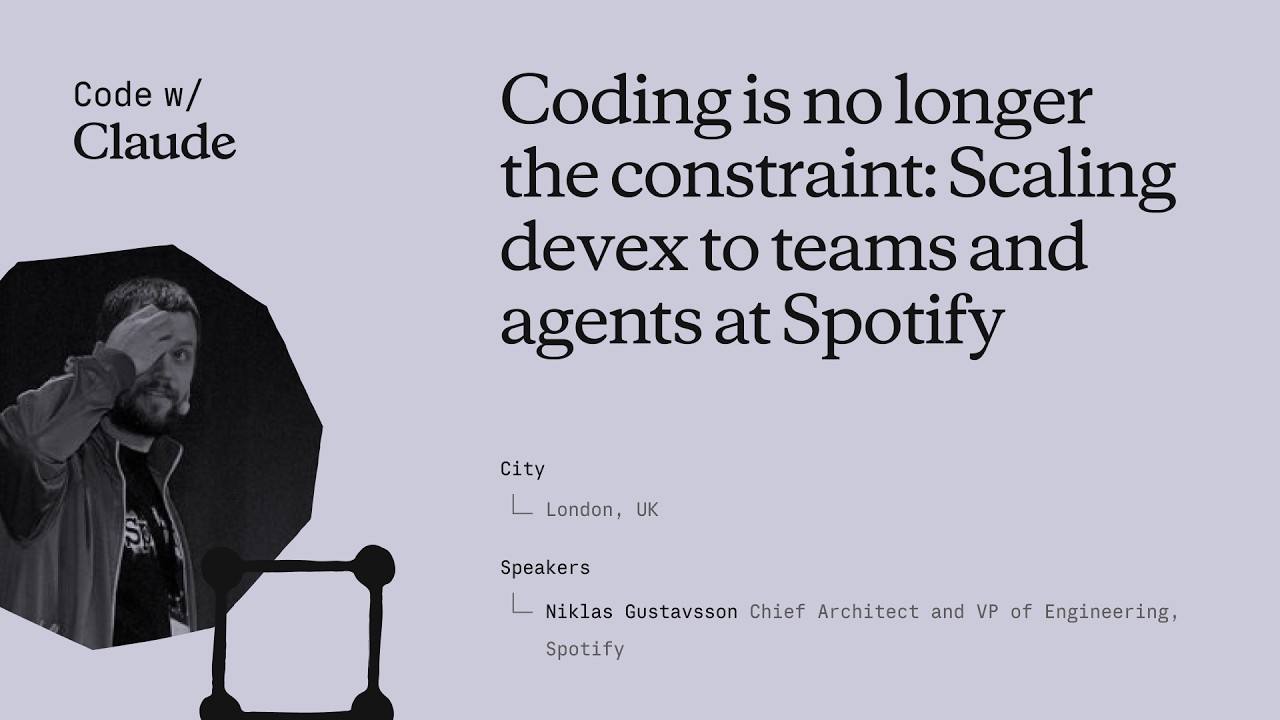
Coding is no longer the constraint: Scaling devex to teams and agents at Spotify
Niklas Gustavsson, Spotify's Chief Architect and VP of Engineering, walks through how a 3,000-person engineering org went from 0 to 99% AI tool adoption in months — and what that does to your product development constraints. The talk covers three concrete systems Spotify built: FleetShift for fleet-wide automated migrations, Honk as a background Claude-powered coding agent, and Backstage as the structured environment that makes agents reliable at scale. The central argument is that the same standardization practices that made human teams fast now make agents fast too. ## [00:18] Spotify's AI adoption surge Spotify's adoption of AI coding tools didn't grow gradually — it inflected sharply around the Claude Opus 3.5 release in November 2024. Within months, 99% of engineers used AI tools weekly, 94% reported meaningful productivity gains in the latest internal survey, and PR frequency jumped 76%. Niklas notes he had to update the PR frequency slide while preparing it because the numbers kept rising. The volume shift is also qualitative: by now, the majority of PRs shipped at Spotify are co-authored by an AI agent together with the developer, not written by a human alone. > *"Today more than 99% of our engineers use AI coding tools every week. And in the latest [survey], 94% of our engineers reports that using AI tooling has helped them become more productive."* ## [03:52] FleetShift: automating fleet-wide maintenance before AI Spotify's pre-AI problem was that its production codebase was growing seven times faster than the engineering headcount. That meant engineers spent progressively more time on maintenance — version bumps, API deprecations, security patches — leaving less capacity for new features. The answer was FleetShift, a fleet management system that treats those changes as coordinated mutations across thousands of repositories rather than per-component manual work. By the time AI entered the picture, FleetShift had already automerged 2.5 million maintenance PRs with no human in the loop: automation creates the PR, validates it in CI, and merges it. That infrastructure became the orchestration layer that Honk would later plug into. > *"Today up until today we've now merged two and a half million of those automated maintenance PRs. Work that our developers did not have to do."* ## [07:38] Building Honk — a background coding agent on Claude's Agent SDK Simple rule-based scripts work fine for config changes and dependency bumps, but fall apart on anything involving actual code modifications. Code has, as Niklas puts it, a very wide API surface — there are many ways to call the same method, and when you run a migration script across millions of lines and thousands of repos, you hit every corner case (a phenomenon with a name: Hyrum's Law). That brittleness was the forcing function for Honk. Honk is today a Claude-based coding agent wrapped inside a Kubernetes pod, scheduled by FleetShift, and equipped with CI tools so it can run builds, catch compile errors, and self-correct before opening a PR. A Java version migration that previously took multiple teams months now takes a single engineer three days. > *"Instead of writing these deterministic scripts to do these code modifications, can we use an LLM for this? [...] Out of this came a tool that we now called Honk."* ## [11:34] Honk V2 and multiplayer agent sessions Developers at Spotify quickly figured out how to invoke Honk over Slack — at-mentioning it mid-conversation and getting a PR back. That grassroots pattern pushed the team toward a more interactive product model. Honk V2, released in alpha during Hack Week the day before this talk, adds two layers on top of the original batch-migration use case. The first is integration with Chirp, Spotify's internal agent orchestration layer, which lets developers run many concurrent Honk sessions and coordinate them. The second is multiplayer: shared sessions where multiple developers can give feedback to the same agent instance simultaneously — described as "Google Docs but for Claude." Projects group those sessions into a shared workspace tracking a longer-horizon goal. > *"Basically imagine, uh, Google Docs or something similar, but for Claude."* ## [14:43] Standardization as agent infrastructure Spotify has operated for more than a decade on the principle that fewer technologies means faster execution. Limiting the stack reduces decision fatigue, makes cross-team collaboration easier, and lets engineers go deep on a smaller surface rather than maintaining breadth. That same principle, Niklas argues, directly improves agent performance. The mechanism is empirical: Spotify sees Claude produce noticeably worse outputs in their more fragmented codebases and better outputs where the stack is uniform. Backstage — their developer portal and software catalog — is the enforcement layer. It exposes component ownership, technology radar recommendations, and a "Golden State" spec for each component type. A Soundcheck UI lets teams self-assess compliance. Critically, all of these are also exposed as MCP servers and CLI tools so agents can query them directly. When Honk makes a code change, lint checks give it immediate feedback if it's using an off-radar pattern, and Niklas watches Claude self-correct against those checks in real time. > *"If Claude has a lot of other code to look at and that code looks roughly consistent, Claude will do better job. That's what we're seeing. And we actually have codebases that are more fragmented, and we can actually see Claude perform worse in those codebases."* ## [22:15] What happens when coding stops being the bottleneck The sprint Niklas closes with is a reframing: the AI transition hasn't removed constraints from product development, it has relocated them. Coding used to be where time went; now that constraint is loosening, the bottlenecks are moving to human decision-making — which ideas to pursue, which PRs actually need a human reviewer, which prototypes are worth fleshing out. On the PR review side, 76% more PRs means developers are drowning in review requests. Spotify's response is to auto-approve the low-risk ones and focus human attention where it matters. On the prototyping side, Spotify now lets anyone — including executives — open Claude in the client monorepo with a set of skills and infrastructure, prompt a feature, and get an installable app back in minutes rather than days. The talk ends with Niklas noting that in six months, Spotify's entire product development process will look fundamentally different from anything they've done before. > *"Claude and agents allows us to allow anyone to prototype in our actual production codebase. [...] This has brought prototyping for something that could take days or weeks to literally taking minutes now."* ## Entities - **Niklas Gustavsson** (Person): Chief Architect and VP of Engineering at Spotify; delivered this keynote at Anthropic's Code with Claude conference - **Honk** (Software): Spotify's internal background coding agent, built on Anthropic's Agent SDK running in Kubernetes pods; integrates with FleetShift for fleet-wide migrations - **FleetShift** (Software): Spotify's fleet management and migration orchestration platform; schedules and tracks automated PRs across thousands of repositories; has automerged 2.5 million PRs - **Backstage** (Software): Spotify's open-source developer portal and software catalog; exposes component ownership, Golden State compliance, and MCP/CLI interfaces consumed by agents - **Chirp** (Software): Spotify's internal agent orchestration layer; allows running many concurrent agent sessions and coordinating multi-developer shared sessions - **Hyrum's Law** (Concept): Principle (named after a Google engineer) that any observable behavior of a system will be depended on by some user — explaining why generic migration scripts break at scale across large codebases - **Golden State** (Concept): Spotify's per-component-type specification of recommended technologies and practices; the standard Soundcheck measures compliance against
Seu primeiro prompt com Claude Code
O segundo vídeo do Claude Code 101 da Anthropic mostra como escrever o primeiro prompt: como escolher entre o modo aprovação e a aceitação automática, quando entrar no modo plano com shift+tab, e como é um prompt real em uma tarefa ao vivo de "adicionar modo escuro". ## [00:03] Falar com o Claude Code como qualquer assistente de IA O enquadramento inicial baixa deliberadamente a barreira: enviar um prompt ao Claude Code não é diferente de perguntar a qualquer outro assistente de IA. A premissa é que as decisões tomadas antes de pressionar Enter são as que te protegem e tornam a ferramenta mais fácil de usar. > *You talk to Claude Code like you would talk to any AI assistant.* ## [00:15] Modo aprovação vs aceitação automática (shift+tab) Dois modos estão disponíveis logo de início. No modo de aprovação padrão, o Claude pede confirmação antes de cada alteração de arquivo. No modo de aceitação automática, edições e criações de arquivos passam automaticamente, mas executar comandos de shell ainda requer sua permissão. shift+tab alterna entre os dois sem precisar procurar configurações. O narrador recusa-se explicitamente a chamar um de "correto"; escolha o que combina com seu nível de envolvimento. > *In auto accept mode, it will automatically approve an edit or creation of a file, but ask your permission to run commands.* ## [00:40] Modo plano: pesquisa somente leitura antes de codificar No mesmo menu shift+tab, esconde-se um terceiro modo: o modo plano. O Claude recebe o prompt, usa ferramentas somente leitura para percorrer o código, faz perguntas de esclarecimento sobre qualquer ponto ambíguo e entrega um plano detalhado antes de tocar em um único arquivo. Casos de uso: implementações de funcionalidades em múltiplas etapas e revisões de código seguras, em qualquer situação em que você queira validar a abordagem antes de o agente começar a escrever. > *Plan mode takes your prompt and uses read-only tools to analyze your code base and do research on your suggested implementation.* ## [01:10] Demo ao vivo: prompt para alternância de modo escuro A demo é o núcleo do vídeo. A partir da raiz do projeto, shift+tab algumas vezes para entrar no modo plano, depois escrever um prompt que faz três coisas ao mesmo tempo: enuncia o objetivo ("modo escuro em toda a aplicação"), especifica a interface ("um interruptor de alternância no cabeçalho") e adiciona uma restrição que o Claude precisa pesquisar ("encontrar uma boa cor de contraste que funcione com meu tema claro existente"). Objetivo mais interface mais restrição — o template implícito para um bom primeiro prompt. > *Can you create a toggle switch on the header that allows user to toggle between light mode and dark mode?* ## [01:46] Revisar o que o Claude realmente fez Depois que o Claude retorna seu plano e o usuário aprova, o valor está na rastreabilidade: você pode ver explicitamente o que o Claude fez e como chegou ao resultado. O narrador inspeciona visualmente o modo escuro renderizado e dá o aval — a lição implícita é que "ficou bem" é um nível de revisão aceitável para trabalho de UI de baixo risco, desde que você tenha realmente olhado. > *At the end of all this, we can see explicitly what Claude did and how it came to its conclusion.* ## [02:09] Resumo: seja descritivo e use o modo plano A regra de ouro final: seja o mais descritivo possível no prompt, e use o modo plano quando quiser que o Claude aprofunde nos detalhes do que você está tentando alcançar antes de executar. O modo aprovação mantém você no circuito passo a passo, se essa for sua preferência. > *When using Claude Code, try to be as descriptive as possible with your prompt.* ## Entities - **Anthropic Tutorial Narrator** (Person): O narrador oficial da Anthropic para a série de tutoriais Claude Code 101. - **Claude Code** (Software): O assistente de codificação agentic em terminal da Anthropic, tema deste guia de escrita de prompts. - **Approval mode** (Concept): Modo padrão em que o Claude Code pede permissão antes de cada alteração de arquivo. - **Auto-accept mode** (Concept): Modo que aprova automaticamente edições e criações de arquivos, mas ainda bloqueia comandos de shell. - **Plan mode** (Concept): Modo de pesquisa somente leitura que gera um plano detalhado antes de escrever código; ativado via shift+tab. - **shift+tab** (Shortcut): Atalho de teclado que alterna entre os modos aprovação, aceitação automática e plano do Claude Code.
Como o Claude Code Funciona
O segundo episódio do Claude Code 101 da Anthropic abre o capô: o loop agêntico que coleta contexto, toma ações e verifica resultados; como a janela de contexto se compacta antes de transbordar; o que as ferramentas realmente trazem em relação ao texto de entrada e saída simples; e os quatro modos de permissão que se alternam com shift+tab. ## [00:04] Pergunta inicial: em que difere de um aplicativo de chat O narrador enquadra o restante do vídeo como uma única pergunta: Claude Code não é um aplicativo de chat, então qual é a forma da coisa? A resposta que eles vão desempacotar é o loop agêntico. > *We know that Claude code is different from usual chat applications, but how does it work?* ## [00:13] O loop agêntico — coletar, agir, verificar, repetir O loop tem quatro tempos. Você insere um prompt. Claude coleta o contexto que precisa conversando com o modelo, que retorna texto ou uma chamada de ferramenta. Claude executa a ação — editar um arquivo, executar um comando. Depois verifica se o resultado realmente satisfaz o prompt. Se passar, ele para; se não, volta a fazer o loop até que o trabalho esteja completo e verificável. O usuário não fica bloqueado durante isso — é possível adicionar contexto, interromper ou guiar o modelo em direção ao objetivo final enquanto o loop está em execução. > *And if they don't, Claude goes back and runs the loop again until the results are complete and verifiable.* ## [01:02] A janela de contexto e a compactação automática A janela de contexto é a memória de trabalho do Claude — conversa, conteúdo de arquivos, saídas de comandos, tudo o que ele pode revisitar. É limitada. Quando se atinge o teto, o Claude Code compacta a conversa por conta própria: decide o que descartar e o que resumir para que a janela volte a diminuir sem perder o fio condutor. > *Once you reach that limit, Claude code compacts your conversation, which automatically determines what it can take out of the context window and what it can summarize in order to bring the context window back down.* ## [01:26] Ferramentas — despacho semântico para ler arquivos, executar código, pesquisar na web A maioria dos assistentes de IA é texto de entrada, texto de saída, sem nada no meio. As ferramentas mudam isso — elas permitem que o agente decida quando executar código para se aproximar do objetivo. Ler um arquivo, pesquisar na web, executar um comando shell. O Claude Code usa busca semântica sobre as ferramentas disponíveis para escolher qual invocar e consumir a saída. > *Tools let Claude code and other agents determine when to execute code to get closer to a task.* ## [01:52] Modos de permissão e o custo de ignorá-los Por padrão, o Claude Code pede confirmação antes de editar um arquivo ou executar um comando shell. Shift+tab alterna entre alternativas: **aceitar edições automaticamente** escreve arquivos sem perguntar, mas ainda pergunta antes de comandos; **o modo plano** restringe o Claude a ferramentas somente leitura para que possa elaborar um plano de ação antes de tocar em qualquer coisa. O narrador aponta o tradeoff óbvio — dar ao agente total liberdade significa que um erro é mais difícil de capturar antes de acontecer. > *Giving Claude code free reign to run commands means a mistake could be harder to catch before even happens.* ## [02:28] Recapitulação — o que o diferencia de uma janela de chat Quatro primitivas compostas em um terminal: um loop agêntico, uma janela de contexto gerenciada, ferramentas e permissões configuráveis. A combinação — ler a base de código, agir sobre ela, verificar o próprio trabalho — é o que separa o Claude Code de uma caixa de chat. > *It can read your code base, take action, and verify its own work, and that makes it fundamentally different from a chat window.* ## Entidades - **Anthropic Tutorial Narrator** (Person): O narrador oficial da Anthropic para a série de tutoriais Claude Code 101. - **Claude Code** (Software): O assistente de codificação terminal agêntico da Anthropic, construído em torno das quatro primitivas desempacotadas neste episódio. - **Agentic loop** (Concept): O ciclo coletar-contexto, agir, verificar, repetir que impulsiona cada sessão do Claude Code. - **Context window** (Concept): A memória de trabalho limitada do Claude que contém a conversa, conteúdo de arquivos e saída de comandos; compactada automaticamente ao transbordar. - **Tools** (Concept): Os efeitos colaterais que o agente pode invocar — ler arquivo, pesquisar na web, executar comando — selecionados via busca semântica sobre o catálogo de ferramentas. - **Permission modes** (Concept): Padrão (perguntar), aceitar edições automaticamente e modo plano (somente leitura) — alternados com shift+tab. - **Plan mode** (Feature): Um modo de permissão somente leitura que permite ao Claude compilar um plano de ação antes de qualquer mutação.
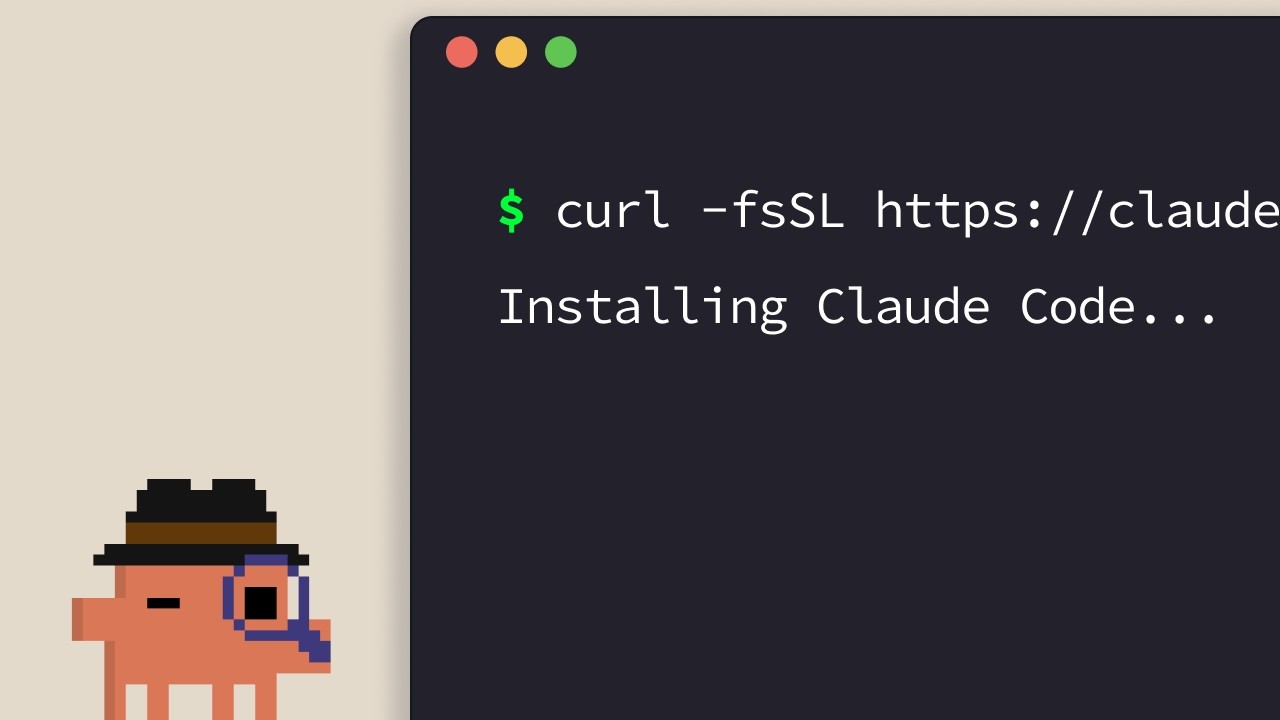
Instalando o Claude Code
O guia oficial de instalação do Claude Code. O narrador da Anthropic percorre os instaladores de uma linha para todas as plataformas suportadas — terminal, VS Code, JetBrains, Claude Desktop e web — e encerra com uma regra prática para escolher a opção mais adequada. ## [00:04] Instaladores de uma linha para o terminal (macOS, Linux, WSL, Windows) O caminho padrão é o terminal. Usuários de macOS, Linux e WSL recebem um único comando `curl`; o Homebrew também funciona, mas não oferece atualização automática. No Windows, o PowerShell usa `Invoke-RestMethod`, o CMD tem seu próprio trecho de `curl`, e o `winget` está disponível com a mesma ressalva de auto-atualização do Homebrew. > *If you're on macOS, Linux, or WSL, use this curl command to install it in one go. If you prefer to use Homebrew, you can also use brew install to install it, but note that this doesn't have auto-update capabilities.* ## [00:33] Executar o claude no seu projeto e fazer login Após a instalação, use `cd` para entrar no projeto e execute `claude`. Na primeira inicialização, aparece um seletor de tema de cores e um fluxo de login que aceita uma conta Pro, Max, Enterprise ou chave de API. Contas Enterprise devem selecionar explicitamente essa opção. O diretório a partir do qual você inicia define o limite de acesso — o Claude Code enxerga aquela pasta e tudo dentro dela, nada acima. > *Whatever directory you decide to run cloud in, it will have access to that directory and all of its subfolders.* ## [01:02] Extensão do VS Code Abra o painel de Extensões, pesquise pela extensão Claude Code da Anthropic e confirme o check azul de verificação antes de instalar. Uma reinicialização pode ser necessária. Após a instalação, a Paleta de Comandos (`Ctrl/Cmd+Shift+P`) abre uma nova aba do Claude Code; você também pode clicar no logo em qualquer arquivo aberto, ou desativar completamente a GUI nas configurações e usar apenas a experiência de terminal. > *You can also opt out of the UI and just use the terminal experience directly in your settings file.* ## [01:32] Plugin do JetBrains Mesmo processo que o VS Code: instale o plugin Claude Code pelo JetBrains Marketplace, reinicie a IDE e o logo do Claude aparece ao relançar. Clicar nele abre um painel lateral que exibe a experiência de terminal ao lado do seu editor. > *For JetBrains IDEs, you can install the Cloud Code plugin from the JetBrains Marketplace. Once you install, restart your IDE.* ## [01:51] Claude Desktop e claude.ai/code na web O Claude Desktop expõe o Claude Code por meio de um botão "code" no topo do aplicativo após o login — mesma interface estilo chat, mas com escopo para uma pasta específica, permissões ajustáveis e até um modo de execução em nuvem. A versão web fica em `claude.ai/code` e espelha a experiência desktop, com uma restrição importante: funciona apenas com repositórios do GitHub. > *On the web, you can access Claude code by going to claude.ai/code. This works very similar to the desktop app. However, you're restricted to GitHub repositories only.* ## [02:27] Escolhendo a superfície certa A heurística do narrador: terminal primeiro se você quer os novos recursos no dia em que são lançados. As integrações de IDE oferecem uma experiência praticamente idêntica dentro do seu editor. O Desktop é a escolha quando você quer o Claude trabalhando em segundo plano enquanto faz outra coisa. A web é para trabalho remoto em repositórios do GitHub ou para rodar várias sessões em paralelo. > *If you want to constantly keep up to date with everything, the terminal is the best bet. Features ship there the fastest.* ## Entities - **Anthropic Tutorial Narrator** (Person): Narrador do curso Claude Code 101 da Anthropic. - **Claude Code** (Software): Ferramenta de codificação agêntica da Anthropic, instalável em terminal, IDEs, desktop e web. - **Homebrew / winget** (Software): Caminhos de instalação via gerenciador de pacotes como alternativas aos instaladores curl/PowerShell oficiais — ambos sem auto-atualização. - **VS Code extension** (Software): Extensão Claude Code publicada pela Anthropic; verificar o check azul antes de instalar. - **JetBrains plugin** (Software): Plugin Claude Code distribuído pelo JetBrains Marketplace; abre um painel lateral após reiniciar a IDE. - **Claude Desktop** (Software): Aplicativo desktop que expõe o Claude Code via botão "code", com escopo de pasta e modo de execução em nuvem. - **claude.ai/code** (Service): Versão web do Claude Code, restrita a repositórios hospedados no GitHub.
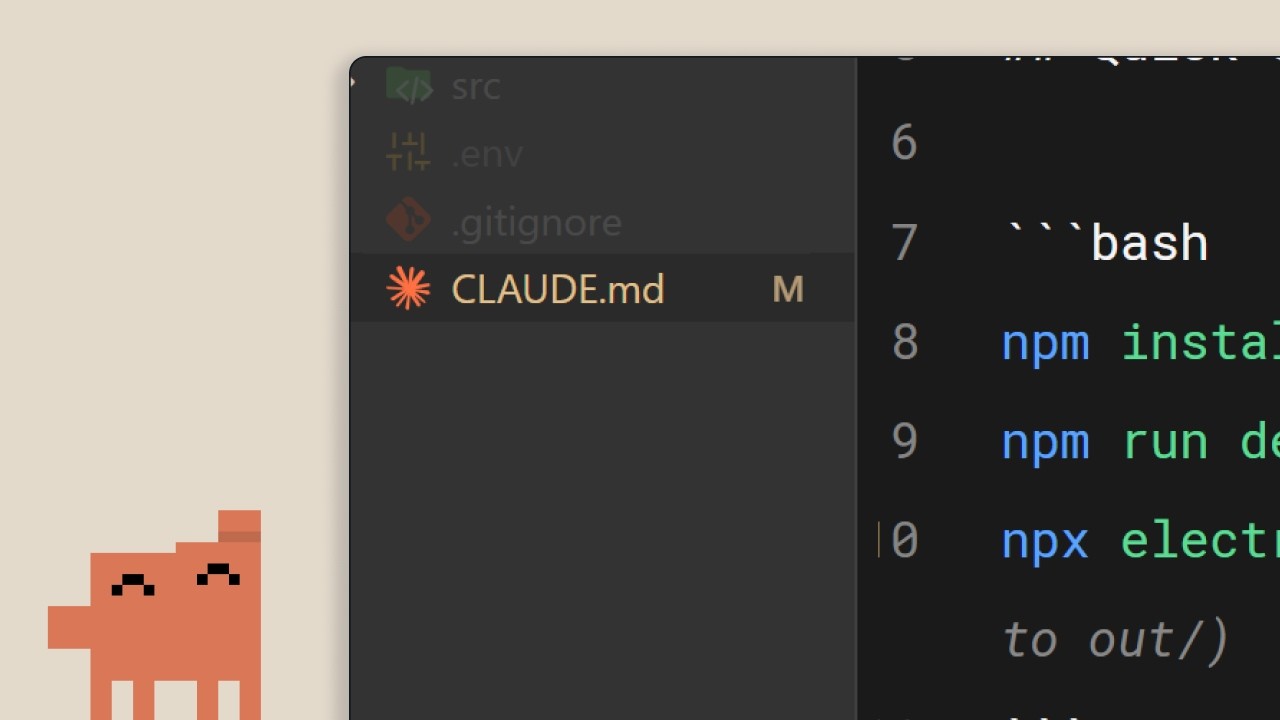
O arquivo CLAUDE.md
O segundo episódio de Claude Code 101 da Anthropic cobre o único arquivo que transforma o Claude Code de um estranho em um colega de equipe: `CLAUDE.md`. O que colocar nele, como a hierarquia projeto/usuário divide as responsabilidades e três hábitos que impedem que o arquivo vire uma parede de regras obsoletas. ## [00:02] Por que o Claude Code precisa de memória persistente Sem `CLAUDE.md`, cada sessão começa do zero. O Claude precisa percorrer novamente a base de código, adivinhar dependências e redescobrir o que já foi implementado. Essas suposições são exatamente o que torna difícil orientar o modelo. O arquivo existe para evitar essa redescoberta a cada nova sessão. > *When you open up Claude Code without a claude.md file, it's like it has to start fresh every single time.* ## [00:34] O que é o CLAUDE.md e o comando /init É um arquivo Markdown comum na raiz do projeto, lido a cada início de sessão e anexado diretamente ao seu prompt: um «script de integração para a sua base de código». Se não quiser escrevê-lo à mão, o `/init` gera um rascunho inicial a partir do código existente. O arquivo de exemplo do tutorial tem três blocos curtos: stack (Next.js 15 app router, Tailwind, Drizzle ORM), comandos (servidor de desenvolvimento, testes, lint) e regras de estilo de código (indentação de 2 espaços, exports nomeados, rotas de API em `app/api`, preferência por server actions). Com isso carregado, pedir um componente React resulta em código no estilo do projeto já na primeira tentativa, sem rodadas de correção. > *It's a markdown file that you add to the root of your project and Claude Code reads it automatically every time you start a session.* ## [01:34] A hierarquia de memória: projeto vs usuário Sim, inclua-o no controle de versão. O `CLAUDE.md` em nível de projeto é para toda a equipe. Mas existe um segundo nível: um `CLAUDE.md` de usuário na pasta de configuração que o acompanha em todos os projetos. É lá que vivem as preferências pessoais — como você gosta que os comentários sejam escritos, os idiomas que prefere — sem poluir o arquivo compartilhado. > *But there's actually a hierarchy of memory files depending on who it's for.* ## [02:01] Três dicas para manter o CLAUDE.md útil Três hábitos que o narrador defende. Primeiro, quando precisar corrigir o Claude em algo recorrente («sempre use server actions em vez de rotas de API»), peça explicitamente que ele salve isso na memória para que a correção persista entre sessões. Segundo, inclua documentação existente com `@filepath` em vez de copiar e colar no arquivo. Terceiro — contraintuitivo — inicie um novo projeto *sem* `CLAUDE.md` e observe onde você fica tendo que corrigir o curso; somente esses pontos de atrito pertencem ao arquivo. Assim ele permanece compacto em vez de inchado. > *We recommend you start off a project without a claude.md file so you can see where you have to constantly course correct the model.* ## [02:39] Resumo: o contexto faz a diferença Tudo em uma frase: a diferença entre uma sessão frustrante e uma produtiva é o contexto, e o `CLAUDE.md` é o mecanismo de entrega. Comece pequeno — stack, preferências, comandos — e vá crescendo a partir da fricção real. > *Start with your stack, your preferences, and then commands, and just build from there as you go.* ## Entidades - **Narrador do tutorial da Anthropic** (Person): Locutor da série oficial Claude Code 101 da Anthropic. - **CLAUDE.md** (Concept): Arquivo Markdown na raiz de um projeto que o Claude Code carrega automaticamente a cada sessão, fornecendo contexto persistente anexado ao prompt do usuário. - **/init** (Command): Comando do Claude Code que gera um `CLAUDE.md` inicial ao escanear a base de código existente. - **CLAUDE.md de projeto vs de usuário** (Concept): Hierarquia de memória em dois níveis. O arquivo de projeto fica na raiz do repositório e é compartilhado via controle de versão; o arquivo de usuário fica na pasta de configuração e carrega preferências pessoais por todos os projetos. - **Referência @filepath** (Concept): Sintaxe para apontar o `CLAUDE.md` para arquivos de documentação existentes em vez de duplicar seu conteúdo. - **Next.js 15 / Tailwind / Drizzle ORM** (Software): Stack usado no `CLAUDE.md` de exemplo do tutorial para ilustrar a aparência de um arquivo real.
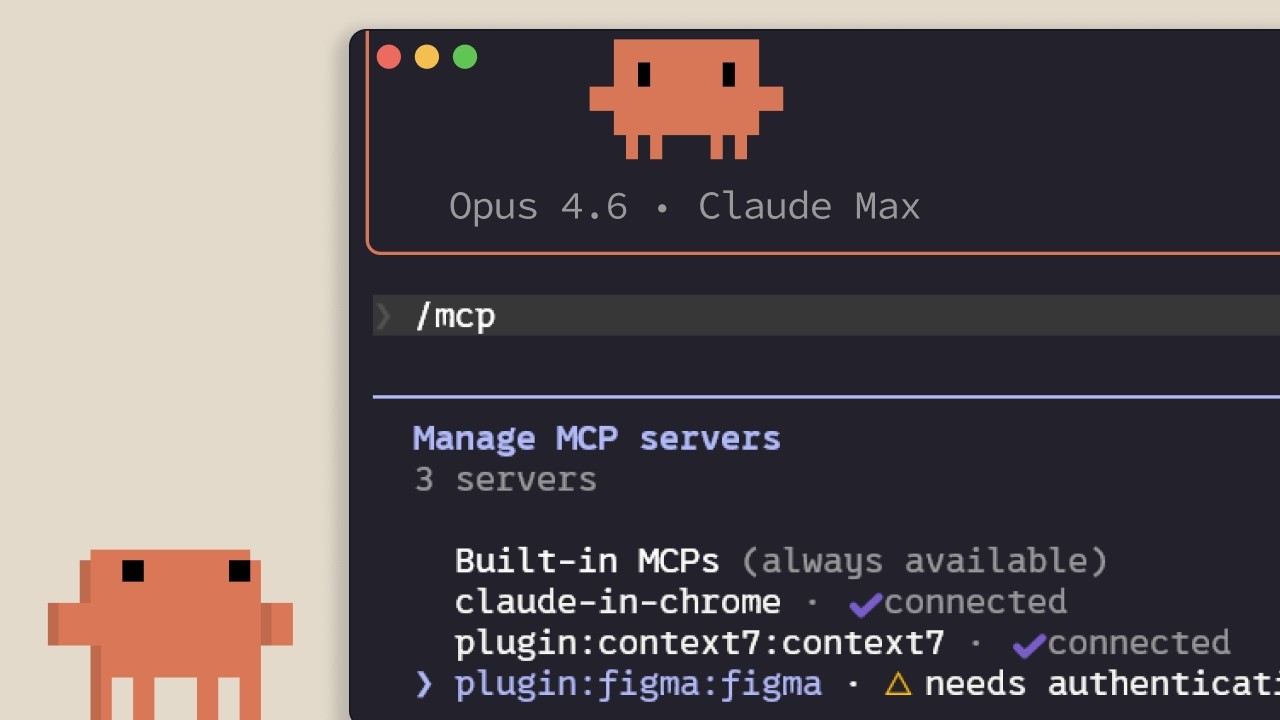
MCP no Claude Code
Guia da Anthropic sobre o Model Context Protocol dentro do Claude Code: ao que ele se conecta, como adicionar e delimitar servidores por escopo, e o custo oculto que cada servidor instalado impõe à janela de contexto. Voltado para desenvolvedores que estão prestes a conectar o Claude Code ao Linear, GitHub ou ferramentas internas. ## [00:02] Por que o MCP existe — o contexto vive fora do editor O argumento logo de início: a maior parte do contexto que o Claude Code precisa não está no repositório, mas em bancos de dados, aplicativos de produtividade e pacotes públicos. O MCP é o padrão aberto que permite ao Claude acessar essas fontes de forma autônoma e decidir quando consultá-las, sem precisar que você cole nada manualmente. > *Model Context Protocol é um padrão aberto que permite ao Claude Code conectar-se a ferramentas e fontes de dados externas.* ## [00:35] Ferramentas e o que os servidores MCP realmente conectam Antes de listar servidores, o narrador explica o conceito de *ferramenta*: agentes como o Claude Code usam ferramentas para executar ações, o que os diferencia de um chat que só retorna texto. Dois exemplos concretos se seguem: um servidor MCP do Linear que traz os tickets da equipe para a sessão, e o servidor Context7, que fornece a documentação atualizada da dependência em uso. Centenas de outros estão disponíveis em claude.com/connectors. > *Ferramentas dão a agentes como o Claude Code a capacidade de realizar ações para completar suas tarefas com mais eficácia.* ## [01:14] Adicionando servidores: HTTP vs STDIO e /mcp Os servidores são adicionados com `claude mcp add` e existem em dois tipos: servidores **HTTP**, hospedados remotamente pelo provedor e acessados pela rede, e servidores **STDIO**, processos locais que rodam na sua própria máquina. Após a instalação, o comando `/mcp` na sessão lista o que está conectado, exibe o status e permite desativar qualquer servidor que não esteja em uso. > *Servidores HTTP são para serviços remotos... Servidores STDIO são para processos locais que rodam na sua máquina.* ## [01:42] Três escopos: local, user e project (.mcp.json) Cada servidor cai em um de três escopos. **Local** restringe ao projeto atual apenas para você; **user** o torna disponível em todos os seus projetos; **project** gera um `.mcp.json` que você versiona no controle de código, de modo que todo membro da equipe que trabalhar no repositório receberá os mesmos servidores automaticamente. > *O escopo project usa um arquivo .mcp.json que você inclui no controle de versão, assim qualquer pessoa que trabalhe no código base recebe exatamente os mesmos servidores automaticamente.* ## [02:04] Definições de ferramentas custam contexto — quando preferir CLIs ou skills O ponto que ninguém menciona ao entregar uma lista de conectores: cada servidor MCP configurado injeta suas definições de ferramentas na janela de contexto, independentemente de você usá-lo ou não. As medidas recomendadas pelo narrador se somam: rodar `/mcp` e desativar o que estiver ocioso; preferir uma CLI como `gh` ou `aws` quando existir, pois CLIs não carregam definições persistentes de ferramentas; ou encapsular o fluxo de trabalho em um skill, que coloca apenas nome e descrição no contexto até que o Claude decida carregá-lo. Ao superar 10% do contexto, o Claude Code muda para o modo de busca de ferramentas, descobrindo-as sob demanda — útil, mas menos confiável do que tê-las pré-carregadas. > *Servidores MCP adicionam definições de ferramentas à sua janela de contexto, mesmo quando você não os está usando. Se houver muitos servidores configurados, isso consome o contexto disponível.* ## [03:10] Recapitulando As três coisas para lembrar: `claude mcp add` instala servidores, `.mcp.json` os compartilha com a equipe, e `/mcp` é onde você remove os que não está usando de fato. > *Adicione servidores com Cloud MCP add, defina o escopo para o seu projeto com .mcp.json para que sua equipe os receba automaticamente, e monitore o uso do contexto desativando servidores que não estiver usando ativamente.* ## Entidades - **Narrador do tutorial da Anthropic** (Person): O narrador oficial da Anthropic para a série Claude Code 101. - **Model Context Protocol (MCP)** (Standard): Protocolo aberto que permite ao Claude Code conectar-se a ferramentas e fontes de dados externas via servidores HTTP ou STDIO. - **Linear MCP server** (Software): Conector que traz os tickets do Linear da equipe para uma sessão do Claude Code. - **Context7 MCP server** (Software): Conector que fornece ao Claude Code a documentação atualizada da dependência em uso. - **.mcp.json** (Config): Manifesto de escopo de projeto versionado para que cada membro da equipe herde os mesmos servidores MCP. - **/mcp** (CLI command): Comando na sessão para listar, inspecionar e desativar servidores MCP conectados. - **Tool search mode** (Feature): Modo de fallback que o Claude Code ativa quando as definições de ferramentas MCP ultrapassam 10% da janela de contexto, descobrindo ferramentas sob demanda. - **Skill** (Concept): Alternativa leve a um servidor MCP completo; apenas nome e descrição ficam no contexto até que o Claude carregue o corpo sob demanda.
Running an AI-native engineering org
Fiona Fung, who runs engineering and product for Claude Code and Cowie at Anthropic, walks through what broke when agentic coding became the team's default — review, ownership, planning, hiring — and the norms they rewrote to keep shipping. The throughline: when coding stops being the bottleneck, every process built around protecting expensive engineering bandwidth quietly stops working, and the manager's job is to notice and rewrite them fast. ## [00:00] Intro and the five themes Fiona opens with a confession that the room is much fuller than she expected (Boris and Jared's session is still letting out), takes a selfie with the audience, and frames the talk. Background: she grew teams at Meta and Microsoft before Anthropic, and is now responsible for Claude Code and Cowie engineering and product. The deck she's about to walk through has already been rewritten in the past month — routines didn't exist when she first wrote the slides. She previews five threads: bottlenecks have shifted, team norms had to be rewritten, how they rolled them out, what signals say the changes are working, and the open questions she's still sitting with. > *"I did this slide deck maybe like a month ago and already I've had to change some of the content cuz when I started this deck, there were no routines."* ## [02:10] The shift: bottlenecks have moved Fiona's subtitle for the whole talk is *what served you prior may not serve you any longer*. She takes the audience back to shipping Visual Studio 2005 on CD-ROMs — hard deadlines because the manufacturing lab had to print discs — and points out that the move from CDs to online distribution already rewired how teams ship. The new shift is bigger: for years coding throughput and engineering bandwidth were the expensive things, and that's quietly stopped being true on Claude Code. When the bottleneck moves, it doesn't disappear — it relocates to verification, review, cross-functional handoffs, and security. The questions that matter now are "is this code correct?" and "is this safe?", and the old planning and ownership norms quietly stop serving the team. > *"What served you prior may not serve you any longer."* ## [07:40] Rewriting team norms: code review, JIT planning, technical debates Inside Claude Code the team had to rewrite the norms one by one. Code review is the first — human judgment shifts to "who actually needs to look at this." Planning is the second — Fiona calls it JIT planning, like JIT compiling, because prototyping is no longer the expensive step that justifies a six-month roadmap. Technical debates are the third: code wins. Instead of two engineers arguing on a doc, both prototype the API and look at impact on callers, and Fiona made a point of caring about the API's downstream effects as much as the implementation itself. The unifying rule: when building is cheap and arguing is expensive, you don't let the last person who checks in win — you build the routines that get *you* the last word. > *"When building is cheap, arguing expensive, again, how does that shift your team norms a bit?"* ## [13:30] Routines and Claude as a second pair of hands With morning coffee Fiona now reads what a routine produced overnight rather than kicking off the work herself. The team leans on Claude code review heavily — Claude babysits PRs, handles styling, lint, and feedback requests, catches bugs before commit, and adds tests — while humans focus on the calls where trust is still being built. She also stresses product sense in tooling: she themed Claude's terminal output ice blue with snowflakes over the holidays, then pulls back to the bigger point that catching bugs earlier (shift left) and automating the double-click question matter more than any one tool. > *"Where do you trust Claude a lot, but then where do you still want a human?"* ## [16:45] Cross-functional gaps and hiring for the hard parts Fiona walks through a survey-update story: she didn't have a dedicated content designer, so Claude became her partner for terse, terminal-appropriate copy. Meanwhile PMs on the team write code, and engineers lean into PM work. The flip-side conclusion for hiring: non-traditional coders can now do more engineering, so the leader's job is to double down on the hard parts the team is actually missing. When she joined, Claude Code was strong on product generalists and creative folks but thin on distributed-systems expertise — that's where she pushed recruiting. > *"With Claude, you have non-traditional coders now being able to do more engineering, but you also have engineers that we can also now lean in to do other roles."* ## [18:51] Flat org and answering customer feedback yourself Fiona pushed her recruiters into an uncomfortable place: hire managers, but have them start as ICs first. The recruiter thought she was crazy; Fiona's answer is that dogfooding Claude Code is the job, and if a candidate isn't up for it the team is better off finding out early. Flat structure plus Claude as a context-switching aid is what lets her, as a manager, still ship code and answer customer requests directly from her desktop Claude Code — instead of routing every customer question through a triage system, she pulls up the local repository and answers it herself. > *"You want to hire managers and they will start as an IC first. No manager would be interested in that."* ## [25:00] Signals you're trending right and open questions The team's working metric is unglamorous and direct: every commit is cloud-assisted by default, and Fiona hasn't seen a non-Claude commit in roughly four months. But she warns against fetishizing the "X percent of code generated by AI" headline — throughput is one signal, not the goal. The end question is what product you're making more delightful and what problem you're solving, with quality and reliability watched alongside volume. She closes with the section she calls "audit your own effort," opens up the questions she's still asking herself, and hands suggestions back to the audience to take to their own teams. > *"For us, it's by default every commit is cloud-assisted. I don't think I've seen a non-cloud-assisted commit probably in the last 4 months or so."* ## Entities - **Fiona Fung** (Person): Director of Engineering at Anthropic, runs Claude Code and Cowie engineering + product; previously led teams at Meta and Microsoft. - **Boris** (Person): Engineering lead on Claude Code, frequent collaborator referenced throughout. - **Kat (Cat)** (Person): Anthropic colleague who gave a keynote earlier the same day on Claude code review. - **Claude Code** (Software): Anthropic's agentic coding tool that is now the default for the team Fiona runs. - **Cowie** (Software): Sister product Fiona's team also owns engineering + product for. - **Anthropic** (Organization): The company building Claude and Claude Code. - **JIT planning** (Concept): Fiona's term for shifting from a six-month roadmap to just-in-time planning, modeled on JIT compilation. - **Shift left** (Concept): Moving bug-catching and verification earlier — into automation and tooling — instead of relying on review after the fact. - **Routines** (Concept): Repeatable Claude-driven workflows the team relies on so a single human gets the last word on outcomes rather than the last commit timestamp winning.
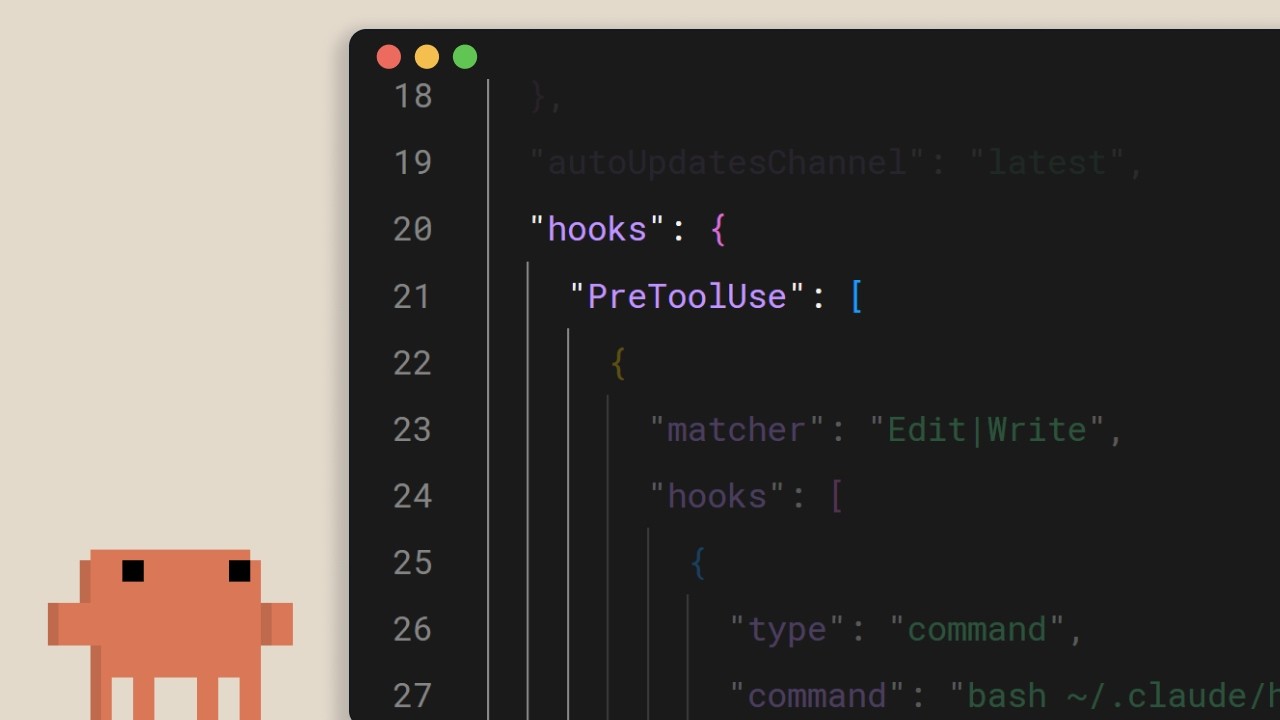
Hooks no Claude Code
Um breve tutorial da Anthropic sobre os hooks do Claude Code: a saída de emergência determinística para tudo que precisa acontecer absolutamente em toda edição, toda chamada de ferramenta, todo commit. A mensagem central: se você escreve "sempre execute o prettier" no claude.md e torce para funcionar, você já perdeu. Mova para um hook. ## [00:02] O que são hooks e por que são determinísticos Hooks disparam em pontos fixos do ciclo de vida do Claude Code, e o argumento central do narrador é que, diferente de instruções no nível do prompt, eles sempre executam. Dizer ao modelo no claude.md para rodar o prettier após cada edição funciona na maioria das vezes, mas "na maioria das vezes" é exatamente a brecha que um hook fecha. Mesma intenção, mas imposta pelo runtime em vez de sugerida ao LLM. > *You can tell Claude in your claude.md file to run prettier after every file edit and most of the time it will do that, but sometimes it won't. It's not perfect. But a hook makes it happen every single time with no exceptions.* ## [00:37] Casos de uso comuns Quatro exemplos representativos definem o escopo: formatação automática após edições de arquivos, registro de todos os comandos executados para conformidade, bloqueio de operações perigosas como modificar arquivos de produção, e envio de notificações quando o Claude termina uma tarefa longa. > *Common use cases could include auto formatting after file edits, logging all executed commands for compliance, blocking dangerous operations like modifying production files, and sending yourself notifications when Claude finishes a task.* ## [00:52] Configurando hooks e os cinco eventos do ciclo de vida A configuração fica em `settings.json`: escolha um evento, opcionalmente restrinja com um matcher para qual ferramienta ele se aplica, então forneça um comando shell. Cinco eventos cobrem o loop: `UserPromptSubmit` antes que o Claude veja um prompt, `PreToolUse` e `PostToolUse` envolvendo cada chamada de ferramienta, `Notification` quando o Claude avisa o usuário, e `Stop` quando o Claude termina de responder. > *Pre-tool use which runs before a tool call, post-tool use runs after a tool call completes. Notification runs when Claude sends a notification, and stop runs when Claude finishes responding.* ## [01:22] Formatação automática com um hook post-tool-use O exemplo canônico: um hook `PostToolUse` com um matcher de `Edit` ou `MultiEdit` dispara sempre que o Claude modifica um arquivo. O comando verifica a extensão e direciona para o formatador correto: prettier para TypeScript, gofmt para Go, ruff para Python, ou o que o projeto padronizar. > *You set a post-tool use hook with a matcher of edit or multi-edit, right? So, it fires whenever Claude modifies a file. The command checks the file extension and runs the appropriate formatter.* ## [01:49] Bloqueando chamadas de ferramentas com pre-tool-use e códigos de saída Hooks `PreToolUse` recebem o nome da ferramenta e a entrada como JSON no stdin e decidem via código de saída: `0` prossegue, `2` bloqueia. Quando um hook bloqueia, o que ele escreveu no stderr é enviado de volta ao Claude como feedback, para que o modelo saiba o motivo e possa ajustar seu plano. É aqui que se aplicam as regras rígidas: bloquear gravações em um diretório de configuração de produção, recusar comandos bash contendo `rm -rf`, bloquear commits na main. A perspectiva do narrador: coisas que a equipe precisa garantir, não apenas sugerir. > *If it exits with code two, the action is blocked and the STD error message gets fed back to Claude's feedback so Claude knows why it was blocked and can adjust.* ## [02:26] Hooks no nível do projeto e compartilhamento em equipe Os hooks em `.claude/settings.json` têm escopo de projeto e podem ser commitados no repositório, o que significa que toda a equipe os herda automaticamente ao clonar. Referencie scripts pela variável de ambiente `CLAUDE_PROJECT_DIR` para que os comandos sejam resolvidos corretamente independentemente do diretório de trabalho atual do Claude. A regra final: se algo precisa acontecer sempre sem falhas, não coloque em um prompt, coloque em um hook. > *If something needs to happen every time without fail, don't put it in a prompt. Put it in a hook.* ## Entities - **Anthropic Tutorial Narrator** (Person): A voz oficial da Anthropic para a série de tutoriais Claude Code 101. - **Claude Code** (Software): A ferramenta de codificação terminal agêntica da Anthropic à qual os hooks se conectam nos eventos do ciclo de vida. - **Hooks** (Concept): Comandos determinísticos que disparam em pontos fixos no loop do Claude Code, a alternativa imposta pelo runtime às instruções no nível do prompt. - **settings.json** (Configuration): Onde os hooks são declarados; `.claude/settings.json` na raiz do projeto é versionado no repositório para que as equipes compartilhem as mesmas regras. - **PreToolUse / PostToolUse / UserPromptSubmit / Notification / Stop** (Events): Os cinco eventos do ciclo de vida aos quais um hook pode se conectar. - **CLAUDE_PROJECT_DIR** (Environment variable): Usada dentro de comandos de hook para referenciar scripts relativos ao projeto, independentemente do diretório de trabalho atual do Claude.
O que é o Claude Code?
O guia oficial da Anthropic sobre o Claude Code — o que é, como difere do Claude.ai e as três coisas que você deve saber antes de deixar um LLM executar comandos na sua base de código. Voltado para desenvolvedores prestes a instalar a ferramenta de terminal pela primeira vez. ## [00:04] O que é o Claude Code e onde ele roda O Claude Code é posicionado como uma ferramenta de codificação agêntica: entende sua base de código, edita arquivos, executa comandos e se integra às ferramentas de desenvolvimento que você já usa. Ele funciona em várias superfícies — terminal, VS Code, JetBrains IDEs, o aplicativo de desktop Claude e a web — mas este guia usa o terminal como experiência canônica. > *Claude Code is an agentic coding tool that understands your code base, edits your files, run commands, and integrates with your existing developer tools to help you get things done faster.* ## [00:34] Como ele difere do Claude.ai A distinção principal não é a capacidade do modelo, mas o acesso: o Claude Code acessa diretamente seu terminal e toda a sua base de código, eliminando o ciclo de copiar e colar no chat — a ferramenta realiza o trabalho no lugar. Chamá-lo de "agente de IA" é uma forma resumida de descrever essa superfície de execução direta. > *Unlike Claude AI, Claude Code has direct access to your files in your terminal and your entire code base.* ## [00:51] Agentes de IA e o que o Claude Code pode fazer Um agente de IA aqui significa software que interage com seu ambiente e toma ações para atingir um objetivo definido — em sua forma mais básica, um LLM em um loop em tempo real com acesso a ferramentas, serviços externos e outros agentes. Para o Claude Code, isso se traduz em capacidades concretas: ler e explicar sua base de código, rastrear bugs entre arquivos, executar scripts de build e testes, instalar pacotes e buscar a documentação de API mais recente na web para decidir o que fazer a seguir. > *An AI agent is a software that can interact with its environment and perform actions to complete a defined goal.* ## [01:45] Três conceitos para saber antes de começar O narrador destaca três propriedades que moldam o uso diário. Primeiro, a **janela de contexto** é a memória de trabalho do Claude — grande, mas finita — por isso o agente precisa navegar estrategicamente pela base de código em vez de carregá-la toda. Segundo, o Claude Code **pede permissão** antes de executar comandos ou modificar arquivos; você mantém o controle, seja conduzindo cada etapa ou deixando-o funcionar de forma mais autônoma. Terceiro, **ele pode errar**: interpretar mal a intenção, introduzir bugs ou engenheirar demais uma solução. Trate os resultados como faria com os de qualquer outra ferramenta, não como verdade absoluta. > *By default, Claude Code will ask you before running commands or making changes to your code base.* ## [02:34] Recapitulação O Claude Code é uma ferramenta de codificação agêntica que lê sua base de código, edita arquivos, executa comandos e se conecta a ferramentas externas para ajudá-lo a entregar mais rápido — disponível hoje no terminal, VS Code, JetBrains e no aplicativo de desktop Claude. > *Claude Code is an agentic coding tool. It reads your code base, edits your files, runs commands, and connects to external tools to help you ship faster.* ## Entidades - **Anthropic Tutorial Narrator** (Person): O narrador oficial da Anthropic para a série de tutoriais Claude Code 101. - **Claude Code** (Software): O assistente de codificação agêntico baseado em terminal da Anthropic, que opera diretamente na sua base de código. - **Claude.ai** (Software): O produto Claude baseado em chat — em contraste com a execução em ambiente do Claude Code. - **AI agent** (Concept): Um LLM rodando em loop em tempo real com acesso a ferramentas, serviços externos e outros agentes para perseguir um objetivo definido. - **Context window** (Concept): A memória de trabalho do Claude — finita, por isso o agente navega estrategicamente em vez de carregar toda a base de código. - **VS Code / JetBrains IDEs** (Software): Integrações de editores nas quais o Claude Code está disponível, ao lado do terminal e do aplicativo de desktop Claude.
O fluxo de trabalho Explorar→Planejar→Codificar→Commitar no Claude Code
Apresentação de três minutos da Anthropic sobre o loop que consideram o hábito mais importante ao trabalhar com Claude Code: pesquisar primeiro no modo plano, definir o que "pronto" significa antes de tocar em qualquer arquivo e, em seguida, fazer um subagente revisar o diff antes de fazer push. ## [00:03] Por que explorar-planejar-codificar-commitar supera começar direto A abertura é direta — se você adotar apenas um hábito do curso, que seja este fluxo de trabalho. O modo de falha que ele combate é o reflexo de colar uma tarefa no Claude e assistir à geração imediata de código, o que prioriza a velocidade mas adia o custo de correção. > *Without this, most people jump straight to pasting in Claude to write code, which means more course correcting later on.* ## [00:21] Modo plano: pesquisa somente leitura antes de qualquer edição O modo plano comprime exploração e planejamento em um único movimento. Claude pode ler arquivos e executar pesquisas na web, mas não pode escrever — Shift+Tab alterna para ele a partir do prompt. O narrador demonstra com uma solicitação real (adicionar conversão WebP a um pipeline de upload de imagens, descobrir onde ela se encaixa, quais dependências são necessárias e como abordá-la). Claude retorna um plano; você o lê e pede revisões se algo estiver faltando. Este é o ponto mais barato de todo o ciclo para mudar de direção, porque nada foi escrito ainda. > *With plan mode, Claude can't edit files. It just reads files to gather research on how to tackle this implementation.* ## [01:11] Aprovar o plano e corrigir o curso enquanto Claude codifica Uma vez que o plano parece certo, Aprovar devolve a execução ao Claude para percorrer a lista de verificação. Você escolhe se as edições de arquivos se autoaceitam ou solicitam confirmação a cada vez. Claude resolverá problemas por conta própria, mas espere ter que intervir — e a razão pela qual o modo plano compensa aqui é que o agente carrega o contexto de pesquisa que produziu o plano, então correções em voo pousam no lugar certo em vez de começar do zero. > *This is the benefit of working with plan mode because after the plan is finished, we also have the context of how it got to the results to help it guide its next decision.* ## [01:39] Tornar os critérios de sucesso explícitos e dar ferramentas reais ao Claude Um plano sem definição de "correto" deixa Claude adivinhar. Especifique como o sucesso se parece e equipe o agente para realmente verificá-lo: a extensão Claude+Chrome permite que ele controle uma aba do navegador para testar uma interface que acabou de construir; um conjunto de testes fornece algo para validar a cada loop, e Claude também pode escrever os testes — mas somente se você já os tiver validado como verdade base. Uma dica de durabilidade: quando Claude continua encontrando o mesmo problema, faça-o persistir a correção no arquivo CLAUDE.md para que pare de reaprender. > *In order for Claude to be confident in its results, it has to be clear on what it deems correct.* ## [02:24] Revisão por subagente, commit e recapitulação Antes de fazer push, inicie um revisor de código subagente sobre o diff — uma segunda passagem sem apego à implementação. Em seguida, peça ao Claude que esboce a mensagem de commit no seu estilo e envie. A recapitulação reformula cada etapa: Explorar alimenta contexto, Planejar define sucesso, Codificar é o vai-e-vem que converge para o plano, Commitar revisa e faz push para você seguir em frente. > *A tip before you commit, run a sub agent code reviewer to look at your code.* ## Entities - **Anthropic Tutorial Narrator** (Person): A voz oficial da Anthropic para o curso Claude Code 101. - **Claude Code** (Software): Ferramenta de codificação agentiva em terminal cujo loop diário recomendado é o tema deste episódio. - **Plan mode** (Feature): Modo somente leitura ativado com Shift+Tab — Claude pesquisa e propõe um plano, mas não pode editar arquivos. - **Claude + Chrome extension** (Software): Permite ao Claude Code controlar uma aba do Chrome para verificar alterações de interface antes de declarar uma tarefa concluída. - **CLAUDE.md** (File): Arquivo de memória do projeto usado aqui como destino de persistência para correções recorrentes que Claude continua reaprendendo. - **Subagent code reviewer** (Pattern): Subagente Claude pré-commit que revisa o diff antes de o humano fazer push.
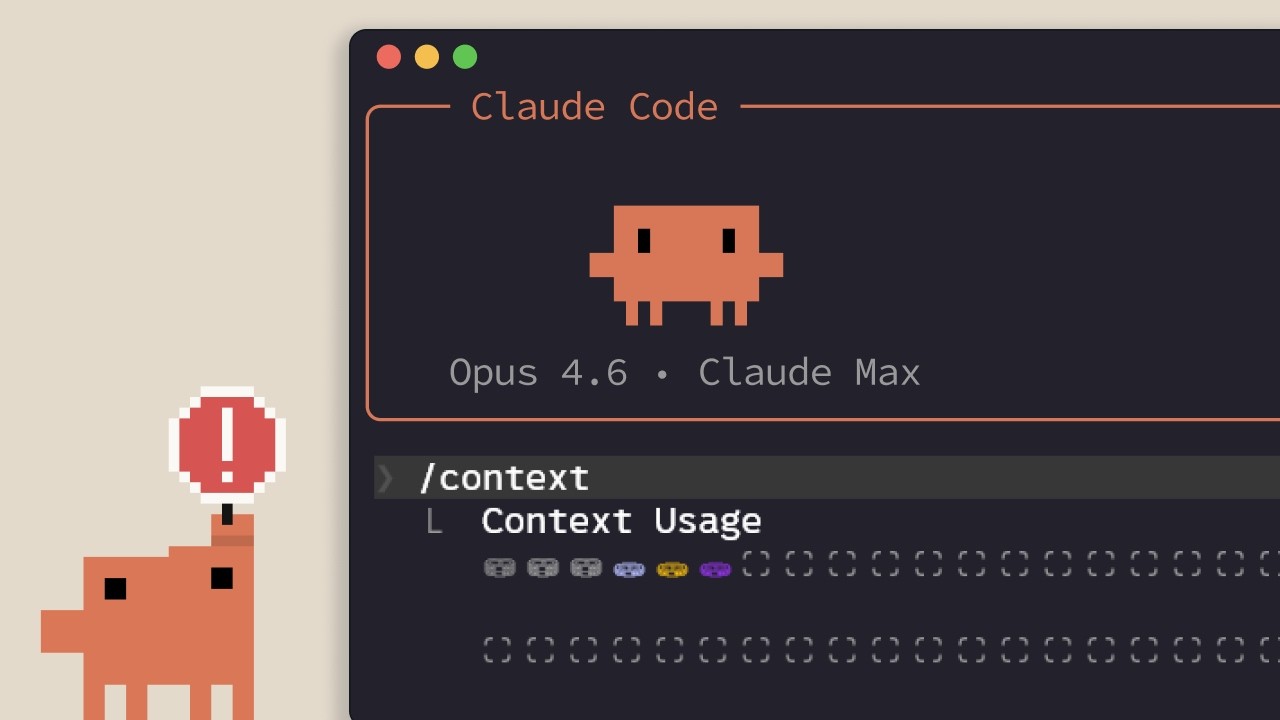
Gerenciamento de contexto no Claude Code
O tutorial Claude Code 101 da Anthropic sobre contexto — o que preenche a janela, quando a compactação automática é ativada e os controles práticos (/compact, /clear, /context, claude.md, toggles de MCP, skills, subagentes) para manter uma sessão enxuta o suficiente para continuar trabalhando. ## [00:03] Por que o contexto é finito e por que isso importa O contexto é a memória de trabalho do Claude: cada prompt, cada leitura de arquivo, cada resultado de chamada de ferramenta aterra na mesma janela. A janela é grande, mas finita, portanto otimizar o que entra nela é indispensável assim que se começam sessões de múltiplas etapas. > *Every file it reads, every command it runs, every message you send, it all takes up space in the context window.* ## [00:39] Compactação automática e o comando /compact Ao se aproximar do limite, o Claude Code compacta automaticamente: resume os pontos importantes e descarta resultados ruidosos de chamadas de ferramentas para liberar espaço. Também é possível acionar `/compact` manualmente — útil quando se quer margem, mas ainda se deseja lembrar do que foi trabalhado. Contrapartida: a compactação pode perder detalhes de turnos anteriores. > *Compaction will summarize important details and remove the unnecessary tool call results and free up a lot of space in your context window.* ## [01:11] /clear e /context: recomeçar do zero e ver o que está sendo usado Para um reset completo sem memória da sessão anterior, `/clear` apaga tudo. Para ver onde o espaço está realmente sendo consumido, `/context` mostra o tamanho total, as categorias que mais consomem e um gráfico do detalhamento — o diagnóstico antes de decidir entre compact e clear. > *To check the state of your context, run the /context command.* ## [01:35] A regra prática: compact no meio da tarefa, clear entre tarefas O narrador oferece uma heurística clara: ainda trabalhando em uma funcionalidade e chegando perto do teto? Compact — você quer que o histórico relevante se mantenha. Concluiu o plano e vai para algo novo? Clear — a conversa antiga pode enviesar o novo trabalho. > *If you have finished the plan and want to start on a new feature, then clear. You don't want the previous conversation to present bias in anything new that you want to create.* ## [01:57] claude.md, especificidade de prompts e escrever menos escrevendo mais Tudo que o Claude deve lembrar entre sessões pertence ao `claude.md` para que ele não redescopra os mesmos fatos toda vez. E, paradoxalmente, prompts curtos custam mais contexto: diante de uma pergunta vaga, o Claude percorre o codebase com grep e raciocina mais — o que preenche a janela. Uma ou duas frases de especificidade economizam muito espaço adiante. > *The irony behind writing a smaller prompt is that it in the long run, it will take up more context.* ## [02:26] Servidores MCP, skills e subagentes como ferramentas de contexto Servidores MCP carregam por padrão todas as ferramentas que expõem no contexto — bem se relevantes, caro se não, então desative os que não estão relacionados ao projeto. Skills se comportam como servidores MCP, mas não despejam toda a superfície de ferramentas no contexto. Subagentes rodam em paralelo com sua própria janela separada; para tarefas de busca de informações ("onde estão os endpoints de autenticação?"), você pode despachar um subagente e receber apenas a resposta, em vez de todo o percurso. > *Sub agents run in parallel with your main agent but has a complete separate context window.* ## [03:06] Recapitulação Gerenciar o contexto no Claude Code é a diferença entre uma sessão longa e produtiva e uma travada. Use `/compact` para resumir sessões longas, `/clear` para recomeçar, seja específico nos prompts, verifique `/context` para ver o que está consumindo a janela e delegue trabalho de somente-resposta aos subagentes. > *Managing context within cloud code is crucial. Use slash compact to summarize long sessions and slashclear to start fresh.* ## Entidades - **Anthropic Tutorial Narrator** (Person): A voz oficial da Anthropic para a série de tutoriais Claude Code 101. - **Claude Code** (Software): O assistente de codificação agêntico em terminal da Anthropic cuja janela de contexto é o tema deste episódio. - **Context window** (Concept): A memória de trabalho do Claude — finita, preenchida por prompts, leituras de arquivos e resultados de chamadas de ferramentas. - **/compact** (Command): Comando slash (e gatilho automático) que resume o histórico e remove o ruído de chamadas de ferramentas para liberar espaço. - **/clear** (Command): Comando slash que apaga a sessão por completo para um começo limpo em novo trabalho. - **/context** (Command): Comando slash que informa o tamanho total do contexto e quais categorias o consomem. - **claude.md** (File): Arquivo de memória no nível do projeto que o Claude lê entre sessões para não redescobriros mesmos fatos. - **MCP servers** (Software): Provedores de ferramentas que carregam por padrão todas as ferramentas expostas no contexto — desativar quando não forem relevantes. - **Skills** (Feature): Alternativa mais leve aos servidores MCP que evita carregar toda a superfície de ferramentas no contexto. - **Sub agents** (Feature): Agentes paralelos com suas próprias janelas de contexto usados para responder perguntas delimitadas sem poluir a janela principal.
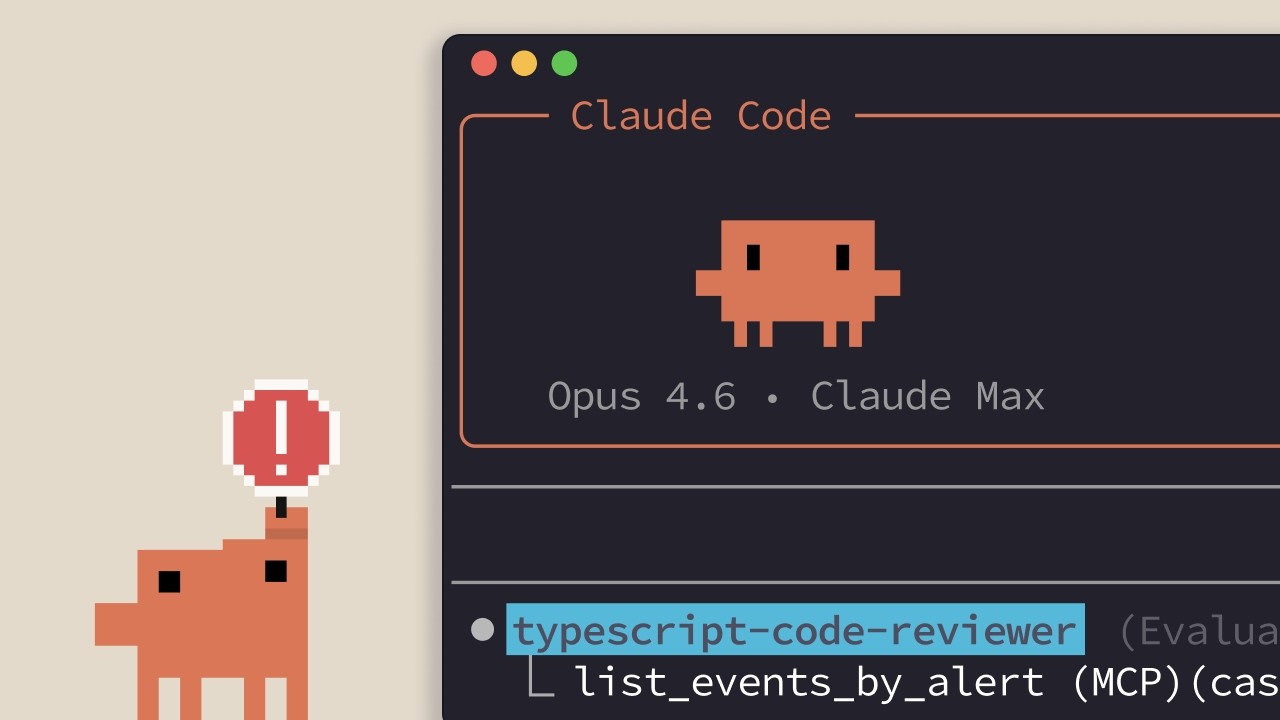
Usando subagentes de forma eficaz
Subagentes são poderosos quando o trabalho intermediário não pertence à sua thread principal — mas delegar indiscriminadamente piora as coisas. Este tutorial traça a linha entre delegação útil (pesquisa, revisão de código, prompts de sistema específicos para domínio) e antipadrões comuns (afirmações de persona de especialista, pipelines sequenciais, executores de testes) que consomem contexto e perdem exatamente as informações de que você precisa. ## [00:03] Introdução: quando subagentes ajudam e quando atrapalham A série até aqui cobriu a criação e o design de subagentes. Esta edição final muda o foco para a questão de implantação: quais tarefas realmente se beneficiam de iniciar um agente separado, e quais sofrem com isso? A resposta se resume a um teste: o trabalho intermediário importa para sua thread principal? Quando a exploração é separada da execução, os subagentes compensam. Quando cada etapa depende do que a etapa anterior descobriu, o custo da transferência elimina exatamente os detalhes de que você precisa. > *"Em termos simples, a diferença está em saber se o trabalho intermediário importa para a sua thread principal."* ## [00:32] Tarefas de pesquisa: mantendo a exploração isolada O rastreamento de autenticação é um exemplo concreto. Sua thread principal precisa saber onde ocorre a validação de JWT — não os dezenas de arquivos lidos ao longo do caminho. Um subagente de pesquisa pode varrer toda a base de código, seguir chamadas de função entre arquivos e retornar uma resposta precisa: a validação de JWT acontece em middleware/auth.js na linha 42, chamada a partir de route/api.js. Toda aquela exploração fica contida no contexto do subagente. A thread principal recebe a conclusão e segue em frente sem que o histórico de busca polua sua janela de contexto. > *"Sua thread principal recebe: a validação de JWT acontece em middleware/auth.js na linha 42, chamada pelo roteador Express e route/api.js, ou algo assim."* ## [01:15] Subagentes de revisão de código: feedback com olhos frescos Claude revisando código que ajudou a escrever tem um problema de viés — esteve presente em cada decisão e não consegue facilmente enxergar o que parece errado de fora. Um subagente revisor contorna isso completamente: ele vê apenas o diff e os arquivos modificados, sem nenhum histórico de como o código evoluiu. Essa folha em branco também cria um segundo benefício. Critérios de revisão específicos do projeto — convenções de nomenclatura, padrões de segurança, regras de arquitetura — podem ser codificados no prompt de sistema do subagente uma vez e aplicados de forma consistente, sem depender da thread principal para lembrá-los a cada turno. > *"Um subagente revisor vê as mudanças em um contexto separado. Ele executa git diff, lê os arquivos modificados e aplica seus critérios de revisão especializados sem o histórico de como o código foi escrito."* ## [01:59] Prompts de sistema personalizados: copywriting e estilo O prompt padrão do Claude Code é otimizado para saída técnica e concisa — exatamente o oposto do que se precisa para uma landing page ou e-mail de marketing. Um subagente de copywriting recebe instruções completamente diferentes sobre tom, público e estrutura, produzindo resultados que os padrões da thread principal jamais gerariam. A mesma lógica se aplica ao CSS. Um subagente de estilo que menciona os arquivos do seu design system carrega automaticamente variáveis de cor, convenções de espaçamento e padrões de componentes em seu contexto antes de escrever uma linha sequer, garantindo que cada decisão de estilo reflita o sistema real em vez de suposições razoáveis. > *"O prompt padrão do Claude Code tende para uma escrita técnica e concisa, que realmente não é o que você quer para uma landing page ou campanha de e-mail, a menos que queira entediar seus clientes."* ## [02:57] Antipadrões: afirmações de especialista, pipelines, executores de testes Três padrões pioram as coisas de forma confiável. Primeiro, prompts de persona — "Você é um especialista em Python" ou "Você é um especialista em Kubernetes" — não acrescentam nada, porque Claude já possui esse conhecimento. Iniciar um subagente apenas para rotulá-lo com um título de especialista desperdiça o overhead do isolamento sem oferecer nada que a thread principal não pudesse fazer. Segundo, pipelines sequenciais falham sempre que as etapas não são verdadeiramente independentes. Um fluxo com três agentes — reproduzir um bug, depurá-lo, corrigi-lo — parece limpo, mas falha na prática: o agente de depuração precisa do contexto em tempo real do agente de reprodução, não de um resumo comprimido dele. Terceiro, subagentes executores de testes escondem informações ativamente. Quando os testes falham, você precisa da saída bruta para diagnosticar o que deu errado. Um subagente que retorna apenas "teste falhou" obriga você a escrever scripts de depuração adicionais para recuperar detalhes que a saída direta teria mostrado imediatamente. > *"Um subagente que retorna 'teste falhou' obriga você a criar scripts de depuração adicionais para obter detalhes que seriam visíveis na saída direta."* ## [04:10] Recapitulação da série e a heurística de decisão central Ao longo da série: subagentes são threads isoladas que retornam resumos, criadas com /agents, projetadas com saídas estruturadas e descrições específicas. Use-os para pesquisa, revisão de código e tarefas que precisam de um prompt de sistema personalizado. Evite-os para afirmações de persona de especialista, pipelines dependentes com múltiplas etapas e execução de testes. Todo o framework se reduz a uma pergunta: o trabalho intermediário importa? Se a resposta for não, delegue. > *"A pergunta central: o trabalho intermediário importa? Se não, delegue."* ## Entidades - **Anthropic Tutorial Narrator** (Pessoa): apresentador da série de tutoriais sobre subagentes do Claude Code, Anthropic - **Claude Code** (Software): assistente de programação com IA da Anthropic; o ambiente no qual subagentes são criados e orquestrados - **Subagente** (Conceito): uma thread isolada do Claude iniciada a partir do contexto principal, retornando um resumo comprimido em vez de expor seu contexto de trabalho completo - **JWT (JSON Web Token)** (Conceito): usado como exemplo prático de um subagente de pesquisa rastreando lógica de autenticação em uma base de código - **System prompt** (Conceito): conjunto de instruções por subagente que permite comportamento específico de domínio diferente do prompt padrão do Claude Code - **Anthropic** (Organização): desenvolvedora do Claude e da série de tutoriais sobre subagentes do Claude Code