PodcastsHear the voice. See the shape of the thought.
Kanäle durchsuchen
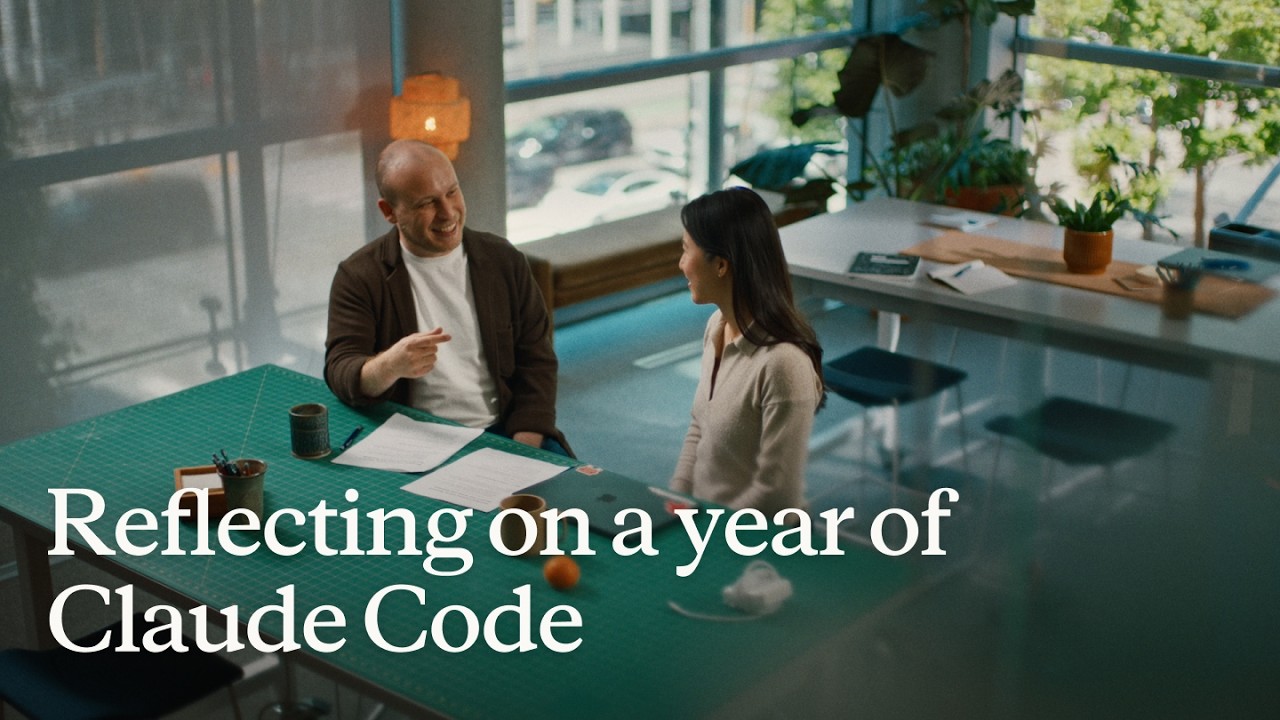
Reflecting on a year of Claude Code
Boris Cherny (creator and Head of Claude Code) and Cat Wu (Head of Product, Claude Code) look back on Claude Code's first year — from a Slack demo that earned two emoji reactions to running thousands of autonomous agents daily. They walk through how they think about verification, why auto mode replaced plan mode, how routines are eliminating entire categories of manual engineering work, and why the shift from "I write code" to "I talk to a loop" represents two major platform leaps in barely 18 months. ## [00:00] The origins and evolution of Claude Code Boris recalls posting the first Claude Code demo to Slack and getting exactly two reactions. A year later, his workflow involves "armies of agents" — a single loop prompting agents that prompt other agents, forming trees of thousands. The meta-principle that carried the tool this far: every time Claude makes a mistake, don't just correct the output — write the fix into a CLAUDE.md file or a skill so Claude can run unsupervised forever. > *"Every single time Claude makes a mistake, I don't tell Claude to do it differently. I tell it to write it to the CLAUDE.md or to make a skill… and if you can do this, then Claude can just run forever."* ## [01:10] How to make Claude good at verification Both Boris and Cat push back on the narrow view that "verification" means lint, type-check, and unit tests — things that were already automated before agents existed. Real agent verification means the agent can actually run the software under test. Boris cites a moment with Opus 4 where he asked Claude to build a feature and test itself by opening its own CLI — "crazy" at the time, table stakes now. Cat's current approach: a desktop development skill that has Claude spin up the local desktop app, use computer use to click through the UI, hit edge cases, and update the skill itself whenever it discovers a new failure mode. > *"I have it read Slack and understand: hey, is staging down right now, or has someone else already hit this? And then when it debugs the whole issue, I tell it to update the desktop development skill."* ## [03:14] Roles merging: Claude Code beyond engineers Boris recounts the moment he first saw a designer opening PRs — his initial alarm giving way to "okay the code looks good, so maybe it's fine." Cat reports that across enterprises, engineers adopt Claude Code first, then adjacent roles lean over their shoulders: designers making prototypes directly in the app, PMs shipping changes, the finance team running projections inside Claude Code, data scientists with it permanently on-screen. > *"It's kind of like all the roles are merging."* ## [04:48] Using routines for CI, code review, and more Cat describes a Claude Code power user on their team who shipped voice mode and then set up a routine monitoring every GitHub issue and bug report on that feature, automatically drafting fixes and pinging PRs. He later extended it to catch any unresponded bug older than five hours. Cat's own experience: she shipped a small feature with an edge case she missed, a bug was filed, and before she got to it that evening, Claude Code told her "another Claude has already fixed this." Boris adds that routines now handle all code review, babysit every PR, rebase, and respond to CI failures. He hasn't done those manually in a long time. > *"He has another routine that just looks for bug reports that haven't been responded to in five hours and puts up a fix, and he merges the ones that are easy to verify."* ## [06:43] Boris' go-to feature: auto mode Boris stopped using plan mode once Claude 4.6 arrived; by 4.7 the explicit planning step was no longer necessary. He now starts an agent in auto mode and moves directly to the next task without watching it. He traces the shift from the early permission-prompt model — where you had to approve every tool call — to auto mode routing suspicious actions to a classifier instead. Human attention degrades when 99% of prompts are harmless: eyes glaze, the one dangerous prompt slips through. Auto mode concentrates attention on genuinely flagged cases only. > *"Auto mode is more safe than reading every single permission prompt, because it means that you're only paying attention to the most important thing and not being spammed a bunch of things that are just 99% yes."* ## [08:10] Securing auto mode: red teaming and evals Shipping auto mode required building trust before it reached users. Cat describes the process: collecting thousands of full agent trajectories alongside permission prompts, having the auto mode classifier label each one, confirming it was "extremely good," then bringing in red teamers to attempt prompt injection attacks against the codebase. Every successful attack became an eval. Internal teams ran their own injection attempts to surface further gaps. The result is a model hardened not just against known attacks but against the most sophisticated adversarial constructions the team could devise. > *"It's not only just protecting you against the vulnerabilities that are out there in the wild today, but the most intelligent attacks that we can construct."* ## [10:24] Why loop is the next leap Boris frames two platform jumps in 18 months. First: stop writing source code directly — talk to an agent and let it write the code. Second, happening now: stop talking to an agent directly — talk to a loop or routine that prompts Claude Code on your behalf. Both felt obvious in hindsight, but neither was easy to see from inside the engineering mindset he brought to the project. > *"I don't talk to an agent anymore. I talk to a loop or I talk to a routine and it prompts Claude for me, and it's just crazy."* ## [11:06] How engineering orgs and responsibilities are changing Boris anchors the current transition to a 1990s Harvard Business Review piece asking why companies weren't seeing productivity gains from personal computers — and answering that computers needed to be at the center of every business process, not a side appliance next to the paper filing cabinet. At Anthropic, new hires don't ask colleagues questions; they ask Claude Code. Companies figuring out AI fastest are the ones putting it at the center of operations. Cat notes that the computer transition took 10–15 years; AI is compressing that because work is already digitized and Claude Code can both write and run code. > *"What you have to do is you throw out the filing cabinet. You have to throw out all your paper and all your pens and then you put a computer in the center and everything has to run through the computer."* ## [13:30] Is the future product or engineering? Boris' answer: both roles are merging into one. The Claude Code product team all writes code, the devrel team all writes code, designers write code, and engineers now ship products end-to-end — scoping the idea, building it, working with legal, marketing, and security to take it to market. The beneficiaries right now are people with high curiosity, strong product taste, and an appetite for end-to-end ownership. > *"AI really benefits people who have a lot of curiosity, have a lot of product taste, who love to have this end-to-end ownership."* ## [14:20] Working with hundreds of agents: using agent view, voice mode, and Remote Control Boris's multi-agent setup a few months ago: six terminal tabs, six git checkouts, manual context-switching. Today: one tab, the new agent view, and the desktop app handling work-tree cloning automatically. The unexpected change: roughly half his engineering now happens on his phone via Remote Control. He starts a task at his desk, walks to get coffee, checks in from his phone, starts new agents on the spot, and dictates to them via voice mode. Cat recalls noticing that Boris's laptop sat untouched on his desk for two consecutive days while he was actively merging PRs — he confirmed he was coding from his couch. > *"I'll like get coffee and then I'll check in on my agents and maybe I'll start another agent. And sometimes I'm talking to someone and we come up with a new idea — I'll just start an agent on the spot."* ## [16:05] From context engineering to context minimalism Boris traces the prompt engineering arc: Sonnet 3.5 required heavy prompt engineering; Opus 4 required careful context engineering; today's models need neither. The prescription now: give the model the minimal system prompt, the minimal tool set, and a way to pull in whatever context it actually needs — then let it work. Cat calls herself a "context minimalist": tell the model only what it needs to know, because too much upfront context is micromanagement, and the model often knows a better path anyway. > *"You give it the minimal possible system prompt, the minimal possible tools, and then you let the model figure it out."* ## [17:17] What's next for Claude Code Boris refuses to predict the specific form factor, only the direction: agents running longer, more autonomously, in parallel batches of dozens to thousands rather than one at a time. The exact interface for coordinating that many agents will be "really different than what came before" and won't come from Boris or Cat — it will come from the team and the broader community building with Claude Code every day. > *"In a year it's going to be a totally new set of things and it's going to be so surprising if it's still these same things."* ## Entities - **Boris Cherny** (Person): Head of Claude Code at Anthropic, creator of the tool; one of two interview subjects. - **Cat Wu** (Person): Head of Product, Claude Code at Anthropic; one of two interview subjects. - **Claude Code** (Software): Agentic coding tool developed at Anthropic, runs in the terminal; primary subject of the episode. - **Auto mode** (Concept): Claude Code permission model that routes tool-call decisions to a classifier instead of prompting the user for every action; replaces the earlier per-prompt approval flow. - **Loop / Routines** (Concept): Automated agents triggered by events (e.g., new GitHub issue, unresponded bug report) that prompt Claude Code without human initiation; described as the second major platform leap. - **Context minimalism** (Concept): Philosophy of providing models only the necessary system prompt and tools, letting the model pull additional context as needed rather than front-loading everything. - **Anthropic** (Organization): AI safety company that develops Claude and Claude Code. - **Remote Control** (Software): Claude Code feature enabling users to manage running agents from a mobile device. - **Agent view** (Software): New Claude Code interface for managing multiple parallel agents from a single pane.
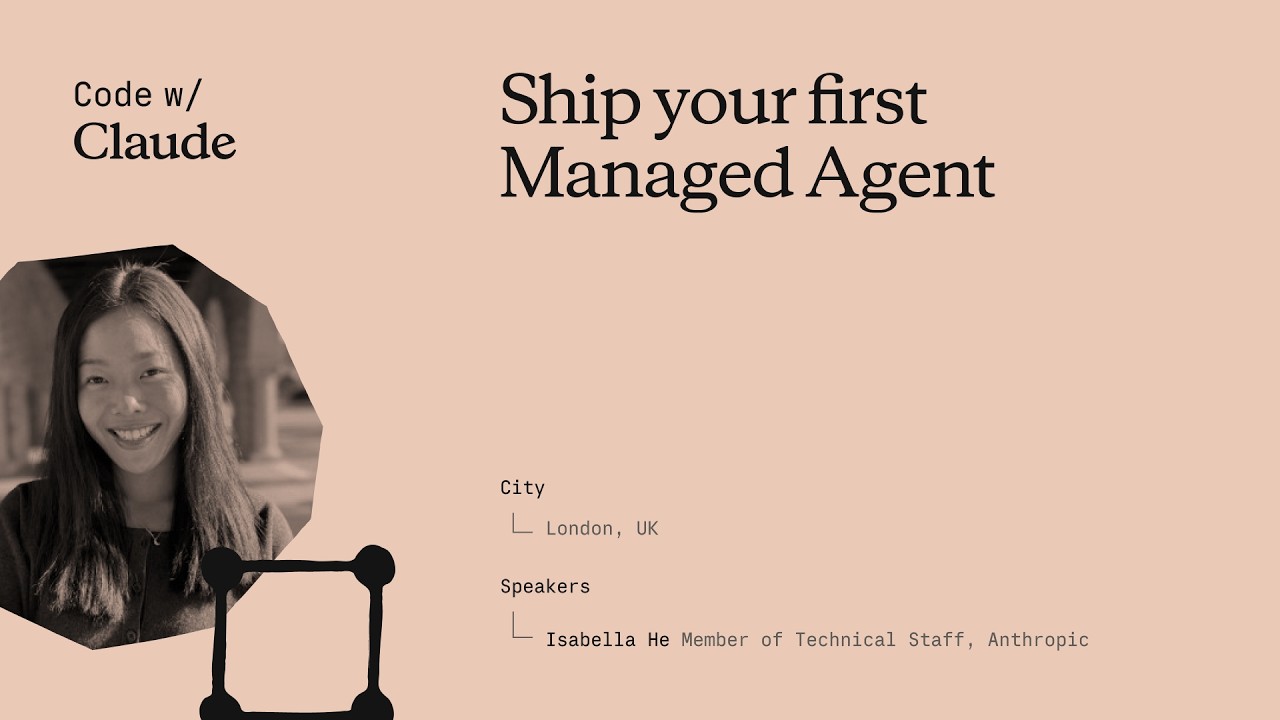
Deinen ersten Managed Agent deployen
Isabella He, Applied-AI-Engineer bei Anthropic, baut in 37 Minuten live einen funktionierenden SRE-Incident-Response-Agent — angefangen bei einem leeren `agent.py` bis hin zu einer Streamlit-App, die Tool-Calls streamt, Sessions persistiert und einen P99-Latenz-Spike diagnostiziert. Die Session kombiniert eine fünfminütige Architektur-Einführung mit praktischem Code, sodass Teilnehmende mit einem laufenden Agent und dem nötigen Verständnis für Subagents, Memory und Vaults nach Hause gehen. ## [00:19] Begrüßung & Agenda Isabella verortet das Applied-AI-Team bei Anthropic — "der Schnittpunkt aus Produkten, Forschung und unseren Kunden" — und skizziert den dreiteiligen Ablauf: ein kurzer Plattform-Überblick, ein praktischer Coding-Sprint und ein Blick auf erweiterte Features wie Dreaming und Subagents. Das Leitszenario ist der 3-Uhr-nachts-Pager-Alarm, den jede Softwareingenieurin kennt und den ein SRE-Agent auf Managed Agents künftig eigenständig übernimmt. > *"Mein Ziel heute ist es, euch alle praktisch ans Bauen auf Managed Agents heranzuführen, zu verstehen, wie der Harness unter der Haube funktioniert, und euch bereit zu machen, euren ersten Incident-Response-Agent wirklich zu shippen."* ## [02:10] Von der Messages API zu Managed Agents Isabella zeichnet die Produktgeschichte nach: Die Messages API von 2023 lieferte rohen Token-Zugriff, ließ aber Context-Management, Agent-Loop und Compaction bei den Entwicklerinnen. Das Agent SDK fügte die Dateisystem-Reichweite von Claude Code hinzu, verlangte aber weiterhin selbst verwaltetes Hosting. Managed Agents ist die dritte Generation — Anthropic übernimmt Skalierung, Sandboxing, Observability und Tool-Runtime, sodass Teams "10- bis 15-mal schneller in Produktion" gehen. Den Wartungsaufwand macht sie an einem konkreten Beispiel greifbar: Sonnet 4.5 zeigte "Context Anxiety" und brach Aufgaben vorzeitig ab. Anthropic patching den Harness; Opus 4.5 eliminierte das Verhalten vollständig und machte jene Patches überflüssig. > *"Harnesses sollten sich gemeinsam mit euren Agents weiterentwickeln — deshalb wollen wir bei Claude Managed Agents, dass Anthropic die gesamte Komplexität rund um Compaction, Caching und Context Anxiety übernimmt."* ## [05:55] Kernkonzepte: Agent, Environment, Session Drei Objekte bilden jede Managed-Agents-Anwendung. Der **Agent** trägt die Persona — Modellwahl, System-Prompt, MCP-Server, Skills. Das **Environment** ist der Ausführungscontainer, vergleichbar mit den "Händen" zum "Gehirn" des Agents, und unterstützt seit dem Vortag sowohl Anthropic-verwaltete Cloud als auch eigene Compute-Ressourcen. Eine **Session** verbindet beides und bindet Datendateien ein; Events (Nutzernachrichten, Tool-Calls, Antworten) werden an den Aufrufer gestreamt, statt Token in einer einzigen Response zurückzugeben. Die Entkopplung des Agent-Loops von der Tool-Ausführung senkte die P95-Time-to-First-Token um über 90 % und verhindert gleichzeitig Credential-Leaks durch die abgeschirmte Container-Grenze. > *"Durch diese Entkopplung sahen unsere Teams tatsächlich eine Reduktion der Time-to-First-Token — in der Größenordnung von über 90 % bei unseren P95-Latenz-Metriken."* ## [09:15] Workshop-Setup Teilnehmende klonen das Workshop-Repository, wechseln in `ship-your-first-managed-agent`, erstellen eine virtuelle Umgebung, installieren die Abhängigkeiten und tragen einen Anthropic-API-Key in `.env` ein, bevor sie `streamlit run app.py` ausführen. Isabella bestätigt, dass die Streamlit-URL eine Incident-Response-Chat-Oberfläche zeigt — die leere Leinwand für den Build. > *"Ihr könnt das gerne parallel mitmachen oder auch später in eurer eigenen Zeit nachholen — alles wird auf dem Bildschirm gezeigt, damit ihr folgen könnt."* ## [10:48] Den Agent Schritt für Schritt bauen Mit `agent.py` (unvollständig) neben `agent_complete.py` kopiert Isabella sechs Code-Blöcke nacheinander: 1. **Agent-Definition** — `SRE_AGENT` mit Claude Opus 4.7, einem minimalen System-Prompt, der die Rolle des Agents benennt, sowie den verfügbaren Tools (get_metrics, get_recent_deploys, get_diff, fetch_logs). 2. **Environment** — Anthropic-Cloud-Environment mit uneingeschränktem Netzwerkzugang für die Demo; Produktionsvarianten können auf eine Allowlist beschränken oder über Claude-MCP-Tunnel routen. 3. **Log-Upload** — hängt eine Log-Datei über die Files API ein, damit der Agent Code dagegen ausführen kann; Isabella hebt Context Engineering als den Bereich hervor, in dem Entwicklerinnen die meiste Iteration verbringen. 4. **Session-Erstellung** — übergibt `agent_id`, `environment_id` und hochgeladene Ressourcen-Referenzen, um alles zusammenzubinden. 5. **Event-Streaming** — empfängt Events (keine rohen Token) aus der Session, was Echtzeit-Darstellung und Observability-Logging ermöglicht. 6. **Lokale Tools + Session-Löschen** — registriert `get_metrics`, `get_recent_deploys` und `get_diff` als lokal ausgeführte Handler und fügt einen Session-Delete-Aufruf hinzu, mit dem Hinweis, dass gelöschte Sessions vollständig aus den Logs entfernt werden. > *"Das fehlende Stück ist jetzt einfach, dem Agent unsere lokalen Tools zu geben, damit er hier auf meinem Computer oder meiner Infrastruktur aktiv werden kann."* ## [19:43] Den Agent starten & Live-Demo Isabella startet eine neue Session mit dem Prompt "Debug my incident for me." Der Agent ruft `sandbox_bash`, `get_recent_deploys` und `get_diff` nacheinander auf, streamt jeden Tool-Call und jeden Antwort-Token ins UI und gibt schließlich einen strukturierten Incident-Report zurück: Der P99-Latenz-Spike (10-facher Baselinewert) ist auf eine Datenbank-Pool-Erschöpfung zurückzuführen, die Alices Commit `refactor_order_summary_builder` eingeführt hat. Sie weist darauf hin, dass eine Produktionsvariante Claude-Code-Zugriff hinzufügen würde, um einen Fix vorzuschlagen, einen PR zu öffnen und den Kreis ohne menschliche Beteiligung im kritischen Pfad zu schließen. Ein harter Browser-Refresh bestätigt die Session-Persistenz — alle bisherigen Sessions tauchen aus dem Cloud-State wieder auf, ohne lokale Datenbank. > *"Wenn wir durch alle Tool-Calls scrollen, sieht man, dass alles aus Log-Perspektive in der Cloud persistiert ist. All das wird auch in der Observability-Konsole protokolliert."* ## [27:18] Architektur-Zusammenfassung, erweiterte Features & Q&A Isabella fasst die eventgetriebene Architektur zusammen: Sessions kommunizieren über Events, nicht über Request-Response-Paare; das Event-Log ermöglicht es Managed Agents, eine Session nach einem Container-Neustart fortzusetzen, ohne den Agent-Loop erneut zu durchlaufen. Dann gibt sie einen Ausblick auf vier Premium-Funktionen: - **Subagents** — ein Orchestrator spawnt Child-Agents mit eigenem Context-Window für Parallelismus und Context-Budget-Management. - **Memory / Dreaming** — der Agent überprüft seine eigenen Session-Logs, um zu entscheiden, was er behält, und ermöglicht so Selbstverbesserung und Präferenz-Recall über Sessions hinweg. - **Outcomes** — Entwicklerinnen definieren eine Rubrik; der Agent ermittelt, welche Tool-Calls das gewünschte Ergebnis liefern. - **Vaults** — Credentials, die zwischen einem separaten Endpoint und dem Agent-Container verschlüsselt sind, pro Nutzer und pro Session, basierend auf der im Kern der Architektur verankerten Brain-Hands-Trennung. Sie schließt, indem sie auf die anschließende "Dreaming"-Session und das integrierte Observability-Dashboard der Managed-Agents-Konsole hinweist. > *"Ich hoffe, alle gehen mit einem kleinen mentalen Modell davon, wie Managed Agents tatsächlich unter der Haube funktioniert — und seid stolz auf euch, dass ihr einen Site-Reliability-Agent geshippt habt."* ## Entitäten - **Isabella He** (Person): Member of Technical Staff, Anthropic Applied-AI-Team; Präsentatorin und Workshop-Leiterin - **Claude Managed Agents** (Software): Anthropics verwalteter Infrastruktur-Harness für produktionsreife Agents; übernimmt Skalierung, Sandboxing, Observability und Tool-Runtime - **Agent SDK** (Software): Früherer Anthropic-Harness mit Claude-Code-Zugriff; erforderte selbst verwaltetes Hosting - **Claude Opus 4.7** (Software): Für den SRE-Agent im Workshop-Demo verwendetes Modell - **Sonnet 4.5** (Software): Früheres Modell, das "Context Anxiety" (vorzeitige Aufgabenbeendigung) zeigte; verdeutlicht, warum Harnesses mit Modellen weiterentwickelt werden müssen - **Files API** (Software): Anthropic-API zum Hochladen von Dateien (Logs, Metriken) in den Kontext eines Agents - **Dreaming** (Concept): Managed-Agents-Feature, bei dem der Agent asynchron seine eigene Session-Historie überprüft, um das Langzeitgedächtnis zu aktualisieren - **Outcomes** (Concept): Rubrik-basierte Zielspezifikation in Managed Agents; der Agent wählt Tool-Calls, um ein definiertes Ergebnis zu erreichen, statt expliziten Schritten zu folgen - **Vaults** (Concept): Verschlüsselter Credential-Store in Managed Agents; vom Agent-Container über die Brain-Hands-Trennarchitektur entkoppelt - **MCP tunnels** (Concept): Claude-Feature zum Routing von MCP-Server-Traffic über ein privates Netzwerk statt über das öffentliche Internet - **Context anxiety** (Concept): Beobachtetes Sonnet-4.5-Verhalten, Aufgaben trotz verfügbarem Context-Budget frühzeitig abzuschließen; in Opus 4.5 behoben - **Anthropic** (Organization): KI-Sicherheitsunternehmen; Entwickler von Claude und der Managed-Agents-Plattform - **DataDog** (Software): Produktions-Monitoring-Plattform, als Drop-in-Ersatz für das JSON-basierte Metriktool der Demo genannt - **Streamlit** (Software): Python-UI-Framework zum Aufbau der Incident-Response-Chat-Oberfläche des Workshops
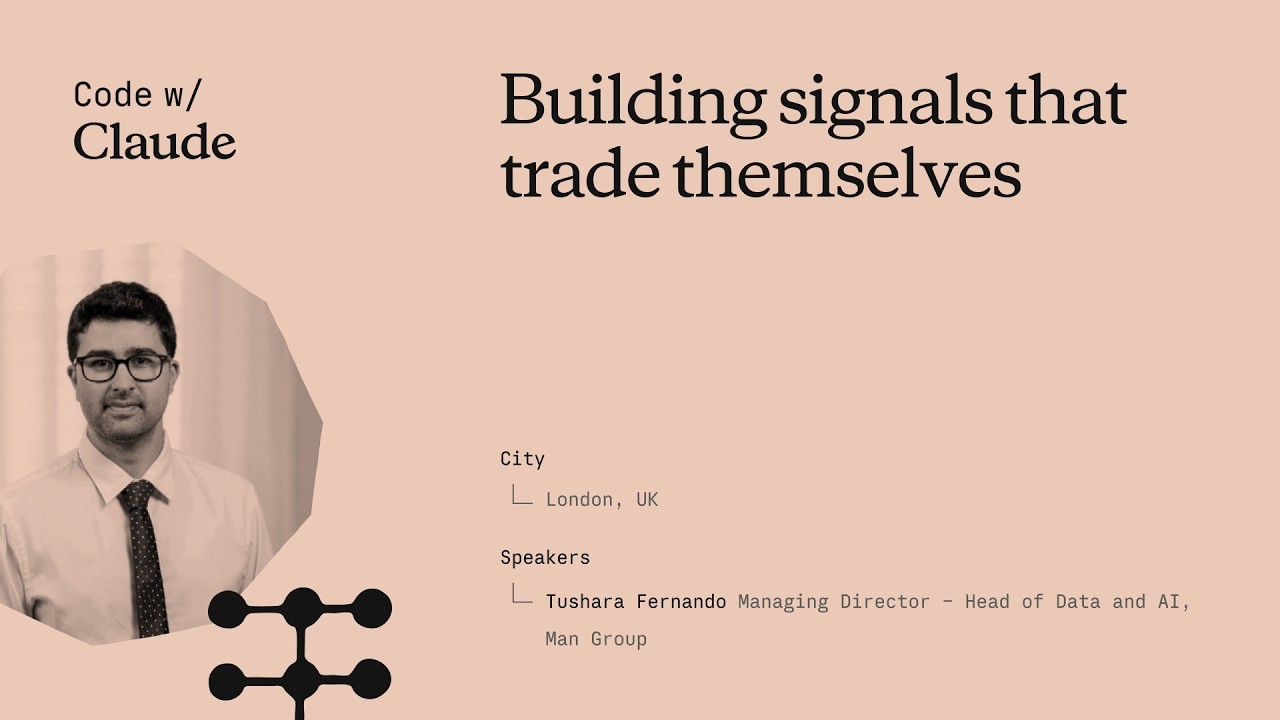
Trading signals that trade themselves
Tushara Fernando, Head of Data and AI at Man Group, explains how the firm integrates AI into systematic trading by codifying decades of institutional knowledge into "skills." She emphasizes that robust governance and shared workflows are essential for moving AI from individual productivity tools to enterprise-scale agentic platforms. ## [00:18] AI in Systematic Trading Man Group manages over $200 billion in assets, making the stakes for AI implementation exceptionally high for their institutional clients. Tushara Fernando describes systematic trading as an algorithmic process that uses historical backtesting to evaluate investment signals, much like managing a fantasy football team. > *A trading signal is really just this with stocks... We want to back the ones that would make money and we want to short the ones that won't.* > *[2, 43]* ## [04:38] The Role of AI-Generated Signals Man Group currently runs trading signals in production that were entirely researched, backtested, and proposed by AI. While humans review the final output for sensibility, AI handles the data acquisition, strategy proposal, and productionization of these investment ideas. > *There are trading signals running right now in production at Mang Group... that were researched, back tested and proposed by AI.* > *[4, 38]* ## [05:52] The Importance of Shared Workflows The success of a trading signal depends on the underlying workflows, such as data cleaning and outlier detection, which Fernando compares to the submerged part of an iceberg. Without shared workflows, different teams produce inconsistent results, making it impossible to compare the effectiveness of various strategies. > *If different teams are running different versions of those workflows, you get different answers.* > *[6, 50]* ## [08:43] Lessons in Skills Governance Early attempts at AI adoption failed because power users, rather than process owners, were building "skills," leading to local optimizations and errors like hardcoded cost centers. To solve this, Man Group created a governed marketplace where skills are owned by workflow owners, tested with evaluations, and tracked for usage. > *Treat those skills like production code because that's what they will become.* > *[17, 21]* ## [16:40] Scaling AI Across the Enterprise Man Group has scaled AI usage to nearly half its workforce by focusing on organizational context as a competitive moat. By treating skills as a library of institutional knowledge, the firm is preparing for a future where swarms of agents leverage these capabilities to find new investment opportunities. > *Skills governance really unlocks AI at that enterprise scale.* > *[19, 21]* ## Entities - **Tushara Fernando** (person): Head of Data and AI at Man Group. - **Man Group** (organization): An alternative investment manager with over $200 billion of assets under management. - **Claude** (product): An AI model used by Man Group for research, backtesting, and workflow automation. - **Anthropic** (organization): The AI company that assisted Man Group with skills workshops and implementation. - **Systematic Trading** (concept): Algorithmic trading capabilities that look across thousands of securities and hundreds of markets. - **Backtesting** (process): The process of running a trading strategy against historical data to evaluate its performance. - **Sharpe Ratio** (metric): A statistical factor that compares the volatility of a strategy versus its returns. - **Skills Marketplace** (product): Man Group's internal library for governed AI skills, plugins, and institutional knowledge.
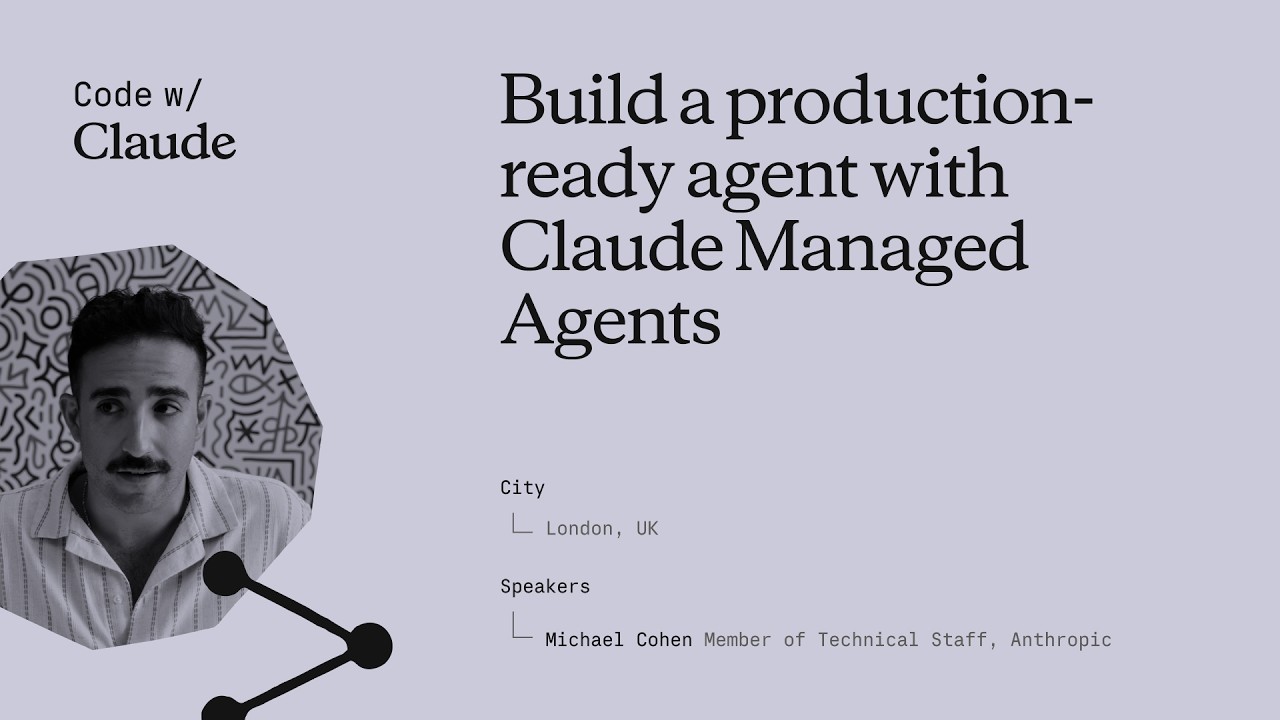
Build a production-ready agent with Claude Managed Agents
This session introduces Claude Managed Agents, a suite of API endpoints designed to help developers build and deploy production-ready AI agents with built-in tools, security, and observability. The speaker outlines how core primitives like Agents, Environments, and Sessions enable complex workflows such as multi-agent coordination and human-in-the-loop controls. ## [00:00] Introduction to Managed Agent Primitives Anthropic introduces Claude Managed Agents as a suite of API endpoints providing production-ready primitives like tool calling, error recovery, and memory management. The architecture relies on 'Agents' as templates for skills, 'Environments' for sandboxed execution with granular permissions, and 'Sessions' to maintain ongoing conversational context and state transitions. > *Claude Managed Agents at a high level is just a set of API endpoints that we've developed and released... that give you access to scaled ready, production ready agent. [01:35]* ## [07:54] Secure Connectivity and Sandboxing The platform supports self-hosted sandboxes, allowing developers to use private containers and VPCs to keep sensitive data secure while maintaining model access. Additionally, new MCP tunnels facilitate safe connections to internal Model Context Protocol servers, and Credential Vaults protect authentication tokens by keeping them out of the model's context window. > *Claude can directly connect to that safely without those MCP servers ever being exposed on the internet. [09:40]* ## [10:02] Multi-Agent Orchestration and Implementation A demonstration of a multi-agent architecture shows a coordinator agent spawning specialized sub-agents for complex tasks like financial analysis and macro trend research. Developers can implement these workflows using the Anthropic SDK and tools like Claude Code, which is specifically optimized to help developers implement and iterate on managed agent APIs. > *One agent is like in charge of figuring out macro trends... whereas another one is like really good at like financial analysis. [11:36]* ## [19:28] Observability, Memory, and Infrastructure The Claude Console provides robust observability, including agent versioning, session monitoring, and the ability to edit memory stores to correct agent context. By providing integrated state transitions and durable storage out of the box, the service eliminates the need for developers to build complex custom agent loops and sandboxing fleets manually. > *With cloud manage agents, we kind of were able to get all of these things out of the box. [26:54]* ## Entities - **Anthropic** (organization): The AI research and safety company that developed the Claude model family. - **Claude Managed Agents** (software): A suite of API endpoints for building and hosting production-ready AI agents. - **MCP** (protocol): Model Context Protocol used for secure authentication and tool integration. - **Claude Code** (software): A developer tool optimized for implementing and managing Anthropic APIs. - **Bun** (software): A fast JavaScript runtime used for the technical implementation demonstrations. - **Cloudflare** (infrastructure): A cloud provider mentioned as a host for private sandboxes and environments. - **Credential Vaults** (feature): A secure storage system for authentication tokens that prevents exposure to the model. - **Memory Stores** (feature): Persistent storage allowing agents to retain and retrieve information across sessions.
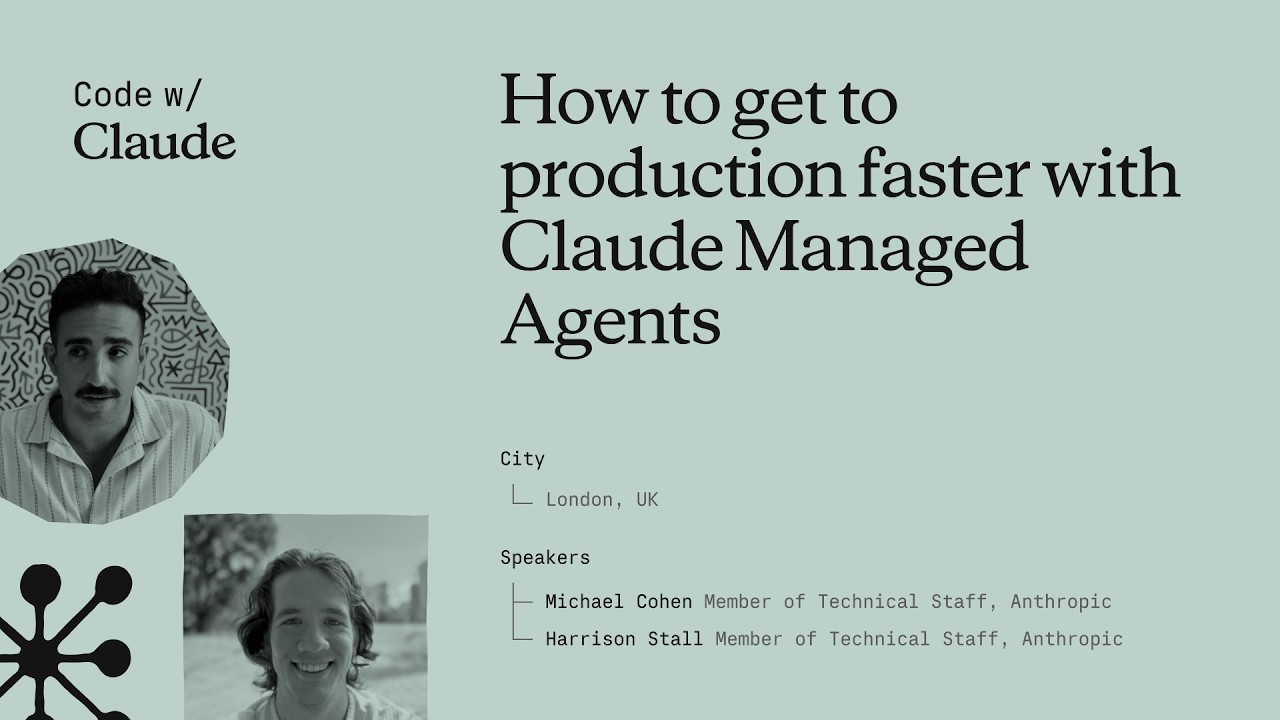
How to get to production faster with Claude Managed Agents
Anthropic engineers Michael and Harrison introduce Claude Managed Agents, a platform designed to simplify the infrastructure, security, and observability required for deploying autonomous AI agents. By handling complex backend tasks like sandboxing and identity management, the system enables developers to transition from simple tool use to long-running, outcome-oriented agentic workflows. ## [01:10] The Evolution of Agentic Infrastructure Michael and Harrison trace the progression of AI from basic function calling to autonomous agents capable of managing full feature development and PRs. They argue that infrastructure, rather than model intelligence, is now the primary bottleneck for achieving productivity where months of work are completed in hours. > *where we think we're seeing things going in the future is entire quarters worth of work being able to be getting accomplished within a couple of hours.* > *[2, 34]* ## [04:22] Core Primitives and Configuration The platform provides composable primitives for context management, observability, and secure sandboxing, allowing developers to define agents via system prompts and MCP tool configurations. Features like the 'Ask Claude' button and event streams provide real-time transparency and optimization suggestions for agent sessions. > *we did all of that platform work so that you don't have to so that you can kind of pick and choose the primitives that we have available.* > *[5, 26]* ## [10:05] Advanced Orchestration and Memory Beyond single-task execution, the platform supports multi-agent orchestration where Claude can spawn sub-agents to delegate work. Advanced features like 'Dreaming' allow agents to reflect across thousands of sessions, improving long-term memory and task performance through autonomous reflection. > *It allows Claude to spawn other agent threads with their own context windows in order to delegate work to them.* > *[10, 55]* ## [11:56] Sandboxing and Secure Connectivity Anthropic offers self-hosted sandboxes and MCP tunnels to give enterprises control over network policies and audit logs while exposing private data securely. Partners like Vercel, Modal, and Cloudflare provide specialized infrastructure, ranging from lightweight isolates for rapid scaling to high-performance GPU clusters. > *MCP tunnels are basically just a way for you to get your private MCPs in your network exposed to cloud manage agents.* > *[13, 25]* ## [20:19] Real-World Automation and Optimization Companies like DoorDash and Modal are using agents for complex technical tasks, such as autonomous account management and inference tuning. By running tools like the Nvidia profiler, agents can autonomously 'hill climb' performance benchmarks to optimize workloads without human intervention. > *Claude can optimize training loops... it'll run like the Nvidia profiler. It'll read the profiles and uh it'll just go ham and and make things better.* > *[20, 39]* ## [25:23] Future Challenges: Identity and Collaboration As agents become primary users of compute, the industry faces new hurdles in identity management, egress filtering, and task resumability. The future of AI involves moving from rigid execution to collaborative 'multiplayer' environments where agents and humans dynamically pivot based on feedback. > *how do we properly assign identity all the way down the chain such that it's only getting access to the right data* > *[25, 55]* ## Entities - **Anthropic** (organization): The AI safety and research company behind the Claude model family. - **Claude Managed Agents** (product): A platform and infrastructure suite for building and deploying autonomous AI agents. - **Michael** (person): Member of Technical Staff at Anthropic working on managed agents. - **Harrison** (person): Member of Technical Staff at Anthropic working on managed agents. - **MCP** (protocol): Model Context Protocol used for tool configuration and secure tunnels. - **Cloudflare** (organization): A cloud services provider focusing on sandboxing technologies like MicroVMs and isolates. - **Modal** (organization): A compute platform specializing in high-scale GPU sandboxes and AI workloads. - **Vercel** (organization): A partner providing fluid compute infrastructure for agent sandboxes.
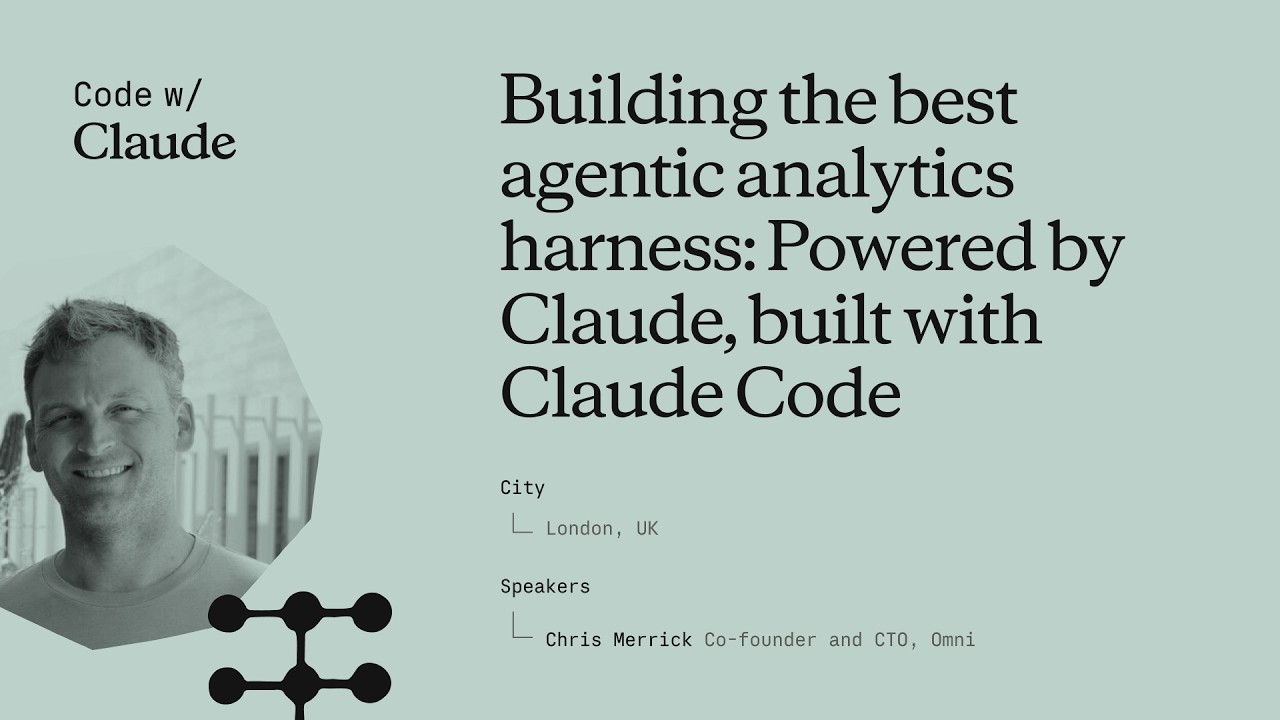
Building the best agentic analytics harness: Powered by Claude, built with Claude Code
Chris Merrick, CTO of Omni, details the development of 'Blobby,' an agentic analytics harness powered by Anthropic's Claude models. By combining a robust semantic layer with internal dogfooding of Claude Code, Omni enables users to translate natural language into complex data visualizations while maintaining high engineering velocity. ## [00:07] Engineering Velocity with Claude Code Chris Merrick explains how Claude Code has transformed Omni's internal development, allowing a small team of 25 to maintain high commit velocity. Even as CTO, Merrick uses the tool to stay technically involved, leveraging the efficiency of the Claude Opus model to contribute code alongside his team. > *I thank Claude very much for making me uh still able to do some software engineering from time to time. [01:12]* ## [03:14] The Semantic Layer and Business Context To bridge the gap between general LLM knowledge and specific business data, Omni utilizes a semantic layer that provides essential context like fiscal definitions and table relationships. This layer acts as a permissions and curation tool, ensuring the AI agent understands the unique nuances of a company's data environment. > *Claude is incredible at answering questions, but you need to tell it more about your business if you want it to answer questions about your business. [04:03]* ## [11:15] Architectural Evolution and the 'Blabbotomy' The team evolved their AI agent, Blobby, from a simple Q&A tool into a sophisticated harness by upgrading from Claude Haiku to Sonnet for better multi-turn performance. They addressed 'split-brain' errors—where sub-agents and outer agents failed to communicate—by consolidating all tools into a single, unified agentic brain. > *You want to be careful not to have a split brain between any sort of sub agent system and outer agent system. [15:57]* ## [16:23] Leveraging SQL and CTE Proficiency Omni shifted its query strategy from a proprietary JSON format to standard SQL to better leverage Claude’s inherent proficiency with complex Common Table Expressions (CTEs). This transition allowed the agent to handle difficult data questions in a single pass, significantly improving the accuracy of generated reports. > *Claude really likes to write SQL with CTE, common table expressions... and our parser was really good at parsing those [18:27]* ## [19:09] Evals, Observability, and UI Validation Merrick emphasizes that rigorous evaluation systems and raw trace observability are critical for ensuring the predictability required by executive users. Omni follows a 'build with AI, validate with UI' philosophy, where Blobby generates the initial dashboard and users use a workbook interface to refine and troubleshoot the results. > *Our philosophy from a product perspective is AI to build, UI to sort of validate and troubleshoot and refine. [23:21]* ## Entities - **Chris Merrick** (person): CTO and Co-founder of Omni who leads the engineering team and advocates for AI-driven development. - **Omni** (organization): An AI analytics platform that enables users to query data using natural language. - **Claude** (ai-model): The family of LLMs from Anthropic that powers Omni's analytics and internal engineering. - **Claude Code** (software): An AI-powered coding tool that significantly increased Omni's development velocity. - **Blobby** (ai-agent): Omni's AI data analyst agent designed to interpret and answer complex data questions. - **SQL** (technology): The query language that Omni's semantic layer generates to interact with data warehouses. - **Claude Sonnet** (ai-model): The specific Anthropic model used to unlock performance gains in complex agentic conversations. - **GitHub** (platform): The source of pull request (PR) data used in the agent's demonstration.
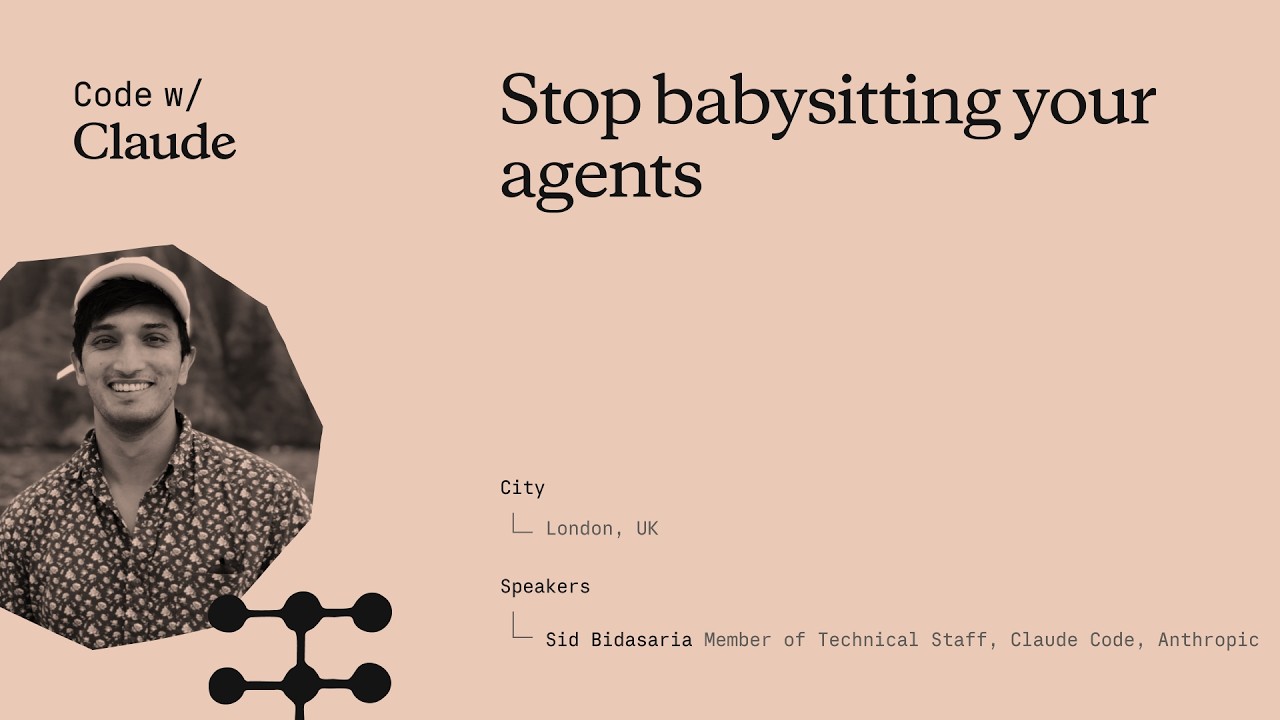
Stop babysitting your agents
Sid Budhiraja, a founding engineer of Claude Code, gave this keynote at Anthropic's Code with Claude conference to address a specific waste pattern: engineers spending most of their time staring at a screen waiting for Claude to finish, or acting as a "glorified QA tester." The talk lays out three escalating strategies—verification, parallelization, and background loops—that together let Claude run largely unsupervised. No captions existed on YouTube; transcript generated via Gemini Flash transcription (paragraph-level only, no word timestamps). ## [00:02] Opening & prerequisites Sid frames the talk as a "Claude Code 301" class and opens with a quick audience poll. Three things he calls table stakes: a high-quality CLAUDE.md file ("the single highest leverage thing you can do"), connecting external tools like Slack, Linear, and BigQuery to Claude Code so it can stitch together richer context, and setting up Claude Code on the web so that sessions are decoupled from the engineer's laptop and keep running even when the machine is closed or offline. He then lays out the structure for the rest of the talk: verification, multi-Clauding, and background loops—each building on the previous one. > *"A good rule of thumb is that if a tool is useful for you in your day-to-day life, it will also be useful for Claude. So things like Slack, Asana, Linear, Datadog, BigQuery—all of these things help Claude stitch together a much richer context for itself."* ## [05:14] Teaching Claude to verify its own work Sid asks the audience to recall how they personally verified their last feature: write code, build, run, check side effects, check logs, check the database, run unit tests, deploy to staging. That exact playbook, he argues, is also what Claude can run—if given the right tools and instructions. The key mechanism is the **loop**: an autonomous circuit where Claude writes code, hits a failure, debugs, writes more code, and keeps cycling until it reaches a success state. Once in a loop, Claude hill-climbs on a task without the engineer in the hot path. The loop works across front-end (browser-driven smoke tests), back-end (API checks), and full end-to-end flows—the principle is identical in each case. To package and distribute a verification loop, Sid recommends a **skill file**—a markdown document that stores the instructions and tool configuration for a specific verification task. Skills can be made self-improving: if you instruct Claude to update the skill every time it hits a new blocker, the document grows into a self-documenting playbook that benefits the whole team. > *"A loop essentially is an autonomous circuit that you can complete for Claude. And it allows Claude to hill climb on a given task or a given success criteria."* ## [15:46] Demo: building a verification loop live Sid demos against MonkeyType, an open-source TypeScript/Express/MongoDB/Redis typing-test application, chosen because it represents a realistic full-stack production app. Starting from a fresh Claude Code session, he tells Claude to spin up the dev server, then instructs it to use the `/chrome` Chrome MCP tool to navigate to localhost, type some text, and change a settings value—manually walking it through a basic smoke test. Once that hand-held session is complete, he tells Claude to take everything it just learned and write it into a skill file at `.claude/demo-verification`. Claude produces a skill with three sections: bring up the stack, load Chrome MCP tools, run a smoke test. He then asks Claude to build a new feature—a confetti animation on every mistype—and use the newly created verification skill to verify its own work. Claude writes the feature, hits ESLint errors, fixes them, reloads the app, and keeps cycling until the confetti appears. > *"You see the verification loop in action now where it's—it wrote some code, it encountered some issues, it fixed those issues by writing some more code, and it kind of went in a circle doing that until it came to a good state."* ## [26:38] Multi-Clauding without losing your mind Running multiple Claude instances simultaneously taxes attention, Sid's personal limit being four or five sessions before cognitive load becomes unmanageable. He covers four tools for scaling past that ceiling. The **Claude Code Desktop app** provides a unified sidebar showing all sessions across local terminal, cloud, and GitHub—sessions sorted by attention demand, color-coded, renamable. The terminal alternative is **Claude Agents** (`claude agents`), released roughly a week before the talk, which surfaces the same session list inside the terminal and sorts by urgency so the sessions that need a decision bubble to the top. **Claude Code on the Web** (claude.ai/code) runs sessions in Anthropic's cloud, fully decoupled from the engineer's hardware. And **Remote Control** (`/remote-control`) mirrors any running session to the mobile app with push notifications, so the engineer can answer Claude's questions from a car or between meetings without opening a laptop. > *"Remote Control essentially gives you the option to control any session running on any surface with your phone. If Claude needs some help from you or needs your input, your phone will buzz and you could be in your car, doing whatever you want, and you could just give Claude the input that it needs."* ## [32:41] Background loops and routines Even with good multi-session tooling, the engineer still decides when to start each session and what goal to give it. Background loops remove that last manual step. Sid describes the `/loop` command: `/loop 10 minutes "babysit my open PRs"` wakes up a Claude Code session every ten minutes, runs that prompt autonomously, and handles review comments, merge conflicts, and CI failures without the engineer watching. **Routines** are `/loop` running in Anthropic's cloud infrastructure—the same remote containers that power Claude Code on the Web. The Claude Code team itself runs two routines: one that updates docs daily, and one that scans issues and feedback and posts a summary to their Slack channel every six hours. With verification ensuring Claude's output is reliable, multi-Claude tools protecting attention across parallel sessions, and routines handling recurring bookkeeping, the engineer's role shifts from babysitter to delegator. > *"You can kind of spend your attention and your time on the tasks that you care about, and everything else can just be delegated to Claude—with high reliability and a high degree of confidence."* ## Entities - **Sid Budhiraja** (Person): Founding engineer of Claude Code at Anthropic; presenter of this keynote. - **Anthropic** (Organization): Creator of Claude and Claude Code; hosted the Code with Claude conference. - **Claude Code** (Software): Anthropic's agentic coding tool; central subject of the talk. - **Verification loop** (Concept): An autonomous write-check-fix cycle that lets Claude iterate on a task until it reaches a defined success state without human intervention. - **MonkeyType** (Software): Open-source TypeScript typing-test app (Express + MongoDB + Redis) used as the live demo target. - **Chrome MCP** (Software): Model Context Protocol tool (accessed via `/chrome`) that gives Claude programmatic control of a browser for UI verification. - **Routines** (Concept): Cloud-side scheduled Claude Code sessions with time-based or event-based triggers, enabling fully autonomous recurring tasks. - **Remote Control** (Concept): Feature (`/remote-control`) that mirrors Claude Code sessions to the mobile app with push notifications, enabling async oversight from anywhere.
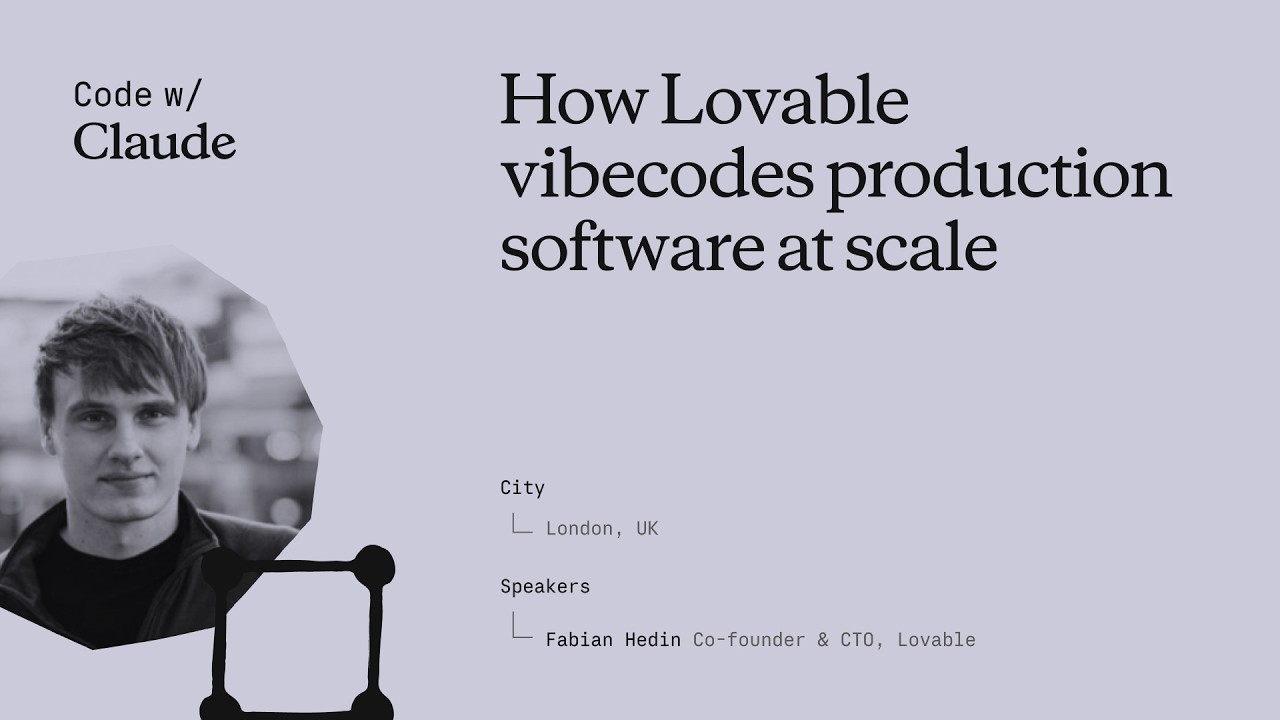
How Lovable vibecodes production software at scale
Fabian Hedin, Cofounder and CTO of Lovable, walked through two production systems his team built to stop non-technical users from getting permanently blocked: Lovable Overflow, a self-maintaining corpus of issue-solution pairs injected into the agent's context at inference time, and a "vent" tool that lets the agent itself flag platform failures and auto-open PRs for engineers to review. Together they cut the platform's stuck rate by 5% — an improvement on par with a full model generation upgrade — and now drive roughly ten merged fixes per day from agent-filed pull requests. ## [00:20] From GPT-Engineer to 600 million monthly visits Lovable's lineage traces back 35 months to GPT-Engineer, a terminal program co-founded by Anton that briefly became the fastest-growing repository on GitHub. The demo — asking for a snake game, watching the model generate and execute the code end-to-end — signaled what LLMs could do for software creation, but the abstraction wasn't ready for a non-developer audience in mid-2023. Fabian marks a turning point around eighteen months ago when the chat-plus-preview model started clicking, and every three months since then a new foundational model has pushed the envelope further. Today the platform hosts 15 million projects. More telling: the sites built on Lovable collectively receive 600 million monthly visits, far more than Lovable's own traffic — evidence that users are shipping things with real reach. > *"We have 15 million projects built on the platform. We have 600 million monthly visits to the sites built on Lovable. And I think this is an interesting statistic because it's significantly more than what Lovable has itself."* ## [04:22] Production software for the 99%: why non-technical users get stuck Lovable targets the 99% of people who can't code — and deliberately holds itself to production-grade quality, not just prototyping. That combination makes the job harder than building for expert developers. When an expert gets stuck they can read the error, switch the library, or escalate to a developer-experience team. A non-technical user working at Lovable's abstraction layer — where the code is mostly out of sight — has none of those escape hatches. Fabian applies the classic software maxim: the first 90% of code takes 90% of the time, and the last 10% takes another 90%. The pattern holds in the AI era: vibe-coding gets you to a first version fast, but finishing, bug-free, takes even longer. Getting "hard stuck" in that final stretch is the worst possible user experience Lovable can deliver. > *"If they get stuck, it's a very bad experience for them. It's kind of the worst thing that can happen to them because it's much harder for them to get unstuck."* ## [09:55] Defining stuck: the is_stuck metric and three failure buckets Lovable's `is_stuck` flag fires when a user asks for the same thing three times in a row, when they explicitly complain about the output, or when they prompt and then abandon the session. A small classification model evaluates each conversation to set this signal. The team maps stuck scenarios into three buckets. The first is promptable — a differently-worded message, or slightly more context, would have solved it; Lovable's goal is to fix these before the user even realizes they need to re-prompt. The second is a platform gap: something the agent should handle but a missing or broken tool prevents it. The third is a large infrastructure investment — for example, Lovable shipped only client-side-rendered SPAs for a long time, which hurt SEO-conscious builders; they shipped server-side rendering the week of this talk. Each bucket demands a different fix, but all three share the same core vision. > *"Really our vision with Lovable on the technical side is that every app that is built on the platform should help improve the next."* ## [13:15] Lovable Overflow: fleet knowledge that routes around errors Named in honor of Stack Overflow, Lovable Overflow is a growing corpus of problem descriptions paired with solutions, harvested from real user sessions. When a user reports laggy scrolling, a lightweight retrieval model searches the corpus for similar descriptions, and if a match is relevant it injects a synthesized fix into the main agent's context — not as raw text but reformatted to fit the current situation. The harder engineering problem is keeping the corpus honest. Knowledge grows stale when a JavaScript package ships a fix, or when a new foundational model already has the fix baked into its weights. Lovable tracks a success ratio for every entry and prunes records that stop working — including entries whose embedded knowledge is now redundant in a newer model. The tension between adding new knowledge and retiring old knowledge turned out to be as important as the retrieval mechanism itself. > *"For every knowledge file we'll track its success ratio and we'll actually just remove it and prune it from the knowledge if it is outdated. So we'll continuously review every piece of knowledge in our system and make sure that it's pruned when it's no longer helpful."* ## [17:45] Venting: letting the agent report its own frustrations The second self-healing mechanism inverts the feedback loop: instead of Lovable engineers watching for failures, the Lovable agent itself files a report when it's blocked. A tool called `vent--send_feedback` is in the agent's toolset with a prompt asking it to call the tool "once per user message when tooling, docs, or platform behavior materially slows or degrades your work." The agent's complaint lands in a Slack channel, a monitor agent de-dupes and investigates, and if the issue is real, it opens a pull request for an engineer to review. About 50% of the auto-generated PRs make sense and get merged. One example: the agent hit a space-in-filename bug in the `code--copy` tool, tried URL encoding and other workarounds, then vented — and a fix was in production ten minutes later. A second example went further: the Lovable agent complained about Framer Motion's TypeScript easing types, implying the open-source library itself could benefit from a PR. Fabian floated the idea of letting the agent contribute fixes upstream to the wider JavaScript ecosystem. The vent channel also became an unexpected early-warning system. Production incidents — inference downtime, missing sandboxes, network-level failures — show up as spikes in vent volume before conventional monitoring alerts fire. In one meta case, the agent vented 43 times in a session, then filed a PR suggesting de-duplication logic to stop spamming its own creators. > *"Several times now this Slack channel with the agent venting has been kind of the first signal for us to identify a production incident. And even if it's not the first signal, it has actually become a very helpful tool for engineers to debug what is going on."* ## [26:12] Results, lessons, and what comes after self-healing Lovable Overflow reduced the stuck rate by 5% and lifted the publish rate by 2% in its first version — before incremental tuning since then. Fabian frames the 5% number in context: that's roughly the improvement Lovable sees when it upgrades to an entirely new model generation. The venting pipeline merges about ten platform fixes per day. Three lessons stood out. First, failure-mode knowledge is model-specific: when a new foundational model ships, existing Lovable Overflow entries need revalidation because some will be redundant and others will need rephrasing for the model's different behavior. Second, knowledge has a half-life — even fixes that were correct become wrong as libraries evolve. Third, an earlier attempt at this system failed not because the idea was bad but because the success signals were too coarse to tune against; 15 million apps and 200,000 new projects per day give Lovable enough signal to make it work now. Beyond these two systems, the team is fine-tuning on fleet data and building out eval coverage to gate every model release. Fabian's closing frame: Lovable users arrive with strong intent to ship real products, and when they leave stuck, that's a failure Lovable owns — the entire self-healing apparatus exists to close that gap. > *"The stuck rate is reduced by 5%. That might not sound like a big number, but in reality that is on the same order of magnitude in what we would see this metric move if we had a new generation of a foundational model in our system."* ## Entities - **Fabian Hedin** (Person): Cofounder and CTO of Lovable; delivered this keynote at Code with Claude 2026 - **Lovable** (Organization): AI software builder for non-technical users; 15M projects, 600M monthly visits to hosted sites - **Claude** (Software): Foundational model powering Lovable's agent at consumer scale - **GPT-Engineer** (Software): Open-source terminal tool co-founded by Anton (Lovable co-founder); became the fastest-growing GitHub repo in 2023 and evolved into Lovable - **Lovable Overflow** (Concept): Fleet-learning knowledge corpus — problem/solution pairs harvested from real sessions, injected into the agent's context, and continuously pruned by success ratio - **Venting / vent--send_feedback** (Concept): Agent-side tool that files platform failure reports to Slack; a monitor agent de-dupes and auto-opens PRs for engineer review - **is_stuck** (Concept): Binary metric that flags when a user has repeated the same request three times, complained about output, or abandoned a session after prompting - **Framer Motion** (Software): TypeScript animation library; cited as an example of an open-source dependency the Lovable agent identified as having a suboptimal type API
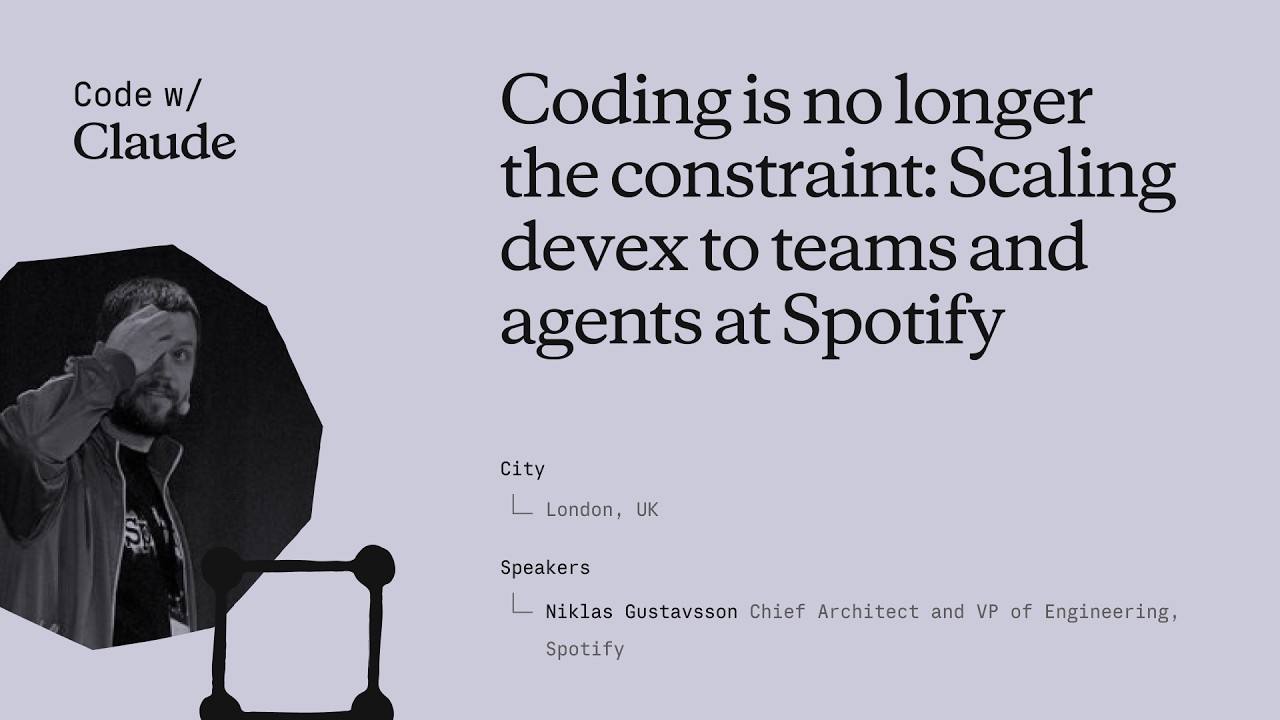
Coding is no longer the constraint: Scaling devex to teams and agents at Spotify
Niklas Gustavsson, Spotify's Chief Architect and VP of Engineering, walks through how a 3,000-person engineering org went from 0 to 99% AI tool adoption in months — and what that does to your product development constraints. The talk covers three concrete systems Spotify built: FleetShift for fleet-wide automated migrations, Honk as a background Claude-powered coding agent, and Backstage as the structured environment that makes agents reliable at scale. The central argument is that the same standardization practices that made human teams fast now make agents fast too. ## [00:18] Spotify's AI adoption surge Spotify's adoption of AI coding tools didn't grow gradually — it inflected sharply around the Claude Opus 3.5 release in November 2024. Within months, 99% of engineers used AI tools weekly, 94% reported meaningful productivity gains in the latest internal survey, and PR frequency jumped 76%. Niklas notes he had to update the PR frequency slide while preparing it because the numbers kept rising. The volume shift is also qualitative: by now, the majority of PRs shipped at Spotify are co-authored by an AI agent together with the developer, not written by a human alone. > *"Today more than 99% of our engineers use AI coding tools every week. And in the latest [survey], 94% of our engineers reports that using AI tooling has helped them become more productive."* ## [03:52] FleetShift: automating fleet-wide maintenance before AI Spotify's pre-AI problem was that its production codebase was growing seven times faster than the engineering headcount. That meant engineers spent progressively more time on maintenance — version bumps, API deprecations, security patches — leaving less capacity for new features. The answer was FleetShift, a fleet management system that treats those changes as coordinated mutations across thousands of repositories rather than per-component manual work. By the time AI entered the picture, FleetShift had already automerged 2.5 million maintenance PRs with no human in the loop: automation creates the PR, validates it in CI, and merges it. That infrastructure became the orchestration layer that Honk would later plug into. > *"Today up until today we've now merged two and a half million of those automated maintenance PRs. Work that our developers did not have to do."* ## [07:38] Building Honk — a background coding agent on Claude's Agent SDK Simple rule-based scripts work fine for config changes and dependency bumps, but fall apart on anything involving actual code modifications. Code has, as Niklas puts it, a very wide API surface — there are many ways to call the same method, and when you run a migration script across millions of lines and thousands of repos, you hit every corner case (a phenomenon with a name: Hyrum's Law). That brittleness was the forcing function for Honk. Honk is today a Claude-based coding agent wrapped inside a Kubernetes pod, scheduled by FleetShift, and equipped with CI tools so it can run builds, catch compile errors, and self-correct before opening a PR. A Java version migration that previously took multiple teams months now takes a single engineer three days. > *"Instead of writing these deterministic scripts to do these code modifications, can we use an LLM for this? [...] Out of this came a tool that we now called Honk."* ## [11:34] Honk V2 and multiplayer agent sessions Developers at Spotify quickly figured out how to invoke Honk over Slack — at-mentioning it mid-conversation and getting a PR back. That grassroots pattern pushed the team toward a more interactive product model. Honk V2, released in alpha during Hack Week the day before this talk, adds two layers on top of the original batch-migration use case. The first is integration with Chirp, Spotify's internal agent orchestration layer, which lets developers run many concurrent Honk sessions and coordinate them. The second is multiplayer: shared sessions where multiple developers can give feedback to the same agent instance simultaneously — described as "Google Docs but for Claude." Projects group those sessions into a shared workspace tracking a longer-horizon goal. > *"Basically imagine, uh, Google Docs or something similar, but for Claude."* ## [14:43] Standardization as agent infrastructure Spotify has operated for more than a decade on the principle that fewer technologies means faster execution. Limiting the stack reduces decision fatigue, makes cross-team collaboration easier, and lets engineers go deep on a smaller surface rather than maintaining breadth. That same principle, Niklas argues, directly improves agent performance. The mechanism is empirical: Spotify sees Claude produce noticeably worse outputs in their more fragmented codebases and better outputs where the stack is uniform. Backstage — their developer portal and software catalog — is the enforcement layer. It exposes component ownership, technology radar recommendations, and a "Golden State" spec for each component type. A Soundcheck UI lets teams self-assess compliance. Critically, all of these are also exposed as MCP servers and CLI tools so agents can query them directly. When Honk makes a code change, lint checks give it immediate feedback if it's using an off-radar pattern, and Niklas watches Claude self-correct against those checks in real time. > *"If Claude has a lot of other code to look at and that code looks roughly consistent, Claude will do better job. That's what we're seeing. And we actually have codebases that are more fragmented, and we can actually see Claude perform worse in those codebases."* ## [22:15] What happens when coding stops being the bottleneck The sprint Niklas closes with is a reframing: the AI transition hasn't removed constraints from product development, it has relocated them. Coding used to be where time went; now that constraint is loosening, the bottlenecks are moving to human decision-making — which ideas to pursue, which PRs actually need a human reviewer, which prototypes are worth fleshing out. On the PR review side, 76% more PRs means developers are drowning in review requests. Spotify's response is to auto-approve the low-risk ones and focus human attention where it matters. On the prototyping side, Spotify now lets anyone — including executives — open Claude in the client monorepo with a set of skills and infrastructure, prompt a feature, and get an installable app back in minutes rather than days. The talk ends with Niklas noting that in six months, Spotify's entire product development process will look fundamentally different from anything they've done before. > *"Claude and agents allows us to allow anyone to prototype in our actual production codebase. [...] This has brought prototyping for something that could take days or weeks to literally taking minutes now."* ## Entities - **Niklas Gustavsson** (Person): Chief Architect and VP of Engineering at Spotify; delivered this keynote at Anthropic's Code with Claude conference - **Honk** (Software): Spotify's internal background coding agent, built on Anthropic's Agent SDK running in Kubernetes pods; integrates with FleetShift for fleet-wide migrations - **FleetShift** (Software): Spotify's fleet management and migration orchestration platform; schedules and tracks automated PRs across thousands of repositories; has automerged 2.5 million PRs - **Backstage** (Software): Spotify's open-source developer portal and software catalog; exposes component ownership, Golden State compliance, and MCP/CLI interfaces consumed by agents - **Chirp** (Software): Spotify's internal agent orchestration layer; allows running many concurrent agent sessions and coordinating multi-developer shared sessions - **Hyrum's Law** (Concept): Principle (named after a Google engineer) that any observable behavior of a system will be depended on by some user — explaining why generic migration scripts break at scale across large codebases - **Golden State** (Concept): Spotify's per-component-type specification of recommended technologies and practices; the standard Soundcheck measures compliance against
Dein erster Claude Code Prompt
Das zweite Claude Code 101-Video von Anthropic zeigt, wie man den ersten Prompt verfasst: Wie man zwischen Genehmigungsmodus und Auto-Accept wählt, wann man mit shift+tab in den Planmodus wechselt, und wie ein echter Prompt bei einer Live-Aufgabe zum Hinzufügen des Dark Mode aussieht. ## [00:03] Claude Code wie jeden anderen KI-Assistenten ansprechen Der Einstieg hält die Hürde bewusst niedrig: Claude Code einen Prompt zu geben unterscheidet sich nicht von der Nutzung eines anderen KI-Assistenten. Der Kern ist, dass die Entscheidungen vor dem Drücken von Enter diejenigen sind, die dich schützen und das Tool angenehmer machen. > *You talk to Claude Code like you would talk to any AI assistant.* ## [00:15] Genehmigungsmodus vs. Auto-Accept (shift+tab) Zwei Modi sind von Anfang an verfügbar. Im Standard-Genehmigungsmodus fragt Claude vor jeder Dateiänderung nach Bestätigung. Im Auto-Accept-Modus werden Bearbeitungen und Dateierstellungen automatisch durchgeführt, aber das Ausführen von Shell-Befehlen erfordert weiterhin deine Erlaubnis. shift+tab wechselt zwischen beiden, ohne nach Einstellungen suchen zu müssen. Der Narrator lehnt es ausdrücklich ab, einen Modus als "richtig" zu bezeichnen: Wähle denjenigen, der zu deinem Kontrollbedarf passt. > *In auto accept mode, it will automatically approve an edit or creation of a file, but ask your permission to run commands.* ## [00:40] Planmodus: Lesezugriff-Recherche vor dem Coden Im gleichen shift+tab-Menü verbirgt sich ein dritter Modus: der Planmodus. Claude nimmt den Prompt, nutzt Lesezugriff-Tools zum Durchsuchen der Codebasis, stellt Rückfragen zu unklaren Punkten und liefert einen detaillierten Plan, bevor eine einzige Datei angefasst wird. Typische Anwendungsfälle: mehrstufige Feature-Implementierungen und sichere Code-Reviews, überall wo man den Ansatz prüfen will, bevor der Agent zu schreiben beginnt. > *Plan mode takes your prompt and uses read-only tools to analyze your code base and do research on your suggested implementation.* ## [01:10] Live-Demo: Prompt für einen Dark-Mode-Toggle Die Demo ist das Herzstück des Videos. Vom Projektstamm aus shift+tab ein paarmal in den Planmodus wechseln, dann einen Prompt verfassen, der drei Dinge gleichzeitig tut: Ziel benennen ("Dark Mode für die gesamte App"), UI spezifizieren ("ein Toggle-Schalter im Header") und eine Einschränkung hinzufügen, die Claude recherchieren soll ("eine gute Kontrastfarbe zum bestehenden Light-Theme finden"). Ziel plus Interface plus Einschränkung — das implizite Template für einen guten ersten Prompt. > *Can you create a toggle switch on the header that allows user to toggle between light mode and dark mode?* ## [01:46] Überprüfen, was Claude tatsächlich getan hat Nachdem Claude seinen Plan zurückgegeben und der Nutzer ihn genehmigt hat, liegt der Mehrwert in der Nachvollziehbarkeit: Man kann explizit sehen, was Claude gemacht hat und wie es zum Ergebnis kam. Der Narrator wirft einen Blick auf den gerenderten Dark Mode und gibt seinen Segen — die implizite Lektion: "Sieht ziemlich gut aus" ist ein akzeptabler Review-Maßstab für risikoarme UI-Arbeit, solange man wirklich hingeschaut hat. > *At the end of all this, we can see explicitly what Claude did and how it came to its conclusion.* ## [02:09] Fazit: Sei präzise und nutze den Planmodus Die abschließende Faustregel: Formuliere deinen Prompt so präzise wie möglich, und nutze den Planmodus, wenn du willst, dass Claude vor der Ausführung in die Details deines Vorhabens einsteigt. Der Genehmigungsmodus hält dich Schritt für Schritt im Regelkreis, falls das deine Präferenz ist. > *When using Claude Code, try to be as descriptive as possible with your prompt.* ## Entities - **Anthropic Tutorial Narrator** (Person): Der offizielle Sprecher von Anthropic für die Claude Code 101-Tutorialserie. - **Claude Code** (Software): Anthropics agentic, terminalbasierter Coding-Assistent — Gegenstand dieser Prompt-Anleitung. - **Approval mode** (Concept): Standardmodus, bei dem Claude Code vor jeder Dateiänderung um Erlaubnis bittet. - **Auto-accept mode** (Concept): Modus, der Dateibearbeitungen und -erstellungen automatisch genehmigt, Shell-Befehle aber weiterhin sperrt. - **Plan mode** (Concept): Lesezugriff-Recherchemodus, der vor dem Coden einen detaillierten Plan erstellt; aktiviert per shift+tab. - **shift+tab** (Shortcut): Tastenkürzel, das zwischen Genehmigungs-, Auto-Accept- und Planmodus in Claude Code wechselt.
Wie Claude Code funktioniert
Die zweite Folge von Anthropics Claude Code 101 öffnet die Motorhaube: die Agentenschleife, die Kontext sammelt, Aktionen ausführt und Ergebnisse prüft; wie sich das Kontextfenster vor dem Überlaufen selbst komprimiert; was Tools gegenüber reinem Text-in-Text-out tatsächlich bringen; und die vier Berechtigungsmodi, die man mit shift+tab umschaltet. ## [00:04] Einstiegsfrage: Worin unterscheidet es sich von einer Chat-App Der Erzähler rahmt den Rest des Videos als eine einzige Frage: Claude Code ist keine Chat-App — welche Form hat es also? Die Antwort, die sie entfalten werden, ist die Agentenschleife. > *We know that Claude code is different from usual chat applications, but how does it work?* ## [00:13] Die Agentenschleife — sammeln, handeln, prüfen, wiederholen Die Schleife hat vier Takte. Man gibt einen Prompt ein. Claude sammelt den benötigten Kontext durch Gespräch mit dem Modell, das entweder Text oder einen Tool-Aufruf zurückgibt. Claude führt die Aktion aus — eine Datei bearbeiten, einen Befehl ausführen. Dann prüft es, ob das Ergebnis den Prompt tatsächlich erfüllt. Bei Erfolg stoppt es; bei Misserfolg schleift es erneut, bis die Arbeit vollständig und verifizierbar ist. Der Benutzer wird dabei nicht ausgesperrt — man kann während der Schleife Kontext hinzufügen, unterbrechen oder das Modell zum Ziel lenken. > *And if they don't, Claude goes back and runs the loop again until the results are complete and verifiable.* ## [01:02] Das Kontextfenster und automatische Komprimierung Das Kontextfenster ist Claudes Arbeitsgedächtnis — Gespräch, Dateiinhalte, Befehlsausgaben, alles, worauf es zurückblicken kann. Es ist begrenzt. Wenn man die Obergrenze erreicht, komprimiert Claude Code die Unterhaltung eigenständig: Es entscheidet, was entfernt und was zusammengefasst werden kann, damit das Fenster ohne Verlust des roten Fadens wieder sinkt. > *Once you reach that limit, Claude code compacts your conversation, which automatically determines what it can take out of the context window and what it can summarize in order to bring the context window back down.* ## [01:26] Tools — semantisches Dispatching zum Lesen von Dateien, Ausführen von Code und Web-Suche Die meisten KI-Assistenten sind Text-rein, Text-raus, ohne irgendetwas dazwischen. Tools verändern das — sie ermöglichen dem Agenten zu entscheiden, wann er Code ausführt, um dem Ziel näherzukommen. Eine Datei lesen, das Web durchsuchen, einen Shell-Befehl ausführen. Claude Code nutzt semantische Suche über die verfügbaren Tools, um auszuwählen, welches es aufrufen und dessen Ausgabe verarbeiten soll. > *Tools let Claude code and other agents determine when to execute code to get closer to a task.* ## [01:52] Berechtigungsmodi und die Kosten, sie zu überspringen Standardmäßig fragt Claude Code nach, bevor es eine Datei bearbeitet oder einen Shell-Befehl ausführt. Shift+tab wechselt durch Alternativen: **Bearbeitungen automatisch akzeptieren** schreibt Dateien ohne Nachfrage, fragt aber weiterhin vor Befehlen; **Plan-Modus** beschränkt Claude auf reine Lese-Tools, damit es einen Aktionsplan erstellen kann, bevor es irgendetwas berührt. Der Erzähler weist auf den offensichtlichen Kompromiss hin — dem Agenten freie Hand zu geben bedeutet, dass ein Fehler schwerer zu erkennen ist, bevor er passiert. > *Giving Claude code free reign to run commands means a mistake could be harder to catch before even happens.* ## [02:28] Zusammenfassung — was es von einem Chat-Fenster unterscheidet Vier Primitive zu einem Terminal zusammengesetzt: eine Agentenschleife, ein verwaltetes Kontextfenster, Tools und konfigurierbare Berechtigungen. Die Kombination — die Codebasis lesen, auf ihr handeln, die eigene Arbeit prüfen — ist das, was Claude Code von einem Chat-Fenster unterscheidet. > *It can read your code base, take action, and verify its own work, and that makes it fundamentally different from a chat window.* ## Entitäten - **Anthropic Tutorial Narrator** (Person): Anthropics offizieller Sprecher für die Claude Code 101 Tutorial-Serie. - **Claude Code** (Software): Anthropics agentischer Terminal-Coding-Assistent, aufgebaut um die vier in dieser Folge erklärten Primitive. - **Agentic loop** (Concept): Der Zyklus Kontext-sammeln, handeln, prüfen, wiederholen, der jede Claude Code-Sitzung antreibt. - **Context window** (Concept): Claudes begrenztes Arbeitsgedächtnis, das Gespräch, Dateiinhalte und Befehlsausgaben enthält; bei Überlauf automatisch komprimiert. - **Tools** (Concept): Seiteneffekte, die der Agent aufrufen kann — Datei lesen, Web durchsuchen, Befehl ausführen — per semantischer Suche über den Tool-Katalog ausgewählt. - **Permission modes** (Concept): Standard (fragen), Bearbeitungen automatisch akzeptieren und Plan-Modus (nur lesen) — mit shift+tab umgeschaltet. - **Plan mode** (Feature): Ein reiner Lese-Berechtigungsmodus, der Claude ermöglicht, vor jeder Mutation einen Aktionsplan zu erstellen.
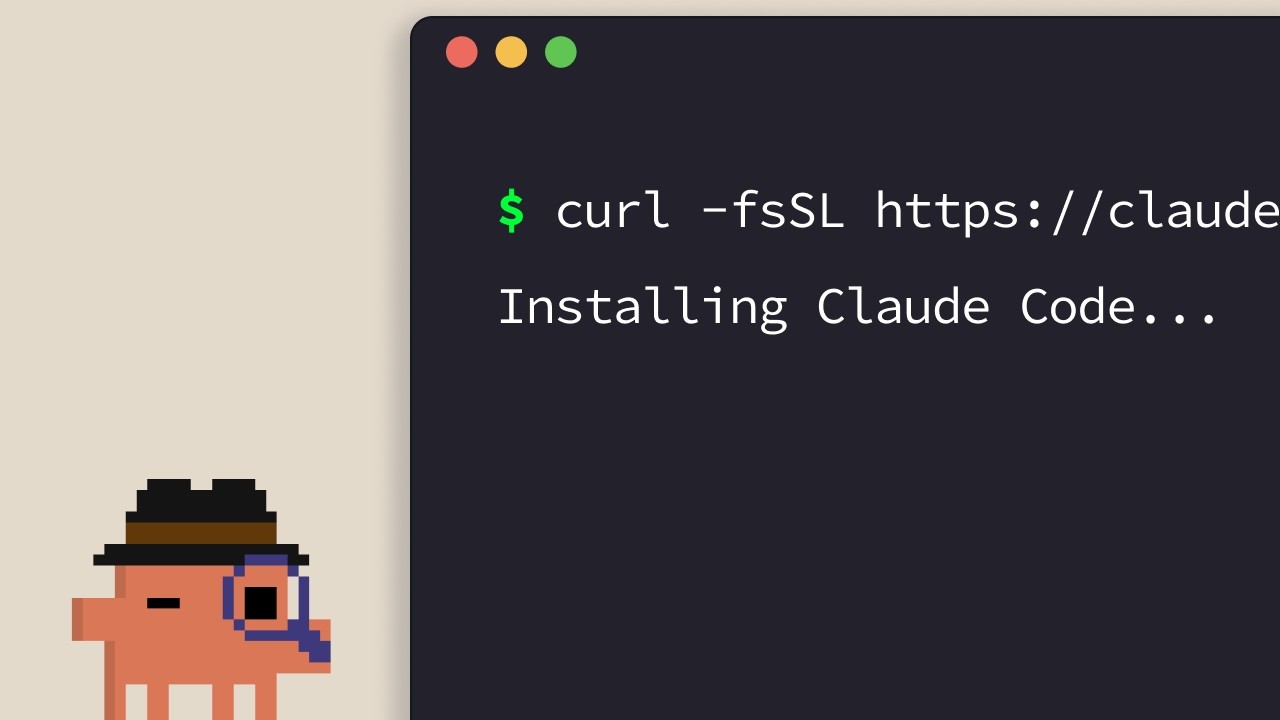
Claude Code installieren
Der offizielle Installationsleitfaden für Claude Code. Anthropics Sprecher erklärt die Ein-Zeilen-Installer für alle unterstützten Plattformen — Terminal, VS Code, JetBrains, Claude Desktop und das Web — und schließt mit einer einfachen Faustregel zur Auswahl der richtigen Option. ## [00:04] Ein-Zeilen-Installer für das Terminal (macOS, Linux, WSL, Windows) Der Standardweg ist das Terminal. macOS-, Linux- und WSL-Nutzer erhalten einen einzigen `curl`-Befehl; Homebrew funktioniert ebenfalls, unterstützt jedoch keine automatischen Updates. Unter Windows verwendet PowerShell `Invoke-RestMethod`, CMD hat einen eigenen `curl`-Snippet, und `winget` steht ebenfalls zur Verfügung, mit demselben Vorbehalt bezüglich Auto-Update wie bei Homebrew. > *If you're on macOS, Linux, or WSL, use this curl command to install it in one go. If you prefer to use Homebrew, you can also use brew install to install it, but note that this doesn't have auto-update capabilities.* ## [00:33] claude im Projekt ausführen und anmelden Nach der Installation wechseln Sie mit `cd` in Ihr Projekt und führen `claude` aus. Beim ersten Start erscheint ein Farbthemen-Auswähler und ein Anmeldefluss, der eine Pro-, Max-, Enterprise- oder API-Schlüssel-Anmeldung akzeptiert. Enterprise-Konten müssen diese Option explizit auswählen. Das Verzeichnis, aus dem Sie starten, legt die Zugriffsgrenze fest — Claude Code sieht diesen Ordner und alles darunter, nichts darüber. > *Whatever directory you decide to run cloud in, it will have access to that directory and all of its subfolders.* ## [01:02] VS Code-Erweiterung Öffnen Sie den Erweiterungen-Bereich, suchen Sie nach der Claude Code-Erweiterung von Anthropic und bestätigen Sie das blaue Verifizierungshäkchen vor der Installation. Ein Neustart kann erforderlich sein. Nach der Installation öffnet die Befehlspalette (`Ctrl/Cmd+Shift+P`) einen neuen Claude Code-Tab; Sie können auch auf das Logo in einer geöffneten Datei klicken oder die GUI in den Einstellungen vollständig deaktivieren und nur die Terminal-Erfahrung nutzen. > *You can also opt out of the UI and just use the terminal experience directly in your settings file.* ## [01:32] JetBrains-Plugin Gleicher Ablauf wie bei VS Code: Installieren Sie das Claude Code-Plugin aus dem JetBrains Marketplace, starten Sie die IDE neu, und das Claude-Logo erscheint beim Neustart. Ein Klick öffnet ein Seitenfenster, das die Terminal-Erfahrung neben Ihrem Editor anzeigt. > *For JetBrains IDEs, you can install the Cloud Code plugin from the JetBrains Marketplace. Once you install, restart your IDE.* ## [01:51] Claude Desktop und claude.ai/code im Web Claude Desktop stellt Claude Code nach der Anmeldung über einen "code"-Schalter oben in der App bereit — gleiche Chat-artige Oberfläche, aber auf einen bestimmten Ordner beschränkt mit anpassbaren Berechtigungen und sogar einem Cloud-Ausführungsmodus. Die Web-Version ist unter `claude.ai/code` verfügbar und spiegelt die Desktop-Erfahrung wider, mit einer harten Einschränkung: Sie funktioniert nur mit GitHub-Repositories. > *On the web, you can access Claude code by going to claude.ai/code. This works very similar to the desktop app. However, you're restricted to GitHub repositories only.* ## [02:27] Die richtige Oberfläche auswählen Die Faustregel des Sprechers: Terminal zuerst, wenn Sie neue Funktionen sofort am Tag ihrer Veröffentlichung erhalten möchten. IDE-Integrationen bieten nahezu identische Erfahrungen direkt in Ihrem Editor. Desktop ist die Wahl, wenn Claude im Hintergrund arbeiten soll, während Sie etwas anderes tun. Das Web eignet sich für Fernarbeit an GitHub-Repositories oder für den parallelen Betrieb mehrerer Sitzungen. > *If you want to constantly keep up to date with everything, the terminal is the best bet. Features ship there the fastest.* ## Entities - **Anthropic Tutorial Narrator** (Person): Sprecher von Anthropics Claude Code 101-Kurs. - **Claude Code** (Software): Anthropics agentisches Coding-Tool, installierbar über Terminal, IDEs, Desktop und Web. - **Homebrew / winget** (Software): Paketverwaltungs-Installationswege als Alternativen zu den offiziellen curl/PowerShell-Installern — beide ohne Auto-Update. - **VS Code extension** (Software): Von Anthropic veröffentlichte Claude Code-Erweiterung; blaues Verifizierungshäkchen vor der Installation bestätigen. - **JetBrains plugin** (Software): Claude Code-Plugin über den JetBrains Marketplace verteilt; öffnet nach IDE-Neustart ein Seitenfenster. - **Claude Desktop** (Software): Desktop-App, die Claude Code über einen "code"-Schalter bereitstellt, mit Ordnerbegrenzung und Cloud-Ausführungsmodus. - **claude.ai/code** (Service): Web-Version von Claude Code, beschränkt auf GitHub-gehostete Repositories.
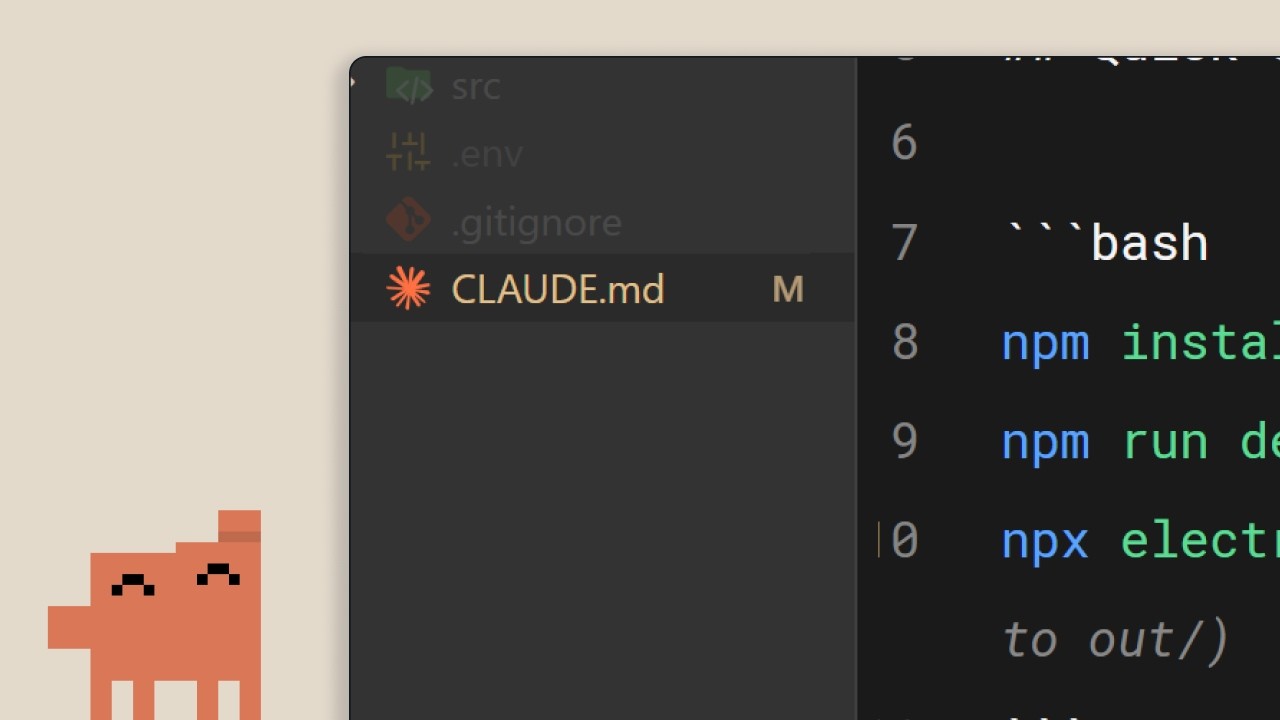
Die CLAUDE.md-Datei
Anthropics zweite Claude Code 101-Episode behandelt die eine Datei, die Claude Code vom Fremden zum Teammitglied macht: `CLAUDE.md`. Was hineingehört, wie die Projekt-/Nutzerhierarchie die Verantwortlichkeiten aufteilt und drei Gewohnheiten, die verhindern, dass die Datei zu einem Wust veralteter Regeln verkommt. ## [00:02] Warum Claude Code ein dauerhaftes Gedächtnis braucht Ohne `CLAUDE.md` startet jede Sitzung bei null. Claude muss die Codebasis erneut durchsuchen, Abhängigkeiten erraten und bereits Implementiertes neu entdecken. Genau diese Annahmen machen die Steuerung schwierig. Die Datei dient dazu, diese Neuentdeckung bei jeder neuen Sitzung zu überspringen. > *When you open up Claude Code without a claude.md file, it's like it has to start fresh every single time.* ## [00:34] Was CLAUDE.md wirklich ist und der /init-Befehl Es ist eine einfache Markdown-Datei im Projektstammverzeichnis, die bei jedem Sitzungsstart gelesen und direkt an den Prompt angehängt wird: ein «Onboarding-Skript für die Codebasis». Wer sie nicht von Hand schreiben möchte, nutzt `/init`, das einen Erstentwurf aus dem vorhandenen Code generiert. Die Beispieldatei im Tutorial besteht aus drei kurzen Blöcken: Stack (Next.js 15 app router, Tailwind, Drizzle ORM), Befehle (Dev-Server, Tests, Lint) und Codestil-Regeln (2-Leerzeichen-Einrückung, benannte Exports, API-Routen in `app/api`, Server Actions bevorzugen). Mit diesem Setup liefert eine Anfrage nach einer React-Komponente beim ersten Versuch projektkonformen Code statt nach mehreren Korrekturrunden. > *It's a markdown file that you add to the root of your project and Claude Code reads it automatically every time you start a session.* ## [01:34] Die Gedächtnishierarchie: Projekt vs. Nutzer Ja, es gehört in die Versionskontrolle. Die projektweite `CLAUDE.md` ist für das gesamte Team gedacht. Aber es gibt eine zweite Ebene: eine nutzerspezifische `CLAUDE.md` im Konfigurationsordner, die einen durch alle Projekte begleitet. Dort leben persönliche Vorlieben — Kommentarstil, bevorzugte Idiome — ohne die gemeinsame Datei zu verunreinigen. > *But there's actually a hierarchy of memory files depending on who it's for.* ## [02:01] Drei Tipps, um CLAUDE.md nützlich zu halten Drei Gewohnheiten, die der Sprecher empfiehlt. Erstens: Wenn man Claude bei etwas Wiederkehrendem korrigieren muss («immer Server Actions statt API-Routen verwenden»), sollte man es ausdrücklich auffordern, das ins Gedächtnis zu speichern, damit die Korrektur sitzungsübergreifend gilt. Zweitens: Vorhandene Dokumentation mit `@filepath` einbinden statt sie in die Datei zu kopieren. Drittens — kontraintuitiv — ein neues Projekt *ohne* `CLAUDE.md` starten und beobachten, wo man immer wieder korrigieren muss. Nur diese Reibungspunkte gehören in die Datei. So bleibt sie kompakt statt aufgebläht. > *We recommend you start off a project without a claude.md file so you can see where you have to constantly course correct the model.* ## [02:39] Fazit: Kontext macht den Unterschied Die gesamte Botschaft in einem Satz: Der Unterschied zwischen einer frustrierenden und einer produktiven Sitzung ist der Kontext, und `CLAUDE.md` ist das Liefermittel. Klein anfangen — Stack, Vorlieben, Befehle — und aus echter Reibung heraus wachsen lassen. > *Start with your stack, your preferences, and then commands, and just build from there as you go.* ## Entitäten - **Anthropic-Tutorial-Sprecher** (Person): Sprecher der offiziellen Claude Code 101-Reihe von Anthropic. - **CLAUDE.md** (Concept): Markdown-Datei im Projektstammverzeichnis, die Claude Code bei jeder Sitzung automatisch lädt und dauerhaften Kontext an den Nutzer-Prompt anhängt. - **/init** (Command): Claude-Code-Befehl, der durch Scannen der vorhandenen Codebasis eine initiale `CLAUDE.md` generiert. - **Projekt- vs. nutzerspezifische CLAUDE.md** (Concept): Zweistufige Gedächtnishierarchie. Die Projektdatei liegt im Repository-Stammverzeichnis und wird per Versionskontrolle geteilt; die Nutzerdatei liegt im Konfigurationsordner und trägt persönliche Vorlieben projektübergreifend. - **@filepath-Referenz** (Concept): Syntax, um `CLAUDE.md` auf vorhandene Dokumentationsdateien zu verweisen statt deren Inhalt zu duplizieren. - **Next.js 15 / Tailwind / Drizzle ORM** (Software): Stack, der in der Beispiel-`CLAUDE.md` des Tutorials verwendet wird, um zu zeigen, wie eine echte Datei aussieht.
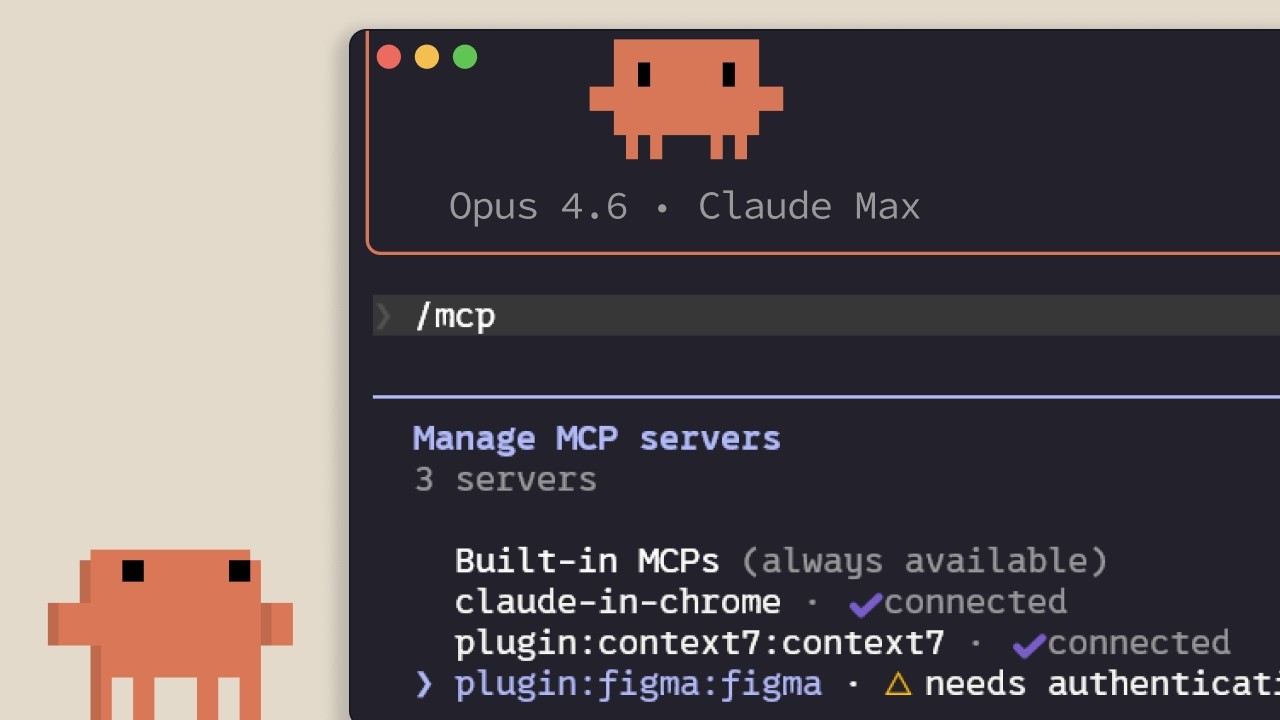
MCP in Claude Code
Anthropics Einführung in das Model Context Protocol innerhalb von Claude Code: womit es sich verbindet, wie Server hinzugefügt und in Geltungsbereichen organisiert werden, und welche versteckten Kosten jeder installierte Server dem Kontextfenster aufbürdet. Richtet sich an Entwickler, die Claude Code mit Linear, GitHub oder unternehmensinternen Tools verbinden wollen. ## [00:02] Warum MCP existiert — Kontext lebt außerhalb des Editors Das zentrale Argument gleich zu Beginn: Der größte Teil des Kontexts, den Claude Code benötigt, steckt nicht im Repository, sondern in Datenbanken, Produktivitäts-Apps und öffentlichen Paketen. MCP ist der offene Standard, der Claude erlaubt, diese Quellen eigenständig zu nutzen und selbst zu entscheiden, wann sie abgefragt werden, anstatt auf manuelles Einfügen zu warten. > *Model Context Protocol ist ein offener Standard, der Claude Code ermöglicht, sich mit externen Tools und Datenquellen zu verbinden.* ## [00:35] Tools und was MCP-Server tatsächlich einbinden Bevor Server aufgelistet werden, klärt der Sprecher den Begriff *Tool*: Agenten wie Claude Code verwenden Tools, um Aktionen auszuführen, was sie von einem Chat unterscheidet, der nur Text zurückgibt. Es folgen zwei konkrete Beispiele: ein Linear-MCP-Server, der die Team-Issues in die Session lädt, und der Context7-Server, der aktuelle Dokumentation für die verwendete Abhängigkeit streamt. Hunderte weitere sind unter claude.com/connectors verfügbar. > *Tools geben Agenten wie Claude Code die Fähigkeit, Aktionen auszuführen, um ihre Aufgaben besser zu erledigen.* ## [01:14] Server hinzufügen: HTTP vs. STDIO und /mcp Server werden mit `claude mcp add` hinzugefügt und es gibt zwei Varianten: **HTTP**-Server, die vom Anbieter remote gehostet und über das Netzwerk erreicht werden, und **STDIO**-Server, lokale Prozesse, die auf dem eigenen Rechner laufen. Nach der Installation listet der In-Session-Befehl `/mcp` alle verbundenen Server auf, zeigt den Status an und erlaubt das Deaktivieren einzelner Server. > *HTTP-Server sind für Remote-Dienste... STDIO-Server sind für lokale Prozesse, die auf Ihrem Rechner laufen.* ## [01:42] Drei Geltungsbereiche: local, user und project (.mcp.json) Jeder Server landet in einem von drei Geltungsbereichen. **Local** beschränkt ihn auf das aktuelle Projekt, nur für den eigenen Nutzer. **User** macht ihn in allen eigenen Projekten verfügbar. **Project** schreibt eine `.mcp.json`, die ins Versionskontrollsystem eingecheckt wird, sodass jedes Teammitglied, das an der Codebasis arbeitet, automatisch dieselben Server erhält. > *Der Project-Scope verwendet eine .mcp.json-Datei, die Sie ins Versionskontrollsystem einchecken, damit jeder, der an der Codebasis arbeitet, automatisch exakt dieselben Server erhält.* ## [02:04] Tool-Definitionen kosten Kontext — wann CLIs oder Skills vorzuziehen sind Was niemand erwähnt, wenn er einem eine Konnektorliste übergibt: Jeder konfigurierte MCP-Server injiziert seine Tool-Definitionen in das Kontextfenster, unabhängig davon, ob man ihn gerade verwendet. Die empfohlenen Gegenmaßnahmen greifen ineinander: `/mcp` aufrufen und inaktive Server deaktivieren; eine CLI wie `gh` oder `aws` bevorzugen, wenn es sie gibt, da CLIs keine persistenten Tool-Definitionen mitbringen; oder den Workflow in einen Skill einpacken, der nur Namen und Beschreibung im Kontext platziert, bis Claude ihn lädt. Überschreiten die MCP-Tool-Definitionen 10 % des Kontexts, wechselt Claude Code in den Tool-Such-Modus und entdeckt Tools nach Bedarf — nützlich, aber weniger zuverlässig als das Vorladen. > *MCP-Server fügen Tool-Definitionen in Ihr Kontextfenster ein, auch wenn Sie sie nicht verwenden. Bei vielen konfigurierten Servern frisst das den verfügbaren Kontext auf.* ## [03:10] Zusammenfassung Die drei Dinge, die man sich merken sollte: `claude mcp add` installiert Server, `.mcp.json` teilt sie mit dem Team, und `/mcp` ist der Ort, an dem man nicht genutzte Server bereinigt. > *Fügen Sie Server mit Cloud MCP add hinzu, begrenzen Sie den Scope auf Ihr Projekt mit .mcp.json, damit Ihr Team sie automatisch erhält, und behalten Sie die Kontextnutzung im Blick, indem Sie Server deaktivieren, die Sie nicht aktiv verwenden.* ## Entitäten - **Anthropic-Tutorial-Sprecher** (Person): Der offizielle Sprecher von Anthropic für die Claude Code 101-Reihe. - **Model Context Protocol (MCP)** (Standard): Offenes Protokoll, das Claude Code ermöglicht, über HTTP- oder STDIO-Server eine Verbindung zu externen Tools und Datenquellen herzustellen. - **Linear MCP server** (Software): Konnektor, der die Linear-Issues des Teams in eine Claude Code-Session einbindet. - **Context7 MCP server** (Software): Konnektor, der Claude Code mit aktueller Dokumentation für die verwendete Abhängigkeit versorgt. - **.mcp.json** (Config): Ins Versionskontrollsystem eingechecktes Projekt-Manifest, sodass jedes Teammitglied dieselben MCP-Server erbt. - **/mcp** (CLI command): In-Session-Befehl zum Auflisten, Untersuchen und Deaktivieren verbundener MCP-Server. - **Tool search mode** (Feature): Fallback-Modus, den Claude Code aktiviert, wenn MCP-Tool-Definitionen 10 % des Kontextfensters überschreiten — Tools werden dann nach Bedarf gefunden. - **Skill** (Concept): Leichtgewichtige Alternative zu einem vollständigen MCP-Server; nur Name und Beschreibung liegen im Kontext, bis Claude den Inhalt bei Bedarf nachlädt.
Running an AI-native engineering org
Fiona Fung, who runs engineering and product for Claude Code and Cowie at Anthropic, walks through what broke when agentic coding became the team's default — review, ownership, planning, hiring — and the norms they rewrote to keep shipping. The throughline: when coding stops being the bottleneck, every process built around protecting expensive engineering bandwidth quietly stops working, and the manager's job is to notice and rewrite them fast. ## [00:00] Intro and the five themes Fiona opens with a confession that the room is much fuller than she expected (Boris and Jared's session is still letting out), takes a selfie with the audience, and frames the talk. Background: she grew teams at Meta and Microsoft before Anthropic, and is now responsible for Claude Code and Cowie engineering and product. The deck she's about to walk through has already been rewritten in the past month — routines didn't exist when she first wrote the slides. She previews five threads: bottlenecks have shifted, team norms had to be rewritten, how they rolled them out, what signals say the changes are working, and the open questions she's still sitting with. > *"I did this slide deck maybe like a month ago and already I've had to change some of the content cuz when I started this deck, there were no routines."* ## [02:10] The shift: bottlenecks have moved Fiona's subtitle for the whole talk is *what served you prior may not serve you any longer*. She takes the audience back to shipping Visual Studio 2005 on CD-ROMs — hard deadlines because the manufacturing lab had to print discs — and points out that the move from CDs to online distribution already rewired how teams ship. The new shift is bigger: for years coding throughput and engineering bandwidth were the expensive things, and that's quietly stopped being true on Claude Code. When the bottleneck moves, it doesn't disappear — it relocates to verification, review, cross-functional handoffs, and security. The questions that matter now are "is this code correct?" and "is this safe?", and the old planning and ownership norms quietly stop serving the team. > *"What served you prior may not serve you any longer."* ## [07:40] Rewriting team norms: code review, JIT planning, technical debates Inside Claude Code the team had to rewrite the norms one by one. Code review is the first — human judgment shifts to "who actually needs to look at this." Planning is the second — Fiona calls it JIT planning, like JIT compiling, because prototyping is no longer the expensive step that justifies a six-month roadmap. Technical debates are the third: code wins. Instead of two engineers arguing on a doc, both prototype the API and look at impact on callers, and Fiona made a point of caring about the API's downstream effects as much as the implementation itself. The unifying rule: when building is cheap and arguing is expensive, you don't let the last person who checks in win — you build the routines that get *you* the last word. > *"When building is cheap, arguing expensive, again, how does that shift your team norms a bit?"* ## [13:30] Routines and Claude as a second pair of hands With morning coffee Fiona now reads what a routine produced overnight rather than kicking off the work herself. The team leans on Claude code review heavily — Claude babysits PRs, handles styling, lint, and feedback requests, catches bugs before commit, and adds tests — while humans focus on the calls where trust is still being built. She also stresses product sense in tooling: she themed Claude's terminal output ice blue with snowflakes over the holidays, then pulls back to the bigger point that catching bugs earlier (shift left) and automating the double-click question matter more than any one tool. > *"Where do you trust Claude a lot, but then where do you still want a human?"* ## [16:45] Cross-functional gaps and hiring for the hard parts Fiona walks through a survey-update story: she didn't have a dedicated content designer, so Claude became her partner for terse, terminal-appropriate copy. Meanwhile PMs on the team write code, and engineers lean into PM work. The flip-side conclusion for hiring: non-traditional coders can now do more engineering, so the leader's job is to double down on the hard parts the team is actually missing. When she joined, Claude Code was strong on product generalists and creative folks but thin on distributed-systems expertise — that's where she pushed recruiting. > *"With Claude, you have non-traditional coders now being able to do more engineering, but you also have engineers that we can also now lean in to do other roles."* ## [18:51] Flat org and answering customer feedback yourself Fiona pushed her recruiters into an uncomfortable place: hire managers, but have them start as ICs first. The recruiter thought she was crazy; Fiona's answer is that dogfooding Claude Code is the job, and if a candidate isn't up for it the team is better off finding out early. Flat structure plus Claude as a context-switching aid is what lets her, as a manager, still ship code and answer customer requests directly from her desktop Claude Code — instead of routing every customer question through a triage system, she pulls up the local repository and answers it herself. > *"You want to hire managers and they will start as an IC first. No manager would be interested in that."* ## [25:00] Signals you're trending right and open questions The team's working metric is unglamorous and direct: every commit is cloud-assisted by default, and Fiona hasn't seen a non-Claude commit in roughly four months. But she warns against fetishizing the "X percent of code generated by AI" headline — throughput is one signal, not the goal. The end question is what product you're making more delightful and what problem you're solving, with quality and reliability watched alongside volume. She closes with the section she calls "audit your own effort," opens up the questions she's still asking herself, and hands suggestions back to the audience to take to their own teams. > *"For us, it's by default every commit is cloud-assisted. I don't think I've seen a non-cloud-assisted commit probably in the last 4 months or so."* ## Entities - **Fiona Fung** (Person): Director of Engineering at Anthropic, runs Claude Code and Cowie engineering + product; previously led teams at Meta and Microsoft. - **Boris** (Person): Engineering lead on Claude Code, frequent collaborator referenced throughout. - **Kat (Cat)** (Person): Anthropic colleague who gave a keynote earlier the same day on Claude code review. - **Claude Code** (Software): Anthropic's agentic coding tool that is now the default for the team Fiona runs. - **Cowie** (Software): Sister product Fiona's team also owns engineering + product for. - **Anthropic** (Organization): The company building Claude and Claude Code. - **JIT planning** (Concept): Fiona's term for shifting from a six-month roadmap to just-in-time planning, modeled on JIT compilation. - **Shift left** (Concept): Moving bug-catching and verification earlier — into automation and tooling — instead of relying on review after the fact. - **Routines** (Concept): Repeatable Claude-driven workflows the team relies on so a single human gets the last word on outcomes rather than the last commit timestamp winning.
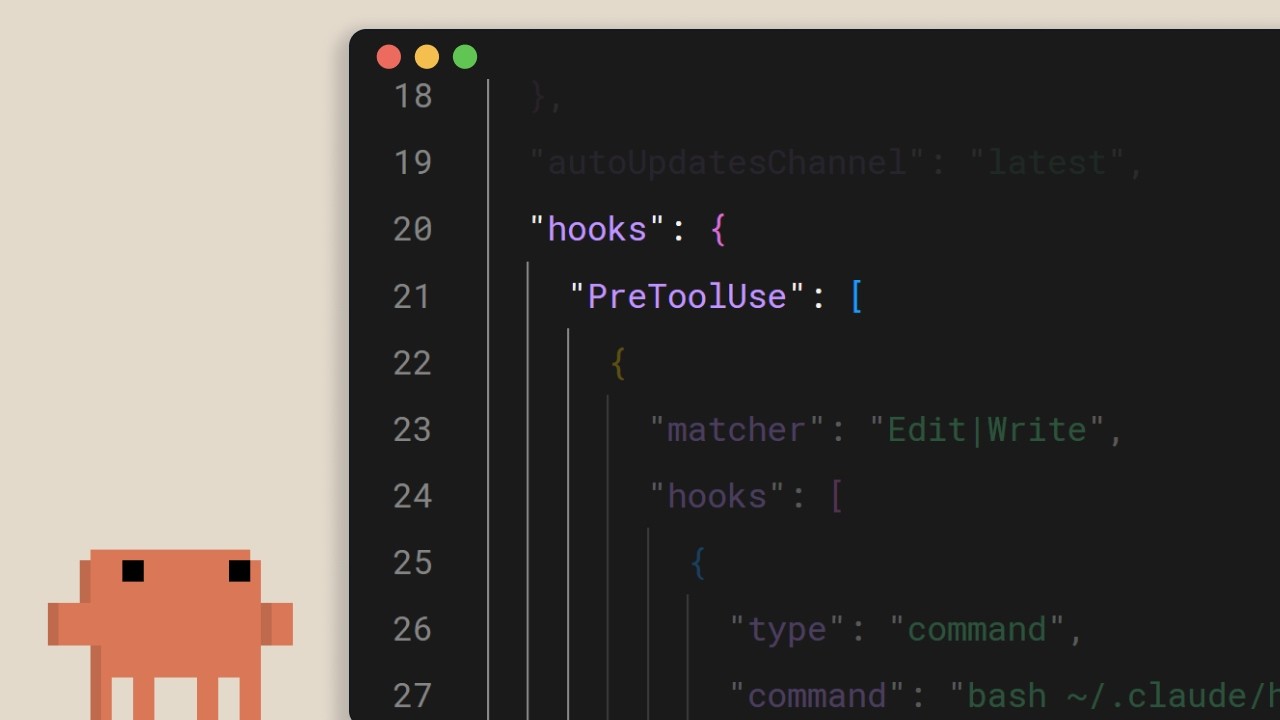
Hooks in Claude Code
Ein kurzes Anthropic-Tutorial über Claude Code Hooks: das deterministische Sicherheitsnetz für alles, das bei jeder Bearbeitung, jedem Tool-Aufruf und jedem Commit ohne Ausnahme ausgeführt werden muss. Die Kernaussage: Wer "immer prettier ausführen" in claude.md schreibt und auf das Modell hofft, hat bereits verloren. Verschiebe es in einen Hook. ## [00:02] Was Hooks sind und warum sie deterministisch sind Hooks feuern an festen Punkten im Lifecycle von Claude Code. Das zentrale Argument des Erzählers: Anders als Anweisungen auf Prompt-Ebene laufen sie immer. Dem Modell in claude.md zu sagen, nach jeder Bearbeitung prettier auszuführen, funktioniert meistens, aber "meistens" ist genau die Lücke, die ein Hook schließt. Gleiche Absicht, aber vom Runtime durchgesetzt statt dem LLM vorgeschlagen. > *You can tell Claude in your claude.md file to run prettier after every file edit and most of the time it will do that, but sometimes it won't. It's not perfect. But a hook makes it happen every single time with no exceptions.* ## [00:37] Häufige Anwendungsfälle Vier repräsentative Beispiele umreißen den Einsatzbereich: automatisches Formatieren nach Dateibearbeitungen, Protokollieren aller ausgeführten Befehle für Compliance, Blockieren gefährlicher Operationen wie das Verändern von Produktionsdateien sowie das Senden einer Benachrichtigung, wenn Claude eine lange Aufgabe abschließt. > *Common use cases could include auto formatting after file edits, logging all executed commands for compliance, blocking dangerous operations like modifying production files, and sending yourself notifications when Claude finishes a task.* ## [00:52] Hooks konfigurieren und die fünf Lifecycle-Ereignisse Die Konfiguration liegt in `settings.json`: Ereignis wählen, optional mit einem Matcher auf ein bestimmtes Tool eingrenzen, dann einen Shell-Befehl angeben. Fünf Ereignisse decken den gesamten Loop ab: `UserPromptSubmit` bevor Claude einen Prompt sieht, `PreToolUse` und `PostToolUse` vor und nach jedem Tool-Aufruf, `Notification` wenn Claude den Benutzer benachrichtigt, und `Stop` wenn Claude die Antwort abschließt. > *Pre-tool use which runs before a tool call, post-tool use runs after a tool call completes. Notification runs when Claude sends a notification, and stop runs when Claude finishes responding.* ## [01:22] Automatisches Formatieren mit einem post-tool-use-Hook Das kanonische Beispiel: Ein `PostToolUse`-Hook mit dem Matcher `Edit` oder `MultiEdit` feuert, wann immer Claude eine Datei ändert. Der Befehl prüft die Dateiendung und leitet an den richtigen Formatierer weiter: prettier für TypeScript, gofmt für Go, ruff für Python oder was das Projekt standardisiert hat. > *You set a post-tool use hook with a matcher of edit or multi-edit, right? So, it fires whenever Claude modifies a file. The command checks the file extension and runs the appropriate formatter.* ## [01:49] Tool-Aufrufe mit pre-tool-use und Exit-Codes blockieren `PreToolUse`-Hooks empfangen Tool-Name und Eingabe als JSON über stdin und entscheiden per Exit-Code: `0` führt weiter aus, `2` blockiert. Wenn ein Hook blockiert, wird das, was er auf stderr geschrieben hat, als Feedback an Claude zurückgegeben, sodass das Modell den Grund kennt und seinen Plan anpassen kann. Hier setzt man harte Regeln durch: Schreibzugriffe auf ein Produktions-Konfigurationsverzeichnis blockieren, Bash-Befehle mit `rm -rf` ablehnen, Commits auf main blockieren. Der Erzähler: Das sind Dinge, die das Team garantiert braucht, nicht nur vorgeschlagen bekommt. > *If it exits with code two, the action is blocked and the STD error message gets fed back to Claude's feedback so Claude knows why it was blocked and can adjust.* ## [02:26] Projekt-weite Hooks und Team-Sharing Hooks in `.claude/settings.json` sind projektbezogen und können ins Repository eingecheckt werden, sodass das gesamte Team sie beim Klonen automatisch übernimmt. Verweise auf Skripte über die Umgebungsvariable `CLAUDE_PROJECT_DIR`, damit Befehle korrekt aufgelöst werden, egal wo sich Claudes aktuelles Arbeitsverzeichnis befindet. Die abschließende Faustregel: Wenn etwas jedes Mal ohne Ausnahme geschehen muss, schreib es nicht in einen Prompt, sondern in einen Hook. > *If something needs to happen every time without fail, don't put it in a prompt. Put it in a hook.* ## Entities - **Anthropic Tutorial Narrator** (Person): Anthropics offizielle Stimme für die Claude Code 101-Tutorialserie. - **Claude Code** (Software): Anthropics agentisches Terminal-Coding-Tool, in das Hooks über Lifecycle-Ereignisse eingreifen. - **Hooks** (Concept): Deterministische Befehle, die an festen Punkten im Claude Code-Loop feuern, die vom Runtime erzwungene Alternative zu Prompt-Ebene-Anweisungen. - **settings.json** (Configuration): Wo Hooks deklariert werden; `.claude/settings.json` im Projektstamm wird ins Repository eingecheckt, damit Teams dieselben Regeln teilen. - **PreToolUse / PostToolUse / UserPromptSubmit / Notification / Stop** (Events): Die fünf Lifecycle-Ereignisse, an die ein Hook sich anhängen kann. - **CLAUDE_PROJECT_DIR** (Environment variable): In Hook-Befehlen verwendet, um projektrelative Skripte zu referenzieren, unabhängig von Claudes aktuellem Arbeitsverzeichnis.
Was ist Claude Code?
Anthropics offizielle Einführung in Claude Code — was es ist, wie es sich von Claude.ai unterscheidet und die drei Dinge, die Sie wissen sollten, bevor Sie einem LLM erlauben, Befehle auf Ihrer Codebasis auszuführen. Richtet sich an Entwickler, die das Terminal-Tool zum ersten Mal installieren möchten. ## [00:04] Was Claude Code ist und wo es läuft Claude Code ist als agentisches Coding-Tool positioniert: Es versteht Ihre Codebasis, bearbeitet Dateien, führt Befehle aus und integriert sich in die Entwickler-Tools, die Sie bereits verwenden. Es ist auf mehreren Oberflächen verfügbar — Terminal, VS Code, JetBrains-IDEs, die Claude-Desktop-App und das Web — aber diese Einführung konzentriert sich auf das Terminal als kanonische Erfahrung. > *Claude Code is an agentic coding tool that understands your code base, edits your files, run commands, and integrates with your existing developer tools to help you get things done faster.* ## [00:34] Wie es sich von Claude.ai unterscheidet Der entscheidende Unterschied liegt nicht in der Modellleistung, sondern im Zugriff: Claude Code greift direkt auf Ihr Terminal und Ihre gesamte Codebasis zu, sodass der Zyklus aus Kopieren und Einfügen in den Chat entfällt — das Tool erledigt die Arbeit an Ort und Stelle. Es als "KI-Agenten" zu bezeichnen ist eine Kurzform für diese direkte Ausführungsebene. > *Unlike Claude AI, Claude Code has direct access to your files in your terminal and your entire code base.* ## [00:51] KI-Agenten und was Claude Code kann Ein KI-Agent bedeutet hier Software, die mit ihrer Umgebung interagiert und Maßnahmen ergreift, um ein definiertes Ziel zu erreichen — in seiner einfachsten Form ein LLM in einer Echtzeit-Schleife mit Zugriff auf Tools, externe Dienste und andere Agenten. Für Claude Code bedeutet das konkrete Fähigkeiten: Ihre Codebasis lesen und erklären, Bugs über Dateien hinweg verfolgen, Build-Skripte und Tests ausführen, Pakete installieren und aktuelle API-Dokumentation aus dem Web abrufen, um zu entscheiden, was als Nächstes zu tun ist. > *An AI agent is a software that can interact with its environment and perform actions to complete a defined goal.* ## [01:45] Drei Konzepte, die Sie vor dem Start kennen sollten Der Sprecher nennt drei Eigenschaften, die die tägliche Nutzung prägen. Erstens ist das **Kontextfenster** Claudes Arbeitsgedächtnis — groß, aber endlich — weshalb der Agent eine Codebasis strategisch navigieren muss, anstatt sie vollständig zu laden. Zweitens **fragt Claude Code um Erlaubnis**, bevor es Befehle ausführt oder Dateien verändert; Sie behalten die Kontrolle, egal ob Sie jeden Schritt steuern oder es weitgehend selbstständig laufen lassen möchten. Drittens **kann es falsch liegen**: Absichten falsch interpretieren, Bugs einführen oder eine Lösung überentwickeln. Behandeln Sie die Ausgaben wie die eines jeden anderen Tools, nicht als unumstößliche Wahrheit. > *By default, Claude Code will ask you before running commands or making changes to your code base.* ## [02:34] Zusammenfassung Claude Code ist ein agentisches Coding-Tool, das Ihre Codebasis liest, Dateien bearbeitet, Befehle ausführt und sich mit externen Tools verbindet, um Ihnen zu helfen, schneller zu liefern — heute verfügbar in Terminal, VS Code, JetBrains und der Claude-Desktop-App. > *Claude Code is an agentic coding tool. It reads your code base, edits your files, runs commands, and connects to external tools to help you ship faster.* ## Entitäten - **Anthropic Tutorial Narrator** (Person): Anthropics offizieller Sprecher für die Claude Code 101-Tutorial-Serie. - **Claude Code** (Software): Anthropics agentischer, terminalbasierter Coding-Assistent, der direkt auf Ihrer Codebasis operiert. - **Claude.ai** (Software): Das chatbasierte Claude-Produkt — im Gegensatz zur umgebungsinternen Ausführung von Claude Code. - **AI agent** (Concept): Ein LLM, das in einer Echtzeit-Schleife mit Zugriff auf Tools, externe Dienste und andere Agenten läuft, um ein definiertes Ziel zu verfolgen. - **Context window** (Concept): Claudes Arbeitsgedächtnis — endlich, weshalb der Agent strategisch navigiert, anstatt die vollständige Codebasis zu laden. - **VS Code / JetBrains IDEs** (Software): Editor-Integrationen, in die Claude Code neben dem Terminal und der Claude-Desktop-App eingebettet ist.
Der Erkunden→Planen→Coden→Committen Workflow in Claude Code
Anthropics dreiminütiger Walkthrough der Schleife, die sie als die wichtigste Gewohnheit beim Arbeiten mit Claude Code betrachten: zuerst im Planmodus recherchieren, festlegen, was "fertig" bedeutet, bevor eine Datei angefasst wird, und dann einen Subagenten den Diff prüfen lassen, bevor gepusht wird. ## [00:03] Warum Erkunden-Planen-Coden-Committen dem direkten Einstieg überlegen ist Die Eröffnung ist direkt: Wenn du aus dem Kurs nur eine Gewohnheit übernimmst, dann diese. Das Versagensmuster, gegen das sie ankämpft, ist der Reflex, eine Aufgabe in Claude einzufügen und dabei zuzusehen, wie sofort Code generiert wird — das priorisiert Geschwindigkeit, aber verschiebt den Korrekturaufwand nach hinten. > *Without this, most people jump straight to pasting in Claude to write code, which means more course correcting later on.* ## [00:21] Planmodus: Nur-Lese-Recherche vor jeder Bearbeitung Der Planmodus fasst Erkunden und Planen in einem einzigen Schritt zusammen. Claude kann Dateien lesen und Websuchen durchführen, darf aber nicht schreiben — Shift+Tab schaltet vom Prompt aus um. Der Erzähler demonstriert mit einer echten Anfrage (WebP-Konvertierung zu einem Bild-Upload-Pipeline hinzufügen, herausfinden, wo sie hingehört, welche Abhängigkeiten benötigt werden, wie man vorgeht). Claude gibt einen Plan zurück; du liest ihn und bittest um Überarbeitungen, falls etwas fehlt. Dies ist der günstigste Punkt im gesamten Zyklus, um die Richtung zu ändern, weil noch nichts geschrieben wurde. > *With plan mode, Claude can't edit files. It just reads files to gather research on how to tackle this implementation.* ## [01:11] Den Plan genehmigen und während Claude codiert korrigieren Sobald der Plan richtig aussieht, gibt Genehmigen die Ausführung an Claude zurück, um die Checkliste abzuarbeiten. Du wählst, ob Dateibearbeitungen automatisch akzeptiert werden oder jedes Mal eine Bestätigung erfordern. Claude wird selbstständig Fehler beheben, aber rechne damit, eingreifen zu müssen — und der Grund, warum sich der Planmodus hier auszahlt, ist, dass der Agent den Recherche-Kontext, der den Plan erzeugt hat, mitführt, sodass Korrekturen mitten im Flug an der richtigen Stelle landen, statt von vorne zu beginnen. > *This is the benefit of working with plan mode because after the plan is finished, we also have the context of how it got to the results to help it guide its next decision.* ## [01:39] Erfolgskriterien explizit machen und Claude echte Werkzeuge geben Ein Plan ohne Definition von "korrekt" lässt Claude raten. Lege fest, wie Erfolg aussieht, und rüste den Agenten aus, dies tatsächlich zu überprüfen: die Claude+Chrome-Erweiterung ermöglicht es ihm, einen Browser-Tab zu steuern, um eine gerade erstellte Benutzeroberfläche zu testen; eine Testsuite gibt ihm etwas, gegen das bei jeder Schleife validiert werden kann, und Claude kann die Tests auch selbst erstellen — aber nur, wenn du sie bereits als Grundwahrheit geprüft hast. Ein Tipp zur Beständigkeit: Wenn Claude immer wieder auf dasselbe Problem stößt, lass es die Lösung in der CLAUDE.md-Datei persistieren, damit es nicht immer wieder neu lernen muss. > *In order for Claude to be confident in its results, it has to be clear on what it deems correct.* ## [02:24] Subagenten-Review, Commit, Zusammenfassung Bevor du pushst, starte einen Subagenten-Code-Reviewer über den Diff — ein zweiter Durchgang ohne Bindung an die Implementierung. Lass dann Claude die Commit-Nachricht in deinem Stil entwerfen und versenden. Die Zusammenfassung rahmt jeden Schritt neu: Erkunden liefert Kontext, Planen definiert Erfolg, Coden ist das Hin-und-Her, das auf den Plan konvergiert, Committen überprüft und pusht, damit du weitermachen kannst. > *A tip before you commit, run a sub agent code reviewer to look at your code.* ## Entities - **Anthropic Tutorial Narrator** (Person): Anthropics offizielle Stimme für den Claude Code 101-Kurs. - **Claude Code** (Software): Agentisches Terminal-Coding-Tool, dessen empfohlene tägliche Schleife das Thema dieser Episode ist. - **Plan mode** (Feature): Nur-Lese-Modus, der mit Shift+Tab umgeschaltet wird — Claude recherchiert und schlägt einen Plan vor, kann aber keine Dateien bearbeiten. - **Claude + Chrome extension** (Software): Ermöglicht Claude Code, einen Chrome-Tab zu steuern, um UI-Änderungen zu überprüfen, bevor eine Aufgabe als abgeschlossen erklärt wird. - **CLAUDE.md** (File): Projektgedächtnis-Datei, die hier als Persistenzziel für wiederkehrende Korrekturen verwendet wird, die Claude immer wieder neu lernt. - **Subagent code reviewer** (Pattern): Vor-Commit Claude-Subagent, der den Diff überprüft, bevor der Mensch pusht.
Kontextverwaltung in Claude Code
Anthropics Claude Code 101-Tutorial zum Thema Kontext — was das Fenster füllt, wann die automatische Komprimierung einsetzt und welche praktischen Hebel (/compact, /clear, /context, claude.md, MCP-Schalter, Skills, Sub-Agenten) eine Sitzung schlank halten. ## [00:03] Warum der Kontext endlich ist und warum das wichtig ist Der Kontext ist Claudes Arbeitsgedächtnis: Jeder Prompt, jedes gelesene File, jedes Tool-Call-Ergebnis landet im selben Fenster. Das Fenster ist groß, aber endlich — sobald man mehrstufige Sitzungen startet, ist die Optimierung des Inhalts unumgänglich. > *Every file it reads, every command it runs, every message you send, it all takes up space in the context window.* ## [00:39] Automatische Komprimierung und der /compact-Befehl Wenn das Limit naht, komprimiert Claude Code automatisch: Es fasst die wichtigen Punkte zusammen und entfernt rauschende Tool-Call-Ergebnisse, um Platz zu schaffen. Man kann `/compact` auch manuell auslösen — nützlich, wenn man Spielraum will, aber die bisherige Arbeit im Gedächtnis behalten möchte. Nachteil: Die Komprimierung kann Details aus früheren Gesprächsrunden verlieren. > *Compaction will summarize important details and remove the unnecessary tool call results and free up a lot of space in your context window.* ## [01:11] /clear und /context: neu starten und den Verbrauch einsehen Wer einen echten Reset ohne Erinnerung an die vorherige Sitzung will, löscht mit `/clear` alles. Um zu sehen, wohin der Platz tatsächlich geht, zeigt `/context` Gesamtgröße, die größten Verbraucher und eine grafische Aufschlüsselung — die Diagnose, bevor man zwischen compact und clear entscheidet. > *To check the state of your context, run the /context command.* ## [01:35] Die Faustregel: compact mitten in einer Aufgabe, clear zwischen Aufgaben Der Erzähler gibt eine klare Heuristik: Noch an einem Feature und nah am Limit? Compact — der relevante Verlauf soll erhalten bleiben. Plan abgeschlossen und zu etwas Neuem wechselnd? Clear — das alte Gespräch kann neue Arbeit verzerren. > *If you have finished the plan and want to start on a new feature, then clear. You don't want the previous conversation to present bias in anything new that you want to create.* ## [01:57] claude.md, Prompt-Präzision und weniger schreiben durch mehr schreiben Alles, was Claude sitzungsübergreifend wissen soll, gehört in `claude.md`, damit es dieselben Fakten nicht jedes Mal neu entdeckt. Und paradoxerweise verbrauchen kurze Prompts mehr Kontext: Bei einer vagen Anfrage durchsucht Claude die Codebase per grep und denkt mehr nach — beides füllt das Fenster. Ein oder zwei Sätze Präzision sparen danach viel Platz. > *The irony behind writing a smaller prompt is that it in the long run, it will take up more context.* ## [02:26] MCP-Server, Skills und Sub-Agenten als Kontextwerkzeuge MCP-Server laden standardmäßig alle exponierten Tools in den Kontext — kein Problem bei Relevanz, teuer wenn nicht, also nicht benötigte deaktivieren. Skills verhalten sich wie MCP-Server, laden aber nicht die gesamte Tool-Oberfläche in den Kontext. Sub-Agenten laufen parallel mit eigenem Fenster; für Rechercheaufgaben ("Wo sind die Auth-Endpunkte?") kann man einen Sub-Agenten beauftragen und nur die Antwort zurückbekommen, statt den gesamten Suchpfad. > *Sub agents run in parallel with your main agent but has a complete separate context window.* ## [03:06] Zusammenfassung Die Kontextverwaltung in Claude Code entscheidet zwischen einer langen produktiven Sitzung und einer ins Stocken geratenen. `/compact` für lange Sitzungen zusammenfassen, `/clear` für einen Neustart, Prompts präzise formulieren, `/context` prüfen, was das Fenster füllt, und reine Rechercheaufgaben an Sub-Agenten delegieren. > *Managing context within cloud code is crucial. Use slash compact to summarize long sessions and slashclear to start fresh.* ## Entitäten - **Anthropic Tutorial Narrator** (Person): Anthropics offizielle Stimme für die Claude Code 101-Tutorialserie. - **Claude Code** (Software): Anthropics agentischer Terminal-Coding-Assistent, dessen Kontextfenster das Thema dieser Episode ist. - **Context window** (Concept): Claudes Arbeitsgedächtnis — endlich, gefüllt durch Prompts, Dateilektüre und Tool-Call-Ergebnisse. - **/compact** (Command): Slash-Befehl (und Auto-Trigger), der den Verlauf zusammenfasst und Tool-Call-Rauschen entfernt, um Platz zu schaffen. - **/clear** (Command): Slash-Befehl, der die Sitzung vollständig löscht für einen sauberen Start bei neuer Arbeit. - **/context** (Command): Slash-Befehl, der Gesamtgröße des Kontexts und die verbrauchenden Kategorien anzeigt. - **claude.md** (File): Projektweite Gedächtnisdatei, die Claude sitzungsübergreifend liest, damit er dieselben Fakten nicht neu entdeckt. - **MCP servers** (Software): Tool-Anbieter, die standardmäßig alle exponierten Tools in den Kontext laden — deaktivieren, wenn irrelevant. - **Skills** (Feature): Leichtgewichtige Alternative zu MCP-Servern, die nicht die gesamte Tool-Oberfläche in den Kontext lädt. - **Sub agents** (Feature): Parallele Agenten mit eigenen Kontextfenstern, die gezielte Fragen beantworten, ohne das Hauptfenster zu belasten.
Subagenten effektiv einsetzen
Subagenten entfalten ihre Stärke, wenn die Zwischenarbeit nicht in den Haupt-Thread gehört — doch wahllose Delegation macht die Dinge schlechter. Dieses Tutorial zieht die Grenze zwischen sinnvoller Delegation (Recherche, Code-Review, domänenspezifische System-Prompts) und verbreiteten Antimustern (Expert-Persona-Claims, sequenzielle Pipelines, Test-Runner), die Kontext verbrennen und genau die Informationen verlieren, auf die es ankommt. ## [00:03] Einführung: wann Subagenten helfen und wann nicht Die bisherigen Folgen der Serie behandelten Erstellung und Design von Subagenten. Diese Abschlussfolge richtet den Blick auf die Deploymentfrage: Bei welchen Aufgaben lohnt es sich wirklich, einen separaten Agenten zu starten — und bei welchen entsteht dabei Schaden? Die Antwort hängt an einem einzigen Test: Spielt die Zwischenarbeit für den Haupt-Thread eine Rolle? Wenn Erkundung und Ausführung getrennt sind, rechnen sich Subagenten. Wenn jeder Schritt vom Ergebnis des vorherigen abhängt, kostet der Übergabe-Overhead genau die Details, die man braucht. > *"Simply put, the difference comes down to whether the intermediate work matters to your main thread."* ## [00:32] Rechercheaufgaben: Erkundung isoliert halten Authentifizierungs-Tracing ist ein konkretes Beispiel. Der Haupt-Thread braucht zu wissen, wo die JWT-Validierung stattfindet — nicht die zwölf Dateien, die auf dem Weg gelesen wurden. Ein Recherche-Subagent kann die gesamte Codebasis scannen, Funktionsaufrufe über Dateigrenzen hinweg verfolgen und eine einzige präzise Antwort zurückgeben: JWT-Validierung findet in middleware/auth.js Zeile 42 statt, aufgerufen von route/api.js. Die gesamte Erkundung bleibt im Kontext des Subagenten eingeschlossen. Der Haupt-Thread erhält die Schlussfolgerung und arbeitet weiter, ohne dass der Suchverlauf sein Fenster verstopft. > *"Your main thread receives JWT validation happens in middleware/auth.js at line 42, called from the Express router and route/api.js, or something like that."* ## [01:15] Code-Review-Subagenten: unvoreingenommenes Feedback Claude, das Code überprüft, den es selbst mitgeschrieben hat, kämpft mit einem Bias-Problem: Es war bei jeder Entscheidung dabei und kann nicht leicht erkennen, was von außen seltsam wirkt. Ein Reviewer-Subagent umgeht das vollständig: Er sieht nur den Diff und die geänderten Dateien, ohne jede Erinnerung daran, wie der Code entstanden ist. Dieser leere Ausgangszustand schafft einen zweiten Vorteil. Projektspezifische Review-Kriterien — Namenskonventionen, Sicherheitsmuster, Architekturregeln — lassen sich einmal im System-Prompt des Subagenten codieren und werden dann konsistent angewendet, ohne dass der Haupt-Thread sie Runde für Runde im Gedächtnis behalten muss. > *"A reviewer sub agent sees the changes in a separate context. It runs get diff, reads the modified files, and applies its specialized review criteria without the history of how the code was written."* ## [01:59] Eigene System-Prompts: Texterstellung und Styling Der Standard-Prompt von Claude Code ist auf knappe, technische Ausgabe optimiert — genau das Falsche für eine Landing Page oder eine Marketing-E-Mail. Ein Texterstellungs-Subagent erhält völlig andere Anweisungen zu Ton, Zielgruppe und Struktur und erzeugt Ergebnisse, die die Standardeinstellungen des Haupt-Threads nie liefern würden. Dieselbe Logik gilt für CSS. Ein Styling-Subagent, der die Design-System-Dateien im Prompt erwähnt, lädt automatisch Farbvariablen, Abstandskonventionen und Komponentenmuster in seinen Kontext, bevor er eine einzige Zeile schreibt — jede Styling-Entscheidung spiegelt so das echte System wider und nicht gut gemeinte Vermutungen. > *"Claude Code's default prompt tends towards concise, technical writing, which really isn't what you want for a landing page or email campaign, unless you want to put your customers to sleep."* ## [02:57] Antimuster: Expert-Claims, Pipelines, Test-Runner Drei Muster verschlechtern die Ergebnisse zuverlässig. Erstens: Persona-Prompts — „Du bist ein Python-Experte" oder „Du bist ein Kubernetes-Spezialist" — bringen nichts, weil Claude dieses Wissen ohnehin besitzt. Einen Subagenten allein für ein Experten-Label zu starten, kostet den Isolations-Overhead, ohne dass etwas gewonnen wird, was der Haupt-Thread nicht selbst leisten könnte. Zweitens: Sequenzielle Pipelines brechen zusammen, sobald die Schritte nicht wirklich unabhängig sind. Ein Drei-Agenten-Ablauf — Bug reproduzieren, debuggen, beheben — klingt sauber, scheitert aber in der Praxis: Der Debug-Agent braucht den Live-Kontext des Reproduktions-Agenten, nicht dessen komprimierte Zusammenfassung. Drittens: Test-Runner-Subagenten verbergen aktiv Informationen. Wenn Tests scheitern, braucht man die Rohausgabe, um die Ursache zu diagnostizieren. Ein Subagent, der nur „test failed" zurückgibt, zwingt dazu, zusätzliche Debug-Skripte zu schreiben, um Details zu rekonstruieren, die direkte Ausgabe sofort gezeigt hätte. > *"A sub-agent that returns a test failed forces you to create additional debug scripts to get details that would have been visible in direct output."* ## [04:10] Serienrückblick und die entscheidende Heuristik Rückblick auf die Serie: Subagenten sind isolierte Threads, die mit /agents erstellt werden, mit strukturierter Ausgabe und konkreten Beschreibungen entworfen sind und Zusammenfassungen zurückgeben. Einsetzen für Recherche, Code-Review und Aufgaben, die einen eigenen System-Prompt erfordern. Meiden bei Expert-Persona-Claims, mehrstufigen abhängigen Pipelines und Testausführung. Das gesamte Framework verdichtet sich auf eine Frage: Spielt die Zwischenarbeit eine Rolle? Wenn nicht, delegieren. > *"The key question, does the intermediate work matter? If not, then delegate it."* ## Entitäten - **Anthropic Tutorial Narrator** (Person): Moderator der Claude Code Subagenten Tutorial-Serie, Anthropic - **Claude Code** (Software): Anthropics KI-Coding-Assistent; die Umgebung, in der Subagenten erstellt und orchestriert werden - **Subagent** (Konzept): isolierter Claude-Thread, der aus dem Hauptkontext gestartet wird und eine komprimierte Zusammenfassung zurückgibt, anstatt seinen vollständigen Arbeitskontext offenzulegen - **JWT (JSON Web Token)** (Konzept): als Arbeitsbeispiel für einen Recherche-Subagenten verwendet, der Authentifizierungslogik in einer Codebasis verfolgt - **System prompt** (Konzept): subagenten-spezifischer Anweisungssatz, der domänenspezifisches Verhalten ermöglicht, das vom Standard-Prompt von Claude Code abweicht - **Anthropic** (Organisation): Entwickler von Claude und der Claude Code Subagenten Tutorial-Serie