PodcastsHear the voice. See the shape of the thought.
Kanalen verkennen
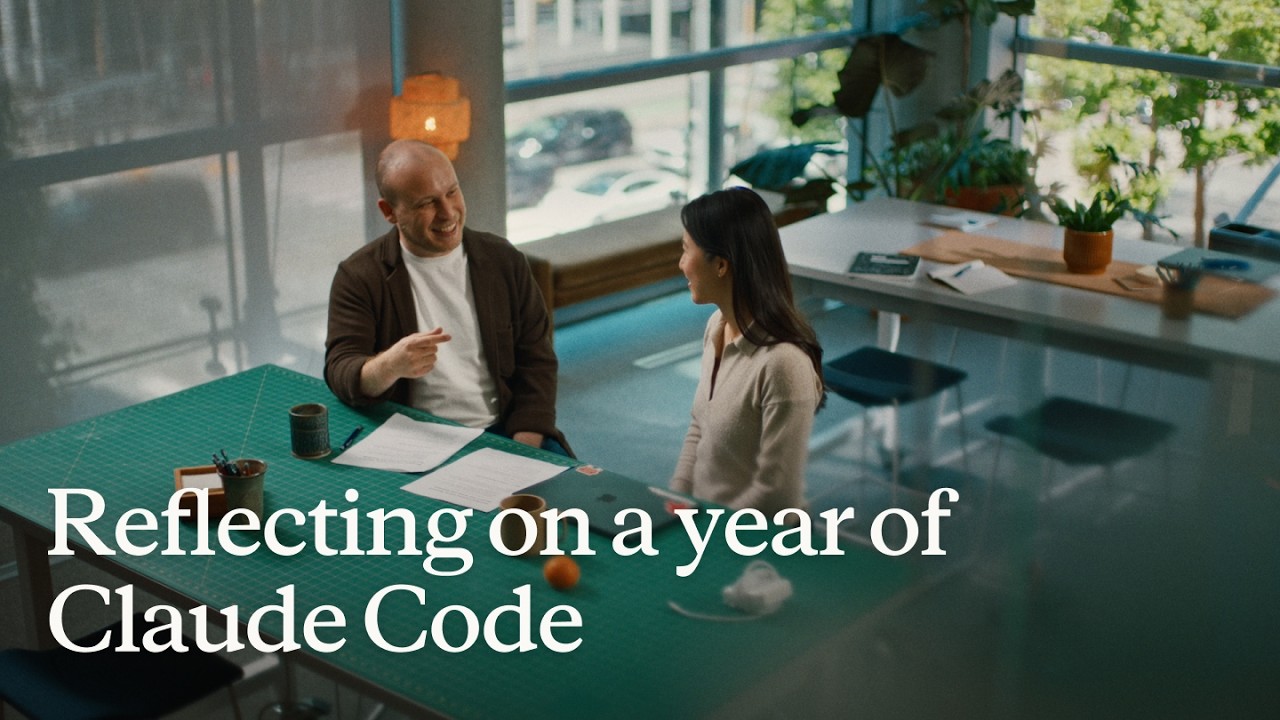
Reflecting on a year of Claude Code
Boris Cherny (creator and Head of Claude Code) and Cat Wu (Head of Product, Claude Code) look back on Claude Code's first year — from a Slack demo that earned two emoji reactions to running thousands of autonomous agents daily. They walk through how they think about verification, why auto mode replaced plan mode, how routines are eliminating entire categories of manual engineering work, and why the shift from "I write code" to "I talk to a loop" represents two major platform leaps in barely 18 months. ## [00:00] The origins and evolution of Claude Code Boris recalls posting the first Claude Code demo to Slack and getting exactly two reactions. A year later, his workflow involves "armies of agents" — a single loop prompting agents that prompt other agents, forming trees of thousands. The meta-principle that carried the tool this far: every time Claude makes a mistake, don't just correct the output — write the fix into a CLAUDE.md file or a skill so Claude can run unsupervised forever. > *"Every single time Claude makes a mistake, I don't tell Claude to do it differently. I tell it to write it to the CLAUDE.md or to make a skill… and if you can do this, then Claude can just run forever."* ## [01:10] How to make Claude good at verification Both Boris and Cat push back on the narrow view that "verification" means lint, type-check, and unit tests — things that were already automated before agents existed. Real agent verification means the agent can actually run the software under test. Boris cites a moment with Opus 4 where he asked Claude to build a feature and test itself by opening its own CLI — "crazy" at the time, table stakes now. Cat's current approach: a desktop development skill that has Claude spin up the local desktop app, use computer use to click through the UI, hit edge cases, and update the skill itself whenever it discovers a new failure mode. > *"I have it read Slack and understand: hey, is staging down right now, or has someone else already hit this? And then when it debugs the whole issue, I tell it to update the desktop development skill."* ## [03:14] Roles merging: Claude Code beyond engineers Boris recounts the moment he first saw a designer opening PRs — his initial alarm giving way to "okay the code looks good, so maybe it's fine." Cat reports that across enterprises, engineers adopt Claude Code first, then adjacent roles lean over their shoulders: designers making prototypes directly in the app, PMs shipping changes, the finance team running projections inside Claude Code, data scientists with it permanently on-screen. > *"It's kind of like all the roles are merging."* ## [04:48] Using routines for CI, code review, and more Cat describes a Claude Code power user on their team who shipped voice mode and then set up a routine monitoring every GitHub issue and bug report on that feature, automatically drafting fixes and pinging PRs. He later extended it to catch any unresponded bug older than five hours. Cat's own experience: she shipped a small feature with an edge case she missed, a bug was filed, and before she got to it that evening, Claude Code told her "another Claude has already fixed this." Boris adds that routines now handle all code review, babysit every PR, rebase, and respond to CI failures. He hasn't done those manually in a long time. > *"He has another routine that just looks for bug reports that haven't been responded to in five hours and puts up a fix, and he merges the ones that are easy to verify."* ## [06:43] Boris' go-to feature: auto mode Boris stopped using plan mode once Claude 4.6 arrived; by 4.7 the explicit planning step was no longer necessary. He now starts an agent in auto mode and moves directly to the next task without watching it. He traces the shift from the early permission-prompt model — where you had to approve every tool call — to auto mode routing suspicious actions to a classifier instead. Human attention degrades when 99% of prompts are harmless: eyes glaze, the one dangerous prompt slips through. Auto mode concentrates attention on genuinely flagged cases only. > *"Auto mode is more safe than reading every single permission prompt, because it means that you're only paying attention to the most important thing and not being spammed a bunch of things that are just 99% yes."* ## [08:10] Securing auto mode: red teaming and evals Shipping auto mode required building trust before it reached users. Cat describes the process: collecting thousands of full agent trajectories alongside permission prompts, having the auto mode classifier label each one, confirming it was "extremely good," then bringing in red teamers to attempt prompt injection attacks against the codebase. Every successful attack became an eval. Internal teams ran their own injection attempts to surface further gaps. The result is a model hardened not just against known attacks but against the most sophisticated adversarial constructions the team could devise. > *"It's not only just protecting you against the vulnerabilities that are out there in the wild today, but the most intelligent attacks that we can construct."* ## [10:24] Why loop is the next leap Boris frames two platform jumps in 18 months. First: stop writing source code directly — talk to an agent and let it write the code. Second, happening now: stop talking to an agent directly — talk to a loop or routine that prompts Claude Code on your behalf. Both felt obvious in hindsight, but neither was easy to see from inside the engineering mindset he brought to the project. > *"I don't talk to an agent anymore. I talk to a loop or I talk to a routine and it prompts Claude for me, and it's just crazy."* ## [11:06] How engineering orgs and responsibilities are changing Boris anchors the current transition to a 1990s Harvard Business Review piece asking why companies weren't seeing productivity gains from personal computers — and answering that computers needed to be at the center of every business process, not a side appliance next to the paper filing cabinet. At Anthropic, new hires don't ask colleagues questions; they ask Claude Code. Companies figuring out AI fastest are the ones putting it at the center of operations. Cat notes that the computer transition took 10–15 years; AI is compressing that because work is already digitized and Claude Code can both write and run code. > *"What you have to do is you throw out the filing cabinet. You have to throw out all your paper and all your pens and then you put a computer in the center and everything has to run through the computer."* ## [13:30] Is the future product or engineering? Boris' answer: both roles are merging into one. The Claude Code product team all writes code, the devrel team all writes code, designers write code, and engineers now ship products end-to-end — scoping the idea, building it, working with legal, marketing, and security to take it to market. The beneficiaries right now are people with high curiosity, strong product taste, and an appetite for end-to-end ownership. > *"AI really benefits people who have a lot of curiosity, have a lot of product taste, who love to have this end-to-end ownership."* ## [14:20] Working with hundreds of agents: using agent view, voice mode, and Remote Control Boris's multi-agent setup a few months ago: six terminal tabs, six git checkouts, manual context-switching. Today: one tab, the new agent view, and the desktop app handling work-tree cloning automatically. The unexpected change: roughly half his engineering now happens on his phone via Remote Control. He starts a task at his desk, walks to get coffee, checks in from his phone, starts new agents on the spot, and dictates to them via voice mode. Cat recalls noticing that Boris's laptop sat untouched on his desk for two consecutive days while he was actively merging PRs — he confirmed he was coding from his couch. > *"I'll like get coffee and then I'll check in on my agents and maybe I'll start another agent. And sometimes I'm talking to someone and we come up with a new idea — I'll just start an agent on the spot."* ## [16:05] From context engineering to context minimalism Boris traces the prompt engineering arc: Sonnet 3.5 required heavy prompt engineering; Opus 4 required careful context engineering; today's models need neither. The prescription now: give the model the minimal system prompt, the minimal tool set, and a way to pull in whatever context it actually needs — then let it work. Cat calls herself a "context minimalist": tell the model only what it needs to know, because too much upfront context is micromanagement, and the model often knows a better path anyway. > *"You give it the minimal possible system prompt, the minimal possible tools, and then you let the model figure it out."* ## [17:17] What's next for Claude Code Boris refuses to predict the specific form factor, only the direction: agents running longer, more autonomously, in parallel batches of dozens to thousands rather than one at a time. The exact interface for coordinating that many agents will be "really different than what came before" and won't come from Boris or Cat — it will come from the team and the broader community building with Claude Code every day. > *"In a year it's going to be a totally new set of things and it's going to be so surprising if it's still these same things."* ## Entities - **Boris Cherny** (Person): Head of Claude Code at Anthropic, creator of the tool; one of two interview subjects. - **Cat Wu** (Person): Head of Product, Claude Code at Anthropic; one of two interview subjects. - **Claude Code** (Software): Agentic coding tool developed at Anthropic, runs in the terminal; primary subject of the episode. - **Auto mode** (Concept): Claude Code permission model that routes tool-call decisions to a classifier instead of prompting the user for every action; replaces the earlier per-prompt approval flow. - **Loop / Routines** (Concept): Automated agents triggered by events (e.g., new GitHub issue, unresponded bug report) that prompt Claude Code without human initiation; described as the second major platform leap. - **Context minimalism** (Concept): Philosophy of providing models only the necessary system prompt and tools, letting the model pull additional context as needed rather than front-loading everything. - **Anthropic** (Organization): AI safety company that develops Claude and Claude Code. - **Remote Control** (Software): Claude Code feature enabling users to manage running agents from a mobile device. - **Agent view** (Software): New Claude Code interface for managing multiple parallel agents from a single pane.
Je eerste Managed Agent in productie
Isabella He, Applied AI-engineer bij Anthropic, bouwt in 37 minuten live een werkende SRE incident-response agent — startend vanuit een leeg `agent.py` en eindigend met een Streamlit-app die tool-aanroepen streamt, sessies bewaart en een P99-latentiepiek diagnosticeert. De sessie combineert een vijf minuten durende architectuurintroductie met praktische code, zodat deelnemers vertrekken met zowel een draaiende agent als het mentale model om die uit te breiden met subagents, geheugen en vaults. ## [00:19] Welkom & Agenda Isabella situeert het Applied AI-team bij Anthropic — "het snijpunt van producten, onderzoek en onze klanten" — en schetst de driedelige opbouw: een kort platform-overzicht, een praktische codesprint en een blik op geavanceerde functies zoals dreaming en subagents. Het motiverende scenario is de 3 uur 's nachts on-call wake-up die elke software-engineer vreest, en die een SRE-agent gebouwd op Managed Agents voortaan autonoom afhandelt. > *"Mijn doel vandaag is om jullie allemaal hands-on aan de slag te laten gaan met bouwen op Managed Agents, te begrijpen hoe de harness onder de motorkap werkt, en jullie klaar te stomen om je eerste incident-response agent te shippen."* ## [02:10] Van Messages API naar Managed Agents Isabella schetst de productgeschiedenis: de Messages API uit 2023 gaf directe token-toegang, maar liet ontwikkelaars zelf contextbeheer, agent-loops en compaction implementeren. De Agent SDK voegde de bestandssysteemtoegang van Claude Code toe, maar vereiste nog steeds zelfbeheerde hosting. Managed Agents is de derde generatie — Anthropic verzorgt schaling, sandboxing, observability en de tool-runtime, waardoor teams "10 tot 15 keer sneller naar productie" gaan. Ze maakt de onderhoudslasten concreet met een echt voorbeeld: Sonnet 4.5 vertoonde "context-angst" en beëindigde taken te vroeg. Anthropic patchte de harness; Opus 4.5 elimineerde het gedrag volledig en maakte die patches overbodig. > *"Harnesses moeten meegroeien met je agents — daarom willen we bij Claude Managed Agents dat Anthropic alle complexiteit rondom compaction, caching en context-angst afhandelt."* ## [05:55] Kernprimitieven: Agent, Environment, Session Drie objecten vormen elke Managed Agents-applicatie. De **Agent** bevat de persona — modelkeuze, systeemprompt, MCP-servers, skills. De **Environment** is de uitvoeringscontainer, vergelijkbaar met "de handen" bij het "brein" van de agent, en ondersteunt zowel Anthropic-beheerde cloud als eigen compute, beschikbaar vanaf de dag ervoor. Een **Session** koppelt de twee en koppelt databestanden; events (gebruikersberichten, tool-aanroepen, reacties) worden gestreamd naar de aanroeper in plaats van als één blok tokens teruggestuurd. Door de agent-loop los te koppelen van tool-executie daalde de P95-time-to-first-token met meer dan 90%, terwijl credential-blootstelling via de sandboxed containergrens werd geëlimineerd. > *"Met deze ontkoppeling zagen onze teams een daling van de time-to-first-token van meer dan 90% in onze P95-latentiemetrieken."* ## [09:15] Workshop instellen Deelnemers klonen de workshop-repository en gaan naar `ship-your-first-managed-agent`, maken een virtuele omgeving, installeren de vereisten en plakken een Anthropic API-sleutel in `.env` voor ze `streamlit run app.py` uitvoeren. Isabella bevestigt dat de Streamlit-URL uitkomt op een incident-response chat-interface — het lege canvas voor de bouw. > *"Je kunt dit gerust meteen doen of later op de dag op je eigen tempo — alles wordt ook op het scherm getoond om te volgen."* ## [10:48] De agent stap voor stap bouwen Met `agent.py` (onvolledig) naast `agent_complete.py` open, kopieert Isabella zes codeblokken één voor één: 1. **Agent-definitie** — `SRE_AGENT` met Claude Opus 4.7, een minimale systeemprompt die de rol van de agent en de beschikbare tools benoemt (get_metrics, get_recent_deploys, get_diff, fetch_logs). 2. **Environment** — Anthropic cloud-omgeving met onbeperkt netwerk voor de demo; productievarianten kunnen beperkt worden tot een allowlist of gerouteerd via Claude MCP-tunnels. 3. **Log-upload** — koppelt een logbestand via de Files API zodat de agent code kan uitvoeren tegen dat bestand; Isabella benoemt context engineering als het onderdeel waar ontwikkelaars de meeste iteratietijd aan besteden. 4. **Sessie aanmaken** — geeft `agent_id`, `environment_id` en geüploade resource-referenties door om alles samen te binden. 5. **Event streaming** — ontvangt events (geen ruwe tokens) terug van de sessie, wat real-time weergave en observability-logging mogelijk maakt. 6. **Lokale tools + sessie verwijderen** — registreert `get_metrics`, `get_recent_deploys` en `get_diff` als lokaal uitgevoerde handlers en voegt een sessie-verwijderingsaanroep toe, met de kanttekening dat verwijderde sessies volledig uit de logs worden gewist. > *"Het ontbrekende stuk is om de agent eindelijk onze lokale tools te geven, zodat hij actie kan ondernemen op mijn computer of infrastructuur."* ## [19:43] De agent draaien & live demo Isabella start een nieuwe sessie met de prompt "debug mijn incident voor mij." De agent roept achtereenvolgens `sandbox_bash`, `get_recent_deploys` en `get_diff` aan, streamt elke tool-aanroep en responstoken naar de interface, en geeft vervolgens een gestructureerd incidentrapport terug: de P99-latentiepiek (10x basiswaarde) is terug te voeren op een database-pool-uitputting die Alice introduceerde via de commit `refactor_order_summary_builder`. Isabella merkt op dat een productievariant Claude Code-toegang zou toevoegen om een fix voor te stellen, een PR te openen en de cirkel te sluiten zonder een mens in het kritieke pad. Een harde browserverversing bevestigt sessiepersistentie — alle eerdere sessies verschijnen opnieuw vanuit de cloudstatus, zonder lokale database. > *"Je ziet hier dat als we door alle tool-aanroepen scrollen, alles vanuit een log-perspectief in de cloud is bewaard. Dit staat ook allemaal in de observability-console."* ## [27:18] Architectuuroverzicht, geavanceerde functies & Q&A Isabella vat de event-gedreven architectuur samen: sessies communiceren via events, niet via request-response-paren; het event-log stelt Managed Agents in staat een sessie te hervatten na een containerherstart zonder de agent-loop opnieuw af te spelen. Vervolgens geeft ze een vooruitblik op vier premium-mogelijkheden: - **Subagents** — een orchestrator start child-agents met eigen contextvensters voor parallelle verwerking en budgetbeheer. - **Memory / Dreaming** — de agent bekijkt zijn eigen sessielogs om te beslissen wat hij bewaart, wat zelfverbetering en het terugzoeken van voorkeuren tussen sessies mogelijk maakt. - **Outcomes** — ontwikkelaars definiëren een rubric; de agent bepaalt welke tool-aanroepen het gewenste resultaat opleveren. - **Vaults** — credentials versleuteld tussen een apart eindpunt en de agentcontainer, per gebruiker en per sessie, steunend op de brein/handen-scheiding in de architectuur. Ze sluit af door deelnemers te wijzen op de vervolgsessie over "dreaming" en het ingebouwde observability-dashboard in de Managed Agents-console. > *"Hopelijk vertrekt iedereen hier met een mentaal model van hoe Managed Agents onder de motorkap werkt — en wees trots op jezelf als je erin geslaagd bent een site reliability-agent te shippen."* ## Entiteiten - **Isabella He** (Persoon): Member of Technical Staff, Anthropic Applied AI-team; presentator en workshop-lead - **Claude Managed Agents** (Software): Anthropic's beheerde infrastructuur-harness voor productie-klare agents; verzorgt schaling, sandboxing, observability en tool-runtime - **Agent SDK** (Software): Eerdere Anthropic-harness met Claude Code-toegang; vereiste door de ontwikkelaar beheerde hosting - **Claude Opus 4.7** (Software): Model gebruikt voor de SRE-agent in de workshopdemo - **Sonnet 4.5** (Software): Eerder model dat "context-angst" vertoonde (voortijdige taakafsluiting), gebruikt ter illustratie van waarom harnesses moeten meegroeien met modellen - **Files API** (Software): Anthropic API voor het uploaden van bestanden (logs, metrieken) in de context van een agent - **Dreaming** (Concept): Managed Agents-functie waarbij de agent asynchroon zijn eigen sessiegeschiedenis doorneemt om het langetermijngeheugen bij te werken - **Outcomes** (Concept): Op rubric gebaseerde doelspecificatie in Managed Agents; de agent selecteert tool-aanroepen om een gedefinieerd resultaat te bereiken zonder expliciete stappen - **Vaults** (Concept): Versleutelde credential-opslag in Managed Agents; losgekoppeld van de agentcontainer via de brein/handen-architectuur - **MCP tunnels** (Concept): Claude-functie voor het routeren van MCP-serververkeer via een privénetwerk in plaats van het openbare internet - **Context anxiety** (Concept): Waargenomen gedrag van Sonnet 4.5 waarbij taken voortijdig werden afgerond ondanks beschikbaar contextbudget; opgelost in Opus 4.5 - **Anthropic** (Organisatie): AI-veiligheidsbedrijf; maker van Claude en het Managed Agents-platform - **DataDog** (Software): Productiemonitoringplatform aangehaald als directe vervanger voor de JSON-gebaseerde metrieketool in de demo - **Streamlit** (Software): Python UI-framework gebruikt voor de incident-response chat-interface in de workshop
Trading signals that trade themselves
Tushara Fernando, Head of Data and AI at Man Group, explains how the firm integrates AI into systematic trading by codifying decades of institutional knowledge into "skills." She emphasizes that robust governance and shared workflows are essential for moving AI from individual productivity tools to enterprise-scale agentic platforms. ## [00:18] AI in Systematic Trading Man Group manages over $200 billion in assets, making the stakes for AI implementation exceptionally high for their institutional clients. Tushara Fernando describes systematic trading as an algorithmic process that uses historical backtesting to evaluate investment signals, much like managing a fantasy football team. > *A trading signal is really just this with stocks... We want to back the ones that would make money and we want to short the ones that won't.* > *[2, 43]* ## [04:38] The Role of AI-Generated Signals Man Group currently runs trading signals in production that were entirely researched, backtested, and proposed by AI. While humans review the final output for sensibility, AI handles the data acquisition, strategy proposal, and productionization of these investment ideas. > *There are trading signals running right now in production at Mang Group... that were researched, back tested and proposed by AI.* > *[4, 38]* ## [05:52] The Importance of Shared Workflows The success of a trading signal depends on the underlying workflows, such as data cleaning and outlier detection, which Fernando compares to the submerged part of an iceberg. Without shared workflows, different teams produce inconsistent results, making it impossible to compare the effectiveness of various strategies. > *If different teams are running different versions of those workflows, you get different answers.* > *[6, 50]* ## [08:43] Lessons in Skills Governance Early attempts at AI adoption failed because power users, rather than process owners, were building "skills," leading to local optimizations and errors like hardcoded cost centers. To solve this, Man Group created a governed marketplace where skills are owned by workflow owners, tested with evaluations, and tracked for usage. > *Treat those skills like production code because that's what they will become.* > *[17, 21]* ## [16:40] Scaling AI Across the Enterprise Man Group has scaled AI usage to nearly half its workforce by focusing on organizational context as a competitive moat. By treating skills as a library of institutional knowledge, the firm is preparing for a future where swarms of agents leverage these capabilities to find new investment opportunities. > *Skills governance really unlocks AI at that enterprise scale.* > *[19, 21]* ## Entities - **Tushara Fernando** (person): Head of Data and AI at Man Group. - **Man Group** (organization): An alternative investment manager with over $200 billion of assets under management. - **Claude** (product): An AI model used by Man Group for research, backtesting, and workflow automation. - **Anthropic** (organization): The AI company that assisted Man Group with skills workshops and implementation. - **Systematic Trading** (concept): Algorithmic trading capabilities that look across thousands of securities and hundreds of markets. - **Backtesting** (process): The process of running a trading strategy against historical data to evaluate its performance. - **Sharpe Ratio** (metric): A statistical factor that compares the volatility of a strategy versus its returns. - **Skills Marketplace** (product): Man Group's internal library for governed AI skills, plugins, and institutional knowledge.
Build a production-ready agent with Claude Managed Agents
This session introduces Claude Managed Agents, a suite of API endpoints designed to help developers build and deploy production-ready AI agents with built-in tools, security, and observability. The speaker outlines how core primitives like Agents, Environments, and Sessions enable complex workflows such as multi-agent coordination and human-in-the-loop controls. ## [00:00] Introduction to Managed Agent Primitives Anthropic introduces Claude Managed Agents as a suite of API endpoints providing production-ready primitives like tool calling, error recovery, and memory management. The architecture relies on 'Agents' as templates for skills, 'Environments' for sandboxed execution with granular permissions, and 'Sessions' to maintain ongoing conversational context and state transitions. > *Claude Managed Agents at a high level is just a set of API endpoints that we've developed and released... that give you access to scaled ready, production ready agent. [01:35]* ## [07:54] Secure Connectivity and Sandboxing The platform supports self-hosted sandboxes, allowing developers to use private containers and VPCs to keep sensitive data secure while maintaining model access. Additionally, new MCP tunnels facilitate safe connections to internal Model Context Protocol servers, and Credential Vaults protect authentication tokens by keeping them out of the model's context window. > *Claude can directly connect to that safely without those MCP servers ever being exposed on the internet. [09:40]* ## [10:02] Multi-Agent Orchestration and Implementation A demonstration of a multi-agent architecture shows a coordinator agent spawning specialized sub-agents for complex tasks like financial analysis and macro trend research. Developers can implement these workflows using the Anthropic SDK and tools like Claude Code, which is specifically optimized to help developers implement and iterate on managed agent APIs. > *One agent is like in charge of figuring out macro trends... whereas another one is like really good at like financial analysis. [11:36]* ## [19:28] Observability, Memory, and Infrastructure The Claude Console provides robust observability, including agent versioning, session monitoring, and the ability to edit memory stores to correct agent context. By providing integrated state transitions and durable storage out of the box, the service eliminates the need for developers to build complex custom agent loops and sandboxing fleets manually. > *With cloud manage agents, we kind of were able to get all of these things out of the box. [26:54]* ## Entities - **Anthropic** (organization): The AI research and safety company that developed the Claude model family. - **Claude Managed Agents** (software): A suite of API endpoints for building and hosting production-ready AI agents. - **MCP** (protocol): Model Context Protocol used for secure authentication and tool integration. - **Claude Code** (software): A developer tool optimized for implementing and managing Anthropic APIs. - **Bun** (software): A fast JavaScript runtime used for the technical implementation demonstrations. - **Cloudflare** (infrastructure): A cloud provider mentioned as a host for private sandboxes and environments. - **Credential Vaults** (feature): A secure storage system for authentication tokens that prevents exposure to the model. - **Memory Stores** (feature): Persistent storage allowing agents to retain and retrieve information across sessions.
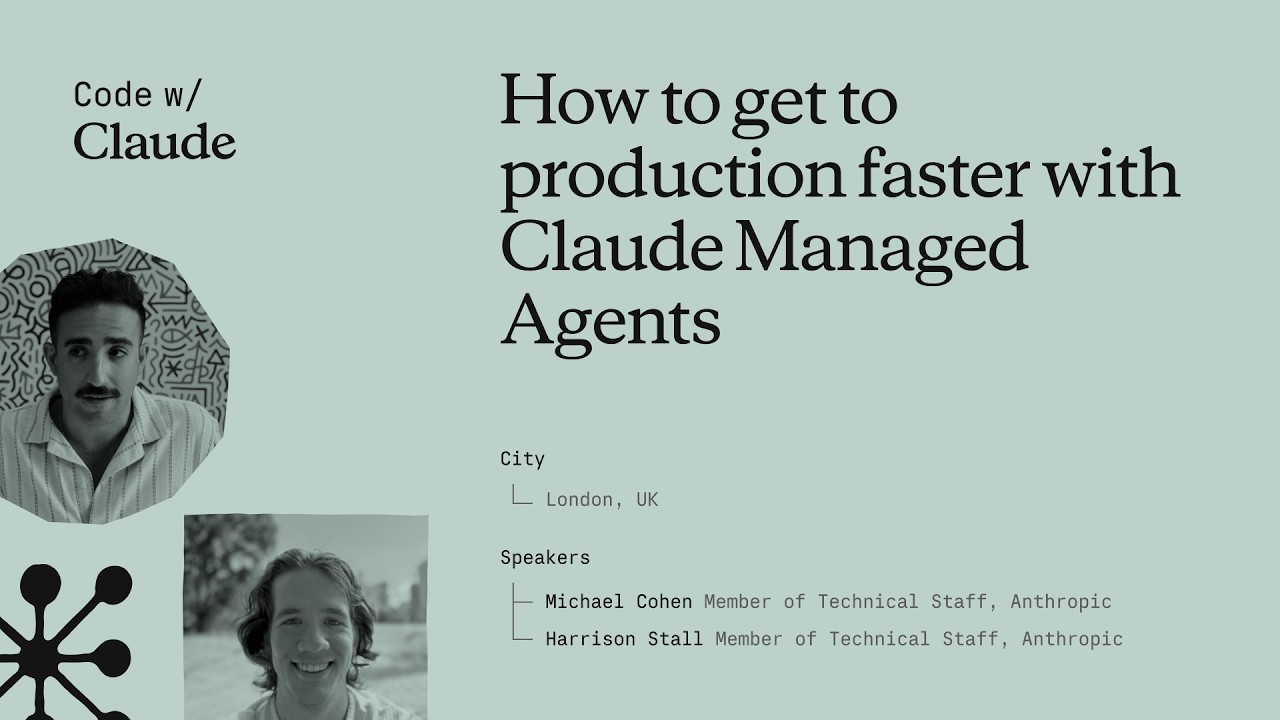
How to get to production faster with Claude Managed Agents
Anthropic engineers Michael and Harrison introduce Claude Managed Agents, a platform designed to simplify the infrastructure, security, and observability required for deploying autonomous AI agents. By handling complex backend tasks like sandboxing and identity management, the system enables developers to transition from simple tool use to long-running, outcome-oriented agentic workflows. ## [01:10] The Evolution of Agentic Infrastructure Michael and Harrison trace the progression of AI from basic function calling to autonomous agents capable of managing full feature development and PRs. They argue that infrastructure, rather than model intelligence, is now the primary bottleneck for achieving productivity where months of work are completed in hours. > *where we think we're seeing things going in the future is entire quarters worth of work being able to be getting accomplished within a couple of hours.* > *[2, 34]* ## [04:22] Core Primitives and Configuration The platform provides composable primitives for context management, observability, and secure sandboxing, allowing developers to define agents via system prompts and MCP tool configurations. Features like the 'Ask Claude' button and event streams provide real-time transparency and optimization suggestions for agent sessions. > *we did all of that platform work so that you don't have to so that you can kind of pick and choose the primitives that we have available.* > *[5, 26]* ## [10:05] Advanced Orchestration and Memory Beyond single-task execution, the platform supports multi-agent orchestration where Claude can spawn sub-agents to delegate work. Advanced features like 'Dreaming' allow agents to reflect across thousands of sessions, improving long-term memory and task performance through autonomous reflection. > *It allows Claude to spawn other agent threads with their own context windows in order to delegate work to them.* > *[10, 55]* ## [11:56] Sandboxing and Secure Connectivity Anthropic offers self-hosted sandboxes and MCP tunnels to give enterprises control over network policies and audit logs while exposing private data securely. Partners like Vercel, Modal, and Cloudflare provide specialized infrastructure, ranging from lightweight isolates for rapid scaling to high-performance GPU clusters. > *MCP tunnels are basically just a way for you to get your private MCPs in your network exposed to cloud manage agents.* > *[13, 25]* ## [20:19] Real-World Automation and Optimization Companies like DoorDash and Modal are using agents for complex technical tasks, such as autonomous account management and inference tuning. By running tools like the Nvidia profiler, agents can autonomously 'hill climb' performance benchmarks to optimize workloads without human intervention. > *Claude can optimize training loops... it'll run like the Nvidia profiler. It'll read the profiles and uh it'll just go ham and and make things better.* > *[20, 39]* ## [25:23] Future Challenges: Identity and Collaboration As agents become primary users of compute, the industry faces new hurdles in identity management, egress filtering, and task resumability. The future of AI involves moving from rigid execution to collaborative 'multiplayer' environments where agents and humans dynamically pivot based on feedback. > *how do we properly assign identity all the way down the chain such that it's only getting access to the right data* > *[25, 55]* ## Entities - **Anthropic** (organization): The AI safety and research company behind the Claude model family. - **Claude Managed Agents** (product): A platform and infrastructure suite for building and deploying autonomous AI agents. - **Michael** (person): Member of Technical Staff at Anthropic working on managed agents. - **Harrison** (person): Member of Technical Staff at Anthropic working on managed agents. - **MCP** (protocol): Model Context Protocol used for tool configuration and secure tunnels. - **Cloudflare** (organization): A cloud services provider focusing on sandboxing technologies like MicroVMs and isolates. - **Modal** (organization): A compute platform specializing in high-scale GPU sandboxes and AI workloads. - **Vercel** (organization): A partner providing fluid compute infrastructure for agent sandboxes.
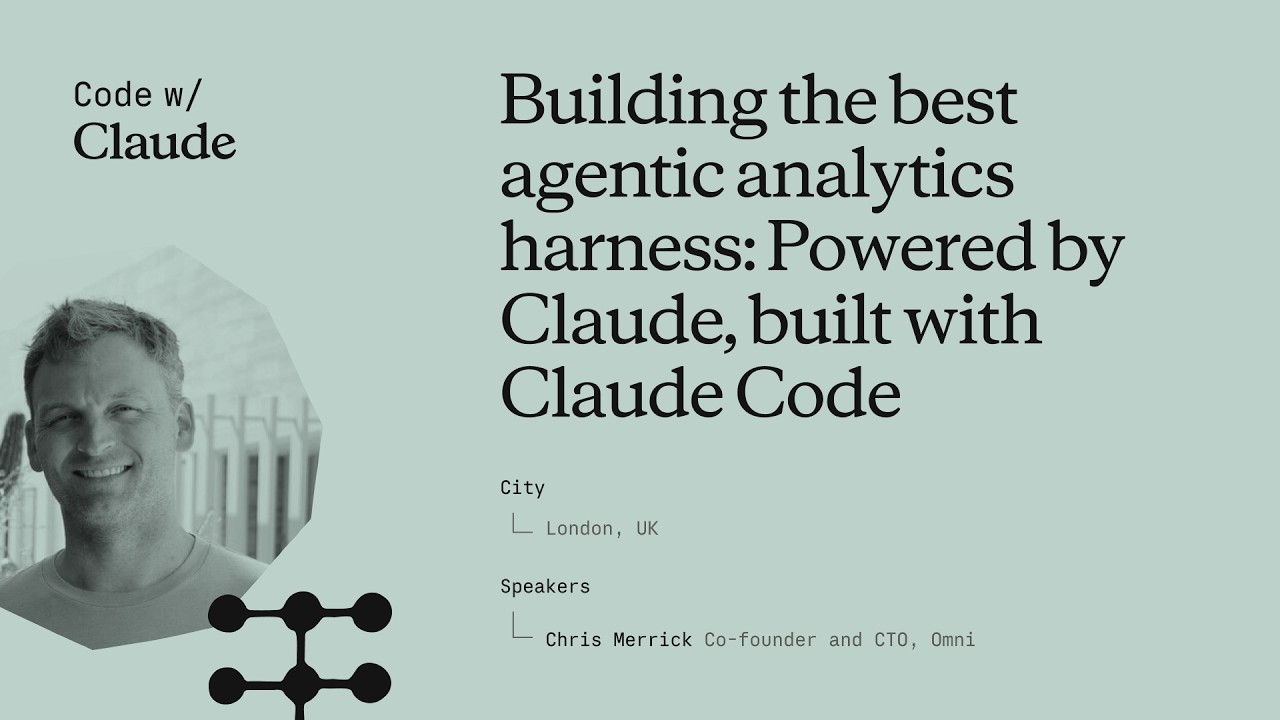
Building the best agentic analytics harness: Powered by Claude, built with Claude Code
Chris Merrick, CTO of Omni, details the development of 'Blobby,' an agentic analytics harness powered by Anthropic's Claude models. By combining a robust semantic layer with internal dogfooding of Claude Code, Omni enables users to translate natural language into complex data visualizations while maintaining high engineering velocity. ## [00:07] Engineering Velocity with Claude Code Chris Merrick explains how Claude Code has transformed Omni's internal development, allowing a small team of 25 to maintain high commit velocity. Even as CTO, Merrick uses the tool to stay technically involved, leveraging the efficiency of the Claude Opus model to contribute code alongside his team. > *I thank Claude very much for making me uh still able to do some software engineering from time to time. [01:12]* ## [03:14] The Semantic Layer and Business Context To bridge the gap between general LLM knowledge and specific business data, Omni utilizes a semantic layer that provides essential context like fiscal definitions and table relationships. This layer acts as a permissions and curation tool, ensuring the AI agent understands the unique nuances of a company's data environment. > *Claude is incredible at answering questions, but you need to tell it more about your business if you want it to answer questions about your business. [04:03]* ## [11:15] Architectural Evolution and the 'Blabbotomy' The team evolved their AI agent, Blobby, from a simple Q&A tool into a sophisticated harness by upgrading from Claude Haiku to Sonnet for better multi-turn performance. They addressed 'split-brain' errors—where sub-agents and outer agents failed to communicate—by consolidating all tools into a single, unified agentic brain. > *You want to be careful not to have a split brain between any sort of sub agent system and outer agent system. [15:57]* ## [16:23] Leveraging SQL and CTE Proficiency Omni shifted its query strategy from a proprietary JSON format to standard SQL to better leverage Claude’s inherent proficiency with complex Common Table Expressions (CTEs). This transition allowed the agent to handle difficult data questions in a single pass, significantly improving the accuracy of generated reports. > *Claude really likes to write SQL with CTE, common table expressions... and our parser was really good at parsing those [18:27]* ## [19:09] Evals, Observability, and UI Validation Merrick emphasizes that rigorous evaluation systems and raw trace observability are critical for ensuring the predictability required by executive users. Omni follows a 'build with AI, validate with UI' philosophy, where Blobby generates the initial dashboard and users use a workbook interface to refine and troubleshoot the results. > *Our philosophy from a product perspective is AI to build, UI to sort of validate and troubleshoot and refine. [23:21]* ## Entities - **Chris Merrick** (person): CTO and Co-founder of Omni who leads the engineering team and advocates for AI-driven development. - **Omni** (organization): An AI analytics platform that enables users to query data using natural language. - **Claude** (ai-model): The family of LLMs from Anthropic that powers Omni's analytics and internal engineering. - **Claude Code** (software): An AI-powered coding tool that significantly increased Omni's development velocity. - **Blobby** (ai-agent): Omni's AI data analyst agent designed to interpret and answer complex data questions. - **SQL** (technology): The query language that Omni's semantic layer generates to interact with data warehouses. - **Claude Sonnet** (ai-model): The specific Anthropic model used to unlock performance gains in complex agentic conversations. - **GitHub** (platform): The source of pull request (PR) data used in the agent's demonstration.
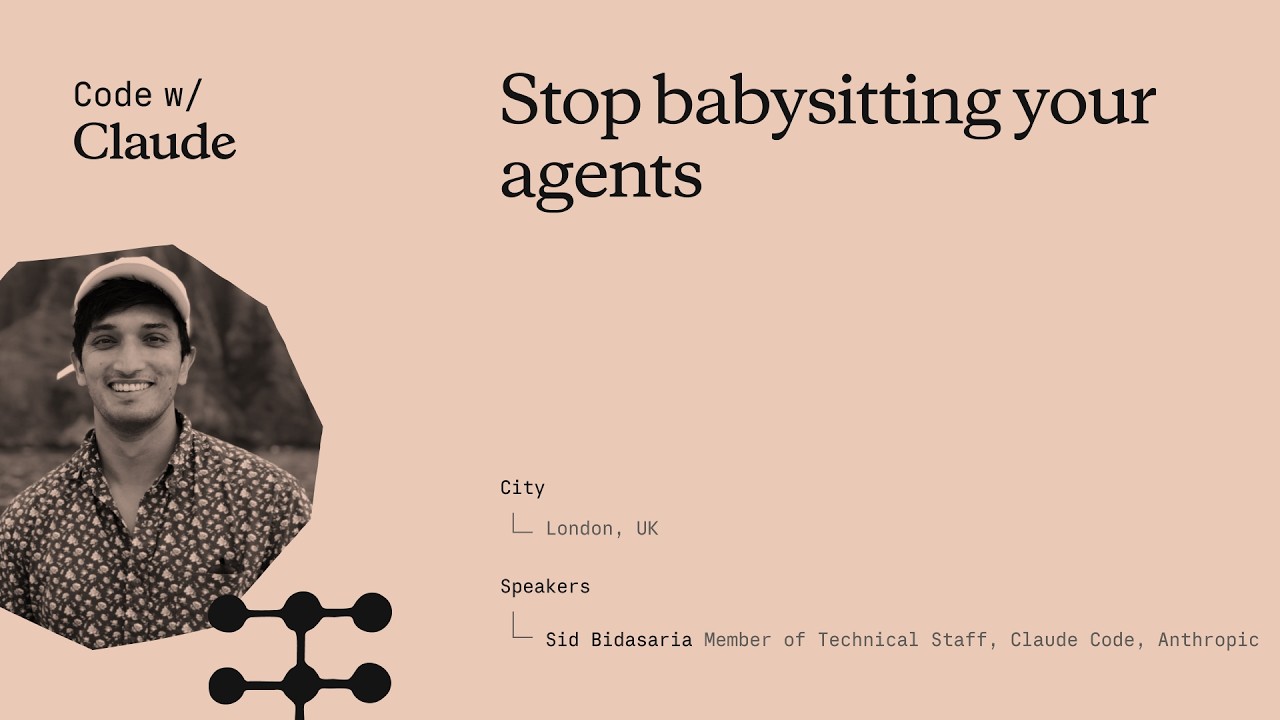
Stop babysitting your agents
Sid Budhiraja, a founding engineer of Claude Code, gave this keynote at Anthropic's Code with Claude conference to address a specific waste pattern: engineers spending most of their time staring at a screen waiting for Claude to finish, or acting as a "glorified QA tester." The talk lays out three escalating strategies—verification, parallelization, and background loops—that together let Claude run largely unsupervised. No captions existed on YouTube; transcript generated via Gemini Flash transcription (paragraph-level only, no word timestamps). ## [00:02] Opening & prerequisites Sid frames the talk as a "Claude Code 301" class and opens with a quick audience poll. Three things he calls table stakes: a high-quality CLAUDE.md file ("the single highest leverage thing you can do"), connecting external tools like Slack, Linear, and BigQuery to Claude Code so it can stitch together richer context, and setting up Claude Code on the web so that sessions are decoupled from the engineer's laptop and keep running even when the machine is closed or offline. He then lays out the structure for the rest of the talk: verification, multi-Clauding, and background loops—each building on the previous one. > *"A good rule of thumb is that if a tool is useful for you in your day-to-day life, it will also be useful for Claude. So things like Slack, Asana, Linear, Datadog, BigQuery—all of these things help Claude stitch together a much richer context for itself."* ## [05:14] Teaching Claude to verify its own work Sid asks the audience to recall how they personally verified their last feature: write code, build, run, check side effects, check logs, check the database, run unit tests, deploy to staging. That exact playbook, he argues, is also what Claude can run—if given the right tools and instructions. The key mechanism is the **loop**: an autonomous circuit where Claude writes code, hits a failure, debugs, writes more code, and keeps cycling until it reaches a success state. Once in a loop, Claude hill-climbs on a task without the engineer in the hot path. The loop works across front-end (browser-driven smoke tests), back-end (API checks), and full end-to-end flows—the principle is identical in each case. To package and distribute a verification loop, Sid recommends a **skill file**—a markdown document that stores the instructions and tool configuration for a specific verification task. Skills can be made self-improving: if you instruct Claude to update the skill every time it hits a new blocker, the document grows into a self-documenting playbook that benefits the whole team. > *"A loop essentially is an autonomous circuit that you can complete for Claude. And it allows Claude to hill climb on a given task or a given success criteria."* ## [15:46] Demo: building a verification loop live Sid demos against MonkeyType, an open-source TypeScript/Express/MongoDB/Redis typing-test application, chosen because it represents a realistic full-stack production app. Starting from a fresh Claude Code session, he tells Claude to spin up the dev server, then instructs it to use the `/chrome` Chrome MCP tool to navigate to localhost, type some text, and change a settings value—manually walking it through a basic smoke test. Once that hand-held session is complete, he tells Claude to take everything it just learned and write it into a skill file at `.claude/demo-verification`. Claude produces a skill with three sections: bring up the stack, load Chrome MCP tools, run a smoke test. He then asks Claude to build a new feature—a confetti animation on every mistype—and use the newly created verification skill to verify its own work. Claude writes the feature, hits ESLint errors, fixes them, reloads the app, and keeps cycling until the confetti appears. > *"You see the verification loop in action now where it's—it wrote some code, it encountered some issues, it fixed those issues by writing some more code, and it kind of went in a circle doing that until it came to a good state."* ## [26:38] Multi-Clauding without losing your mind Running multiple Claude instances simultaneously taxes attention, Sid's personal limit being four or five sessions before cognitive load becomes unmanageable. He covers four tools for scaling past that ceiling. The **Claude Code Desktop app** provides a unified sidebar showing all sessions across local terminal, cloud, and GitHub—sessions sorted by attention demand, color-coded, renamable. The terminal alternative is **Claude Agents** (`claude agents`), released roughly a week before the talk, which surfaces the same session list inside the terminal and sorts by urgency so the sessions that need a decision bubble to the top. **Claude Code on the Web** (claude.ai/code) runs sessions in Anthropic's cloud, fully decoupled from the engineer's hardware. And **Remote Control** (`/remote-control`) mirrors any running session to the mobile app with push notifications, so the engineer can answer Claude's questions from a car or between meetings without opening a laptop. > *"Remote Control essentially gives you the option to control any session running on any surface with your phone. If Claude needs some help from you or needs your input, your phone will buzz and you could be in your car, doing whatever you want, and you could just give Claude the input that it needs."* ## [32:41] Background loops and routines Even with good multi-session tooling, the engineer still decides when to start each session and what goal to give it. Background loops remove that last manual step. Sid describes the `/loop` command: `/loop 10 minutes "babysit my open PRs"` wakes up a Claude Code session every ten minutes, runs that prompt autonomously, and handles review comments, merge conflicts, and CI failures without the engineer watching. **Routines** are `/loop` running in Anthropic's cloud infrastructure—the same remote containers that power Claude Code on the Web. The Claude Code team itself runs two routines: one that updates docs daily, and one that scans issues and feedback and posts a summary to their Slack channel every six hours. With verification ensuring Claude's output is reliable, multi-Claude tools protecting attention across parallel sessions, and routines handling recurring bookkeeping, the engineer's role shifts from babysitter to delegator. > *"You can kind of spend your attention and your time on the tasks that you care about, and everything else can just be delegated to Claude—with high reliability and a high degree of confidence."* ## Entities - **Sid Budhiraja** (Person): Founding engineer of Claude Code at Anthropic; presenter of this keynote. - **Anthropic** (Organization): Creator of Claude and Claude Code; hosted the Code with Claude conference. - **Claude Code** (Software): Anthropic's agentic coding tool; central subject of the talk. - **Verification loop** (Concept): An autonomous write-check-fix cycle that lets Claude iterate on a task until it reaches a defined success state without human intervention. - **MonkeyType** (Software): Open-source TypeScript typing-test app (Express + MongoDB + Redis) used as the live demo target. - **Chrome MCP** (Software): Model Context Protocol tool (accessed via `/chrome`) that gives Claude programmatic control of a browser for UI verification. - **Routines** (Concept): Cloud-side scheduled Claude Code sessions with time-based or event-based triggers, enabling fully autonomous recurring tasks. - **Remote Control** (Concept): Feature (`/remote-control`) that mirrors Claude Code sessions to the mobile app with push notifications, enabling async oversight from anywhere.
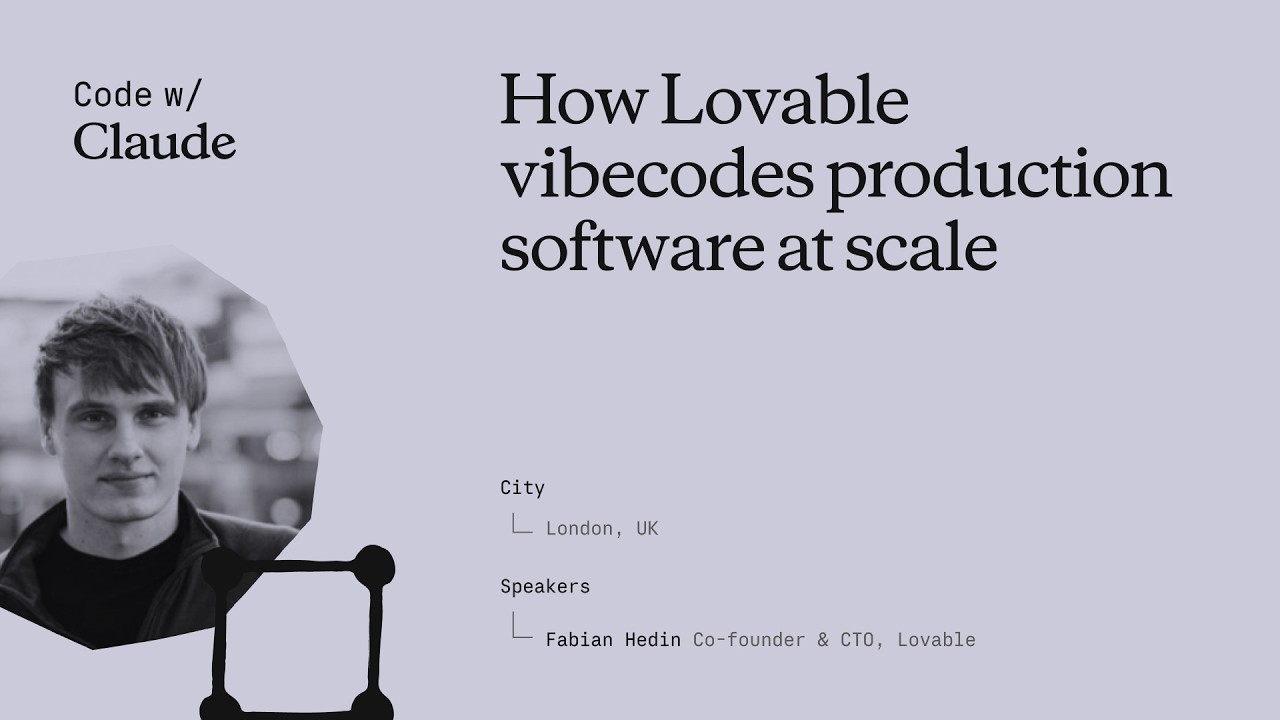
How Lovable vibecodes production software at scale
Fabian Hedin, Cofounder and CTO of Lovable, walked through two production systems his team built to stop non-technical users from getting permanently blocked: Lovable Overflow, a self-maintaining corpus of issue-solution pairs injected into the agent's context at inference time, and a "vent" tool that lets the agent itself flag platform failures and auto-open PRs for engineers to review. Together they cut the platform's stuck rate by 5% — an improvement on par with a full model generation upgrade — and now drive roughly ten merged fixes per day from agent-filed pull requests. ## [00:20] From GPT-Engineer to 600 million monthly visits Lovable's lineage traces back 35 months to GPT-Engineer, a terminal program co-founded by Anton that briefly became the fastest-growing repository on GitHub. The demo — asking for a snake game, watching the model generate and execute the code end-to-end — signaled what LLMs could do for software creation, but the abstraction wasn't ready for a non-developer audience in mid-2023. Fabian marks a turning point around eighteen months ago when the chat-plus-preview model started clicking, and every three months since then a new foundational model has pushed the envelope further. Today the platform hosts 15 million projects. More telling: the sites built on Lovable collectively receive 600 million monthly visits, far more than Lovable's own traffic — evidence that users are shipping things with real reach. > *"We have 15 million projects built on the platform. We have 600 million monthly visits to the sites built on Lovable. And I think this is an interesting statistic because it's significantly more than what Lovable has itself."* ## [04:22] Production software for the 99%: why non-technical users get stuck Lovable targets the 99% of people who can't code — and deliberately holds itself to production-grade quality, not just prototyping. That combination makes the job harder than building for expert developers. When an expert gets stuck they can read the error, switch the library, or escalate to a developer-experience team. A non-technical user working at Lovable's abstraction layer — where the code is mostly out of sight — has none of those escape hatches. Fabian applies the classic software maxim: the first 90% of code takes 90% of the time, and the last 10% takes another 90%. The pattern holds in the AI era: vibe-coding gets you to a first version fast, but finishing, bug-free, takes even longer. Getting "hard stuck" in that final stretch is the worst possible user experience Lovable can deliver. > *"If they get stuck, it's a very bad experience for them. It's kind of the worst thing that can happen to them because it's much harder for them to get unstuck."* ## [09:55] Defining stuck: the is_stuck metric and three failure buckets Lovable's `is_stuck` flag fires when a user asks for the same thing three times in a row, when they explicitly complain about the output, or when they prompt and then abandon the session. A small classification model evaluates each conversation to set this signal. The team maps stuck scenarios into three buckets. The first is promptable — a differently-worded message, or slightly more context, would have solved it; Lovable's goal is to fix these before the user even realizes they need to re-prompt. The second is a platform gap: something the agent should handle but a missing or broken tool prevents it. The third is a large infrastructure investment — for example, Lovable shipped only client-side-rendered SPAs for a long time, which hurt SEO-conscious builders; they shipped server-side rendering the week of this talk. Each bucket demands a different fix, but all three share the same core vision. > *"Really our vision with Lovable on the technical side is that every app that is built on the platform should help improve the next."* ## [13:15] Lovable Overflow: fleet knowledge that routes around errors Named in honor of Stack Overflow, Lovable Overflow is a growing corpus of problem descriptions paired with solutions, harvested from real user sessions. When a user reports laggy scrolling, a lightweight retrieval model searches the corpus for similar descriptions, and if a match is relevant it injects a synthesized fix into the main agent's context — not as raw text but reformatted to fit the current situation. The harder engineering problem is keeping the corpus honest. Knowledge grows stale when a JavaScript package ships a fix, or when a new foundational model already has the fix baked into its weights. Lovable tracks a success ratio for every entry and prunes records that stop working — including entries whose embedded knowledge is now redundant in a newer model. The tension between adding new knowledge and retiring old knowledge turned out to be as important as the retrieval mechanism itself. > *"For every knowledge file we'll track its success ratio and we'll actually just remove it and prune it from the knowledge if it is outdated. So we'll continuously review every piece of knowledge in our system and make sure that it's pruned when it's no longer helpful."* ## [17:45] Venting: letting the agent report its own frustrations The second self-healing mechanism inverts the feedback loop: instead of Lovable engineers watching for failures, the Lovable agent itself files a report when it's blocked. A tool called `vent--send_feedback` is in the agent's toolset with a prompt asking it to call the tool "once per user message when tooling, docs, or platform behavior materially slows or degrades your work." The agent's complaint lands in a Slack channel, a monitor agent de-dupes and investigates, and if the issue is real, it opens a pull request for an engineer to review. About 50% of the auto-generated PRs make sense and get merged. One example: the agent hit a space-in-filename bug in the `code--copy` tool, tried URL encoding and other workarounds, then vented — and a fix was in production ten minutes later. A second example went further: the Lovable agent complained about Framer Motion's TypeScript easing types, implying the open-source library itself could benefit from a PR. Fabian floated the idea of letting the agent contribute fixes upstream to the wider JavaScript ecosystem. The vent channel also became an unexpected early-warning system. Production incidents — inference downtime, missing sandboxes, network-level failures — show up as spikes in vent volume before conventional monitoring alerts fire. In one meta case, the agent vented 43 times in a session, then filed a PR suggesting de-duplication logic to stop spamming its own creators. > *"Several times now this Slack channel with the agent venting has been kind of the first signal for us to identify a production incident. And even if it's not the first signal, it has actually become a very helpful tool for engineers to debug what is going on."* ## [26:12] Results, lessons, and what comes after self-healing Lovable Overflow reduced the stuck rate by 5% and lifted the publish rate by 2% in its first version — before incremental tuning since then. Fabian frames the 5% number in context: that's roughly the improvement Lovable sees when it upgrades to an entirely new model generation. The venting pipeline merges about ten platform fixes per day. Three lessons stood out. First, failure-mode knowledge is model-specific: when a new foundational model ships, existing Lovable Overflow entries need revalidation because some will be redundant and others will need rephrasing for the model's different behavior. Second, knowledge has a half-life — even fixes that were correct become wrong as libraries evolve. Third, an earlier attempt at this system failed not because the idea was bad but because the success signals were too coarse to tune against; 15 million apps and 200,000 new projects per day give Lovable enough signal to make it work now. Beyond these two systems, the team is fine-tuning on fleet data and building out eval coverage to gate every model release. Fabian's closing frame: Lovable users arrive with strong intent to ship real products, and when they leave stuck, that's a failure Lovable owns — the entire self-healing apparatus exists to close that gap. > *"The stuck rate is reduced by 5%. That might not sound like a big number, but in reality that is on the same order of magnitude in what we would see this metric move if we had a new generation of a foundational model in our system."* ## Entities - **Fabian Hedin** (Person): Cofounder and CTO of Lovable; delivered this keynote at Code with Claude 2026 - **Lovable** (Organization): AI software builder for non-technical users; 15M projects, 600M monthly visits to hosted sites - **Claude** (Software): Foundational model powering Lovable's agent at consumer scale - **GPT-Engineer** (Software): Open-source terminal tool co-founded by Anton (Lovable co-founder); became the fastest-growing GitHub repo in 2023 and evolved into Lovable - **Lovable Overflow** (Concept): Fleet-learning knowledge corpus — problem/solution pairs harvested from real sessions, injected into the agent's context, and continuously pruned by success ratio - **Venting / vent--send_feedback** (Concept): Agent-side tool that files platform failure reports to Slack; a monitor agent de-dupes and auto-opens PRs for engineer review - **is_stuck** (Concept): Binary metric that flags when a user has repeated the same request three times, complained about output, or abandoned a session after prompting - **Framer Motion** (Software): TypeScript animation library; cited as an example of an open-source dependency the Lovable agent identified as having a suboptimal type API
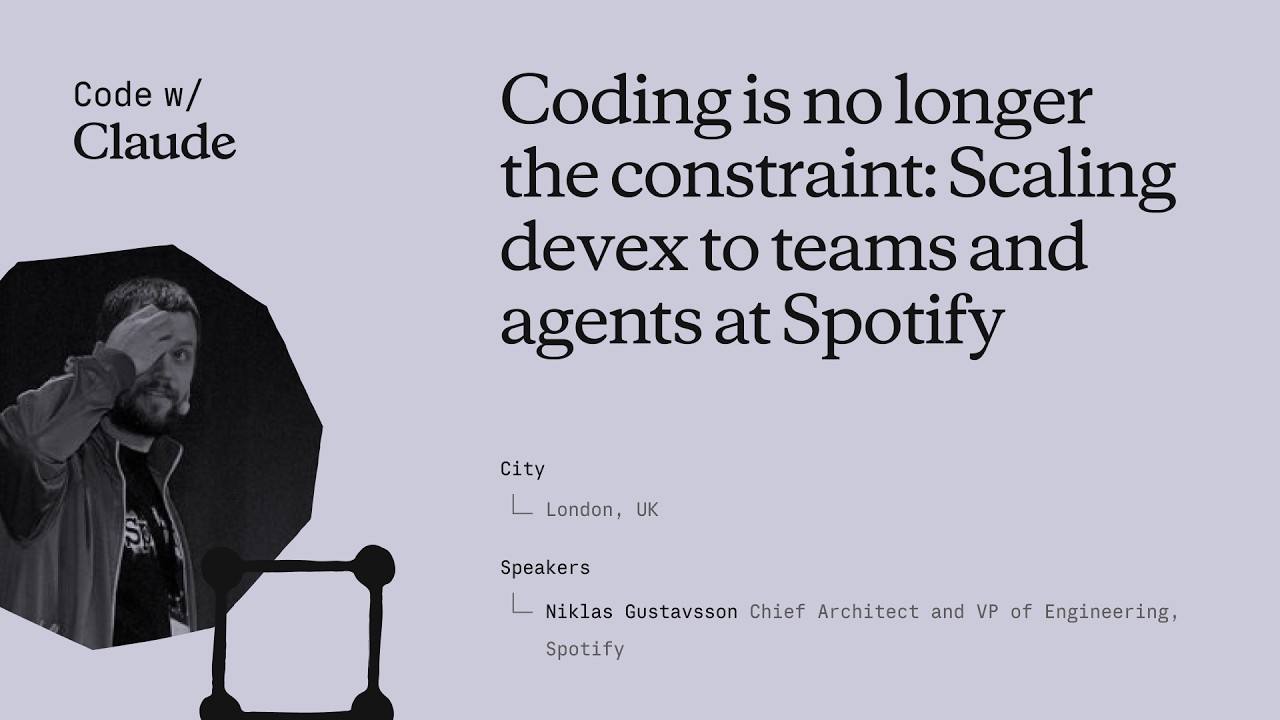
Coding is no longer the constraint: Scaling devex to teams and agents at Spotify
Niklas Gustavsson, Spotify's Chief Architect and VP of Engineering, walks through how a 3,000-person engineering org went from 0 to 99% AI tool adoption in months — and what that does to your product development constraints. The talk covers three concrete systems Spotify built: FleetShift for fleet-wide automated migrations, Honk as a background Claude-powered coding agent, and Backstage as the structured environment that makes agents reliable at scale. The central argument is that the same standardization practices that made human teams fast now make agents fast too. ## [00:18] Spotify's AI adoption surge Spotify's adoption of AI coding tools didn't grow gradually — it inflected sharply around the Claude Opus 3.5 release in November 2024. Within months, 99% of engineers used AI tools weekly, 94% reported meaningful productivity gains in the latest internal survey, and PR frequency jumped 76%. Niklas notes he had to update the PR frequency slide while preparing it because the numbers kept rising. The volume shift is also qualitative: by now, the majority of PRs shipped at Spotify are co-authored by an AI agent together with the developer, not written by a human alone. > *"Today more than 99% of our engineers use AI coding tools every week. And in the latest [survey], 94% of our engineers reports that using AI tooling has helped them become more productive."* ## [03:52] FleetShift: automating fleet-wide maintenance before AI Spotify's pre-AI problem was that its production codebase was growing seven times faster than the engineering headcount. That meant engineers spent progressively more time on maintenance — version bumps, API deprecations, security patches — leaving less capacity for new features. The answer was FleetShift, a fleet management system that treats those changes as coordinated mutations across thousands of repositories rather than per-component manual work. By the time AI entered the picture, FleetShift had already automerged 2.5 million maintenance PRs with no human in the loop: automation creates the PR, validates it in CI, and merges it. That infrastructure became the orchestration layer that Honk would later plug into. > *"Today up until today we've now merged two and a half million of those automated maintenance PRs. Work that our developers did not have to do."* ## [07:38] Building Honk — a background coding agent on Claude's Agent SDK Simple rule-based scripts work fine for config changes and dependency bumps, but fall apart on anything involving actual code modifications. Code has, as Niklas puts it, a very wide API surface — there are many ways to call the same method, and when you run a migration script across millions of lines and thousands of repos, you hit every corner case (a phenomenon with a name: Hyrum's Law). That brittleness was the forcing function for Honk. Honk is today a Claude-based coding agent wrapped inside a Kubernetes pod, scheduled by FleetShift, and equipped with CI tools so it can run builds, catch compile errors, and self-correct before opening a PR. A Java version migration that previously took multiple teams months now takes a single engineer three days. > *"Instead of writing these deterministic scripts to do these code modifications, can we use an LLM for this? [...] Out of this came a tool that we now called Honk."* ## [11:34] Honk V2 and multiplayer agent sessions Developers at Spotify quickly figured out how to invoke Honk over Slack — at-mentioning it mid-conversation and getting a PR back. That grassroots pattern pushed the team toward a more interactive product model. Honk V2, released in alpha during Hack Week the day before this talk, adds two layers on top of the original batch-migration use case. The first is integration with Chirp, Spotify's internal agent orchestration layer, which lets developers run many concurrent Honk sessions and coordinate them. The second is multiplayer: shared sessions where multiple developers can give feedback to the same agent instance simultaneously — described as "Google Docs but for Claude." Projects group those sessions into a shared workspace tracking a longer-horizon goal. > *"Basically imagine, uh, Google Docs or something similar, but for Claude."* ## [14:43] Standardization as agent infrastructure Spotify has operated for more than a decade on the principle that fewer technologies means faster execution. Limiting the stack reduces decision fatigue, makes cross-team collaboration easier, and lets engineers go deep on a smaller surface rather than maintaining breadth. That same principle, Niklas argues, directly improves agent performance. The mechanism is empirical: Spotify sees Claude produce noticeably worse outputs in their more fragmented codebases and better outputs where the stack is uniform. Backstage — their developer portal and software catalog — is the enforcement layer. It exposes component ownership, technology radar recommendations, and a "Golden State" spec for each component type. A Soundcheck UI lets teams self-assess compliance. Critically, all of these are also exposed as MCP servers and CLI tools so agents can query them directly. When Honk makes a code change, lint checks give it immediate feedback if it's using an off-radar pattern, and Niklas watches Claude self-correct against those checks in real time. > *"If Claude has a lot of other code to look at and that code looks roughly consistent, Claude will do better job. That's what we're seeing. And we actually have codebases that are more fragmented, and we can actually see Claude perform worse in those codebases."* ## [22:15] What happens when coding stops being the bottleneck The sprint Niklas closes with is a reframing: the AI transition hasn't removed constraints from product development, it has relocated them. Coding used to be where time went; now that constraint is loosening, the bottlenecks are moving to human decision-making — which ideas to pursue, which PRs actually need a human reviewer, which prototypes are worth fleshing out. On the PR review side, 76% more PRs means developers are drowning in review requests. Spotify's response is to auto-approve the low-risk ones and focus human attention where it matters. On the prototyping side, Spotify now lets anyone — including executives — open Claude in the client monorepo with a set of skills and infrastructure, prompt a feature, and get an installable app back in minutes rather than days. The talk ends with Niklas noting that in six months, Spotify's entire product development process will look fundamentally different from anything they've done before. > *"Claude and agents allows us to allow anyone to prototype in our actual production codebase. [...] This has brought prototyping for something that could take days or weeks to literally taking minutes now."* ## Entities - **Niklas Gustavsson** (Person): Chief Architect and VP of Engineering at Spotify; delivered this keynote at Anthropic's Code with Claude conference - **Honk** (Software): Spotify's internal background coding agent, built on Anthropic's Agent SDK running in Kubernetes pods; integrates with FleetShift for fleet-wide migrations - **FleetShift** (Software): Spotify's fleet management and migration orchestration platform; schedules and tracks automated PRs across thousands of repositories; has automerged 2.5 million PRs - **Backstage** (Software): Spotify's open-source developer portal and software catalog; exposes component ownership, Golden State compliance, and MCP/CLI interfaces consumed by agents - **Chirp** (Software): Spotify's internal agent orchestration layer; allows running many concurrent agent sessions and coordinating multi-developer shared sessions - **Hyrum's Law** (Concept): Principle (named after a Google engineer) that any observable behavior of a system will be depended on by some user — explaining why generic migration scripts break at scale across large codebases - **Golden State** (Concept): Spotify's per-component-type specification of recommended technologies and practices; the standard Soundcheck measures compliance against
Je eerste Claude Code prompt
De tweede Claude Code 101-video van Anthropic behandelt het schrijven van de eerste prompt: hoe te kiezen tussen goedkeuringsmodus en auto-accepteren, wanneer de planmodus in te gaan via shift+tab, en hoe een echte prompt eruitziet bij een live taak "donkere modus toevoegen". ## [00:03] Claude Code aanspreken zoals elke andere AI-assistent De openingsframing houdt de drempel bewust laag: een prompt sturen naar Claude Code verschilt niet van een vraag stellen aan een andere AI-assistent. Het idee is dat de beslissingen die je neemt vóór je op Enter drukt, je beschermen en het gereedschap prettiger maken in gebruik. > *You talk to Claude Code like you would talk to any AI assistant.* ## [00:15] Goedkeuringsmodus vs. auto-accepteren (shift+tab) Er zijn direct twee modi beschikbaar. In de standaard goedkeuringsmodus vraagt Claude toestemming vóór elke bestandswijziging. In de auto-acceptmodus worden bewerkingen en aanmaak van bestanden automatisch verwerkt, maar het uitvoeren van shell-opdrachten vereist nog steeds je toestemming. shift+tab wisselt tussen beide, zonder instellingen te hoeven opzoeken. De verteller weigert uitdrukkelijk een van beide "correct" te noemen; kies wat past bij jouw gewenste betrokkenheid. > *In auto accept mode, it will automatically approve an edit or creation of a file, but ask your permission to run commands.* ## [00:40] Planmodus: alleen-lezen onderzoek vóór het coderen In hetzelfde shift+tab-menu schuilt een derde modus: de planmodus. Claude neemt de prompt, gebruikt alleen-lezen gereedschappen om de codebase te doorzoeken, stelt verduidelijkingsvragen over onduidelijke punten en levert een uitgebreid plan voordat er ook maar één bestand wordt aangeraakt. Typische gevallen: meerstappige feature-implementaties en veilige codereviews — overal waar je de aanpak wilt beoordelen vóór de agent begint te schrijven. > *Plan mode takes your prompt and uses read-only tools to analyze your code base and do research on your suggested implementation.* ## [01:10] Live demo: prompt voor een donkere-modus schakelaar De demo is de kern van de video. Vanuit de projectroot shift+tab een paar keer naar de planmodus, dan een prompt schrijven die drie dingen tegelijk doet: het doel noemen ("donkere modus door de hele app"), de interface opgeven ("een schakelaar in de header") en een beperking toevoegen die Claude moet onderzoeken ("een goede contrastkleur vinden die past bij mijn bestaande lichte thema"). Doel plus interface plus beperking — het impliciete sjabloon voor een goede eerste prompt. > *Can you create a toggle switch on the header that allows user to toggle between light mode and dark mode?* ## [01:46] Terugkijken op wat Claude daadwerkelijk deed Nadat Claude zijn plan heeft teruggegeven en de gebruiker het heeft goedgekeurd, zit de waarde in de controleerbaarheid: je kunt expliciet zien wat Claude deed en hoe het tot het resultaat is gekomen. De verteller bekijkt de gerenderde donkere modus en geeft zijn goedkeuring — de impliciete les is dat "ziet er best goed uit" een acceptabele reviewlat is voor laagrisico UI-werk, zolang je echt hebt gekeken. > *At the end of all this, we can see explicitly what Claude did and how it came to its conclusion.* ## [02:09] Samenvatting: wees beschrijvend, gebruik de planmodus De afsluitende vuistregel: wees zo beschrijvend mogelijk in je prompt, en gebruik de planmodus wanneer je wilt dat Claude de details van je bedoeling grondig onderzoekt vóór het uitvoeren. De goedkeuringsmodus houdt je stap voor stap betrokken als dat je voorkeur heeft. > *When using Claude Code, try to be as descriptive as possible with your prompt.* ## Entities - **Anthropic Tutorial Narrator** (Person): De officiële voice-over verteller van Anthropic voor de Claude Code 101-tutorialserie. - **Claude Code** (Software): Anthropics agentische, op terminal gebaseerde codeerassistent, onderwerp van deze promptschrijfgids. - **Approval mode** (Concept): Standaardmodus waarbij Claude Code toestemming vraagt vóór elke bestandswijziging. - **Auto-accept mode** (Concept): Modus die bestandsbewerkingen en -aanmaak automatisch goedkeurt, maar shell-opdrachten nog steeds blokkeert. - **Plan mode** (Concept): Alleen-lezen onderzoeksmodus die een gedetailleerd plan produceert vóór het schrijven van code; ingeschakeld via shift+tab. - **shift+tab** (Shortcut): Toetsenbordsnelkoppeling die wisselt tussen de goedkeurings-, auto-accepteer- en planmodus van Claude Code.
Hoe Claude Code werkt
De tweede aflevering van Anthropics Claude Code 101 opent de motorkap: de agentlus die context verzamelt, actie onderneemt en resultaten verifieert; hoe het contextvenster zichzelf comprimeert voordat het overloopt; wat tools daadwerkelijk bieden ten opzichte van tekst in en tekst uit; en de vier machtigingsmodi die je met shift+tab omschakelt. ## [00:04] Openingsvraag: hoe verschilt het van een chatapp De verteller koppelt de rest van de video aan één vraag: Claude Code is geen chatapp, dus wat is de aard van dit ding? Het antwoord dat ze gaan uitpakken is de agentlus. > *We know that Claude code is different from usual chat applications, but how does it work?* ## [00:13] De agentlus — verzamelen, handelen, verifiëren, herhalen De lus heeft vier slagen. Je voert een prompt in. Claude verzamelt de benodigde context door met het model te communiceren, dat tekst of een toolaanroep teruggeeft. Claude voert de actie uit: een bestand bewerken, een commando uitvoeren. Vervolgens verifieert het of het resultaat de prompt daadwerkelijk vervult. Slaagt het, dan stopt het; mislukt het, dan herhaalt de lus totdat het werk compleet en verifieerbaar is. De gebruiker wordt hierbij niet buitengesloten: je kunt context toevoegen, onderbreken of het model naar het einddoel sturen terwijl de lus loopt. > *And if they don't, Claude goes back and runs the loop again until the results are complete and verifiable.* ## [01:02] Het contextvenster en automatische compressie Het contextvenster is Claudes werkgeheugen: de conversatie, bestandsinhoud, commandouitvoer, alles waarop het kan terugkijken. Het is begrensd. Wanneer het plafond wordt bereikt, comprimeert Claude Code de conversatie op eigen initiatief: het bepaalt wat verwijderd kan worden en wat samengevat kan worden, zodat het venster daalt zonder de rode draad te verliezen. > *Once you reach that limit, Claude code compacts your conversation, which automatically determines what it can take out of the context window and what it can summarize in order to bring the context window back down.* ## [01:26] Tools — semantische dispatching voor het lezen van bestanden, uitvoeren van code en zoeken op het web De meeste AI-assistenten zijn tekst in, tekst uit, zonder iets daartussen. Tools veranderen dat: ze stellen de agent in staat te beslissen wanneer het code moet uitvoeren om het doel te bereiken. Een bestand lezen, op het web zoeken, een shell-commando uitvoeren. Claude Code gebruikt semantisch zoeken over de beschikbare tools om te kiezen welke aan te roepen en de uitvoer te verwerken. > *Tools let Claude code and other agents determine when to execute code to get closer to a task.* ## [01:52] Machtigingsmodi en de kosten van het overslaan ervan Standaard vraagt Claude Code om bevestiging voordat het een bestand bewerkt of een shell-commando uitvoert. Shift+tab doorloopt alternatieven: **bewerkingen automatisch accepteren** schrijft bestanden zonder te vragen maar vraagt nog steeds voor commando's; **planmodus** beperkt Claude tot alleen-lezen tools zodat het een actieplan kan opstellen voordat het iets aanraakt. De verteller wijst op de voor de hand liggende afweging: de agent vrij spel geven betekent dat een fout moeilijker te onderscheppen is voordat het gebeurt. > *Giving Claude code free reign to run commands means a mistake could be harder to catch before even happens.* ## [02:28] Samenvatting — wat het onderscheidt van een chatvenster Vier primitieven samengesteld tot een terminal: een agentlus, een beheerd contextvenster, tools en configureerbare machtigingen. De combinatie — de codebase lezen, erop handelen, het eigen werk verifiëren — is wat Claude Code onderscheidt van een chatvenster. > *It can read your code base, take action, and verify its own work, and that makes it fundamentally different from a chat window.* ## Entiteiten - **Anthropic Tutorial Narrator** (Person): De officiële voice-over verteller van Anthropic voor de Claude Code 101 tutorialserie. - **Claude Code** (Software): Anthropics agentische terminal-codeerassistent, gebouwd rond de vier primitieven die in deze aflevering worden uitgelegd. - **Agentic loop** (Concept): De verzamel-context, handel, verifieer, herhaal-cyclus die elke Claude Code-sessie aandrijft. - **Context window** (Concept): Claudes begrensde werkgeheugen met de conversatie, bestandsinhoud en commandouitvoer; automatisch gecomprimeerd bij overloop. - **Tools** (Concept): De neveneffecten die de agent kan aanroepen: bestand lezen, op het web zoeken, commando uitvoeren, geselecteerd via semantisch zoeken over de toolcatalogus. - **Permission modes** (Concept): Standaard (vragen), bewerkingen automatisch accepteren en planmodus (alleen-lezen), omgeschakeld met shift+tab. - **Plan mode** (Feature): Een alleen-lezen machtigingsmodus waarmee Claude een actieplan kan opstellen voor elke mutatie.
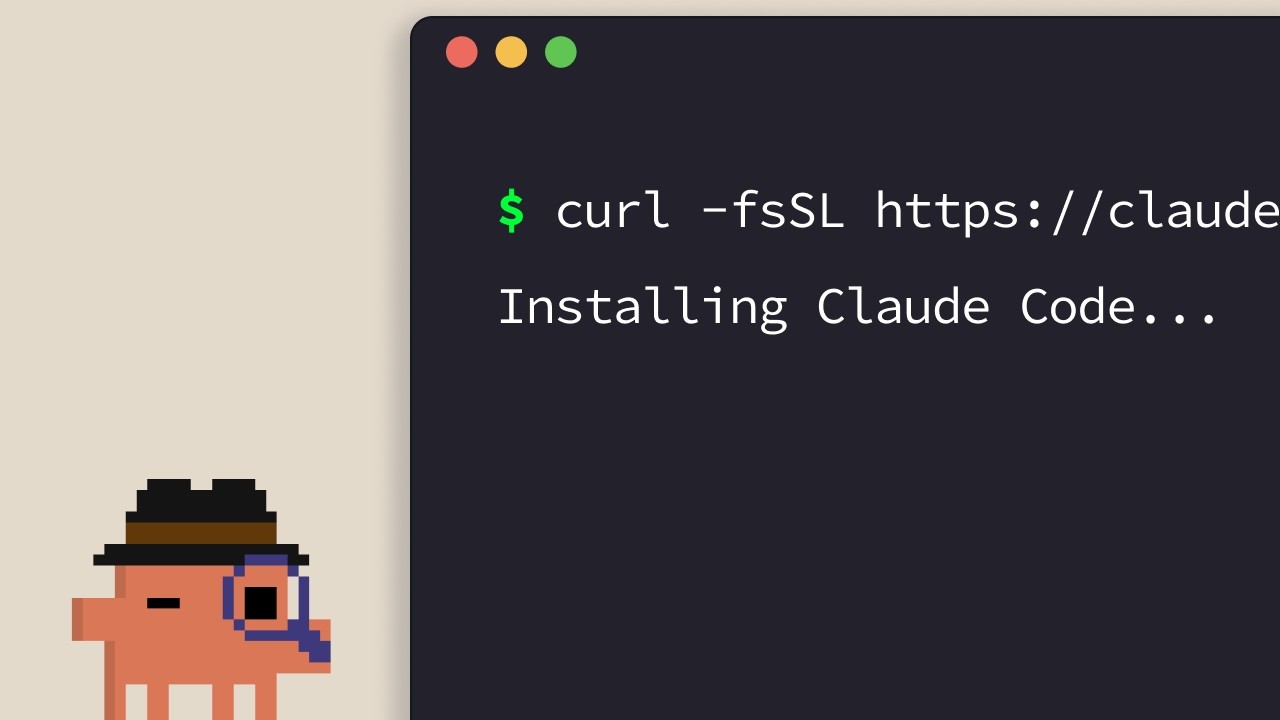
Claude Code installeren
De officiële installatiegids voor Claude Code. De verteller van Anthropic loopt door de één-regel-installers voor elk ondersteund platform — terminal, VS Code, JetBrains, Claude Desktop en het web — en sluit af met een eenvoudige vuistregel voor het kiezen van de juiste optie. ## [00:04] Één-regel-installers voor de terminal (macOS, Linux, WSL, Windows) Het standaardpad is de terminal. Gebruikers van macOS, Linux en WSL krijgen één `curl`-opdracht; Homebrew werkt ook maar ondersteunt geen automatische updates. Op Windows gebruikt PowerShell `Invoke-RestMethod`, CMD heeft een eigen `curl`-fragment, en `winget` is beschikbaar met dezelfde beperking voor automatische updates als Homebrew. > *If you're on macOS, Linux, or WSL, use this curl command to install it in one go. If you prefer to use Homebrew, you can also use brew install to install it, but note that this doesn't have auto-update capabilities.* ## [00:33] claude uitvoeren in je project en inloggen Na de installatie ga je met `cd` naar je project en voer je `claude` uit. Bij de eerste start verschijnt een kleurthemakiezer en een inlogflow die een Pro-, Max-, Enterprise- of API-sleutelaanmelding accepteert. Enterprise-accounts moeten die optie expliciet selecteren. De map van waaruit je start bepaalt de toegangsgrens — Claude Code ziet die map en alles eronder, niets erboven. > *Whatever directory you decide to run cloud in, it will have access to that directory and all of its subfolders.* ## [01:02] VS Code-extensie Open het extensiepaneel, zoek naar de Claude Code-extensie van Anthropic en bevestig het blauwe verificatievinkje voordat je installeert. Een herstart kan nodig zijn. Na de installatie opent het opdrachtenpalet (`Ctrl/Cmd+Shift+P`) een nieuw Claude Code-tabblad; je kunt ook op het logo klikken vanuit een geopend bestand, of de GUI volledig uitschakelen en alleen de terminalervaring gebruiken via de instellingen. > *You can also opt out of the UI and just use the terminal experience directly in your settings file.* ## [01:32] JetBrains-plugin Zelfde werkwijze als bij VS Code: installeer de Claude Code-plugin uit de JetBrains Marketplace, herstart de IDE en het Claude-logo verschijnt bij heropstart. Klikken opent een zijpaneel dat de terminalervaring naast je editor toont. > *For JetBrains IDEs, you can install the Cloud Code plugin from the JetBrains Marketplace. Once you install, restart your IDE.* ## [01:51] Claude Desktop en claude.ai/code op het web Claude Desktop biedt Claude Code aan via een "code"-schakelaar bovenaan de app zodra je bent ingelogd — dezelfde chatachtige interface, maar beperkt tot een specifieke map met aanpasbare rechten en zelfs een clouduitvoeringsmodus. De webversie staat op `claude.ai/code` en weerspiegelt de desktopervaring, met één harde beperking: het werkt alleen met GitHub-repositories. > *On the web, you can access Claude code by going to claude.ai/code. This works very similar to the desktop app. However, you're restricted to GitHub repositories only.* ## [02:27] De juiste omgeving kiezen De vuistregel van de verteller: terminal eerst als je nieuwe functies wilt zodra ze uitkomen. IDE-integraties bieden vrijwel dezelfde ervaring in je editor. Desktop is de keuze als je Claude op de achtergrond wilt laten werken terwijl je iets anders doet. Het web is voor werken op afstand aan GitHub-repositories of voor het gelijktijdig uitvoeren van meerdere sessies. > *If you want to constantly keep up to date with everything, the terminal is the best bet. Features ship there the fastest.* ## Entities - **Anthropic Tutorial Narrator** (Person): Voice-over host van de Claude Code 101-cursus van Anthropic. - **Claude Code** (Software): Anthropics agentische coderingstool, te installeren via terminal, IDEs, desktop en web. - **Homebrew / winget** (Software): Pakketbeheerinstallatiepaden als alternatief voor de officiële curl/PowerShell-installers — beide zonder automatische updates. - **VS Code extension** (Software): Door Anthropic gepubliceerde Claude Code-extensie; controleer het blauwe vinkje voor de installatie. - **JetBrains plugin** (Software): Claude Code-plugin verspreid via de JetBrains Marketplace; opent een zijpaneel na herstart van de IDE. - **Claude Desktop** (Software): Desktopapp die Claude Code aanbiedt via een "code"-schakelaar, met mapbeperking en clouduitvoeringsmodus. - **claude.ai/code** (Service): Webversie van Claude Code, beperkt tot GitHub-gehoste repositories.
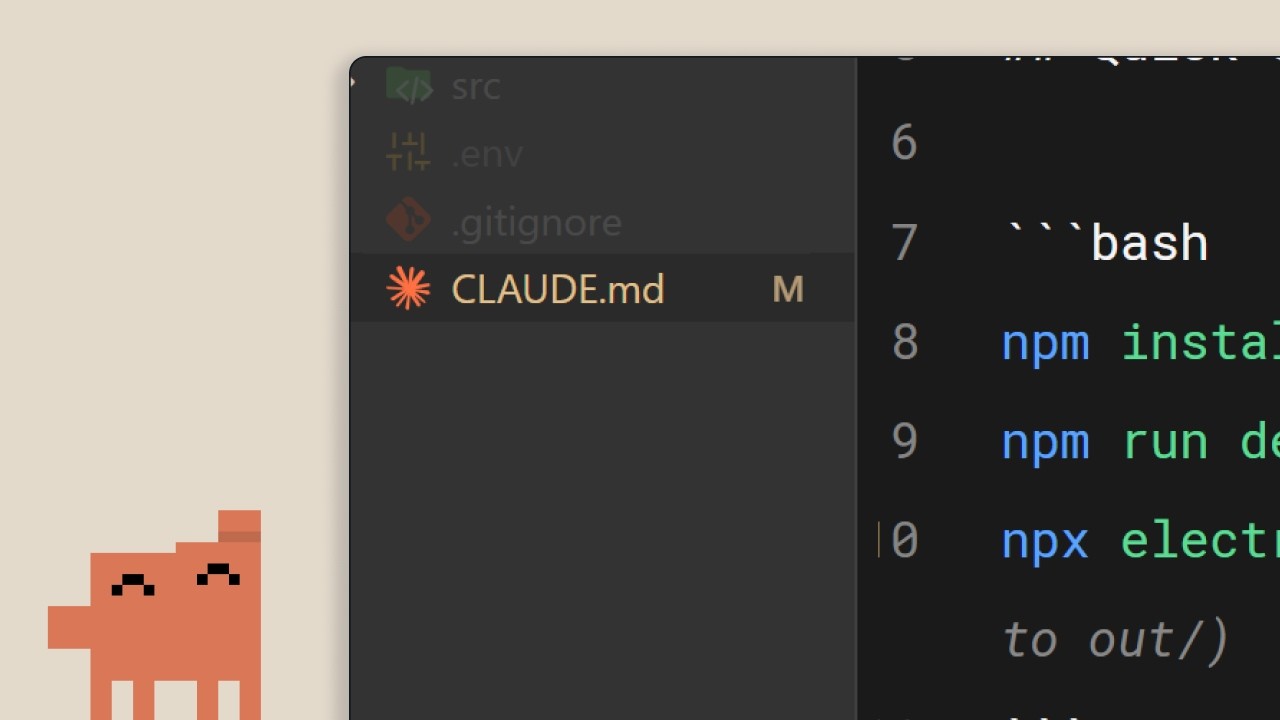
Het CLAUDE.md-bestand
Het tweede Claude Code 101-episode van Anthropic behandelt het ene bestand dat Claude Code van een vreemde in een teamgenoot verandert: `CLAUDE.md`. Wat erin hoort, hoe de project/gebruiker-hiërarchie verantwoordelijkheden verdeelt en drie gewoonten die voorkomen dat het bestand uitgroeit tot een muur van verouderde regels. ## [00:02] Waarom Claude Code blijvend geheugen nodig heeft Zonder `CLAUDE.md` begint elke sessie vanaf nul. Claude moet de codebase opnieuw doorlopen, afhankelijkheden raden en herontdekken wat al geïmplementeerd is. Die aannames zijn precies wat het sturen moeilijk maakt. Het bestand bestaat om die herontdekking bij elke nieuwe sessie te omzeilen. > *When you open up Claude Code without a claude.md file, it's like it has to start fresh every single time.* ## [00:34] Wat CLAUDE.md eigenlijk is en het /init-commando Het is een gewoon Markdown-bestand in de projectroot dat bij elke sessiestart wordt gelezen en direct aan je prompt wordt toegevoegd: een «onboardingscript voor je codebase». Als je het niet zelf wilt schrijven, genereert `/init` een eerste versie op basis van bestaande code. Het voorbeeldbestand uit de walkthrough bestaat uit drie korte blokken: stack (Next.js 15 app router, Tailwind, Drizzle ORM), commando's (dev-server, tests, lint) en codeerstijlregels (2-spaties inspring, named exports, API-routes in `app/api`, voorkeur voor server actions). Met dat geladen levert een verzoek voor een React-component direct projectconforme code op in plaats van na een reeks correcties. > *It's a markdown file that you add to the root of your project and Claude Code reads it automatically every time you start a session.* ## [01:34] De geheugenhiërarchie: project versus gebruiker Ja, check het in in versiebeheer. De project-level `CLAUDE.md` is bedoeld voor het hele team. Maar er is een tweede laag: een gebruiker-level `CLAUDE.md` in je configuratiemap die je door elk project volgt. Daar leven persoonlijke voorkeuren — hoe je commentaar geschreven wilt zien, idiomen die je verkiest — zonder het gedeelde bestand te vervuilen. > *But there's actually a hierarchy of memory files depending on who it's for.* ## [02:01] Drie tips om CLAUDE.md nuttig te houden Drie gewoonten die de verteller aanbeveelt. Ten eerste, als je Claude steeds op hetzelfde moet corrigeren («gebruik altijd server actions in plaats van API-routes»), vraag hem dan expliciet dat op te slaan in het geheugen zodat de correctie sessie-overstijgend geldt. Ten tweede, bestaande documentatie met `@filepath` inladen in plaats van kopiëren en plakken. Ten derde — contra-intuïtief — een nieuw project *zonder* `CLAUDE.md` starten en observeren waar je constant bij moet sturen; alleen die frictiepunten horen in het bestand. Zo blijft het compact in plaats van opgeblazen. > *We recommend you start off a project without a claude.md file so you can see where you have to constantly course correct the model.* ## [02:39] Samenvatting: context maakt het verschil De hele boodschap in één zin: het verschil tussen een frustrerende en een productieve sessie is context, en `CLAUDE.md` is het aflevermechanisme. Klein beginnen — stack, voorkeuren, commando's — en laten groeien vanuit echte wrijving. > *Start with your stack, your preferences, and then commands, and just build from there as you go.* ## Entiteiten - **Anthropic Tutorial Verteller** (Person): Voice-over host van Anthropics officiële Claude Code 101-reeks. - **CLAUDE.md** (Concept): Markdown-bestand in de projectroot dat Claude Code bij elke sessie automatisch laadt en blijvende context aan de gebruikersprompt toevoegt. - **/init** (Command): Claude Code-commando dat een initiële `CLAUDE.md` genereert door de bestaande codebase te scannen. - **Project-level vs gebruiker-level CLAUDE.md** (Concept): Tweelaagsgeheugenhiërarchie. Het projectbestand bevindt zich in de repository-root en wordt via versiebeheer gedeeld; het gebruikersbestand bevindt zich in de configuratiemap en draagt persoonlijke voorkeuren door alle projecten mee. - **@filepath-referentie** (Concept): Syntaxis om `CLAUDE.md` naar bestaande documentatiebestanden te laten verwijzen in plaats van de inhoud te dupliceren. - **Next.js 15 / Tailwind / Drizzle ORM** (Software): Stack gebruikt in het voorbeeld-`CLAUDE.md` van de walkthrough om te laten zien hoe een echt bestand eruitziet.
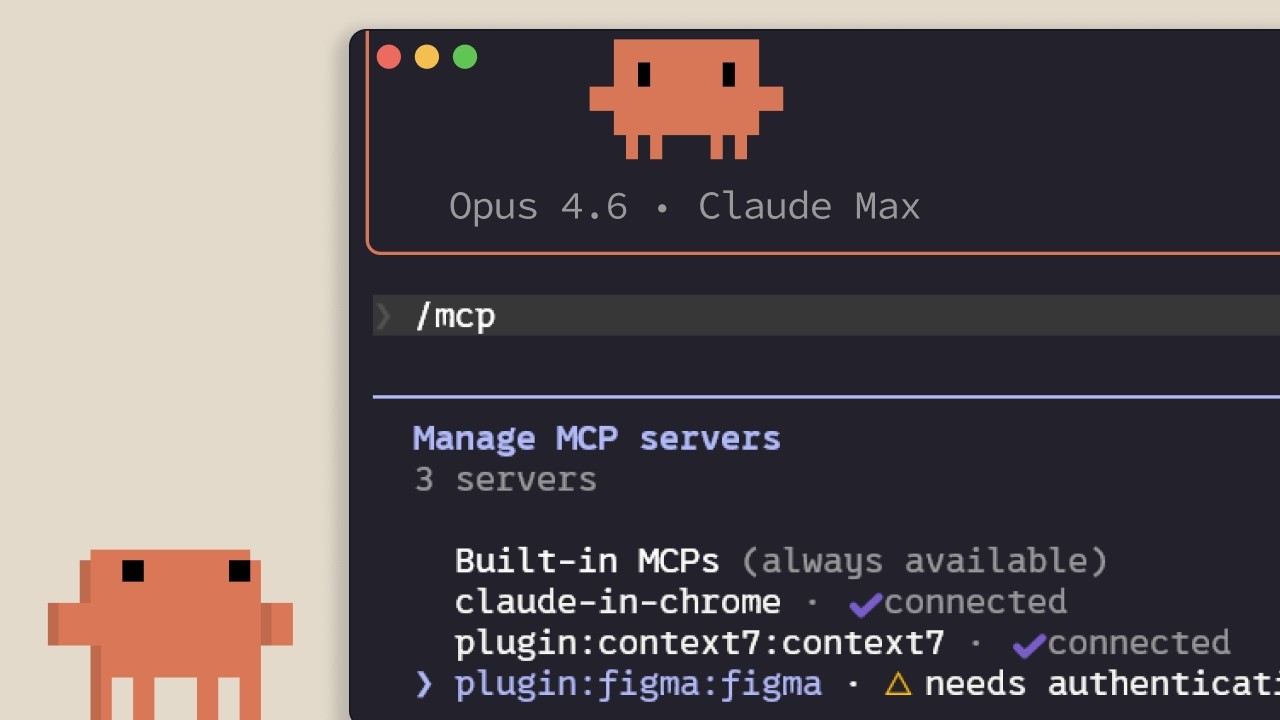
MCP in Claude Code
Anthropics uitleg over het Model Context Protocol in Claude Code: waarmee het verbinding maakt, hoe je servers toevoegt en indeelt per scope, en de verborgen belasting die elke geïnstalleerde server op je contextvenster legt. Bedoeld voor ontwikkelaars die Claude Code willen koppelen aan Linear, GitHub of interne tooling. ## [00:02] Waarom MCP bestaat — context leeft buiten de editor Direct het kernargument: het grootste deel van de context die Claude Code nodig heeft, staat niet in de repo. Die zit in databases, productiviteitsapps en openbare packages. MCP is de open standaard waarmee Claude die bronnen zelfstandig kan raadplegen en zelf besluit wanneer, in plaats van te wachten tot jij iets plakt. > *Model Context Protocol is een open standaard waarmee Claude Code verbinding kan maken met externe tools en gegevensbronnen.* ## [00:35] Tools en wat MCP-servers daadwerkelijk koppelen Voordat er servers worden opgesomd, legt de verteller het begrip *tool* uit: agents zoals Claude Code gebruiken tools om acties uit te voeren, en dat is precies wat hen onderscheidt van een chat die alleen tekst teruggeeft. Twee concrete voorbeelden volgen: een Linear MCP-server die de issues van het team in de sessie brengt, en de Context7-server die actuele documentatie streamt voor de afhankelijkheid waarmee je werkt. Honderden andere zijn te vinden op claude.com/connectors. > *Tools geven agents zoals Claude Code de mogelijkheid om acties uit te voeren zodat ze hun taken beter kunnen voltooien.* ## [01:14] Servers toevoegen: HTTP vs STDIO en /mcp Servers worden toegevoegd met `claude mcp add` en bestaan in twee varianten: **HTTP**-servers, op afstand gehost door de provider en bereikbaar via het netwerk, en **STDIO**-servers, lokale processen die op je eigen machine draaien. Na installatie toont het in-sessie commando `/mcp` wat er verbonden is, de status van elke server, en laat je iedere server uitschakelen die je niet wilt. > *HTTP-servers zijn voor externe diensten... STDIO-servers zijn voor lokale processen die op je machine draaien.* ## [01:42] Drie scopes: local, user en project (.mcp.json) Elke server valt in één van drie scopes. **Local** beperkt hem tot het huidige project, alleen voor jou. **User** maakt hem beschikbaar in al je projecten. **Project** schrijft een `.mcp.json` die je in versiebeheer zet, zodat elk teamlid dat aan de codebase werkt automatisch dezelfde servers krijgt. > *De project-scope gebruikt een .mcp.json-bestand dat je in versiebeheer zet, zodat iedereen die aan de codebase werkt automatisch precies dezelfde servers krijgt.* ## [02:04] Tooldefinities kosten context — wanneer CLI of skill de betere keuze is Wat niemand vertelt als je een connectorlijst overhandigd krijgt: elke geconfigureerde MCP-server injecteert zijn tooldefinities in het contextvenster, of je hem nu gebruikt of niet. De maatregelen die de verteller stapelt: `/mcp` uitvoeren en alles uitschakelen wat inactief is; een CLI zoals `gh` of `aws` verkiezen als die beschikbaar is, want CLIs bevatten geen persistente tooldefinities; of de workflow inpakken in een skill, die alleen naam en beschrijving in de context plaatst totdat Claude besluit hem te laden. Zodra MCP-tooldefinities de 10% van de context overschrijden, schakelt Claude Code over naar toolzoekfunctie en ontdekt tools op aanvraag — nuttig, maar minder betrouwbaar dan vooraf laden. > *MCP-servers voegen tooldefinities toe aan je contextvenster, zelfs wanneer je ze niet gebruikt. Als je veel servers hebt geconfigureerd, vreet dat aan je beschikbare context.* ## [03:10] Samenvatting De drie dingen om te onthouden: `claude mcp add` installeert servers, `.mcp.json` deelt ze met het team, en `/mcp` is waar je de servers opruimt die je eigenlijk niet gebruikt. > *Voeg servers toe met Cloud MCP add, begrens ze tot je project met .mcp.json zodat je team ze automatisch krijgt, en houd het contextgebruik in de gaten door servers uit te schakelen die je niet actief gebruikt.* ## Entiteiten - **Anthropic-tutorialverteller** (Person): De officiële voice-over verteller van Anthropic voor de Claude Code 101-reeks. - **Model Context Protocol (MCP)** (Standard): Open protocol waarmee Claude Code via HTTP- of STDIO-servers verbinding maakt met externe tools en gegevensbronnen. - **Linear MCP server** (Software): Connector die de Linear-issues van het team in een Claude Code-sessie brengt. - **Context7 MCP server** (Software): Connector die Claude Code voorziet van actuele documentatie voor de gebruikte afhankelijkheid. - **.mcp.json** (Config): In versiebeheer gezet projectmanifest zodat elk teamlid dezelfde MCP-servers erft. - **/mcp** (CLI command): In-sessie commando om verbonden MCP-servers te bekijken, te inspecteren en uit te schakelen. - **Tool search mode** (Feature): Fallbackmodus die Claude Code activeert wanneer MCP-tooldefinities meer dan 10% van het contextvenster innemen, waarbij tools op aanvraag worden gevonden. - **Skill** (Concept): Lichtgewicht alternatief voor een volledige MCP-server; alleen naam en beschrijving staan in de context totdat Claude de inhoud op aanvraag laadt.
Running an AI-native engineering org
Fiona Fung, who runs engineering and product for Claude Code and Cowie at Anthropic, walks through what broke when agentic coding became the team's default — review, ownership, planning, hiring — and the norms they rewrote to keep shipping. The throughline: when coding stops being the bottleneck, every process built around protecting expensive engineering bandwidth quietly stops working, and the manager's job is to notice and rewrite them fast. ## [00:00] Intro and the five themes Fiona opens with a confession that the room is much fuller than she expected (Boris and Jared's session is still letting out), takes a selfie with the audience, and frames the talk. Background: she grew teams at Meta and Microsoft before Anthropic, and is now responsible for Claude Code and Cowie engineering and product. The deck she's about to walk through has already been rewritten in the past month — routines didn't exist when she first wrote the slides. She previews five threads: bottlenecks have shifted, team norms had to be rewritten, how they rolled them out, what signals say the changes are working, and the open questions she's still sitting with. > *"I did this slide deck maybe like a month ago and already I've had to change some of the content cuz when I started this deck, there were no routines."* ## [02:10] The shift: bottlenecks have moved Fiona's subtitle for the whole talk is *what served you prior may not serve you any longer*. She takes the audience back to shipping Visual Studio 2005 on CD-ROMs — hard deadlines because the manufacturing lab had to print discs — and points out that the move from CDs to online distribution already rewired how teams ship. The new shift is bigger: for years coding throughput and engineering bandwidth were the expensive things, and that's quietly stopped being true on Claude Code. When the bottleneck moves, it doesn't disappear — it relocates to verification, review, cross-functional handoffs, and security. The questions that matter now are "is this code correct?" and "is this safe?", and the old planning and ownership norms quietly stop serving the team. > *"What served you prior may not serve you any longer."* ## [07:40] Rewriting team norms: code review, JIT planning, technical debates Inside Claude Code the team had to rewrite the norms one by one. Code review is the first — human judgment shifts to "who actually needs to look at this." Planning is the second — Fiona calls it JIT planning, like JIT compiling, because prototyping is no longer the expensive step that justifies a six-month roadmap. Technical debates are the third: code wins. Instead of two engineers arguing on a doc, both prototype the API and look at impact on callers, and Fiona made a point of caring about the API's downstream effects as much as the implementation itself. The unifying rule: when building is cheap and arguing is expensive, you don't let the last person who checks in win — you build the routines that get *you* the last word. > *"When building is cheap, arguing expensive, again, how does that shift your team norms a bit?"* ## [13:30] Routines and Claude as a second pair of hands With morning coffee Fiona now reads what a routine produced overnight rather than kicking off the work herself. The team leans on Claude code review heavily — Claude babysits PRs, handles styling, lint, and feedback requests, catches bugs before commit, and adds tests — while humans focus on the calls where trust is still being built. She also stresses product sense in tooling: she themed Claude's terminal output ice blue with snowflakes over the holidays, then pulls back to the bigger point that catching bugs earlier (shift left) and automating the double-click question matter more than any one tool. > *"Where do you trust Claude a lot, but then where do you still want a human?"* ## [16:45] Cross-functional gaps and hiring for the hard parts Fiona walks through a survey-update story: she didn't have a dedicated content designer, so Claude became her partner for terse, terminal-appropriate copy. Meanwhile PMs on the team write code, and engineers lean into PM work. The flip-side conclusion for hiring: non-traditional coders can now do more engineering, so the leader's job is to double down on the hard parts the team is actually missing. When she joined, Claude Code was strong on product generalists and creative folks but thin on distributed-systems expertise — that's where she pushed recruiting. > *"With Claude, you have non-traditional coders now being able to do more engineering, but you also have engineers that we can also now lean in to do other roles."* ## [18:51] Flat org and answering customer feedback yourself Fiona pushed her recruiters into an uncomfortable place: hire managers, but have them start as ICs first. The recruiter thought she was crazy; Fiona's answer is that dogfooding Claude Code is the job, and if a candidate isn't up for it the team is better off finding out early. Flat structure plus Claude as a context-switching aid is what lets her, as a manager, still ship code and answer customer requests directly from her desktop Claude Code — instead of routing every customer question through a triage system, she pulls up the local repository and answers it herself. > *"You want to hire managers and they will start as an IC first. No manager would be interested in that."* ## [25:00] Signals you're trending right and open questions The team's working metric is unglamorous and direct: every commit is cloud-assisted by default, and Fiona hasn't seen a non-Claude commit in roughly four months. But she warns against fetishizing the "X percent of code generated by AI" headline — throughput is one signal, not the goal. The end question is what product you're making more delightful and what problem you're solving, with quality and reliability watched alongside volume. She closes with the section she calls "audit your own effort," opens up the questions she's still asking herself, and hands suggestions back to the audience to take to their own teams. > *"For us, it's by default every commit is cloud-assisted. I don't think I've seen a non-cloud-assisted commit probably in the last 4 months or so."* ## Entities - **Fiona Fung** (Person): Director of Engineering at Anthropic, runs Claude Code and Cowie engineering + product; previously led teams at Meta and Microsoft. - **Boris** (Person): Engineering lead on Claude Code, frequent collaborator referenced throughout. - **Kat (Cat)** (Person): Anthropic colleague who gave a keynote earlier the same day on Claude code review. - **Claude Code** (Software): Anthropic's agentic coding tool that is now the default for the team Fiona runs. - **Cowie** (Software): Sister product Fiona's team also owns engineering + product for. - **Anthropic** (Organization): The company building Claude and Claude Code. - **JIT planning** (Concept): Fiona's term for shifting from a six-month roadmap to just-in-time planning, modeled on JIT compilation. - **Shift left** (Concept): Moving bug-catching and verification earlier — into automation and tooling — instead of relying on review after the fact. - **Routines** (Concept): Repeatable Claude-driven workflows the team relies on so a single human gets the last word on outcomes rather than the last commit timestamp winning.
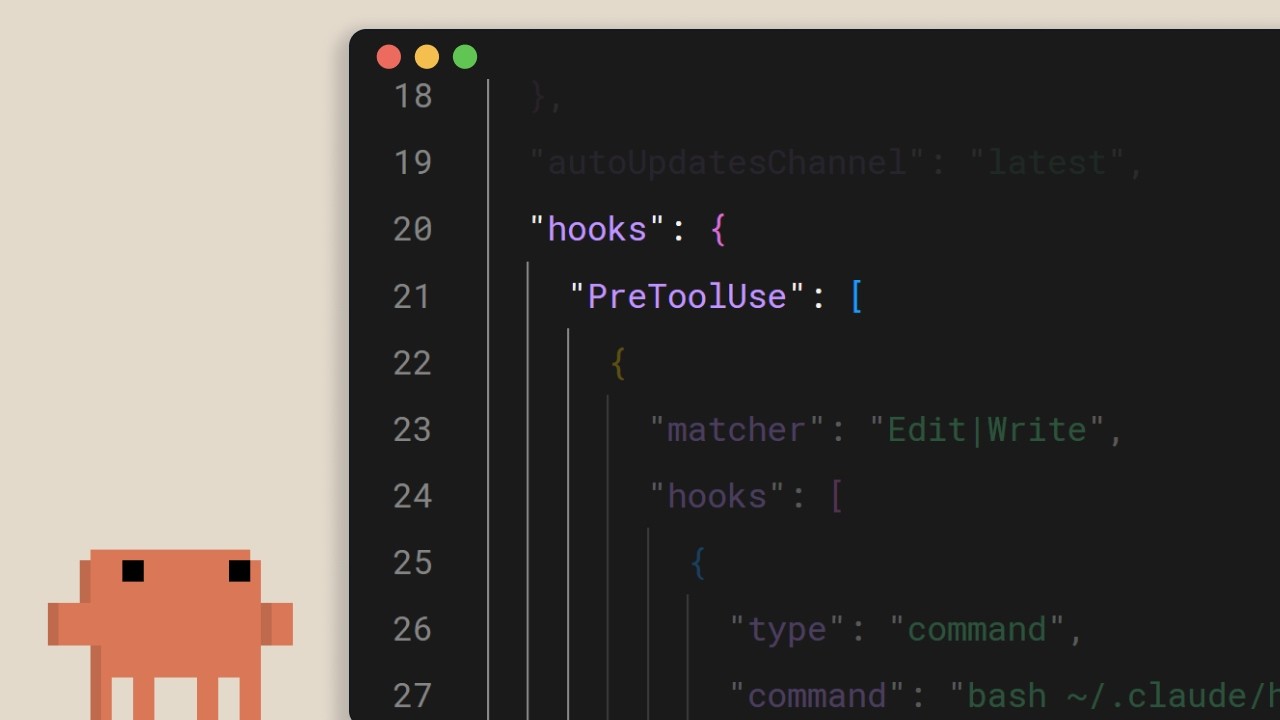
Hooks in Claude Code
Een korte Anthropic-walkthrough van Claude Code hooks: de deterministische nooduitgang voor alles wat absoluut bij iedere bewerking, iedere tool-aanroep en iedere commit moet plaatsvinden. De kernboodschap: als je "altijd prettier uitvoeren" in claude.md schrijft en hoopt dat het werkt, heb je al verloren. Verplaats het naar een hook. ## [00:02] Wat hooks zijn en waarom ze deterministisch zijn Hooks activeren op vaste punten in de lifecycle van Claude Code, en het centrale argument van de verteller is dat ze, in tegenstelling tot prompt-level instructies, altijd worden uitgevoerd. De model in claude.md vertellen om na elke bestandsbewerking prettier te draaien werkt meestal, maar "meestal" is precies het gat dat een hook sluit. Dezelfde intentie, maar afgedwongen door de runtime in plaats van gesuggereerd aan het LLM. > *You can tell Claude in your claude.md file to run prettier after every file edit and most of the time it will do that, but sometimes it won't. It's not perfect. But a hook makes it happen every single time with no exceptions.* ## [00:37] Veelvoorkomende gebruiksscenario's Vier representatieve voorbeelden bepalen de reikwijdte: automatisch formatteren na bestandsbewerkingen, loggen van alle uitgevoerde opdrachten voor compliance, blokkeren van gevaarlijke bewerkingen zoals het wijzigen van productiebestanden, en jezelf een melding sturen wanneer Claude een lange taak afrondt. > *Common use cases could include auto formatting after file edits, logging all executed commands for compliance, blocking dangerous operations like modifying production files, and sending yourself notifications when Claude finishes a task.* ## [00:52] Hooks configureren en de vijf lifecycle-events De configuratie staat in `settings.json`: kies een event, beperk het optioneel met een matcher voor het van toepassing zijnde tool, en geef een shell-opdracht op. Vijf events dekken de lus: `UserPromptSubmit` voordat Claude een prompt ziet, `PreToolUse` en `PostToolUse` rondom elke tool-aanroep, `Notification` wanneer Claude de gebruiker pingt, en `Stop` wanneer Claude klaar is met reageren. > *Pre-tool use which runs before a tool call, post-tool use runs after a tool call completes. Notification runs when Claude sends a notification, and stop runs when Claude finishes responding.* ## [01:22] Automatisch formatteren met een post-tool-use-hook Het standaardvoorbeeld: een `PostToolUse`-hook met een matcher `Edit` of `MultiEdit` activeert wanneer Claude een bestand wijzigt. De opdracht controleert de extensie en stuurt door naar de juiste formatter: prettier voor TypeScript, gofmt voor Go, ruff voor Python, of wat het project standaardiseert. > *You set a post-tool use hook with a matcher of edit or multi-edit, right? So, it fires whenever Claude modifies a file. The command checks the file extension and runs the appropriate formatter.* ## [01:49] Tool-aanroepen blokkeren met pre-tool-use en exitcodes `PreToolUse`-hooks ontvangen de tool-naam en invoer als JSON via stdin en beslissen via exitcode: `0` gaat door, `2` blokkeert. Wanneer een hook blokkeert, wordt wat hij naar stderr schreef als feedback teruggegeven aan Claude, zodat het model begrijpt waarom en zijn plan kan aanpassen. Hier worden harde regels afgedwongen: schrijven naar een productieconfiguratiemap blokkeren, bash-opdrachten met `rm -rf` weigeren, commits op main blokkeren. De visie van de verteller: dingen die het team gegarandeerd nodig heeft, niet slechts gesuggereerd. > *If it exits with code two, the action is blocked and the STD error message gets fed back to Claude's feedback so Claude knows why it was blocked and can adjust.* ## [02:26] Hooks op projectniveau en teamdeling Hooks in `.claude/settings.json` hebben projectbereik en kunnen worden gecommit naar de repository, waardoor het hele team ze automatisch erft bij het klonen. Verwijs naar scripts via de omgevingsvariabele `CLAUDE_PROJECT_DIR` zodat opdrachten correct worden opgelost, ongeacht waar Claudes huidige werkmap zich bevindt. De sluitregel: als iets elke keer zonder falen moet plaatsvinden, zet het dan niet in een prompt, maar in een hook. > *If something needs to happen every time without fail, don't put it in a prompt. Put it in a hook.* ## Entities - **Anthropic Tutorial Narrator** (Person): De officiële stem van Anthropic voor de Claude Code 101-tutorialserie. - **Claude Code** (Software): Anthropics agentische terminal-codingtool waarop hooks bij lifecycle-events aansluiten. - **Hooks** (Concept): Deterministische opdrachten die op vaste punten in de Claude Code-lus activeren, het door de runtime afgedwongen alternatief voor prompt-level instructies. - **settings.json** (Configuration): Waar hooks worden gedeclareerd; `.claude/settings.json` in de projectroot wordt ingecheckt in de repository zodat teams dezelfde regels delen. - **PreToolUse / PostToolUse / UserPromptSubmit / Notification / Stop** (Events): De vijf lifecycle-events waaraan een hook kan worden gekoppeld. - **CLAUDE_PROJECT_DIR** (Environment variable): Gebruikt in hook-opdrachten om te verwijzen naar projectrelatieve scripts, ongeacht de huidige werkmap van Claude.
Wat is Claude Code?
De officiële introductie van Anthropic over Claude Code — wat het is, hoe het verschilt van Claude.ai en de drie dingen die u moet weten voordat u een LLM opdrachten laat uitvoeren op uw codebase. Gericht op ontwikkelaars die de terminaltool voor het eerst willen installeren. ## [00:04] Wat Claude Code is en waar het draait Claude Code is gepositioneerd als een agentische coderingstool: het begrijpt uw codebase, bewerkt bestanden, voert opdrachten uit en integreert met de ontwikkeltools die u al gebruikt. Het is beschikbaar op meerdere platforms — terminal, VS Code, JetBrains IDEs, de Claude-desktopapp en het web — maar deze walkthrough gebruikt de terminal als de referentie-ervaring. > *Claude Code is an agentic coding tool that understands your code base, edits your files, run commands, and integrates with your existing developer tools to help you get things done faster.* ## [00:34] Hoe het verschilt van Claude.ai Het cruciale verschil zit niet in de modelcapaciteit maar in de toegang: Claude Code heeft rechtstreeks toegang tot uw terminal en uw volledige codebase, waardoor de cyclus van kopiëren en plakken in de chat verdwijnt — de tool doet het werk ter plekke. Het "een AI-agent" noemen is een samenvattende term voor dat directe uitvoeringsoppervlak. > *Unlike Claude AI, Claude Code has direct access to your files in your terminal and your entire code base.* ## [00:51] AI-agenten en wat Claude Code kan doen Een AI-agent betekent hier software die met zijn omgeving interacteert en acties onderneemt om een gedefinieerd doel te bereiken — in de meest basale vorm een LLM in een realtime lus met toegang tot tools, externe diensten en andere agenten. Voor Claude Code vertaalt dit zich in concrete mogelijkheden: uw codebase lezen en uitleggen, bugs over bestanden heen traceren, build-scripts en tests uitvoeren, pakketten installeren en actuele API-documentatie van het web ophalen om te beslissen wat er daarna moet gebeuren. > *An AI agent is a software that can interact with its environment and perform actions to complete a defined goal.* ## [01:45] Drie concepten om te kennen voor je begint De verteller benoemt drie eigenschappen die het dagelijks gebruik bepalen. Ten eerste is het **contextvenster** het werkgeheugen van Claude — groot maar eindig — daarom moet de agent strategisch door een codebase navigeren in plaats van alles te laden. Ten tweede **vraagt Claude Code om toestemming** voordat het opdrachten uitvoert of bestanden wijzigt; u behoudt de controle, of u nu elke stap wilt aansturen of het grotendeels zelfstandig wilt laten werken. Ten derde **kan het fout gaan**: de bedoeling verkeerd interpreteren, bugs introduceren of een oplossing overentgineerden. Behandel de uitvoer zoals u die van elk ander tool zou behandelen, niet als evangelie. > *By default, Claude Code will ask you before running commands or making changes to your code base.* ## [02:34] Samenvatting Claude Code is een agentische coderingstool die uw codebase leest, bestanden bewerkt, opdrachten uitvoert en verbinding maakt met externe tools om u te helpen sneller op te leveren — vandaag beschikbaar in terminal, VS Code, JetBrains en de Claude-desktopapp. > *Claude Code is an agentic coding tool. It reads your code base, edits your files, runs commands, and connects to external tools to help you ship faster.* ## Entiteiten - **Anthropic Tutorial Narrator** (Person): De officiële voice-over-verteller van Anthropic voor de Claude Code 101-tutorialserie. - **Claude Code** (Software): Anthropic's agentische, terminalgebaseerde codeerassistent die direct op uw codebase werkt. - **Claude.ai** (Software): Het chatgebaseerde Claude-product — in contrast met de in-omgeving uitvoering van Claude Code. - **AI agent** (Concept): Een LLM dat in een realtime lus draait met toegang tot tools, externe diensten en andere agenten om een gedefinieerd doel na te streven. - **Context window** (Concept): Het werkgeheugen van Claude — eindig, waardoor de agent strategisch navigeert in plaats van de volledige codebase te laden. - **VS Code / JetBrains IDEs** (Software): Editorintegraties waarnaar Claude Code wordt geleverd, naast de terminal en de Claude-desktopapp.
De Verken→Plan→Code→Commit workflow in Claude Code
Anthropics drieMinuten durende walkthrough van de lus die zij beschouwen als de belangrijkste gewoonte bij het werken met Claude Code: eerst onderzoeken in planmodus, bepalen wat "klaar" betekent voordat een bestand wordt aangeraakt, en vervolgens een subagent de diff laten beoordelen vóór het pushen. ## [00:03] Waarom verkennen-plannen-coderen-committen beter is dan meteen beginnen De opening is direct: als je maar één gewoonte uit de cursus overneemt, laat het dan deze workflow zijn. Het faalpatroon dat het bestrijdt is de reflex om een taak in Claude te plakken en te zien hoe er direct code wordt gegenereerd — dat geeft snelheid vooraf, maar verplaatst de correctiekosten naar achteren. > *Without this, most people jump straight to pasting in Claude to write code, which means more course correcting later on.* ## [00:21] Planmodus: alleen-lezen onderzoek vóór elke bewerking Planmodus comprimeert verkennen en plannen tot één beweging. Claude kan bestanden lezen en webzoekopdrachten uitvoeren, maar mag niet schrijven — Shift+Tab schakelt ernaar over vanuit de prompt. De verteller demonstreert met een echte vraag (WebP-conversie toevoegen aan een beelduploadpijplijn, uitzoeken waar het thuishoort, welke afhankelijkheden nodig zijn en hoe het aan te pakken). Claude geeft een plan terug; je leest het en vraagt om revisies als er iets ontbreekt. Dit is het goedkoopste moment in de hele cyclus om van richting te veranderen, omdat er nog niets geschreven is. > *With plan mode, Claude can't edit files. It just reads files to gather research on how to tackle this implementation.* ## [01:11] Het plan goedkeuren en bijsturen terwijl Claude codeert Zodra het plan er goed uitziet, geeft Goedkeuren de uitvoering terug aan Claude om de checklist af te werken. Je kiest of bestandsbewerkingen automatisch worden geaccepteerd of elke keer om bevestiging vragen. Claude lost problemen zelfstandig op, maar verwacht dat je moet ingrijpen — en de reden waarom planmodus hier loont, is dat de agent de onderzoekscontext meevoert die het plan heeft opgeleverd, zodat correcties midden in de vlucht op de juiste plek landen in plaats van opnieuw te beginnen. > *This is the benefit of working with plan mode because after the plan is finished, we also have the context of how it got to the results to help it guide its next decision.* ## [01:39] Succescriteria expliciet maken en Claude echte tools geven Een plan zonder definitie van "correct" laat Claude raden. Leg vast hoe succes eruitziet en rust de agent uit om het daadwerkelijk te verifiëren: de Claude+Chrome-extensie laat hem een browsertabblad besturen om een zojuist gebouwde UI te testen; een testsuite geeft hem iets om bij elke lus tegen te valideren, en Claude kan de tests ook zelf schrijven — maar alleen als je ze al als basiswaarheid hebt gecontroleerd. Een duurzaamheidstip: als Claude steeds tegen hetzelfde probleem aanloopt, laat hem de oplossing dan vastleggen in het CLAUDE.md-bestand zodat hij het niet steeds opnieuw hoeft te leren. > *In order for Claude to be confident in its results, it has to be clear on what it deems correct.* ## [02:24] Subagentreview, commit en samenvatting Vóór het pushen start je een subagent-codereviewer over de diff — een tweede blik zonder gehechtheid aan de implementatie. Vervolgens laat je Claude het commitbericht in jouw stijl opstellen en stuur je het weg. De samenvatting herformuleert elke stap: Verkennen levert context, Plannen definieert succes, Coderen is het heen-en-weer dat convergeert op het plan, Committen beoordeelt en pusht zodat je verder kunt. > *A tip before you commit, run a sub agent code reviewer to look at your code.* ## Entities - **Anthropic Tutorial Narrator** (Person): De officiële vertelstem van Anthropic voor de Claude Code 101-cursus. - **Claude Code** (Software): Agentisch terminal-coderingstool waarvan de aanbevolen dagelijkse lus het onderwerp van deze aflevering is. - **Plan mode** (Feature): Alleen-lezenmodus die wordt omgeschakeld met Shift+Tab — Claude onderzoekt en stelt een plan voor maar kan geen bestanden bewerken. - **Claude + Chrome extension** (Software): Stelt Claude Code in staat een Chrome-tabblad te besturen om UI-wijzigingen te verifiëren voordat een taak als voltooid wordt verklaard. - **CLAUDE.md** (File): Projectgeheugenbestand dat hier wordt gebruikt als persistentiedoel voor terugkerende oplossingen die Claude blijft heropleren. - **Subagent code reviewer** (Pattern): Pre-commit Claude-subagent die de diff beoordeelt voordat de mens pusht.
Contextbeheer in Claude Code
De Claude Code 101-walkthrough van Anthropic over context — wat het venster vult, wanneer automatische compactie start en de praktische knoppen (/compact, /clear, /context, claude.md, MCP-toggles, skills, sub-agenten) om een sessie efficiënt te houden. ## [00:03] Waarom context eindig is en waarom dat belangrijk is Context is Claudes werkgeheugen: elk prompt, elke bestandslezing, elk toolaanroepresultaat belandt in hetzelfde venster. Het venster is groot maar eindig, dus optimaliseren van wat erin gaat is onvermijdelijk zodra je meerstapssessies uitvoert. > *Every file it reads, every command it runs, every message you send, it all takes up space in the context window.* ## [00:39] Automatische compactie en het /compact-commando Wanneer de limiet nadert, compacteert Claude Code automatisch: het vat de belangrijkste punten samen en verwijdert ruizige toolaanroepresultaten om ruimte vrij te maken. Je kunt `/compact` ook handmatig activeren — handig als je ruimte wilt maar de werkcontext wilt behouden. Nadeel: compactie kan details uit eerdere beurten verliezen. > *Compaction will summarize important details and remove the unnecessary tool call results and free up a lot of space in your context window.* ## [01:11] /clear en /context: opnieuw beginnen en gebruik bekijken Voor een volledig reset zonder geheugen van de vorige sessie wist `/clear` alles. Om te zien waar ruimte werkelijk naartoe gaat, toont `/context` de totale omvang, de meest verbruikende categorieën en een grafisch overzicht — de diagnose voordat je kiest tussen compact en clear. > *To check the state of your context, run the /context command.* ## [01:35] De vuistregel: compact midden in een taak, clear tussen taken De verteller geeft een heldere vuistregel: nog bezig met een feature en de limiet bereiken? Compact — je wilt de relevante geschiedenis bewaren. Plan afgerond en overstappen op iets nieuws? Clear — het oude gesprek kan het nieuwe werk beïnvloeden. > *If you have finished the plan and want to start on a new feature, then clear. You don't want the previous conversation to present bias in anything new that you want to create.* ## [01:57] claude.md, promptprecisie en minder schrijven door meer te schrijven Alles wat Claude tussen sessies moet onthouden hoort in `claude.md` zodat het niet telkens dezelfde feiten opnieuw hoeft te ontdekken. En paradoxaal genoeg kosten korte prompts meer context: bij een vage vraag doorzoekt Claude de codebase met grep en redeneert meer, wat het venster vult. Een of twee zinnen extra specificiteit bespaart daarna veel ruimte. > *The irony behind writing a smaller prompt is that it in the long run, it will take up more context.* ## [02:26] MCP-servers, skills en sub-agenten als contexttools MCP-servers laden standaard alle blootgestelde tools in de context — prima als relevant, duur als niet, dus schakel de ongerelateerde uit. Skills gedragen zich als MCP-servers maar laden niet het volledige tooloppervlak in de context. Sub-agenten draaien parallel met een eigen apart venster; voor informatiezoektaken ("waar zijn de auth-endpoints?") kun je een sub-agent sturen en alleen het antwoord terugkrijgen in plaats van de hele zoektocht. > *Sub agents run in parallel with your main agent but has a complete separate context window.* ## [03:06] Samenvatting Contextbeheer in Claude Code is het verschil tussen een lange productieve sessie en een vastgelopen sessie. Gebruik `/compact` om lange sessies samen te vatten, `/clear` om opnieuw te starten, wees specifiek in prompts, controleer `/context` om te zien wat het venster opslokt en delegeer werk van het type puur-antwoord aan sub-agenten. > *Managing context within cloud code is crucial. Use slash compact to summarize long sessions and slashclear to start fresh.* ## Entiteiten - **Anthropic Tutorial Narrator** (Person): De officiële stem van Anthropic voor de Claude Code 101-tutorialserie. - **Claude Code** (Software): Anthropics agentische terminal-codeerassistent waarvan het contextvenster het onderwerp van deze aflevering is. - **Context window** (Concept): Claudes werkgeheugen — eindig, gevuld door prompts, bestandslezingen en toolaanroepresultaten. - **/compact** (Command): Slash-commando (en automatische trigger) dat de geschiedenis samenvat en toolaanroepgeluid verwijdert om ruimte vrij te maken. - **/clear** (Command): Slash-commando dat de sessie volledig wist voor een schone start bij nieuw werk. - **/context** (Command): Slash-commando dat de totale contextomvang en welke categorieën die verbruiken rapporteert. - **claude.md** (File): Projectbreed geheugenbestand dat Claude tussen sessies leest zodat het dezelfde feiten niet opnieuw ontdekt. - **MCP servers** (Software): Toolproviders die standaard alle blootgestelde tools in de context laden — uitschakelen wanneer niet relevant. - **Skills** (Feature): Lichtgewicht alternatief voor MCP-servers dat niet het volledige tooloppervlak in de context laadt. - **Sub agents** (Feature): Parallelle agenten met eigen contextvensters die gerichte vragen beantwoorden zonder het hoofdvenster te vervuilen.
Subagenten effectief inzetten
Subagenten zijn krachtig wanneer het tussenliggende werk niet in je hoofdthread thuishoort — maar klakkeloos delegeren maakt dingen alleen maar erger. Deze tutorial trekt de grens tussen nuttige delegatie (onderzoek, codereviews, domeinspecifieke systeemprompts) en veelgemaakte antipatronen (expertpersonaclaims, sequentiële pipelines, testrunners) die context opslurpen en precies de informatie weggooien die je nodig hebt. ## [00:03] Introductie: wanneer subagenten helpen en wanneer niet De serie behandelde tot nu toe het aanmaken en ontwerpen van subagenten. Dit laatste deel verschuift de focus naar de inzetbaarheid: welke taken profiteren echt van een apart agent, en bij welke gaat het mis? Het antwoord hangt af van één test: doet het tussenliggende werk ertoe voor je hoofdthread? Wanneer exploratie losstaat van uitvoering, verdienen subagenten zichzelf terug. Wanneer elke stap afhankelijk is van wat de vorige stap ontdekte, kost de overdracht je precies de details die je nodig hebt. > *"Simpel gezegd draait het verschil erom of het tussenliggende werk ertoe doet voor je hoofdthread."* ## [00:32] Onderzoekstaken: exploratie gescheiden houden Authenticatietracing is een concreet voorbeeld. Je hoofdthread wil weten waar JWT-validatie plaatsvindt — niet de tientallen bestanden die onderweg zijn gelezen. Een onderzoekssubagent kan de volledige codebase scannen, functieaanroepen door bestanden heen volgen en één precies antwoord teruggeven: JWT-validatie staat in middleware/auth.js op regel 42, aangeroepen vanuit route/api.js. Al die exploratie blijft opgesloten in de context van de subagent. De hoofdthread krijgt de conclusie en gaat verder zonder dat de zoekgeschiedenis zijn venster vervuilt. > *"Je hoofdthread ontvangt: JWT-validatie staat in middleware/auth.js op regel 42, aangeroepen door de Express-router en route/api.js, of zoiets."* ## [01:15] Codereview-subagenten: feedback met frisse ogen Claude die code reviewt die hij zelf heeft helpen schrijven, heeft een bevooroordeeld perspectief — het was bij elke beslissing aanwezig en kan moeilijk zien wat er van buitenaf raar uitziet. Een reviewer-subagent omzeilt dat volledig: die ziet alleen de diff en de gewijzigde bestanden, zonder enige voorgeschiedenis van hoe de code tot stand is gekomen. Die schone lei levert ook een tweede voordeel op. Projectspecifieke reviewcriteria — naamgevingsconventies, beveiligingspatronen, architectuurregels — kunnen eenmalig in de systeemprompt van de subagent worden vastgelegd en consistent worden toegepast, zonder dat de hoofdthread ze bij elke beurt opnieuw moet onthouden. > *"Een reviewer-subagent bekijkt de wijzigingen in een aparte context. Hij voert git diff uit, leest de gewijzigde bestanden en past zijn gespecialiseerde reviewcriteria toe — zonder de geschiedenis van hoe de code is geschreven."* ## [01:59] Aangepaste systeemprompts: copywriting en styling De standaardprompt van Claude Code is geoptimaliseerd voor beknopte, technische output — precies verkeerd voor een landingspagina of marketing-e-mail. Een copywriting-subagent krijgt volledig andere instructies over toon, doelgroep en structuur, en produceert output die de standaard van de hoofdthread nooit zou opleveren. Dezelfde redenering geldt voor CSS. Een styling-subagent die je designsysteembestanden noemt, laadt automatisch kleurvariabelen, spatiëringsconventies en componentpatronen in zijn context voordat hij ook maar één regel schrijft — zodat elke stijlkeuze het echte systeem weerspiegelt in plaats van redelijke vermoedens. > *"De standaardprompt van Claude Code neigt naar beknopt, technisch schrijven, wat echt niet is wat je wilt voor een landingspagina of e-mailcampagne — tenzij je je klanten in slaap wilt sussen."* ## [02:57] Antipatronen: expertclaims, pipelines, testrunners Drie patronen maken dingen consequent slechter. Ten eerste, personaprompts — "Jij bent een Python-expert" of "Jij bent een Kubernetes-specialist" — voegen niets toe, omdat Claude die kennis al heeft. Een subagent starten enkel om er een expertlabel op te plakken, verspilt de overhead van isolatie zonder iets te bieden wat de hoofdthread niet zelf kon. Ten tweede bezwijken sequentiële pipelines zodra stappen niet echt onafhankelijk zijn. Een driestaps-agentflow — bug reproduceren, debuggen, repareren — klinkt helder maar werkt in de praktijk niet: de debugagent heeft de live context van de reproduceragent nodig, niet een samengeperste samenvatting ervan. Ten derde verbergen testrunner-subagenten informatie actief. Als tests mislukken, heb je de ruwe output nodig om te begrijpen wat er mis ging. Een subagent die alleen "test gefaald" teruggeeft, dwingt je extra debugscripts te schrijven om details te achterhalen die directe output meteen had getoond. > *"Een subagent die 'test gefaald' teruggeeft, dwingt je extra debugscripts te schrijven voor details die in directe output zichtbaar waren geweest."* ## [04:10] Samenvatting van de serie en de centrale beslisregel Door de serie heen: subagenten zijn geïsoleerde threads die samenvattingen teruggeven, aangemaakt met /agents, ontworpen met gestructureerde output en specifieke beschrijvingen. Gebruik ze voor onderzoek, codereviews en taken die een aangepaste systeemprompt vereisen. Sla ze over bij expertpersonaclaims, meerstaps afhankelijke pipelines en testuitvoering. Het hele kader valt terug op één vraag: doet het tussenliggende werk ertoe? Als het antwoord nee is, delegeer het. > *"De kernvraag: doet het tussenliggende werk ertoe? Zo niet, delegeer het dan."* ## Entiteiten - **Anthropic Tutorial Narrator** (Persoon): presentator van de Claude Code-subagenten tutorialserie, Anthropic - **Claude Code** (Software): AI-codeerassistent van Anthropic; de omgeving waarin subagenten worden aangemaakt en geörkestreerd - **Subagent** (Concept): een geïsoleerde Claude-thread gestart vanuit de hoofdcontext, die een samengeperste samenvatting teruggeeft in plaats van zijn volledige werkcontext bloot te leggen - **JWT (JSON Web Token)** (Concept): gebruikt als praktijkvoorbeeld van een onderzoekssubagent die authenticatielogica door een codebase traceert - **System prompt** (Concept): per-subagent instructieset die domeinspecifiek gedrag mogelijk maakt, afwijkend van de standaardprompt van Claude Code - **Anthropic** (Organisatie): ontwikkelaar van Claude en de Claude Code-subagenten tutorialserie